
DOWNLOAD THE APP


Customer Services
Copyright © 2025 Desertcart Holdings Limited
DOWNLOAD THE APP
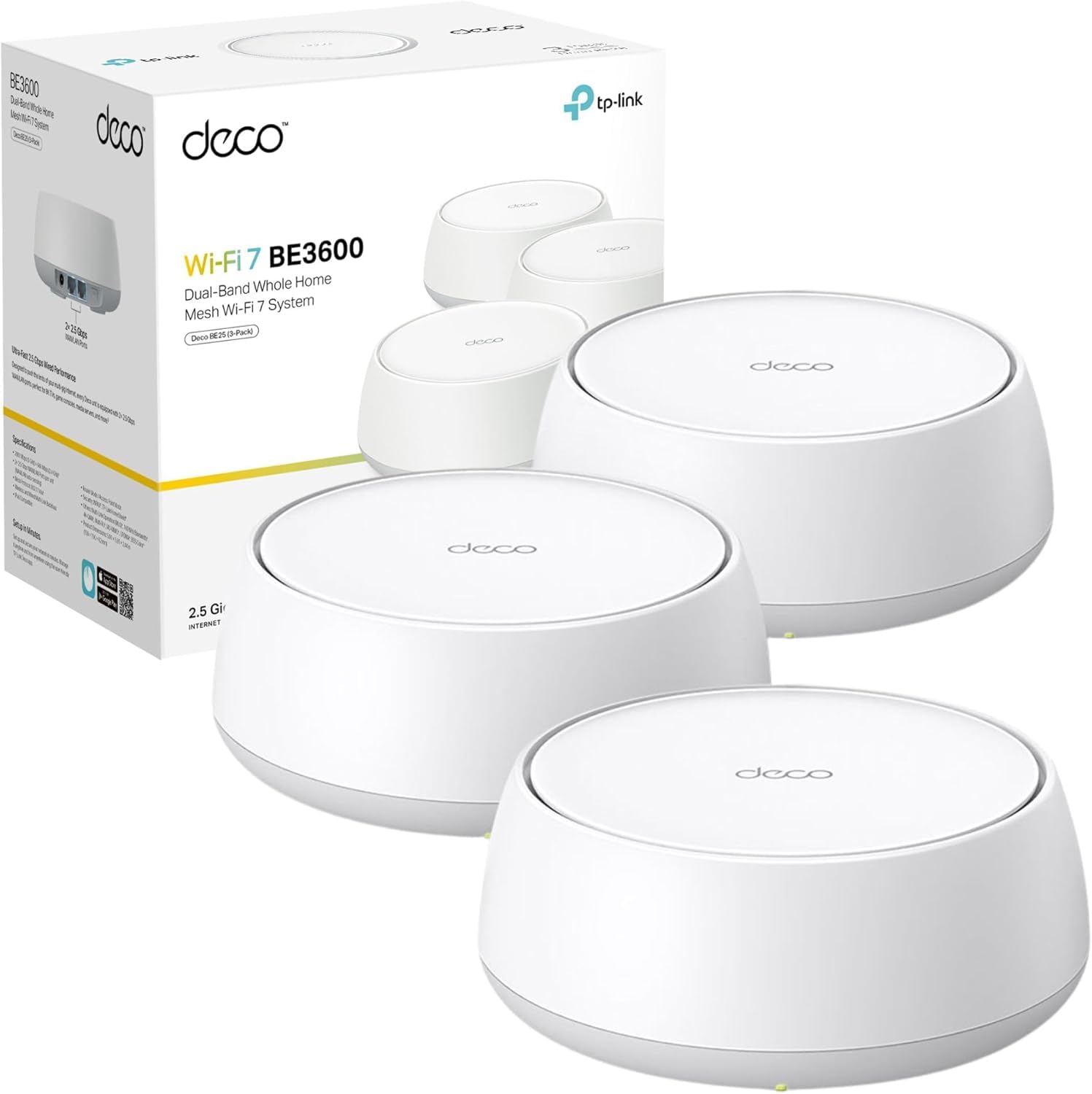
🚀 Elevate Your Home Network to WiFi 7 Supremacy
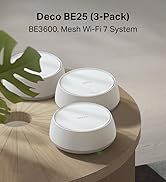
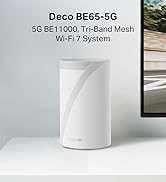
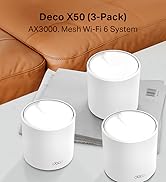
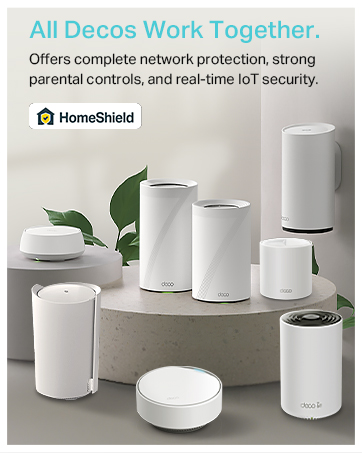
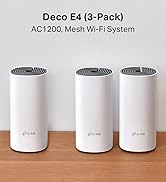
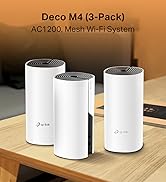
The TP-Link Deco BE25 (3-pack) is a cutting-edge WiFi 7 mesh system delivering up to 3.6 Gbps dual-band speeds, dual 2.5 Gbps wired ports, and AI-driven seamless roaming. Designed for expansive, smart-home environments, it ensures robust, secure, and ultra-fast internet coverage with easy setup and universal compatibility.







| ASIN | B0DD7V8BVC |
| Are Batteries Included | No |
| Best Sellers Rank | 1,623 in Computers & Accessories ( See Top 100 in Computers & Accessories ) 8 in Whole Home & Mesh Wi-Fi Systems |
| Brand | TP-Link |
| Colour | White |
| Customer Reviews | 4.4 4.4 out of 5 stars (5,948) |
| Date First Available | 6 Jun. 2025 |
| Guaranteed software updates until | unknown |
| Item Weight | 2.56 kg |
| Item model number | Deco BE25(3-pack) |
| Manufacturer | TP-Link |
| Operating System | Proprietary networking operating system (e.g. RouterOS, Junos OS, Cisco IOS, ZyNOS) |
| Package Dimensions | 22.2 x 21.9 x 16.1 cm; 2.56 kg |
| Series | BE3600 Whole Home Mesh WiFi 7 System |
| Voltage | 240 Volts (AC) |
| Wireless Type | 802.11.be, 802.11a, 802.11ac, 802.11ax, 802.11n |
R**2
Great hardware and highly recommended .
⸻ Exceptional Wi-Fi Performance with TP-Link Deco After experiencing poor Wi-Fi signals throughout my home and facing limitations with conventional routers, I decided to take control of my home network. The TP-Link Deco system offers flexibility with both Access Point (AP) and Router modes. Opting for Router Mode, I strategically placed three Deco units in a triangular formation, ensuring comprehensive coverage across my entire house. Easy Setup Process The setup was straightforward and user-friendly. I connected the primary Deco unit to my ISP’s router using the provided Ethernet cable and followed the instructions in the included leaflet. The Deco app guided me through the process, making it accessible even for those with minimal technical expertise.  Enhanced Wi-Fi Performance With this configuration, my home now enjoys robust Wi-Fi coverage, eliminating dead zones and providing consistent speeds throughout. The Deco system intelligently manages connections, ensuring optimal performance as I move between rooms.
D**K
Simple to install - even for a 52 year old
I liked that this had a good spec with a gigabit Ethernet port meaning that there theoretically should be no loss of my gigabit internet signal as opposed to a previous version which had an ethernet port capped at 100Mbps - there was no point in having gigabit internet without upgrading my deco system. As my old 100mbps system was becoming very sluggish, i decided to upgrade to a newer faster deco system. Set up is really simple, virtually plug and play with a little bit of knowledge needed regarding your current wifi password and details or maybe some internet specific settings but these are readily available from your Internet provider. Once the first base unit is successfully attached the the internet, adding the satellite stations really is plug and play using just the Deco app which you will need to download. We have just these three units giving reliable 1 gig internet to a standard semi detached house which is rich with smart tech. Lighting, plugs, alarms, door sensors, motion sensors, ambient lighting, tv's, Sonos, Blink, Ring, Spotify and an internet enabled garden room. The Garden room is approximately 30 meters from base unit two - which in turn is around 10 meters from the main Deco - it really suffers no drop-outs and is reliable for all gadgets. The app gives the ability to implement parental controls and other controls which to be honest, we don't use. Simple hassle free internet around your property. Great for garden usage or for covering any blackspots.
G**T
Great improvement from ViriginMedia Hub
For a long while, we've experienced really poor Wifi connection in our house. Blackspots, random dropouts, can't see some devices (Sonos was the main culprit, would be there one minute, gone the next), slowness etc. So I decided to pick up some powerline Wifi extenders. While that helped clear a few blackspots, all it really did was amplify the crappy Wifi from the VM Hub. So no improvement on reliability at all. No-fault of the extenders. So I decided to switch to a mesh system to replace the VM Wifi completely. As we've got a few areas in the house that are hard to reach and over three floors, I was holding out for a mesh with a Powerline option. As this was in the sale, I took the plunge. Set up was ok, although I needed to create a TP-Link account which seemed a bit OTT. Anyway, getting all three units set up was actually pretty painless via the app on my iPhone. The main issue I had was actually with how the VM router was set up. If your a VM customer, please take note of the following: For a while, I had it set up in parallel to the new Deco network. While everything worked, I had the occasional issue with some devices getting lost or not being able to connect properly. So I decided to switch the VM Hub into "modem mode". What was supposed to happen was the VM Hub is now just providing Internet and DHCP and the Deco the Wifi/connectivity. However, everything fell apart. Any device connected to the Deco didn't have internet or might not connect. Turns out, the VM Hub will only work properly if you connect your new network (in this case, the Deco) into ethernet port 1. As I had the Deco plugged into port 4, nothing seemed to work right. As soon as the Deco was plugged into port 1, everything sprung back to life. Found this out by trial and error, save yourself a few hours. Since then, Wifi and connectivity, in general, has been faultless. My TV and VM TV box are plugged into the ethernet ports on a Deco unit and we've not had any issues watching any streaming services like we used to. Every other device on the wifi works perfectly and every blackspot has been eliminated. Sonos no longer randomly vanishes. No dropouts. Speed is consistent. It just works, which I'm pleased about. If your a VirginMedia customer and are experiencing issues with your Wifi connection, then I highly recommend you consider checking out this product, or a product like this. It will improve your connection no end. As for the Deco, it works just fine. The features with the system are pretty basic, but it's not an issue as it's a major step up from what we had. One thing I would like to see is detail on the Powerline, there is nothing in the app to indicate if powerline is being used, or the backhaul is pure wifi. However, as mentioned, as it just works, it's no biggie.
C**E
Great extender, essential to who has a multi-storey house, extends the signal very well.
R**I
Bom
A**R
Łączony przewodowo I bezprzewodowo. Daje radę!
G**K
Didn't realise it came with uk plugs
C**N
He tenido ya varios amplificadores ya que vivo en una casa grande de 3 plantas, normalmente siempre tenia problemas con la cobertura, eran muy engorrosos de instalar o muchas veces perdian la señal, tenia que desenchufarlos de la luz y volver a conectarlos, la ultima vez que me cambie de compañia de telefono, el instalador me recomendo estos amplificadores y estoy super contento con ellos, ademas de un diseño super futurista y bonito, son muy faciles de instalar mediante la apliacion movil y de momento ningun fallo, ademas de que el WIFI llega perfecto a todas partes, me han sorprendido para bien.
Trustpilot
5 days ago
3 weeks ago