We remain fully operational. Our teams are working around the clock to ensure your deliveries continue safely.

DOWNLOAD THE APP


Customer Services
Copyright © 2025 Desertcart Holdings Limited
DOWNLOAD THE APP
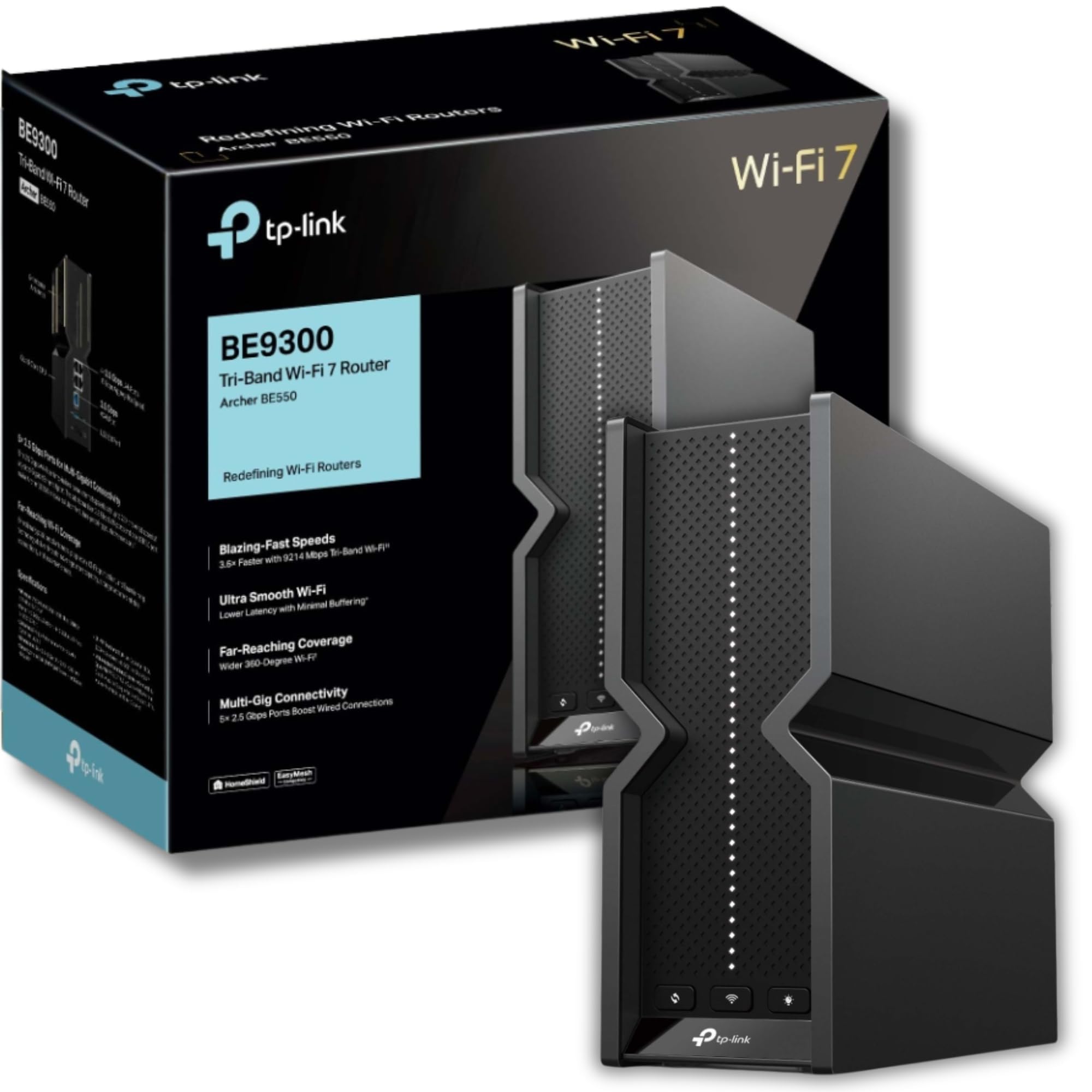
🚀 Unlock lightning-fast WiFi 7 speeds and coverage that future-proofs your smart home!
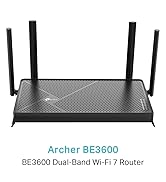
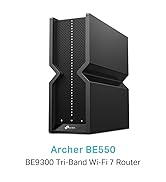
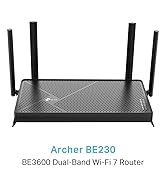
The TP-Link Archer BE550 is a cutting-edge WiFi 7 tri-band router delivering up to 9.2Gbps wireless speeds and ultra-fast 2.5G wired ports. Equipped with 6 internal antennas, it covers up to 2,000 sq.ft. with strong, reliable signals. Designed for seamless whole-home mesh networking, enhanced security with HomeShield, and easy management via the Tether app, it’s built to handle high device loads and future-proof your connected lifestyle.


| ASIN | B0CT94XNX3 |
| Are Batteries Included | No |
| Best Sellers Rank | 1,388 in Computers & Accessories ( See Top 100 in Computers & Accessories ) 26 in Routers |
| Brand | TP-Link |
| Colour | Black |
| Customer Reviews | 3.8 3.8 out of 5 stars (173) |
| Date First Available | 25 Jan. 2024 |
| Guaranteed software updates until | unknown |
| Item Weight | 2.07 kg |
| Item model number | Archer BE550 |
| Manufacturer | TP-Link |
| Operating System | RouterOS |
| Product Dimensions | 23.17 x 7.6 x 20.3 cm; 2.07 kg |
| Series | Archer BE550 |
| Voltage | 12 Volts (DC) |
| Wireless Type | 802.11.be |
M**.
full featured router
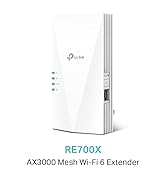
Needed to upgrade my current ancient router which was a TP-Link. Liked this as it had lots of new features that I currently do not need, such as 2.5Ghz ports and Wifi 7, but no doubt will do one day hopefully. Wanted good wifi range as current router did not transmit approx 10m very well through a 1910's cavity wall house, which I needed. Coupled with a wifi extender I now get virtually full speed i(i.e the max speed for my internet connection) internet at my desktop PC so I am happy. The other aspect of this router I liked as its square box fully enclosed package and not like other routers covered in multiple aerials which from previous experience got knocked and broken easily. Whilst this router has many advance features, none of them I use. Basically I have a WAN connection to the ISP's supplied modem/ router which then gets sent out via the WiFi on the BE550. Am I interested in the reporting, priority, data limits per a device - Not really Just wanted a future proof router with good WiFi which is what I got. Easy to integrate with the RE550 range extender so I could hard wire my Desktop to it. Both the router and extender can easily be monitored via the TP Link Teather app.
M**T
⭐️ 15-Month Review: Exceptional Reliability and Coverage
I have been using this TP-Link Archer BE550 Tri-Band BE9300 WiFi 7 Router, for 15 months and have experienced zero issues. It has been a massive improvement over my previous routers (Google Nest Wifi Mesh and Asus). Coverage and Reliability (5/5) Superior Coverage: Compared to my previous Google Nest Mesh system, this device offers significantly better coverage, particularly reaching challenging spots at the back of my house. Rock-Solid Stability: I previously dealt with my routers randomly freezing or rebooting (the Asus required a physical reboot, while the Google router would reboot itself). This TP-Link system has remained completely stable, offering uninterrupted service. Handling High-Capacity & Smart Devices (5/5) Robust Device Management: I have numerous smart WiFi devices, some of which are budget-friendly products that frequently "ping" the server. These devices often overloaded my previous hardware. The TP-Link system handles this heavy device load effortlessly with no performance degradation. Enhanced Security: A standout feature is the ability to place these Smart Devices onto their own isolated network. This segmentation ensures they cannot "see" my primary devices (like my PC), which is a huge benefit for security-conscious users. High-Speed Performance (5/5) Maximized ISP Speed: I am with EE on a 900 Mbps connection. I consistently achieve speeds around 860 Mbps, even when running a VPN. Peak Performance Capability: The router has also shown that it can handle speeds beyond my plan, occasionally jumping to 1.6 Gbps during off-peak hours (until the system registers my plan limit). Conclusion and Recommendation This product is highly reliable, offers excellent coverage, and excels at managing a large number of smart home devices. I have personally recommended this system to friends who were complaining about spotty home internet, and every person who installed it reported vastly improved performance. I am extremely happy with this purchase.
N**O
1/5 – Definitely NOT an upgrade. Looks great on paper, but performs worse than older TP-Link models.
I upgraded from a TP-Link Archer AX73 to this BE550, expecting better speeds and wider Wi-Fi coverage. The specs suggest it should be incredible: Wi-Fi 7, up to 9214 Mbps, and a 2.5Gbps port and LAN ports. But in real-world use, it’s honestly been a letdown. The key difference is the antennas: The BE550 has internal/hidden antennas, whereas the AX73 has six proper external high-gain antennas. And that matters. A lot. In my house (Victorian walls, two floors), the AX73 delivers strong, stable Wi-Fi everywhere — upstairs, downstairs, even into the garden. But the BE550 really struggled. Coverage dropped off sharply after just one or two rooms, speeds became inconsistent, and devices would occasionally disconnect. It feels like this router was designed for a small apartment or studio space, not an actual home with brick walls. (I barely got 20mbps on my phone and maybe 55mbps on macbook) After a couple of frustrating days, I’ve boxed the BE550 and instead ordered the Archer AX72 Pro, which has Wi-Fi 6 + a 2.5Gbps port — and if it performs anything like the AX73, it’ll be a far better fit for a full house. Pros: ✅ 2.5Gbps WAN/LAN for faster internet backhaul ✅ Clean, minimal design ✅ Easy setup Cons: ❌ Internal antennas = noticeably weaker range ❌ Struggles through real-world walls ❌ Worse performance than cheaper TP-Link models ❌ Not suitable for house-sized coverage Verdict: If you live in a flat or open-plan apartment, this might be fine. But for a house, especially with solid walls, stick to the Archer AX series (AX72 Pro / AX73 / AX5400 range). They simply perform better where it matters. Sometimes the newest isn’t the best — and in this case, the “upgrade” was actually a downgrade.
I**T
Good router - even better now price has dropped
While I have noticed some issues with wifi overall this is a very good router. My only issue is how much the price of this has dropped since I bought it. I should of waited!
Trustpilot
2 months ago
1 month ago