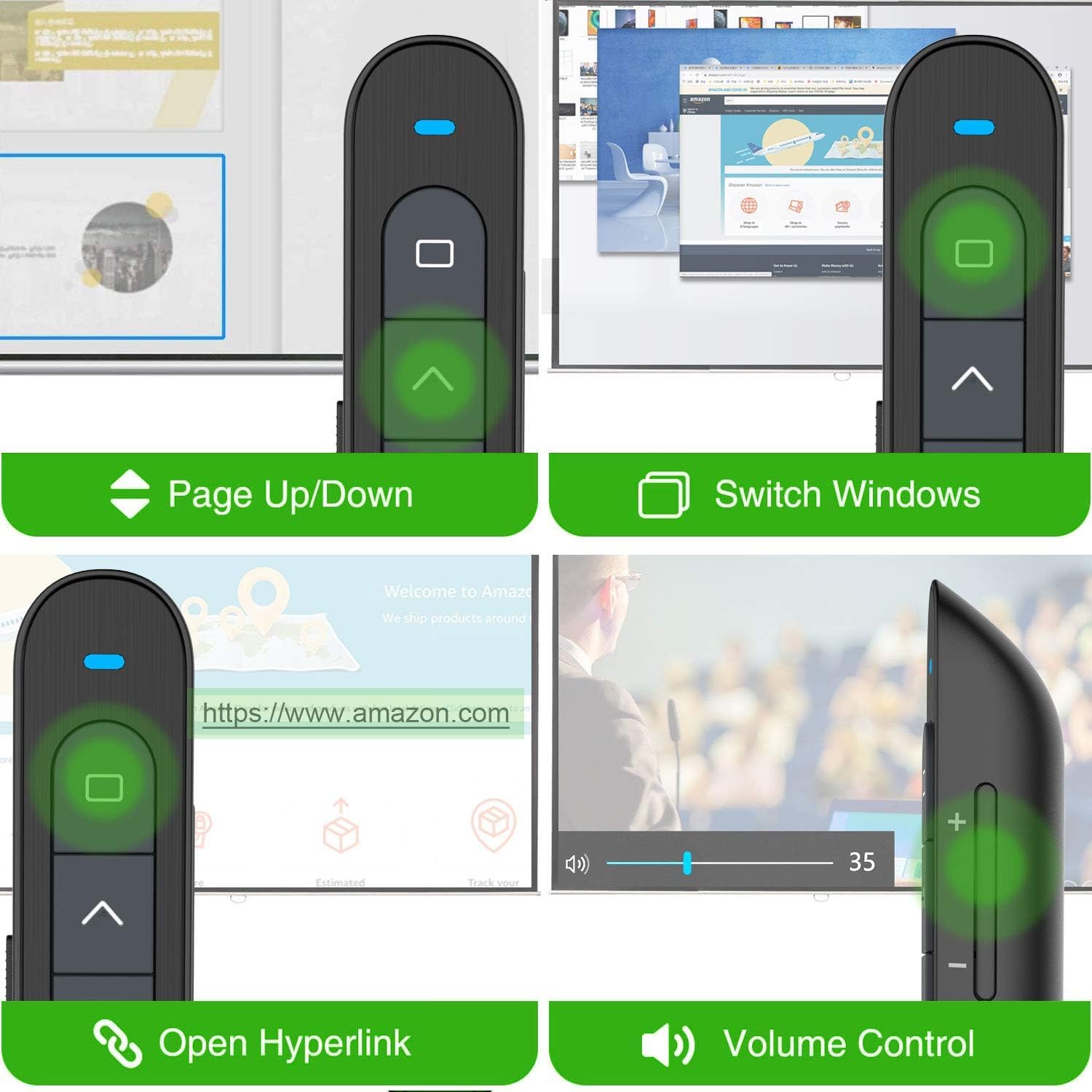
🚀 Own the room with every slide—wireless freedom, redefined.
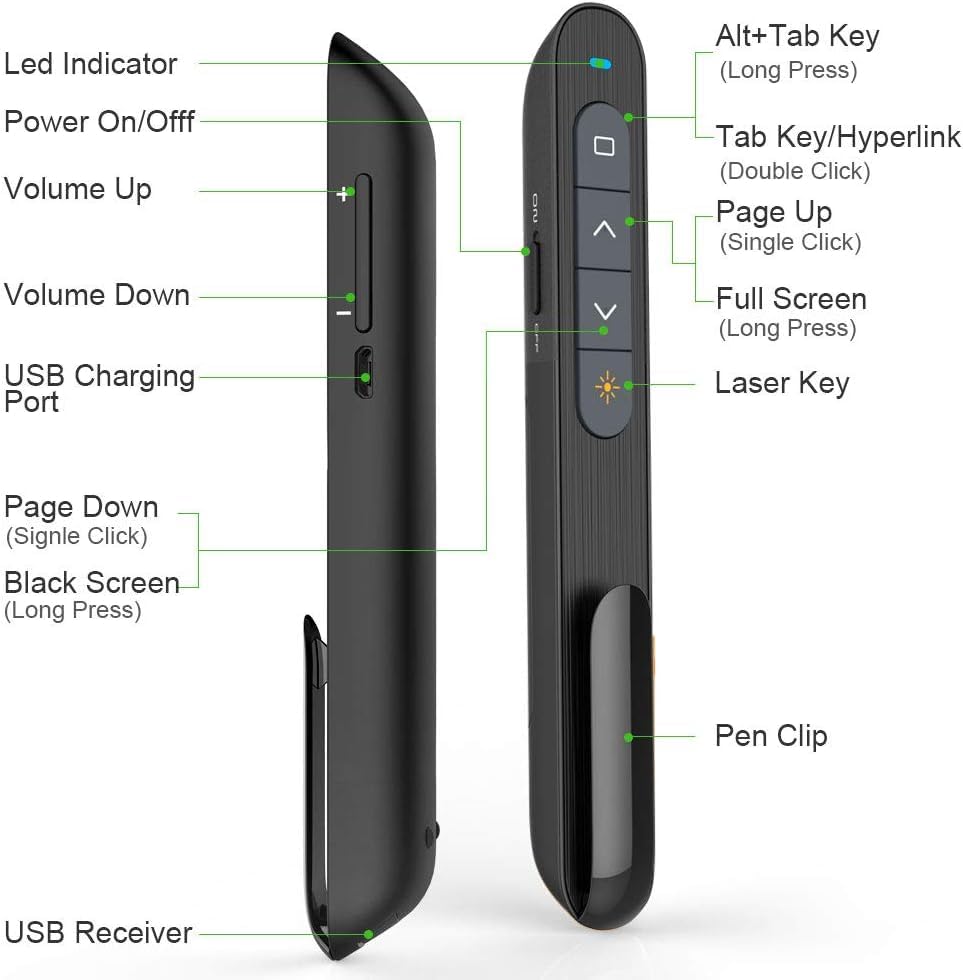
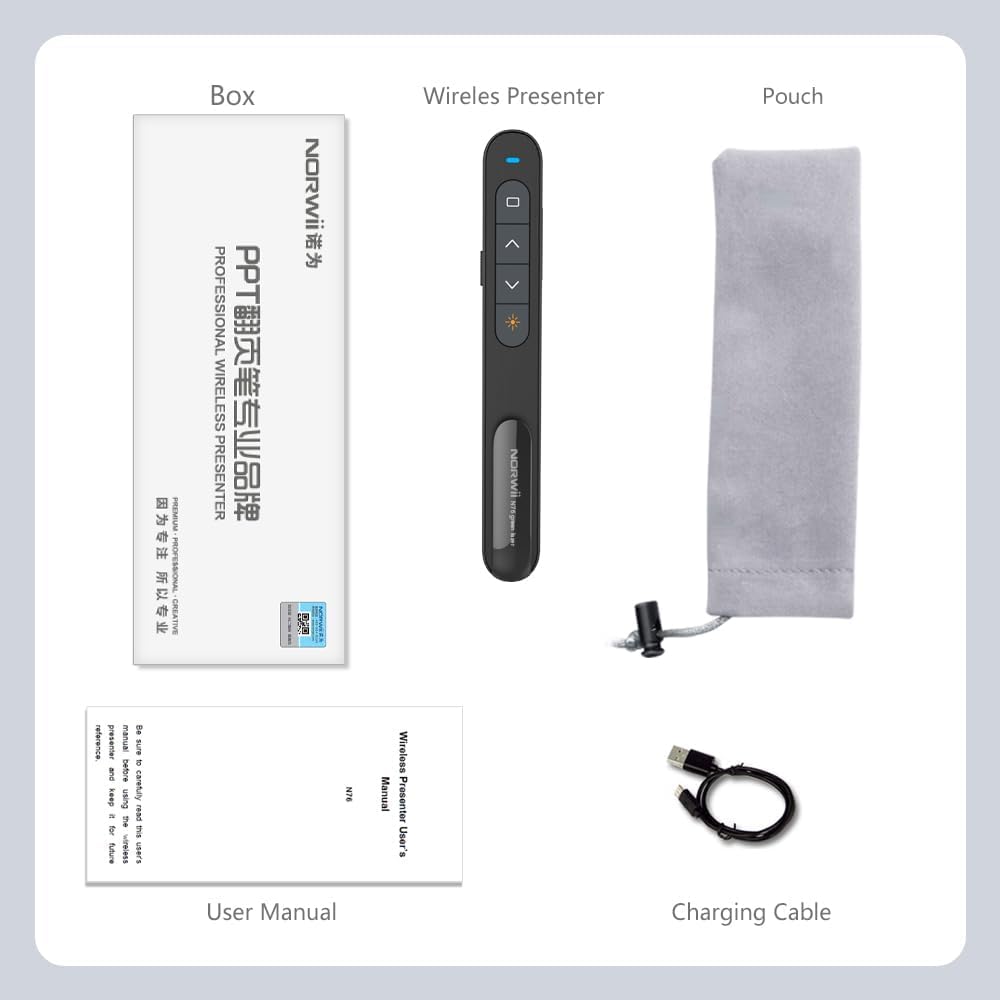
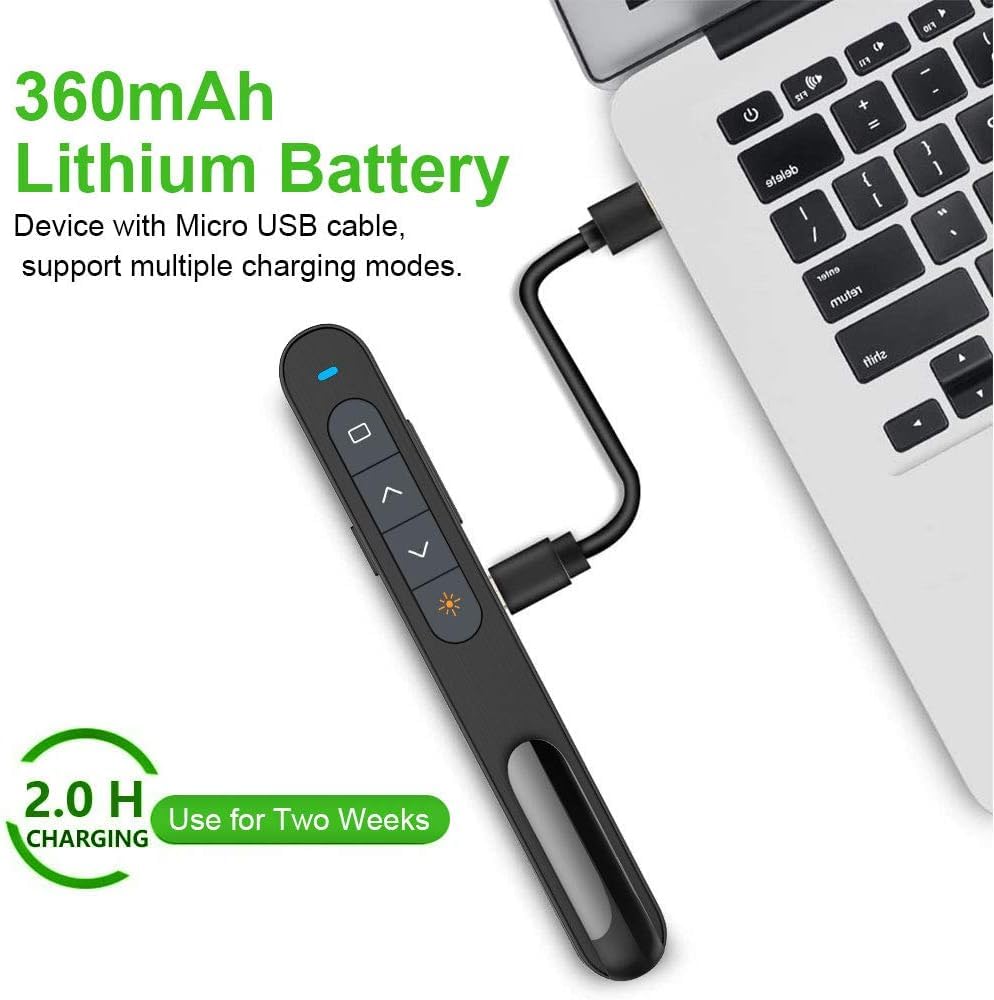
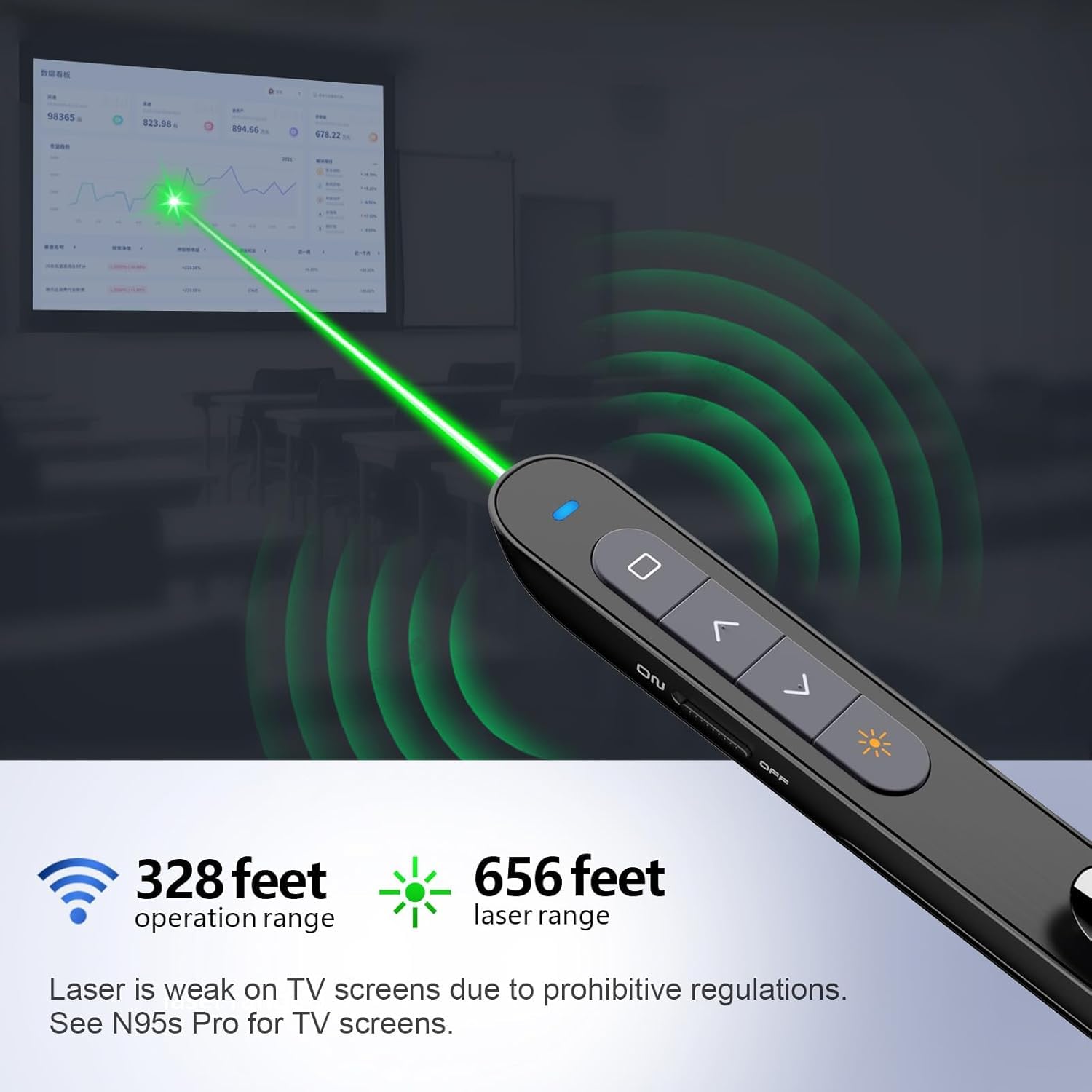
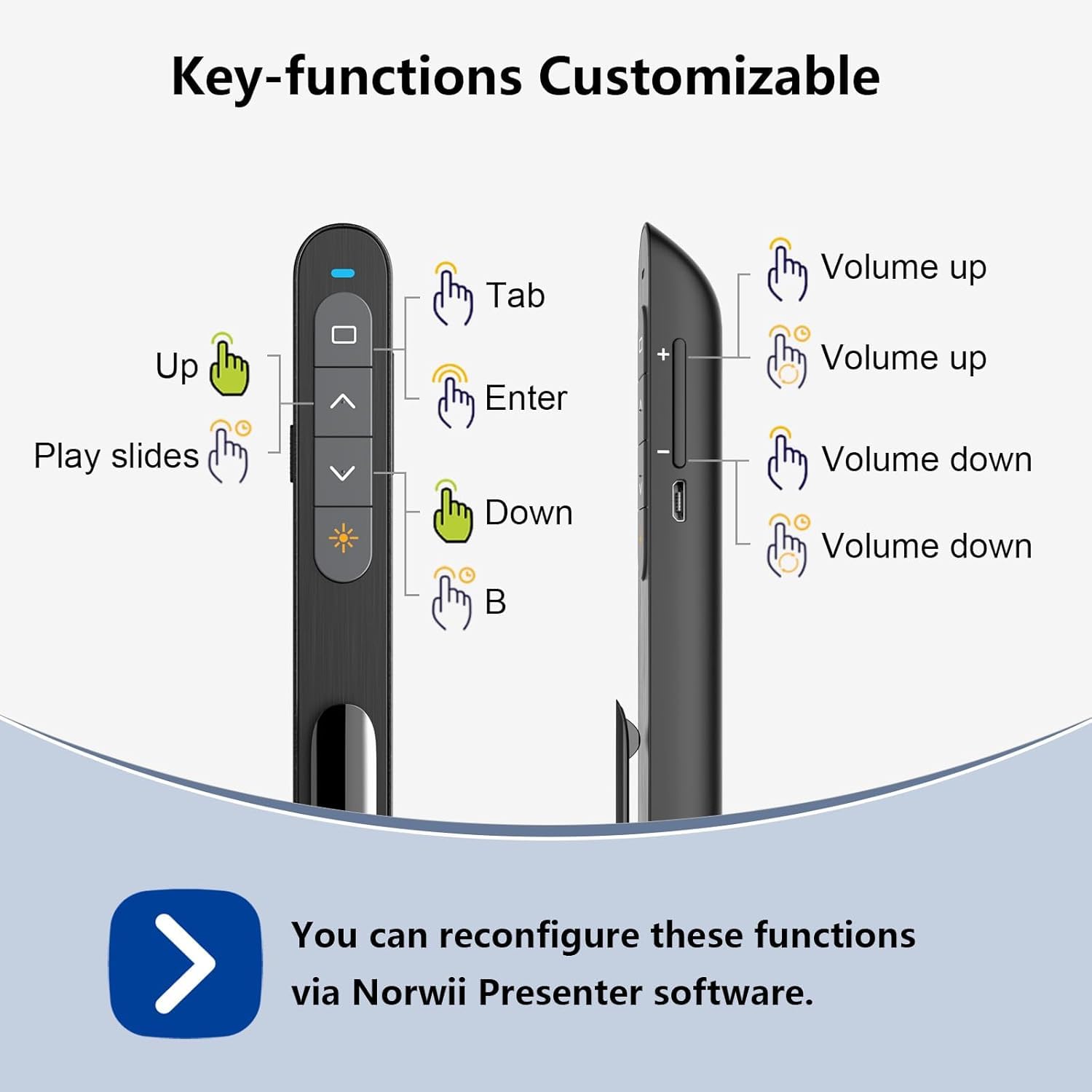
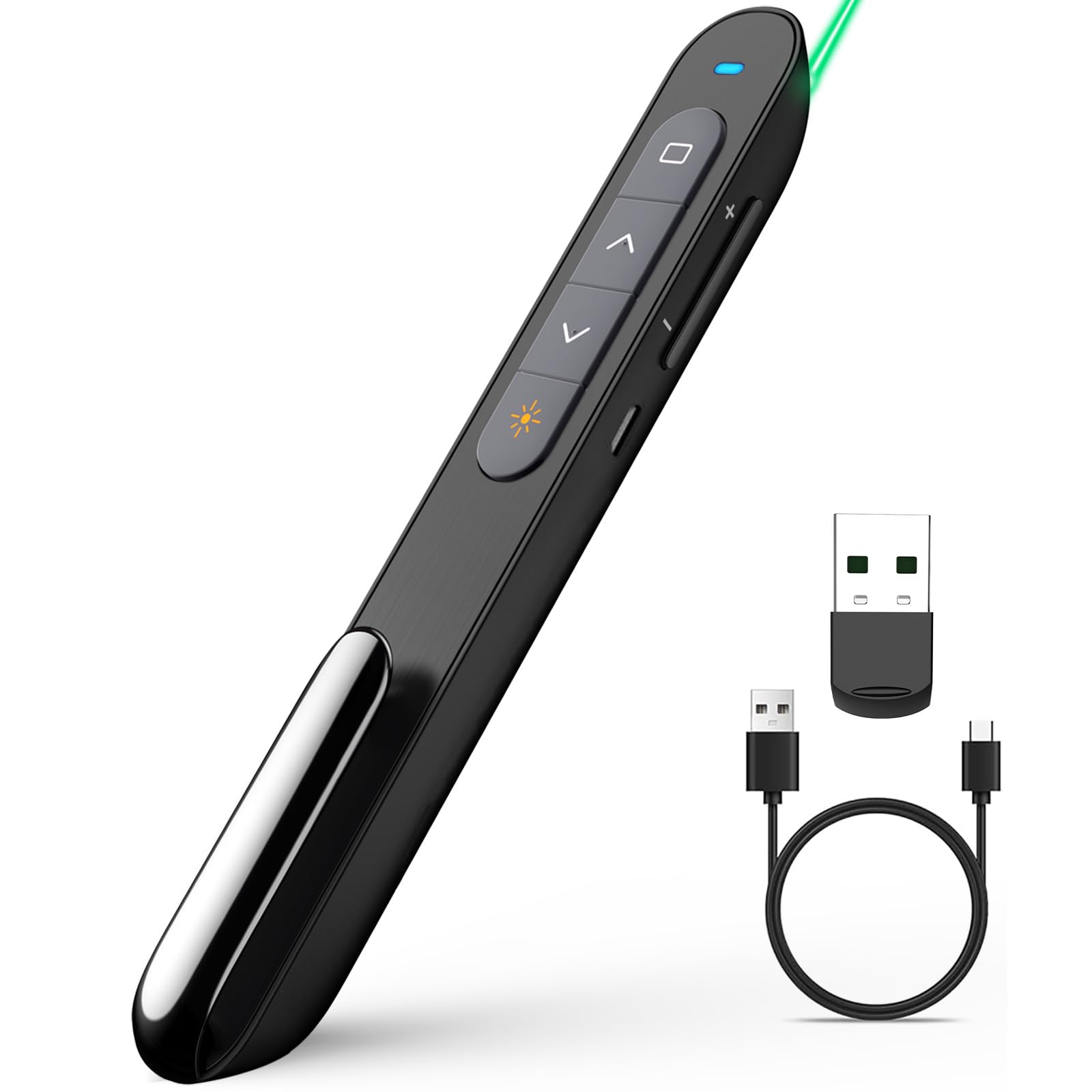
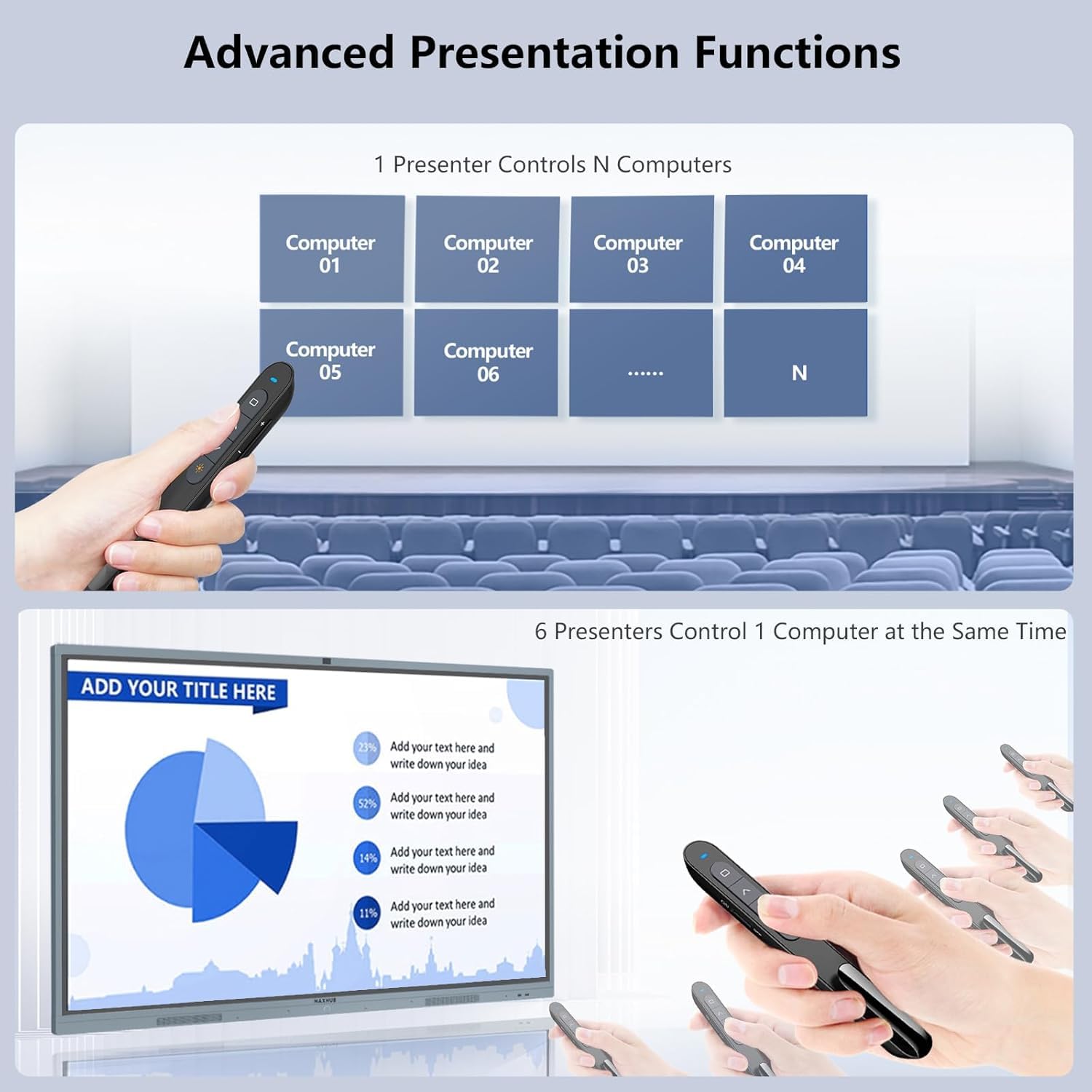
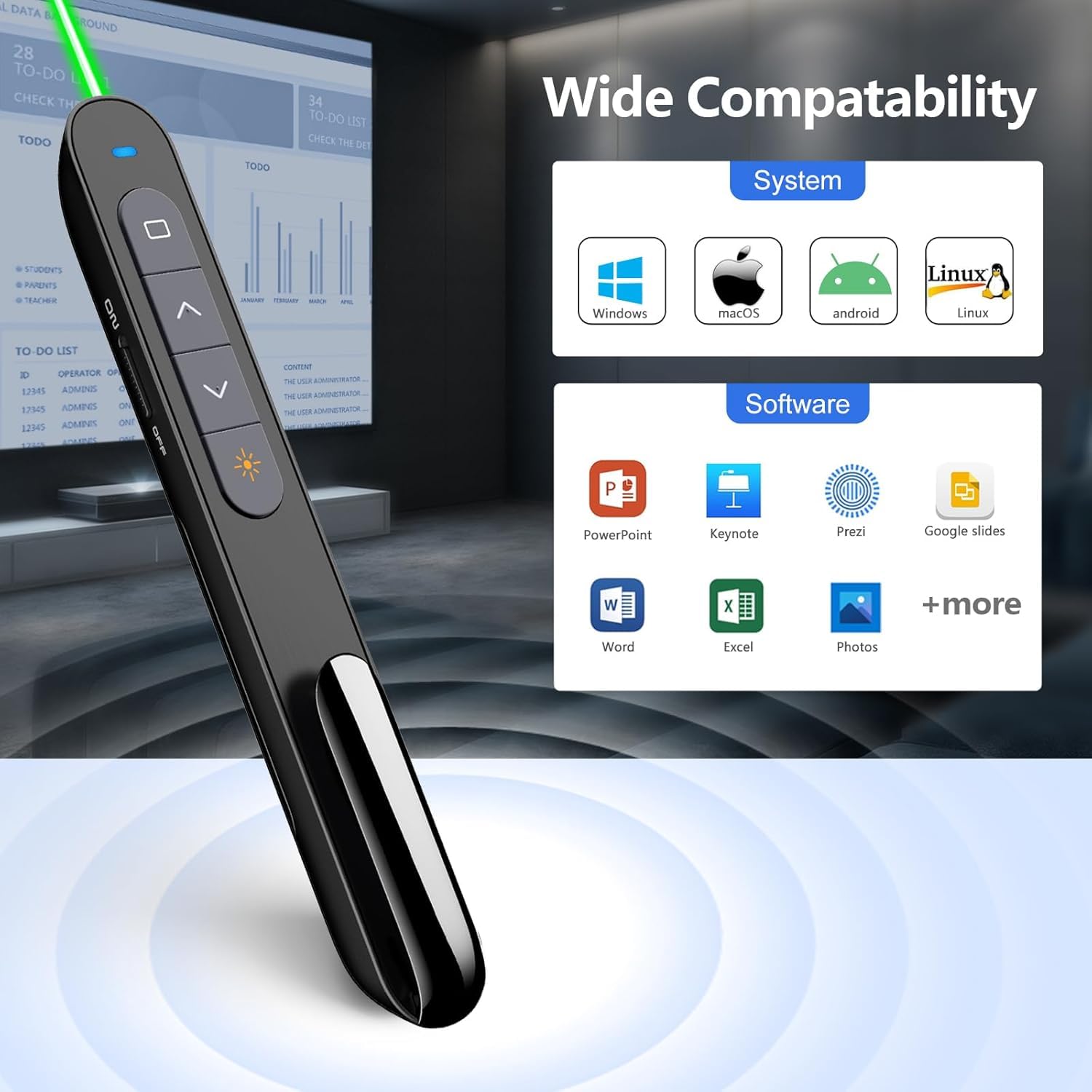
The Norwii Wireless Presentation Clicker N76 offers a powerful 2.4GHz wireless connection with an impressive 100-meter range, rechargeable 360mAh battery for eco-friendly all-day use, and fully customizable buttons via dedicated software. Compatible with all major OS and presentation platforms, it ensures seamless, professional-grade control for every presenter.


| ASIN | B07S1R271V |
| Best Sellers Rank | 1,902 in Stationery & Office Supplies ( See Top 100 in Stationery & Office Supplies ) 7 in Presentation Remotes |
| Guaranteed software updates until | unknown |
| Item model number | N27 |
| Manufacturer | Shanghai Norwii Technology Co., LTd. |
| Product Dimensions | 13.9 x 2 x 1.8 cm; 32.1 g |
A**R
Great product
Perfect works a treat and Easy to use
A**R
Excellent
Just used this for four hours doing presentations on a laptop and it was excellent so simple to set up plugged in the USB and works straight away. The laser Poynter was also very good and had a good distance to it and clear. overall for the price. this is a really good product.
P**E
Lifespan of about 3 years, could have a couple more functions.
3 years of frequent use, and it finally died. The clicker no longer talks to the USB reciecer. It's done me well for the price. It has a few functions less than others, and a few more in other places, it would have gotten the whole 5 stars if it had all the whole range.
D**N
Fab product.
Great! Plug in and go. Very easy to use. Buttons work well to move on and back and move between screens. But best of all... pen clip so you can pop it in your breast pocket of jacket pocket or shirt.
K**N
good product
plugged it in and switched it on. works straight away and all presenters were able to use very easily with little instruction how.
I**O
great
easy and usefull
S**N
Really good
Easy to charge - easy to use. Really good
A**3
Great Pointer but tricky to use in the Dark
It works very well and the green laser pointer means its easily seen. In the dark its easy to press the wrong button as they are above one another rather than left and right on my previous pointer
M**K
This is a perfect addition to my classroom. We project everything through slides and this allows us to move to the next slide with ease. It even has a laser pointer feature! Sometimes I do have to turn it off and on as it freezes but that’s more of an internet connectivity issue.
A**M
Der Pointer kommt bei mir für PPoint zum Einsatz und kam in die engere Wahl wegen des kleinen Formfaktors (warum müssen Pointer wie eine Birne geformt sein?) und des An-/Ausschalters (Fernsteuerungen, die sich unabsichtlich anstellen, sind immer doof). Außerdem hatte ich mich für ein Akku-Modell entschieden: Je weniger Batterien man vorhalten muss, desto besser. Unverzichtbar sind natürlich von vornherein Laserpointer, auf/ab, Blackscreen und Vollbild. Hier gibt es keine Abstriche: Pointer ist schön hell und funktioniert auch von der Seite. Die Tasten sind ohne Latenz, es wird sofort ausgelöst. Mir war außerdem wichtig, dass es eine separate Lautstärkenregelung gibt: Das ist notwendig, wenn man regelmäßig Video/Audio einbettet. Ich benutzte für Audio zusätzlich einen Bluetoothlautsprecher bei Präsentationen. Funktioniert sehr gut auch damit. Da wäre noch der Tab-Key als „Zusatz“: Nutzte ich bisher nicht. Auch der ist ganz praktisch, tatsächlich, um eben zwischen Programmfenstern zu wechseln. So kann man während einer Powerpoint-Präsentation schnell mal ein paar vorbereitete PDFs oder Worddokumente einblenden. Kein Problem, wenn man sie alle vorbereitend auf dem PC geöffnet hat. Und da der Pointer die Navigation in allen möglichen Programmen erlaubt, hat man auch in solchen Zusatzdokumenten wieder die Möglichkeit vor oder zurück zu navigieren. Das macht den Tab-Key zu einem richtig guten Zusatz bei Präsentationen: Für nichts muss man zurück an den PC oder den Vortrag unterbrechen. (Tipp dafür: Vor der Präsentation wirklich NUR die Programme öffnen, die man dafür braucht. Auch den Dateimanager schließen. Für den Navigationsvorgang wird nämlich die komplette Fensterauswahl angezeigt und ist für den Betrachter entsprechend auf der Wand sichtbar). Insgesamt bin ich überrascht. Der Pointer sieht elegant aus, genau wie auf den Bildern inklusive Fein-Rillen in schwarz, und ist ganz leicht, da eben ohne Batterien. Die Tasten sind hörbar, aber der Druckpunkt ist gut (kein schwammig langer Weg trotz Silikon). Die Orientierung auf der Tastatur wird durch die abgeteilten Silikontasten und die kleine Noppe auf der Down-Taste tatsächlich erleichtert. Ich finde auch den Weg zur Lasertaste ganz unten nicht unkomfortabel. Sogar der magnetische Dongle macht Spaß: Nicht mehr dieses Rumgefrickel, wenn man vor Ort schnell startklar werden will. Außerdem ist er nicht so groß. Übrigens, wer den Clip nicht mag, kann ihn entfernen: Bei herausgenommenem Dongle kann man dafür ein Feinschräubchen lösen. Eine Spielerei: Die Lautstärkeregelung funktioniert auch sonst. Will man den PC aus der Ferne leiser/lauter oder ganz leise (lautlos) stellen, lässt sich der Pointer als Fernsteuerung einsetzen (sofern der Dongle drin ist). Ganz ohne Präsi. Funktioniert auch bei Streams, das ist egal. Die Grundfunktionen laufen ohne Meckern (was sicher sonst auch ein KO wäre), aber er hat eben irgendwie auch noch mehr. Insgesamt Anmutung der Geschmeidigkeit, Durchdachtheit und Eleganz. Mehr als erwartet. Das Ding ist super. P.S.: Für alle, die wirklich den Laser-Point brauchen. - Der Laser ist auf Bildschirmen kaum zu sehen. Was nicht nur für dieses Gerät gilt, sondern generell. Das muss bedacht werden, zumal Großbildschirme bei Trainingsanbietern immer häufiger die landläufigen Projektionswände ersetzen.
V**T
Efficace
M**O
Ottimo rapporto qualità/prezzo
L**A
Il Norwii N27 Wireless Presenter è davvero un prodotto eccellente. L’ho acquistato per le presentazioni a lavoro o semplicemente come puntatore laser, e da subito si è rivelato affidabile, preciso e facilissimo da usare. Il puntatore laser è potente e ben visibile anche in stanze luminose, e le funzioni aggiuntive (come cambio slide) sono comodissime — tutto a portata di dito. L’installazione è plug & play, funziona subito su Windows e macOS senza bisogno di driver. L’impugnatura è ergonomica, il segnale stabile e la batteria dura moltissimo. ✅ Punti forti: -Ottima qualità costruttiva e design elegante -Controllo slide fluido e preciso -Connessione wireless stabile e immediata Assolutamente consigliato: rapporto qualità-prezzo eccezionale!
Trustpilot
1 month ago
3 weeks ago



