⚡ Unlock your creative genius with the ultimate 3-in-1 maker’s toolkit!
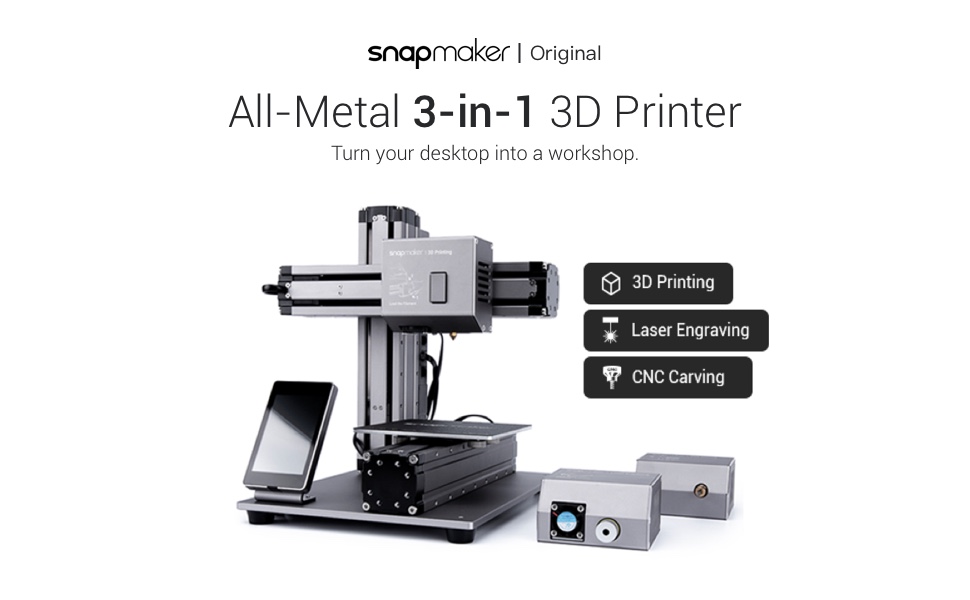
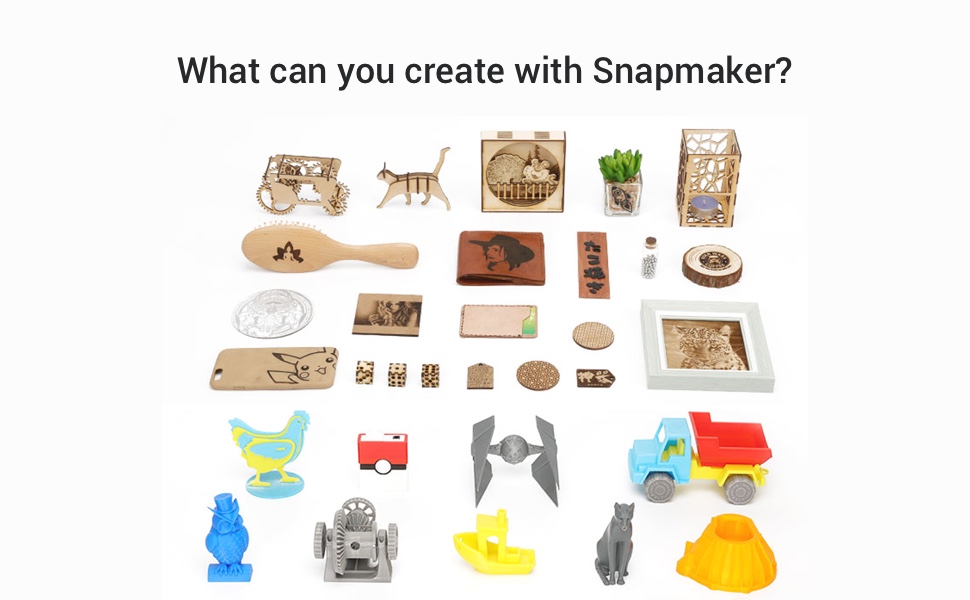
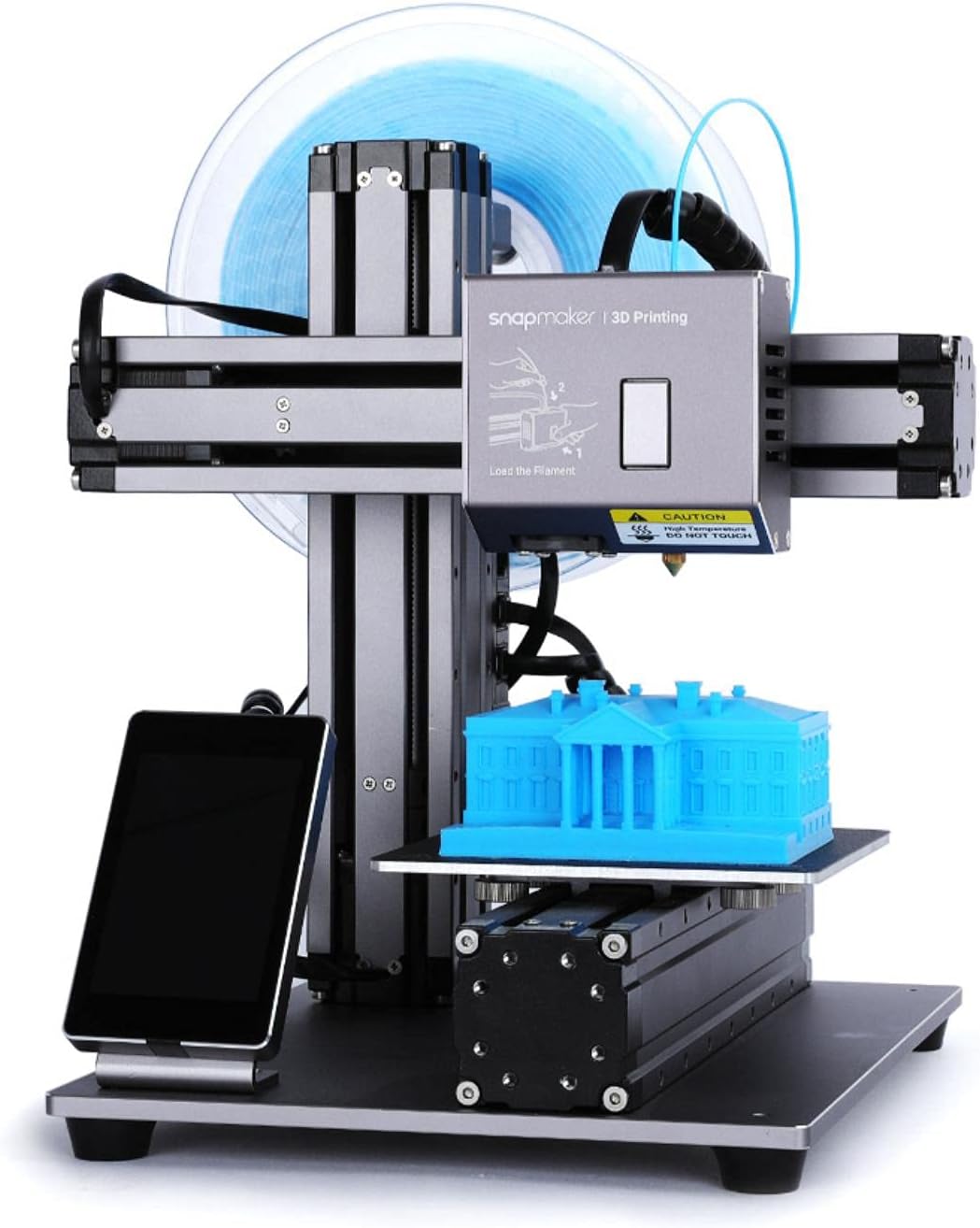
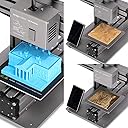
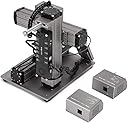
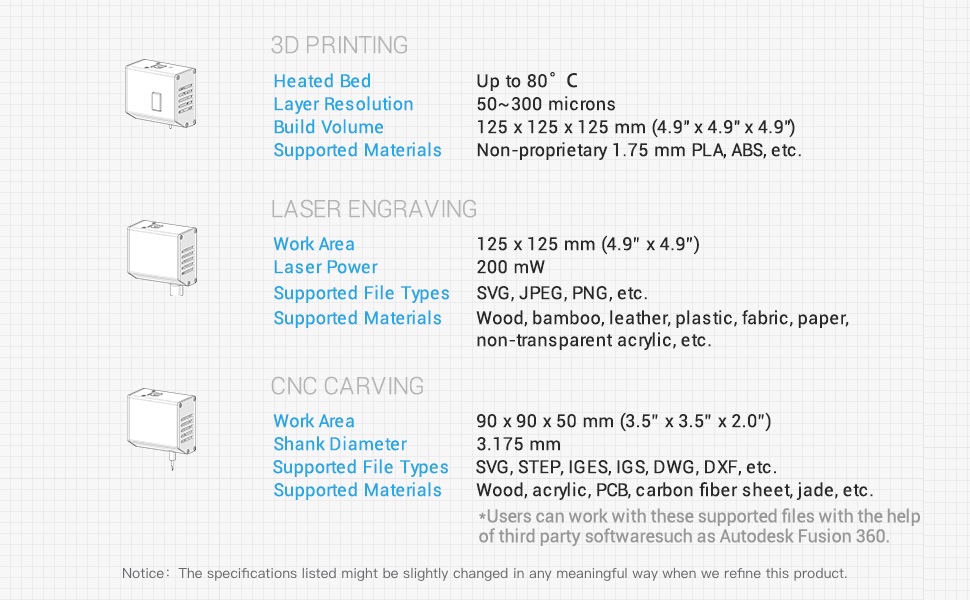
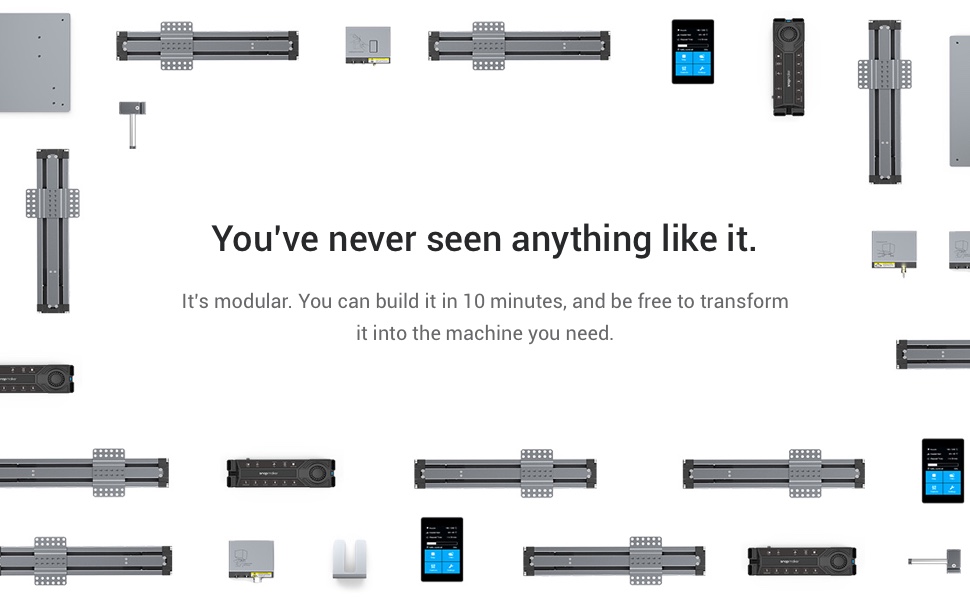
The Snapmaker Original 3-in-1 3D Printer is a versatile, all-metal digital fabrication machine combining 3D printing, CNC carving, and laser engraving. Designed for entry-level users and professionals, it features a compact 4.9”³ build volume and intuitive Snapmakerjs software. Supported by a thriving community and backed by warranty service, it’s perfect for STEAM education, rapid prototyping, and personal projects.




| ASIN | B07H92MPRS |
| Customer Reviews | 3.7 3.7 out of 5 stars (184) |
| Date First Available | September 11, 2018 |
| Is Discontinued By Manufacturer | No |
| Item Weight | 21.4 pounds |
| Item model number | 3IDEA-SNPMKR-3IN1 |
| Manufacturer | Snapmaker |
| Product Dimensions | 11.42 x 13.19 x 10.71 inches |
C**0
Seems well made and yielded a nice start up experience
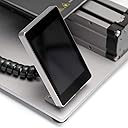
Very well packaged. For those of you familiar with Apple products, it approached that scale of packaging. Assembly took about an hour---but was quite easy and the manual was very clear. No miss-starts or redos. Only tool needed was included with the machine. It seems well made. Bolted together well. Alignment of components was good. Materials had a good "feel" to them. Controller is unique---something like a cell phone. Has magnets to mount to machine and coiled cord to allow hand held operation. Three d printed was my first step. Printed a model I had already printed with both of my other printers. Ease of use, quality of print was very nice. Software is a bit clunky, but is built on Cura it seems, so should be appropriate for most things. Printed same model in both ABS and PLA. My first experience with ABS. Seems to do ok. Have not tried other materials. Standard set up for ABS and PLA in software. Other materials will require set up time. Printed with both USB connection to my Mac Mini and via the included memory stick. As opposed to my other printers, I feel the memory stick option actually was the best choice. Did an upgrade to the firmware without fuss. The change over to the 3d carving was quick. Kit included a couple bits. Inexperienced operator (me) promptly broke one. But over all the change was easy. Still have some learning curve, but does not seem too steep. Have not tried the laser module yet. Have ordered both the higher powered laser and the enclosure directly from snapmaker. Will wait on the enclosure to test the laser. Will update this as I get more familiar with the machine in the carving and laser mode. The 3d printer is a good beginner model. The work are is quite small---but adequate for many projects. UPDATE: NOT IMPRESSED WITH SNAPMAKER SUPPORT. Ordered $400 worth of add ons directly from SNAPMAKER on 2/5. HIT MY Bank account that day. NOTHING FROM THEM IN THREE WEEKS. WRITING THEM only gets a "high volume of email" auto response. VERY disappointed. No matter how good the machine is, lack of support will KILL them in the market place. BE very careful in considering this unit.....you likely will be fully on your own.
K**R
Perfectooo......
Well engineered product, initial calibration and adhesion is bit difficult. But once the right calibration is done it works amazing.
D**N
Did Not Work - Zero Customer Support
A warning to others. I am a person who measures twice and cuts once. I read instructions and go to chat rooms, etcetera to learn about product. At first, I believed the reviews and decided on Snapmaker. It is well made and easy to assemble. The problem is that I could not get to work properly. And I am good at this sort of thing. In my business which I sold, I had CNC routers and robots. I reached out to customer service which has no phone or web support. Only email. A few days later I got responses from a person named "Zero" in China. I think that says it all. AMAZON-PLEASE DO NOT SELL UNSUPPORTED PRODUCTS. It really puts the customers in a bad situation.
J**L
I'm loving this machine
Was extremely excited to recieve this! Everything looks about right. I opened the box and compared its contents to what I've seen on a few YouTube videos on this product. But to be honest i haven't set it up or used it yet. I've just been too busy!!! Sorry Ok so I finally got around to it....one word....AWESOME!!! I decided to start with the laser engraver head rather than the 3D print. It's more relevant to a small business I'm in the process of starting. So I engraved my business name and logo on a small piece of wood. The result is impressive. I'm already thinking of hundreds of applications for this.......Buy yourself a snapmaker!!! The only thing I would add, is a grid to the laser engraving bed. That would make it easier to determine exactly where to place similarly sized items for repetitive engraving. I made myself some awesome wooden business cards. I can do 6 at a time. Since they're business cards, the engraving doesnt change, nor does the position of the cards as I repeat the process over and over again. So I drew a grid onto the plate 5 x 5 mm squares with a pencil. Now as soon as 6 are done, i quickly remove them, out 6 new cards on in the exact same spot and hit the play button.
B**M
I'm enjoying this purchase, this is our second 3D Printer, well maybe could be considered the third (I Have pre-purchased the Snapmaker A350) but I wanted to get a head start on software and operating characteristics of Snapmaker products before the big machine arrives in September - ish. Our first 3D printer came out of the box and works flawlessly (a different manufacturer) we bought it for our son who has short patience and with research that was the easy buy. work it does but limited to the filament that can be used and they sell proprietary product. but all good! this machine offers diversity in not only a 3 in 1 but also a wider variety of filament types that can be used based on heated bed and nozzle temperatures achievable. The machine is easy to set up and I was printing within 1 hour, with limited success, but i was expecting that, with the machine setup and slicer options i was now in new territory! lost and flailing in shallow water! :-) but with perseverance, patience and model remakes I was starting to win .... and continue to do so. That is my 3D printing experience. Laser engraving, just toying with this feature, the kit comes with a 200mW laser head, I purchased the 1600mW upgrade and have been burning some hardboard with pictures with some success. Confusing is the different levels of production that are not apparent in the Snapmaker instructional videos. import clear B & W picture, prepare for GCode leaves a distorted Picture, and then the picture that is displayed for GCODE looks nothing like anything you want to spend time engraving. The software is a little odd and I will accredit my difficulties to unfamiliarity with both "Snapmakerjs" and the new "Snapmaker Luban" platforms. there seems to be gaps in either of these and neither function quite as good as promoted in the Snapmaker youtube videos. i note too that there are very few videos (tutorial) outside of Snapmaker that aid in "Real World" use of the product. this is the only downside of snapmaker support that I have lower grades for. As of yet I have not done any CNC engraving, I am looking forward to that experience. I had a learning curve with Snapmaker (Expected) but the machine is easy to build! It is well packaged! setup while a little conveluted for Laser (i don't know about CNC yet) was easy for 3D printing. Setting the print height for different filaments takes some practice PLA, TPU, PTEG are the 3 that I have stared to play with. Overall I am very happy with this Snapmaker product, I bought it knowing that this is maybe not best suited for the beginner experience and more leaning towards the Intermediate / Advanced user, so if you are looking for a recommendation on this I say YES! If you have any reservations contact me and ask the questions, if you have a low patience quotient this may not be the printer for you but there are options that are plug and play with limitations.
R**D
It was my first experience working with 3D-Printers, so I decided to buy the 3D-printer as a hobby for my kids and my business. I was so lucky to choose SnapMaker as I found myself lost at the beginning, and by doing some research, I could find a lot of fantastic training videos about this product. Moreover, after I tried to communicate with their support tea, they treated me very professionally and provided me with the support I expect to receive. All the answers were documented step-by-step, including a picture that helps me to learn how to work with the writer so quickly. I believe the price I paid for the 3-in-1 printer is fair comparing to the other products I found and the fantastic support I received as a customer gave me a high satisfaction level. I think every company should learn from them. I definitely recommend SnapMaker to anyone who values time and high-level support.
K**K
Program takes a bit of getting use to but I was engraving on leather within a few hours. Does what I bought it for. Haven't tried 3D or CNC.
A**R
I really enjoyed playing around with this. I had to return it because the controller was defective on mine; after running for a while, the power switch would not turn off the machine and I had to turn off the power bar it was on. My rating is for my personal experience; I'd be keeping one if it didn't have an electrical fault. Pure luck of the draw.
P**D
impression 3D pour des petits objets est parfaite
Trustpilot
1 week ago
1 month ago