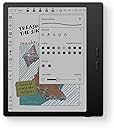
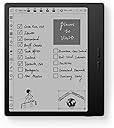
📚 Elevate your reading & productivity game with color E Ink brilliance!
The BOOX Tablet Go Color 7 Gen II is a sleek 7-inch E Ink tablet featuring a 4096-color Kaleido 3 display with 1680x1264 resolution, powered by an octa-core CPU and 4GB RAM running Android 13. It offers 64GB internal storage expandable via microSD, supports active stylus input (stylus sold separately), and includes front lighting with adjustable color temperature and auto-rotation. Designed for professionals and avid readers seeking eye-friendly, versatile digital reading and note-taking on the go.


| ASIN | B0F58ZHCX2 |
| Active Surface Area | 7 inches |
| Best Sellers Rank | #126,847 in Computers & Accessories ( See Top 100 in Computers & Accessories ) #642 in Tablets |
| Box Contents | Device |
| Brand | BOOX |
| Brand Name | BOOX |
| Colour | Black |
| Compatible Devices | Stylus Pen |
| Connectivity Technology | Wi-Fi |
| Customer Reviews | 3.9 out of 5 stars 262 Reviews |
| Display Type | E Ink |
| Item Weight Unit of Measure | 0.39 Kilograms |
| Manufacturer | BOOX |
| Manufacturer Part Number | Go Color 7 Gen II |
| Model Name | Go Color 7 Gen II |
| Model Number | Go Color 7 Gen II |
| Native Resolution | 300 dpi in Black 150 dpi in Color |
| Network Connectivity Technology | Wi-Fi |
| Operating System | Android |
| Product Features | E INK |
| Screen Size | 7 Inches |
| Screen Size Unit of Measure | 7 Inches |
| Special Feature | E INK |
| Specific Uses For Product | Reading, Drawing, Note-taking |
| Unit Count | 1 Count |
D**H
Jack of all product
Well you won't usually find this product being advertised much in India. But it is a good alternative to your all day Android needs except for heavy tasks. If you are too much into web browsing and reading and don't want to strain your eyes then this is perfect solution... A blend of Android aswell as ereader... Only issue is you won't find its case easily. Also you can use it if you find your kids addicted to mobiles and don't want to strain their eyes.
D**A
Lots of potential- Very disappointing
I was so excited to get this ereader because it's Android. I found it easy to set up and download all my apps, etc. But the navigation was so slow. It was always freezing and i needed to restart it constantly. When reading in BorrowBox, if I decided to change the settings, the app would close and I had to restart it and navigate back to my book. A bit inconvenient considering the price. It may be that Borrowbox is a large app and the boox hasn't got enough memory to keep it open when changing the settings, but that was why I bought it, to read library books. Though I don't have that problem with Borrow box on my 8.1 Android Galaxy tab A which is 9 years old. It's just an eye burner to read books on for extended periods. Considering the boox is Android 14, it shouldn't have that problem. Also the ghosting and lagging were too much considering the price. And the colour isn't any great advantage. It's more economical and convenient to buy the books from Amazon and use my kindle than to buy the boox device.
A**S
Perfecto para Leer Manga
Es la mejor compra que he tenido, actualmente estuve leyendo 15 tomos de manga en enero y otros 17 en febrero. Me gusta leer en viajes largos, antes de dormir, o en el trabajo. Yo lo uso para leer Mangas y esta perfecto, porque puedes meterlos directamente en el lector aun con formato CBZ, o usar cualquier app.
E**U
Much better than you might think
I dont usually write revirws but this product deserves a for better score than what it gets It is an e reader but it also works with android, this means you are able to run any android app on it, every docume t that works on android will also work here Of course this also means that you ha e a lot of freedom to do things in the wrong way, if you try to run apps that are not compatible with the android version, if you try to run apps that require high refresh rate, it wont work and i think this is where most of the bad reviews are comming from Then again if you research just a little this is far supperior to other restrictive expensive products, i can not recommend it enough
J**K
Amazing device, but definitely not for everyone.
I've been using this "tablet" for a while and I love it, but I was looking for an e-reader that happens to run Android, and that may put me in the minority. So, what is this not good for? Technically, by name, this is a tablet, but I wouldn't call it that. You are not going to watch movies or YouTube videos on this. You can browse the web in a pinch, but a lot of content will seem very unusual because of the screen's refresh rate. Most of your apps will not work very well, also because of the screen type. You will not be playing anything but the most basic games, again because of the screen, and because the SoC is very lower power in order to get better battery life. So, what IS it good for? Reading!!! It comes with its own book store/app, but you can also install Kindle, Goole Play Books, Libby, news apps, whatever you want to read. The colors are a bit muted, so if you're a fan of visual novels, you might be unimpressed, but it works just fine for that otherwise. The screen is pretty good. Not quite as good of detail as my last Kindle, but the backlight has more configuration. It's nice and light, and I really like the page flip buttons. Technically, they're volume buttons, but they can be configured to flip pages in apps I use. The battery life has been great for me. I charge it about once a week, but I could probably wait 2-3 weeks. It makes use of pretty aggressive power saving features to enable that battery life while running Android. Expect to wait close to a minute for it to start up when you want to use it.
L**A
Nice E-Reader with cool features
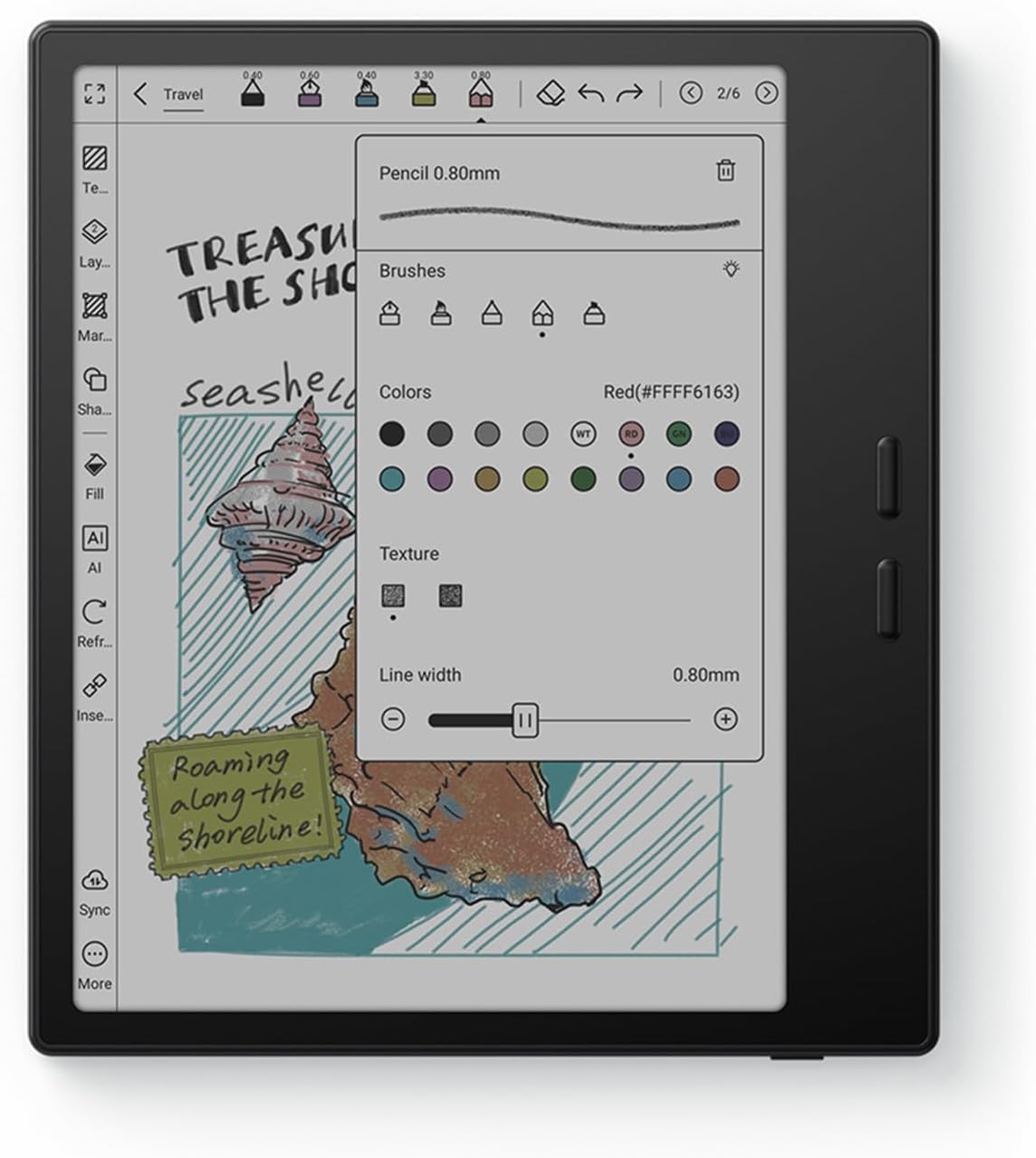
1. Yes, the name states color e reader. But keep in mind this picks up certain a colors. It won’t be as vivid as your tablet or phone. The colors appear more mute see image! . 2. Screen was great no issues, no specks! 3. If you’re having issue with ghosting. The settings I used had the least amount of ghosting + good quality! * Remember to do this for EVERY APP! Steps : Open E-Ink Center Color mode : optimal Refresh mode : speed Refresh mode -> More A pop up box will appear with two tabs For HD : Turn ON -> System Refresh Drag to refresh -> set to 2S When scrolling use : HD Current app : set to 5 Animation Filter -> set to 20 For Speed : Anti Flicker -> set to 2 4. Has two speakers, sounds pretty nice! 5. Semi-User friendly… you might need to watch a few TikTok’s for some “how to” 6. It’s android based so you can download other apps! Like Libby, kindle, Spotify 7. It has BooxDrop, which is (your own) personalized QR + Link to upload stuff from your laptop or cellphone (images, files etc)
Trustpilot
1 day ago
1 month ago