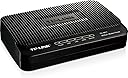
🚀 Turbocharge your home network with TP-Link’s all-in-one speed & security!
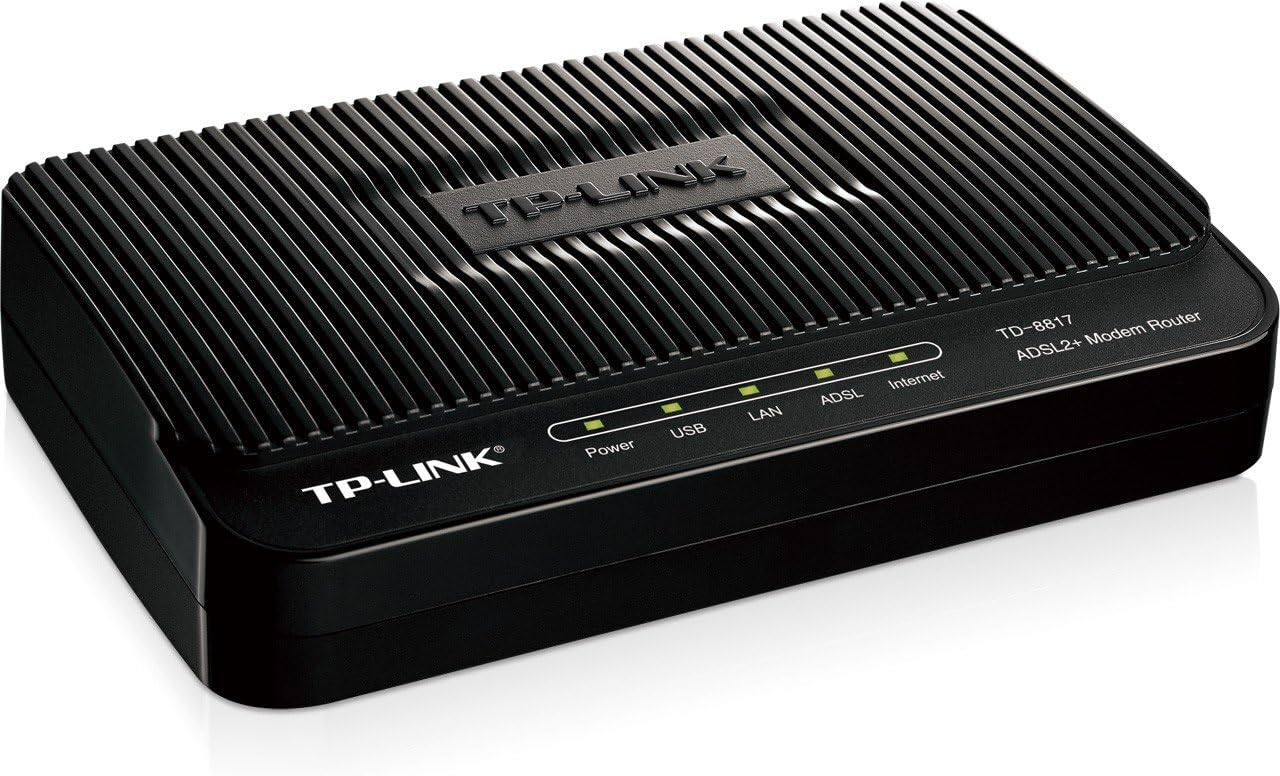
The TP-Link TD-8817 is a compact, high-performance ADSL2+ modem router combining a DSL modem and a 10/100Mbps NAT router in one device. It delivers up to 24Mbps downstream speeds, robust NAT firewall protection, and advanced QoS policies to prioritize traffic for smooth streaming and gaming. Designed for home and small business users, it offers easy setup and reliable wired network sharing.
| ASIN | B0037DAX9U |
| Are Batteries Included | No |
| Best Sellers Rank | 328,879 in Computers & Accessories ( See Top 100 in Computers & Accessories ) 2,319 in Routers |
| Brand | TP-Link |
| Colour | Black |
| Connectivity Type | Wi-Fi |
| Customer Reviews | 4.0 4.0 out of 5 stars (1,266) |
| Date First Available | 22 July 2010 |
| Guaranteed software updates until | unknown |
| Item Weight | 576 g |
| Item model number | TD-8817 |
| Manufacturer | TP-Link IP Cams |
| Number of Ethernet Ports | 2 |
| Product Dimensions | 16.51 x 10.92 x 2.79 cm; 576.06 g |
| Wireless Type | 802.11a |
A**A
Lo pedí porque la conexión WiFi del modem-router que da Telmex no me daba el alcance necesario. Entonces decidí comprar un modem y un router por separado. Simplemente se enciende este modem y en el router se configura el login para el servidor PPPoE y listo, es muy fácil configurar la red.
L**S
Justo lo que necesitaba. Un módem para conectar con mi router TPLINK. Los dos juntos funcionan a la perfección. Totalmente recomendado.
M**R
I bought this to replace a 3-year-old Actiontec that was losing connections and overheating. Remembering past experiences, I called their tech support and got my DSL login username and password in case they were needed. To connect new modems in the past I've had to enter setup info, connect, manually enter bridge mode, and only then connect the router. None of that here. I plugged everything together, started the modem (nice to have an on-off switch on the back, by the way), and it quickly recognized that a wireless router was connected. It automatically went into bridge mode, made the connections, and worked flawlessly. Pure plug-n-play goodness. (I've been on AT&T for years, so this was NOT setting up a new account, which does require several initial steps that can't be skipped.) I've only had this running for about an hour and a half, so time will tell whether this drops connections as badly as the old modem. Comments here and other places say that this modem does a better job of staying connected than most, and that was a major factor in my purchasing this modem rather than others. Some have posted that their upload and download speeds have increased; mine have stayed the same (6mbps service). As I'm only using this in bridge mode, I can't comment on the router functions of this unit. I may disconnect the wireless router later and play around with it just to see how good it is. By the way, there are a lot of misconceptions about what a router does. Routing allows multiple units to share a single internet connection. It is needed for BOTH wired and wireless devices that need to go the the internet. If this device is connected to a switch and other wired devices are hooked to the switch, this can handle routing for the wired devices without any need for a wireless router. Routing and wireless are NOT one and the same. Hooking a wireless router to this device disables the routing function and puts it into bridge mode. If your wireless router has access point mode, it can disable its own routing functions and can allow this router/modem to handle the routing, firewall, and so forth for your network. It will then only handle the wireless connections, not rout them. In this case, this modem/router will have to go through all the ISP connection setup steps that the wireless router had previously handled. If I have any criticism of the device, it is that the indicator lights are only on top, very small and dim, and hard to see. I think putting wrap-around LEDs on the front edge would improve visibility enormously. One more note: in bridge mode, the Internet indicator light does not light up on the modem since routing functions are disabled. It only functions if the unit is in router mode (with no other router connected). I also doubt that the USB port works in bridge mode, but I haven't tested it.
M**N
WOW all I can say is that I am truly impressed with this DSL modem. It is easily twice as fast as the D-Link modem that it replaced. It looks different than pictured, infact it looks better than pictured. Do yourself a favor and take screenshots of all your settings from your old modem. You'll need things like your internet account name and password, ect. Once you have those it is pretty straight forward. I've been using AT&T internet (sadly) and have ALWAYS had issues with pages loading properly. I can't begin to tell you how many times I've had to reboot that D-Link modem (and this was the second D-Link used) at least 6 or 7 times each day. That's why I finally said that it's time to get a new modem, but it is hard to find a straight DSL modem WITHOUT a router or wireless bundled into the mix. I just needed the modem section. Finally I found this one, and boy am I glad that I bought it! Took a little while to get it running but that's not the modems fault (at&t couldn't find the correct DSL server settings). Once I was able to configure everything correctly, this little gem took off like a rocket and now my Internet works - incredibly fast - and smooth. I never heard of TP-Link before and thought that I was just wasting my time buying this, but like I said I didn't have many options as there aren't many stand alone modems on the market, so I bought this one. However I can gladly say that this modem is built well and has really impressed me with its incredible performance thus far. This modem is a real bargain for all that it delivers! I'll update if I have any issues with it, but so far it is working better than any other modem that I have tried, and I've tried pretty much all of them. I would give this ten stars if they were available. UPDATE: 12-19-11 Our modem just stopped working. I can get it to connect to the internet but cannot access the control panel (192.168.1.1). There is probably a way to reset it (tried the reset button but it didn't work) but I simply do not have the time to call support. I might try another one, however I probably won't buy it from here as they have almost doubled the price recently.
S**S
Yes definetly this is a great product. I'm having no issues with it. Thanks
Trustpilot
4 days ago
5 days ago