Buy anything from 5,000+ international stores. One checkout price. No surprise fees. Join 2M+ shoppers on Desertcart.
Desertcart purchases this item on your behalf and handles shipping, customs, and support to Spain.
💡 Light up your life, smartly and effortlessly.
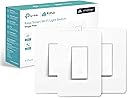
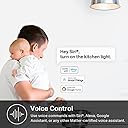
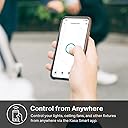
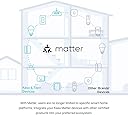
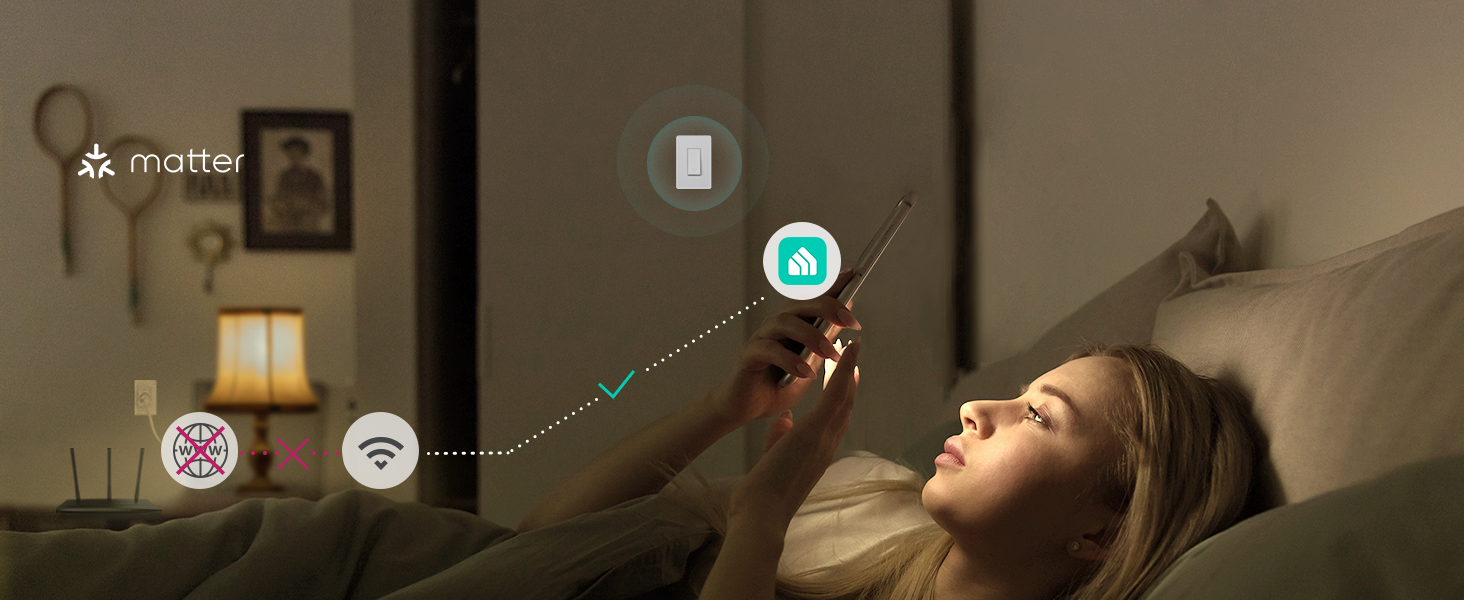
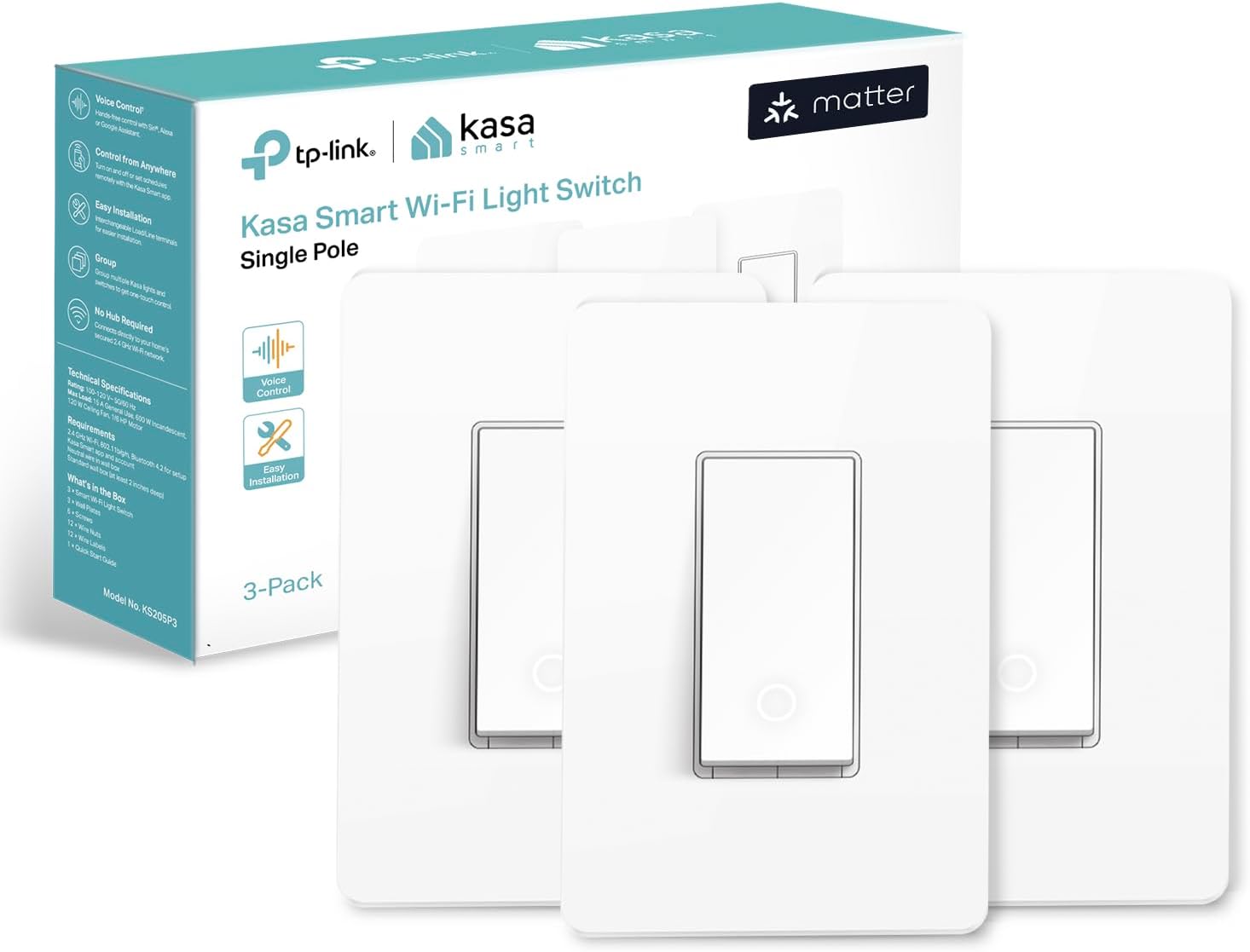
The Kasa Matter Smart Light Switch KS205 is a UL-certified, 15A-rated smart switch compatible with all major smart home platforms via Matter. It offers voice control through Siri, Alexa, and Google Assistant, remote access via the Kasa app, and advanced scheduling features including Away Mode for enhanced security. Designed for easy installation with app-guided instructions, it requires a neutral wire and 2.4GHz Wi-Fi. This 3-pack delivers reliable, seamless smart lighting control for modern connected homes.


| ASIN | B0C9KSRBJG |
| Actuator Type | Push Button |
| Best Sellers Rank | #930 in Tools & Home Improvement ( See Top 100 in Tools & Home Improvement ) #1 in Electrical Light Switches |
| Brand Name | Kasa Smart |
| Circuit Type | 1-way |
| Color | White, Matter Compatible |
| Compatible Devices | Apple Home, Alexa, Google Assistant, SmartThings |
| Connectivity Protocol | Wi-Fi |
| Connector Type | Screw |
| Contact Material | Copper |
| Contact Type | Normally Closed |
| Control Method | Touch |
| Control Type | on/off, scheduling |
| Controller Type | Amazon Alexa, Apple HomeKit, Google Assistant, iOS |
| Current Rating | 15 Amps |
| Customer Reviews | 4.5 4.5 out of 5 stars (975) |
| Included Components | KS205×3;Wall Plate×3;Wire Nuts×12;Screws×6;Quick Start Guide |
| International Protection Rating | IP00 |
| Item Dimensions | 5.04 x 3.33 x 1.41 inches |
| Item Weight | 330 Grams |
| Lower Temperature Rating | 32 Degrees Fahrenheit |
| Manufacturer | TP-Link |
| Material Type | Plastic |
| Model | KS205P3 |
| Mounting Type | Pole,Wall Mount |
| Number of Items | 1 |
| Number of Positions | 1 |
| Operating Voltage | 120 Volts |
| Operation Mode | ON-OFF |
| Part Number | KS205P3 |
| Smart Home Compatibility | Smart Home Compatible |
| Specification Met | UL |
| Switch Type | One-way |
| Terminal | Screw |
| UPC | 840030706271 |
| Unit Count | 3.0 Count |
| Upper Temperature Rating | 104 Degrees Fahrenheit |
| Wattage | 600 watts |
J**H
Flawless Function—Smart Switching Done Right
The Kasa Matter Smart Light Switch has been rock-solid since day one. I’ve installed several throughout the house, and not a single one has failed me yet. In a world where smart home tech can be hit or miss, this switch is a total win. Setup was smooth and intuitive—no headaches, no confusing steps. It integrates seamlessly with my smart home system and responds instantly to voice commands or app controls. Whether I’m automating routines or just flipping lights on and off from my phone, it works every time. The build quality is excellent. It feels sturdy, looks sleek, and blends perfectly with our home’s style. I also appreciate the Matter compatibility—it future-proofs the setup and keeps everything running smoothly across platforms. If you’re looking for a smart switch that delivers reliability, ease of use, and solid performance, this is it. Kasa nailed it. I’ll be sticking with them for all future installs.
S**L
Easy to install, works as advertised
Easy setup connected to the app right away works great with google home. I replaced Meross switches that failed after 4 years.
T**T
Not an electrician, got them installed by myself!
The last time I worked with electricity was in the 6th grade when we learned about circuits with a lightbulb and a 9-volt battery. I watched a couple YouTube videos, read the simple instructions in the box, and dove in. The line and load wires were easy to join with wire nuts. It doesn't matter which wire goes to which on the switch so long as you keep the two line and loads for each switch straight from each other. This wasn't a worry for me since I removed and then installed one switch at a time. Also, one of the switches I removed was a dimmer. I chose to install this single pole switch and lose the dimming because The KS225 Matter dimming switch is slightly deeper than the KS205 single pole and I was worried my wall plate wouldn't be flush. My old switches had a raw copper wire for the ground. You know it's the ground because a) it has no rubber coating (at least in my case) and b) it's not really "connected" to anything, just attached to some metal part of the switch. The smart switches use green for their grounds. Use the supplied wire nuts to join them. For the neutral wire, you should be fine so long as your house was built in 1985 or later. Dumb switches don't use them, but this smart switch requires them. I was a bit perplexed when I opened my 2-gang light plate to see three white wires with one wire nut on them. Two switches, three wires. When I Googled, I found out that multi-gang switches are often on a single circuit. I knew this was true for me, because one breaker switch turned off both of the lights these go to. All three wires have to stay together. Since I was installing two smart switches, I paired my neutral wires with the three (which were tightly twisted together under the wire nut), then screwed the wire nut back on. Gave them a few tugs to make sure they were tight, and I was good to go. Getting all my spaghetti wires put back in the junction box was a task, but I managed. Then I used the new screws to attach the switches to the junction box. Make sure you're using the wide holes for this, otherwise they aren't going to match when you go to do the second one. The wide holes also allow you to slide them side to side as you adjust the spacing for the wall plate to line up. For the wall plate, I bought this one: https://www.amazon.com/dp/B07K8Z6K2P?ref=ppx_yo2ov_dt_b_fed_asin_title They aren't completely "screwless". There's a plate that you screw to the switches, which was pretty easy to do and lets you get those switches spaced and lined up just right. Once you have them where you want them, there's an access hole to the actual screws that attach the switches to the junction box, so now you can tighten those up. Then you pop on the pretty part of the cover! I gotta say, when we flipped the breaker back on, I did take several steps back just in case, and stayed far away the first time I turned them on after the easy-peasy setup with my Google Home app. No sparks, no fires, just glorious light! If you're confused about the whole "requires a hub for Matter", I'm not really sure what they mean by that. I'm all Google/Android in my house and this makes 4 TP-Link Matter smart devices I've set up now and I don't have a hub of any kind. I don't even install the Kasa or Tapo app, I just scan the QR codes in my Google Home app. 🤷♀️ Pro tip: the extra stickers that come with the switches... make sure you don't mix them up if you are installing more than one at a time. The Matter code is also on the front of the switch, but that gets covered up by the screw on part of the wall plate I used. If you use the supplied wall plate, there's no extra screw on step, it just pops on and off and you can see the code. For now, I wrote on the back of the sticker which one goes with which switch, but I think I'll pop the gold cover off and just stick them directly to the plate that I screwed in. For someone that isn't usually a DIY-er and has some fine motor movement issues due to a disability, I'd rank this a 2 out of 5 for difficulty. Now that I've done it once, the next ones will be even easier. I'm very happy with my purchase and very happy with myself for accomplishing this!
O**D
Easy wiring but confusing integration
I’m in the process of replacing many Z-Wave switches with ones directly compatible with the Alexa devices and was intrigued by these new Matter compatible devices. The older (pre-Matter) switches were very easy to install and integrate with the Alexa app quite quickly. This one isn’t as easy as the online documentation is very confusing, indicating in some places to integrate it first with the KASA app, and in others to use Alexa first. The KASA app integration always worked fine and was quick, however then following the instructions for Alexa wouldn’t work. I then reset the device and tried integrating it to Alexa first. The first 5 times failed, then the 6th succeeded and it worked from the Alexa app for about 12 hours then disappeared. I tried again about 7 more times to get it to integrate to Alexa and each time it looked like it was working, it would say the WiFi password was incorrect (it wasn’t). In one last attempt before returning it as not-working, I reset it again and integrated it first with the KASA app. It integrated right away so rather than following the instructions for adding it to Alexa via the app I just said “Alexa find my new devices” and it did! It’s been working for over 24 hours straight now and continues to be controllable through both the KASA app and Alexa. So the lesson learned is: Integrate first with the KASA app and let Alexa take it from there!
B**M
WORKS GREAT
I've purchased a few of these over the years. The install is pretty straight forward. Anyone with knowledge of replacing an electrical switch will be able to install this with no problems. The wifi setup is also pretty straight forward. You need the KASA app to control them and set schedules if you'd like that. I use mine to turn on/off exterior lights at dusk and dawn and it helps with interior lights so it looks like someone is home when you're away. The only issue I've had with the KASA switches is the 3 way switches. Basically they work for manual on and off but scheduling on/off times doesn't work. The lights stay on when they're supposed to turn off. I contacted tech support a year or two ago and they eventually gave up. Apparently it's a known problem with their 3 way switches and scheduling. Too bad otherwise they work great. Its best to try and stick with one brand so you're not flipping back and forth between different apps all the time.
E**G
kasa light switches
we bought 5 of them. the quality is good and they all work properly.
I**S
J’ai installé le Kasa Matter KS205 et je suis vraiment très satisfait du produit. L’installation est simple et rapide pour peu qu’on ait un fil neutre, et tout est bien expliqué. La qualité de fabrication est excellente : l’interrupteur est solide, élégant et s’intègre parfaitement aux boîtiers standards. La compatibilité Matter est un énorme avantage. L’interrupteur fonctionne sans problème avec Apple Home, Google Home et Alexa, ce qui le rend très flexible et pérenne. La connexion Wi‑Fi est stable, la commande est instantanée, et je n’ai observé aucun délai ni déconnexion depuis l’installation. L’application Kasa est claire et intuitive : programmation horaire, automatisations et contrôle à distance fonctionnent parfaitement. Même en utilisation quotidienne, l’interrupteur est silencieux et très agréable à utiliser. En résumé, c’est un excellent rapport qualité‑prix pour un interrupteur intelligent fiable, moderne et bien supporté. Je recommande fortement ce produit à toute personne souhaitant moderniser son éclairage avec une solution simple, stable et compatible avec les principaux écosystèmes domotiques.
B**Y
The Kasa Matter Smart Wi-Fi Light Switch by TP-Link is a game-changer in home automation. This smart switch has transformed the way I interact with my home, making it more convenient and energy-efficient. The installation process was straightforward, and the switch seamlessly integrated with my existing home network. The Wi-Fi connectivity is robust, ensuring reliable performance without any lag or disconnection issues. One of the standout features of this switch is its compatibility with the Matter smart home standard. This ensures that the switch can work with a wide range of smart devices, making it a versatile addition to any smart home ecosystem. The Kasa app is user-friendly and allows for easy control and customization of the light switch. Whether it’s setting schedules, adjusting brightness, or even controlling the switch remotely, the app handles it all with ease. In terms of design, the switch sports a sleek and modern look that blends well with different interior styles. The build quality is excellent, promising durability and longevity. In conclusion, the Kasa Matter Smart Wi-Fi Light Switch by TP-Link is a fantastic investment for those looking to upgrade their home automation. It offers great functionality, ease of use, and compatibility, all of which contribute to a superior user experience. I highly recommend it to anyone looking to make their home smarter!
P**O
Great switch with Matter. Affordable price for 3 Matter switches. Installation is easy, reliability and responsiveness either in HomeKit or Kasa app are great too. Two things that could be improved: 1) In HomeKit device can only be displayed as a light. Other brands let you choose between, fan, light, outlet or switch. 2) In the Kasa app there is only the following option; The LED on the switch only turns On when switch is Off and turns Off when switch is On. Other brands have also the option to turn On the LED when its ON and turn Off when its Off. Pretty sure that these two things can be improved in a future firmware update. Other than that great switch.
A**S
These switches work well, they’re responsive, they’re easy to setup and being matter devices, they work with almost every ecosystem. (there are some minor compatibility issues with Google home and Amazon Alexa but it’s more to do with how these platforms poorly handle matter support) I only have two minor issues with these switches. 1. They don’t feel that great. When you press them, the button feels super mushy and there are definitely going to be times where you think you’ve pressed it, but it doesn’t recognize it. 2. Their Wi-Fi connection isn’t that great, if there are more than a few rooms away from your router, or you have thicker walls, they’re going to constantly disconnect.
J**E
Excellent interrupteurs, facile d’installation et compatible HomeKit en 30 secondes.
Trustpilot
2 weeks ago
4 days ago