🎯 Dominate Every Game with Lightning-Fast Precision and Total Control!
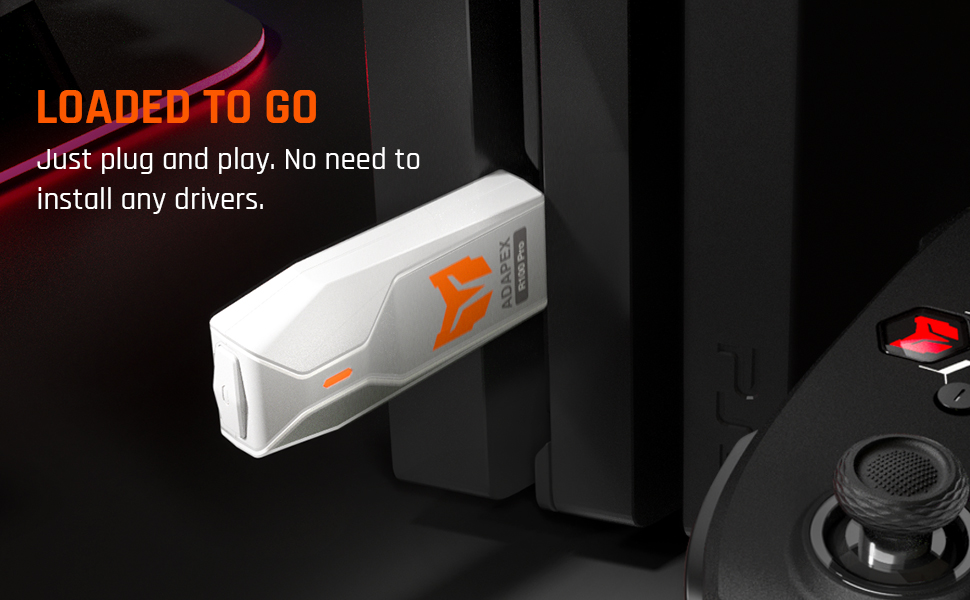
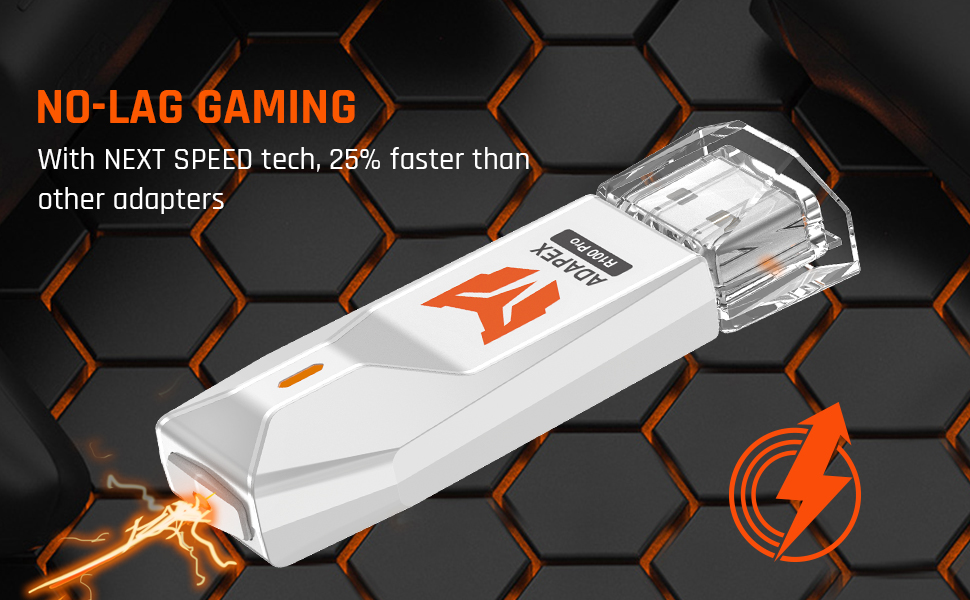
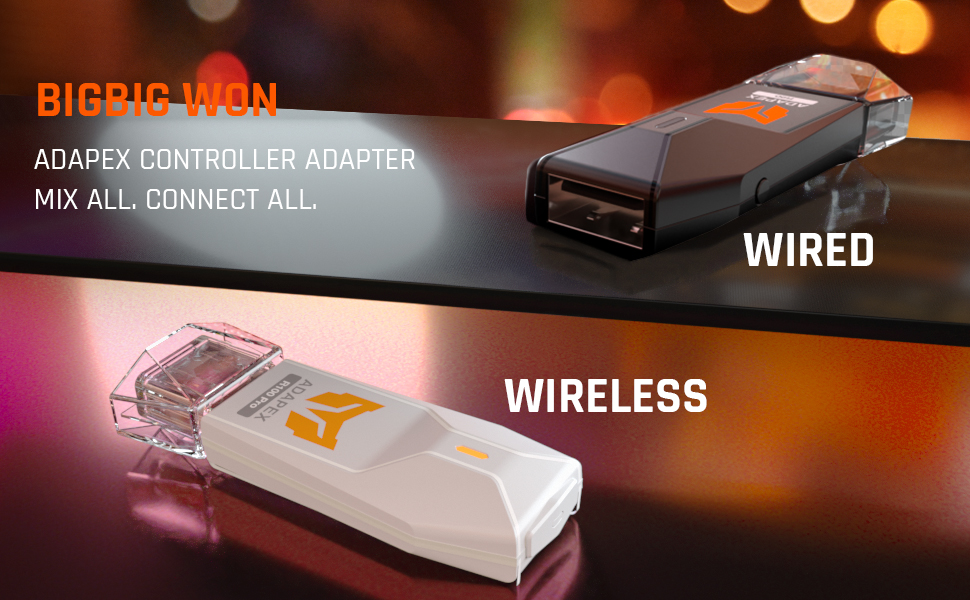
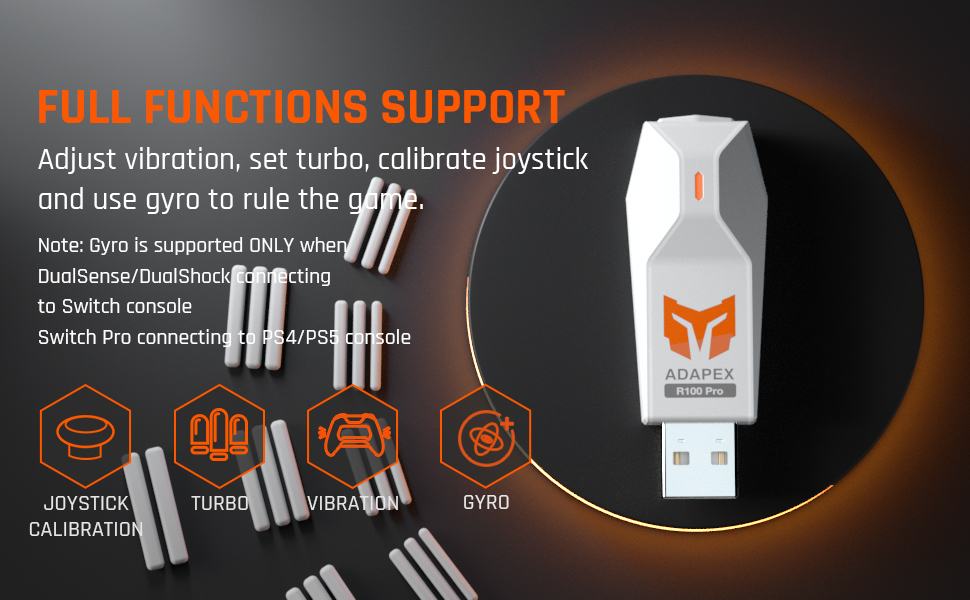
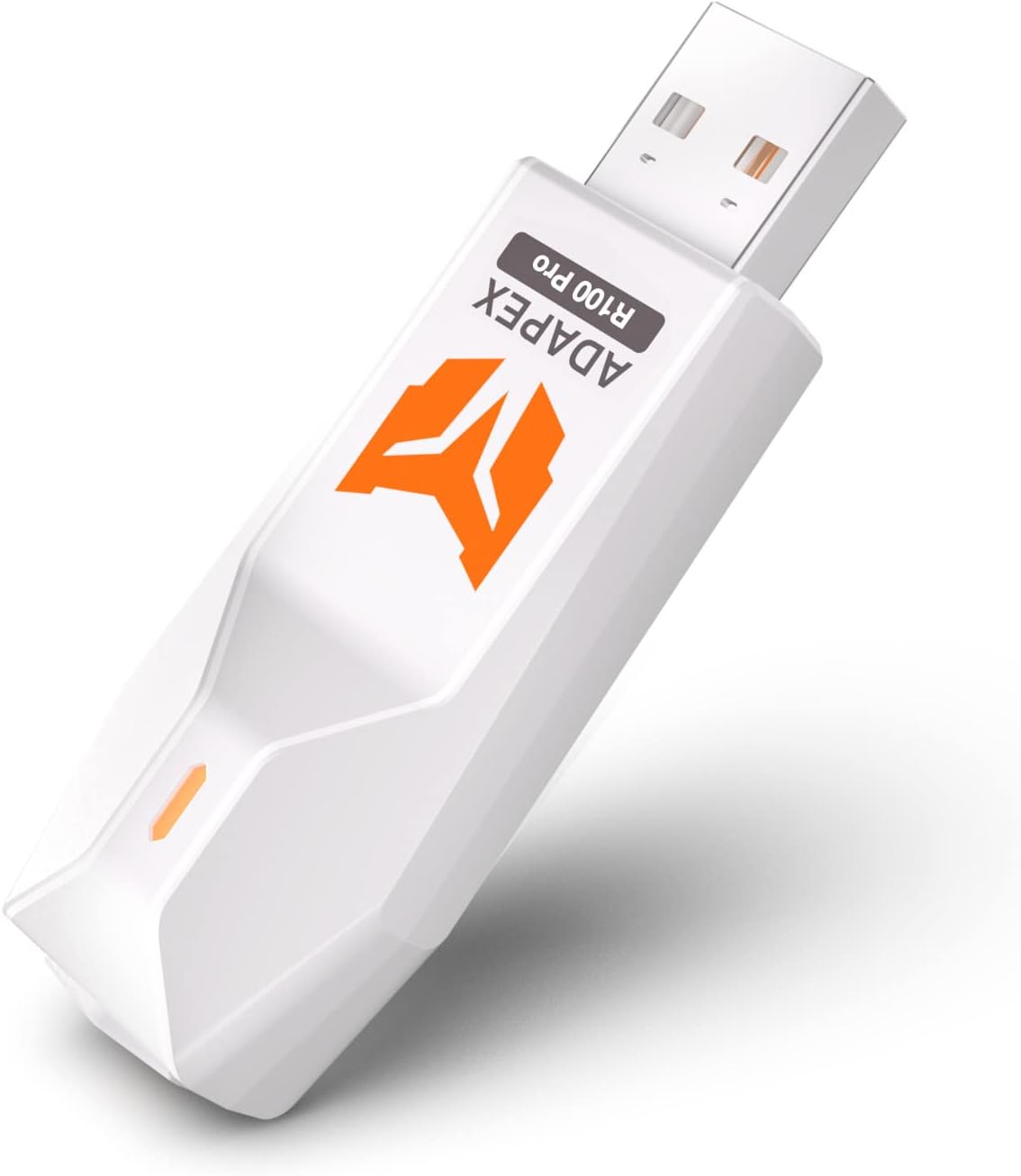
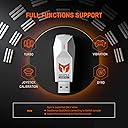
The BIGBIG WON Controller Adapter is a wired USB Type B dongle designed for professional gamers who demand seamless compatibility across Xbox Series X/S, Xbox One, Switch Pro, and PS4 controllers (PS5 games unsupported). Featuring 25% faster response times, full function support including vibration, turbo, and gyro, it ensures lag-free, plug-and-play performance on Switch, Windows 10/11, and PS4 platforms. With strict quality assurance and lifetime support, it’s the ultimate tool to elevate your gaming setup.
| ASIN | B0BXC61B8X |
| Best Sellers Rank | #23,416 in Video Games ( See Top 100 in Video Games ) #65 in Xbox One Adapters |
| Brand | BIGBIG WON |
| Color | black |
| Compatible Devices | Xbox Series X/S Controller / Xbox One X/S Controller / Xbox Elite Series 2 Controller/ Switch Pro Controller / DualSense (PS5 Controller) / DualShock (PS4 Controller) Compatible Devices Xbox Series X/S Controller / Xbox One X/S Controller / Xbox Elite Series 2 Controller/ Switch Pro Controller / DualSense (PS5 Controller) / DualShock (PS4 Controller) See more |
| Connector Type | USB Type B |
| Customer Reviews | 4.2 out of 5 stars 494 Reviews |
| Item Weight | 0.03 Kilograms |
| Manufacturer | BIGBIG WON |
| Model Number | R90 |
| Number of Items | 1 |
| Number of Ports | 1 |
| Package Quantity | 1 |
| Power Plug Type | No Plug |
| Unit Count | 1.0 Count |
| Warranty Description | 12 Month Warranty |
| Warranty Type | Lifetime |
R**S
Great Product!
Love this thing! I have used a Nintendo Switch Pro Controller, an Xbox S Controller, and a Nexigo PS4 controller with the PS4. They all work Great! No connection issues or drop out.
J**P
Adapter.
Works perfect for a Xbox controller
A**M
Pairs with PS5 slim but beware it only works with PS4 games
It pairs with PS5 slim model, but only works with PS4 games. I have decided to use on the Switch instead of PS5 , since there is no point of using it on PS5.
L**S
Es buen
Si bien se logra establecer la conexión con la PS4 Pro en mi caso, no logra ser del todo una experiencia nativa porque a veces tiene un bajo grado de lag, además que siempre hay que configurarla cada que se enciende la consola. Pero en general ha sido un buen producto y sus partes son finas
D**N
Works [Almost] Perfectly on PC with DS4 Controller
I have 3 DS4 controllers(2 gen1 & 1 gen2) that I use on PC and PS4. The generic Bluetooth adapter I have gives terrible latency beyond like 2ft and I wanted to do some couch gaming with my Living Room PC. This device worked exceptionally well. I get incredible latency(at least the same as on console natively) and the range is great(tested at around 15ft distance). The ease of connectivity is great as well - DS4 controller on pairing mode and press the button on the USB device and it just connects. However, 1 annoying problem is the first connection every time I boot up my PC. The controller connects(based on the adapter light and controller light being static) but there is no input connection. I have to press the connection button on the USB device to disconnect/reconnect to get an input connection. This happens EVERY TIME. the very first connection from controller to PC after boot is always a dud. Once I reconnect it works great but this is a minor but annoying inconvenience(and yes, I have updated the firmware on the adapter). Also the addition of some software controls would be very welcome to be able to set a connection timeout/disconnect, controller light customization and the ability to just disconnect/turn off controller with the press of a button. Another con is the lack of multiple controller connections. Only 1 connected controller to the adapter at a time. Overall, 7/10 product with some easy fixes could be a 10/10.
M**K
It works
It work ls still I was scared because I bought it and didn’t look at the reviews but don’t listen to the negative ones it works you just plug it in when u plug it in it will say it’s a storage device you jus go to your storage and find it and put that it’s not then you press the lil button on the dongle til it starts blinking then you press the PlayStation remote and the little button on the left with three lines do it till it blinks then you let go then press the ps button again and then u are good to go
C**R
Works but headphone jack doesn't.
Defeats the purpose of buying it. I bought it to play my ps5 controller on my ps4pro. But headphone jack port doesn't work with this set up. So no new controller for cod. Better off had just paid the few extra and got a new compatible controller.
T**N
Great buy
Works amazing quick set up
Trustpilot
3 weeks ago
1 day ago