Buy anything from 5,000+ international stores. One checkout price. No surprise fees. Join 2M+ shoppers on Desertcart.
Desertcart purchases this item on your behalf and handles shipping, customs, and support to Spain.
🚀 Elevate your home WiFi game — never settle for slow or spotty again!
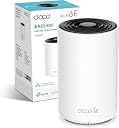
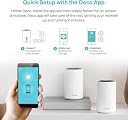
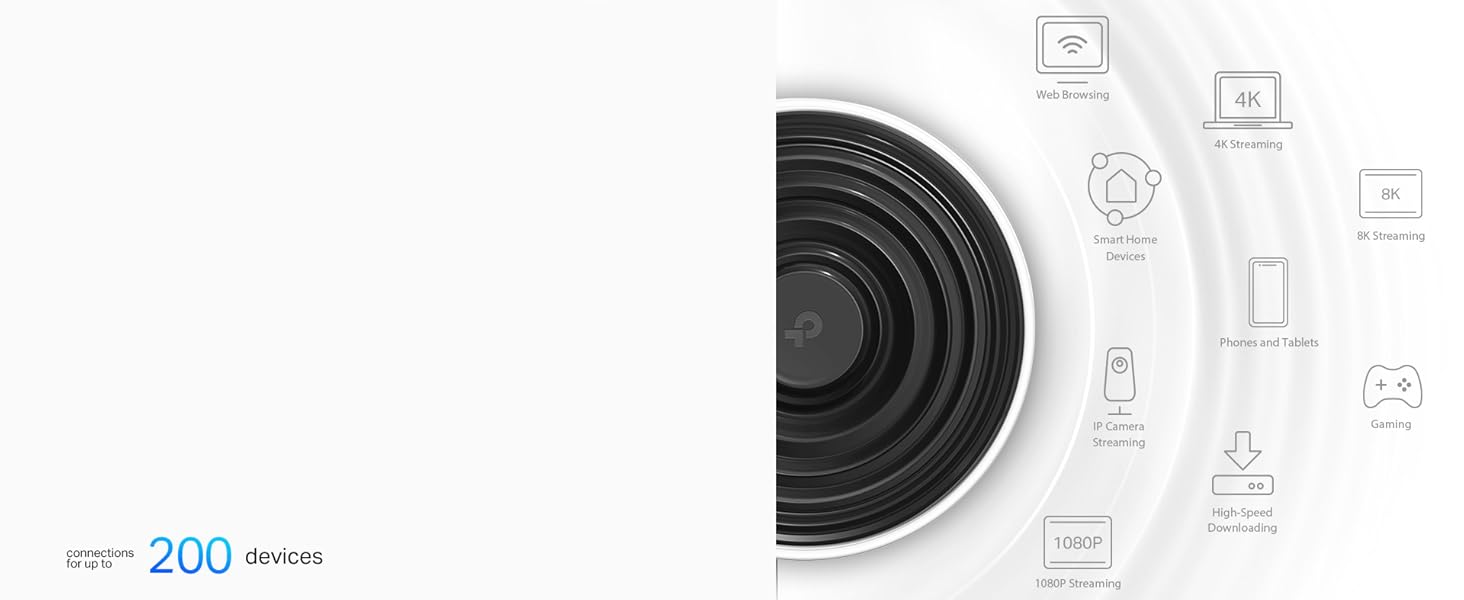
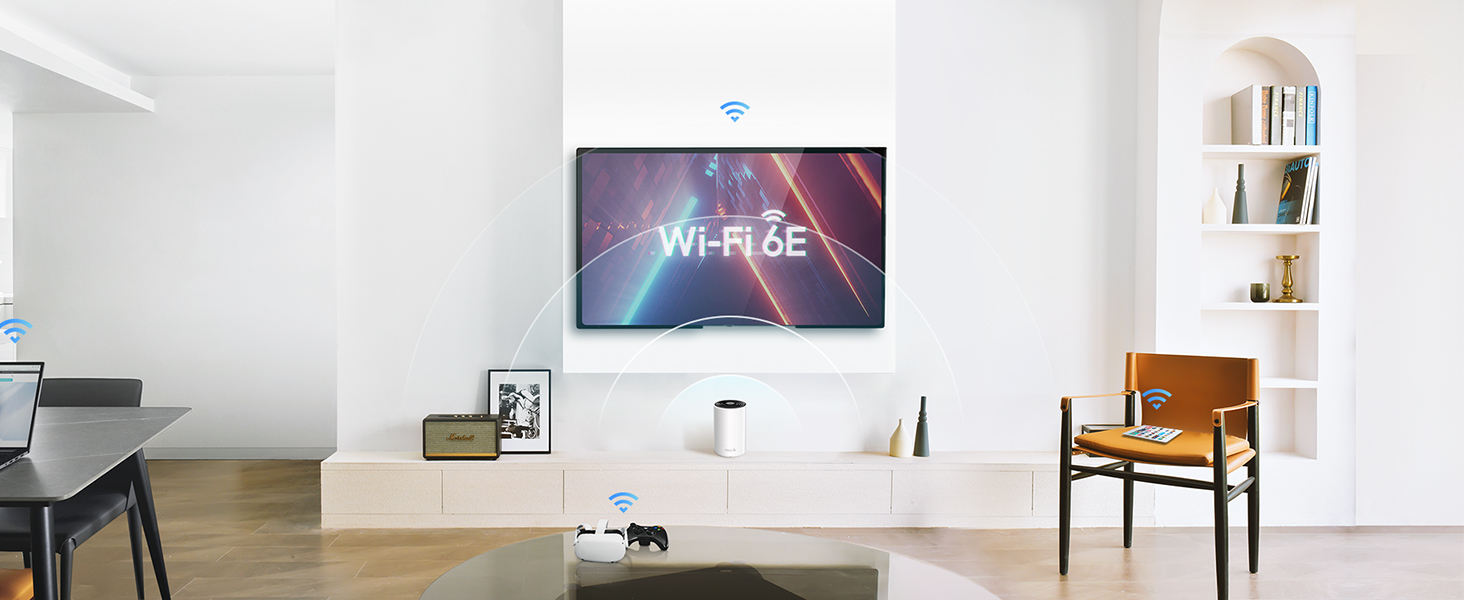
The TP-Link Deco XE75 is a cutting-edge WiFi 6E mesh system designed to blanket up to 2,900 sq ft with ultra-fast tri-band speeds up to 5,400 Mbps. Supporting up to 200 devices simultaneously, it uses AI-driven mesh technology for seamless connectivity and includes robust HomeShield security features. Easy app setup and compatibility with all ISPs make it the ultimate upgrade for modern smart homes craving flawless streaming, gaming, and online meetings.


| ASIN | B0BKTD5PQK |
| Antenna Location | Business, Home |
| Antenna Type | Internal |
| Best Sellers Rank | 2,146 in Computers & Accessories ( See Top 100 in Computers & Accessories ) 9 in Whole Home & Mesh Wi-Fi Systems |
| Box Contents | Deco XE75(1-pack) |
| Brand | TP-Link |
| Brand Name | TP-Link |
| Colour | white |
| Compatible Devices | Laptop, Personal Computer, Smart Television, Tablet |
| Compatible devices | Laptop, Personal Computer, Smart Television, Tablet |
| Connectivity Protocol | Wi-Fi |
| Connectivity Range | 2900 Square Feet |
| Connectivity Technology | Wi-Fi |
| Control Method | App |
| Controller Type | App Control |
| Country of Origin | China |
| Coverage | 2900 m² |
| Customer Reviews | 4.4 out of 5 stars 401 Reviews |
| Data Transfer Rate | 5400 Megabits Per Second |
| Frequency | 6 GHz |
| Frequency Band Class | Tri-Band |
| Frequency band class | Tri-Band |
| Has Internet Connectivity | Yes |
| Is Modem Compatible | Yes |
| Item Dimensions L x W x H | 10.5L x 10.5W x 16.9H centimetres |
| Item Weight | 1.19 Kilograms |
| LAN Port Bandwidth | 1000 Mbps |
| Manufacturer | TP-Link |
| Manufacturer Part Number | Deco XE75(1-pack) |
| Maximum Upstream Data Transfer Rate | 5400 Megabits Per Second |
| Model Name | Deco XE75 |
| Model Number | Deco XE75(1-pack) |
| Model name | Deco XE75 |
| Number of Antennas | 3 |
| Number of Ports | 3 |
| Operating System | TP-Link OS |
| Other Special Features of the Product | Remote Access |
| Product Warranty | 3 Years |
| Router Network Type | wireless |
| Security Protocol | WPA2-PSK |
| Smart Home Compatibility | Smart Home Compatible |
| Special feature | Remote Access |
| Unit Count | 1.0 count |
| Wi-Fi Generation | Wi-Fi 6 |
| Wireless Compability | 802.11ax |
| Wireless communication standard | 802.11ax |
S**M
Solid mesh system that actually works
I mainly got the TP Link Deco XE75 for work, as I needed something more reliable than the router that came from my internet provider. With the old setup, I kept running into issues when trying to access my network remotely, which was frustrating. This system, on the other hand, just worked straight out of the box without any hassle. The difference in WiFi performance has been noticeable. The signal feels much stronger and more consistent throughout the house. Before, I had devices that would struggle to stay connected, especially out in the garden, but that is no longer an issue. Everything stays connected properly now. Setup was straightforward, and once it was running, I did not really have to mess around with it. It just does its job quietly in the background, which is exactly what I wanted. Overall, it has been a solid upgrade for both work and everyday use. If you are relying on a basic router from your provider and having similar issues, this is definitely worth considering.
J**S
Excellent Value for Money: A Deco Mesh System that Works Wonders
I recently purchased a deco mesh system that has not only met but exceeded my expectations. The product in question, which I would like to commend, is the Deco Mesh System. Here is a comprehensive review based on my experience with this fantastic device: Design and Build Quality (★★★★★): The first thing that caught my eye was the sleek and modern design of the Deco Mesh System. Its minimalist aesthetics blend seamlessly with any home decor. The build quality is excellent, and the devices feel sturdy and durable. Ease of Setup (★★★★★): Setting up the Deco Mesh System was an absolute breeze. The instructions provided were clear and concise, making the entire installation process straightforward. Even for someone who isn't particularly tech-savvy, I had the system up and running in no time. Performance (★★★★★): Where the Deco Mesh System truly shines is its performance. My home had been plagued with Wi-Fi dead zones for far too long, and this mesh system put an end to that problem. I now experience consistently fast and stable internet throughout my entire house. Streaming 4K content, online gaming, and video conferences are now a lag-free experience. Coverage (★★★★★): The coverage provided by the Deco Mesh System is nothing short of impressive. Even in my large, multi-story home, there are no more Wi-Fi dead spots. The signal strength is consistent in every corner, and I can even enjoy strong Wi-Fi in my backyard. Price (★★★★★): What makes the Deco Mesh System stand out even more is its affordability. I did extensive research before purchasing, and this system offers incredible value for the price. Comparable mesh systems from other brands often cost significantly more without offering better performance. Additional Features (★★★★★): The Deco Mesh System also comes with a user-friendly app that allows for easy management of the network. You can set up guest networks, prioritize devices, and even monitor your network's health in real-time. The parental control features are an added bonus for families. Conclusion: In conclusion, the Deco Mesh System has transformed my home internet experience. It combines a stylish design, ease of setup, and outstanding performance at an unbeatable price point. No more dead zones, no more frustrating lag – just fast and reliable Wi-Fi everywhere. If you're looking to upgrade your home network without breaking the bank, I wholeheartedly recommend the Deco Mesh System. It's a game-changer! Pros: Stylish design Easy setup Exceptional performance Wide coverage Affordable price User-friendly app with advanced features Cons: None to report Overall, this mesh system has proven to be an incredible investment, and I couldn't be happier with my purchase.
D**G
Pretty fly for a WiFi
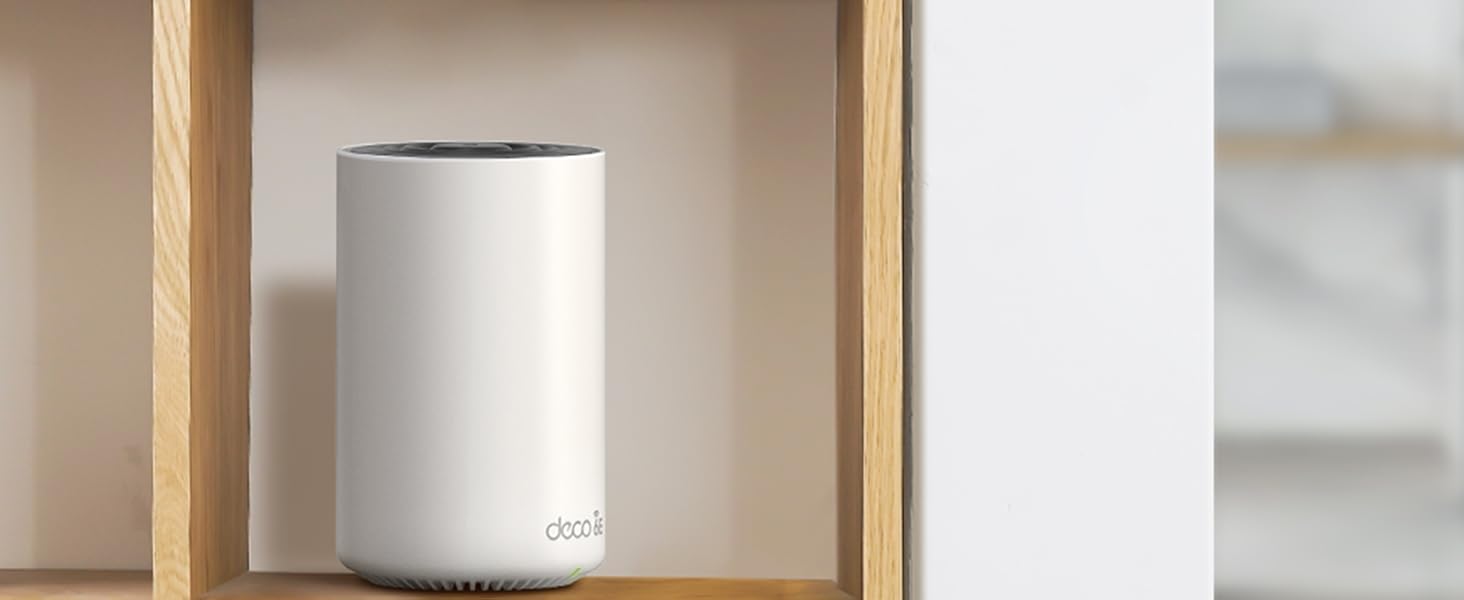
Great mesh solution, works as expected and the connectivity is good - range is clearly much better than using the Wifi provided by your ISP. Wife didn't even mind the aesthetics - looks like a small speaker (or the big Amazon Echo Studio speaker, but white) or an air freshener. Easy to set up with the app, also easy to maintain and view connected devices, bandwidth etc.etc. on the app as well. It has Wi-Fi tri-band - so 2.4GHz, 5GHz and 6GHz - but unless you're sat on the device, 6hz is pointless - very very fast - but doesn't travel at all though anything. I don't think this is the products problem but a 6GHz one, but it should be mentioned. Also the 6GHz signal has it's own name "YOURWIFINAME_6Ghz" that you need to add to your devices if you want to use it. Mesh is seemless, you can't tell when you're going from one of the routers to the other. Yes, they're pricy - but so are all the competition so what can you do? I've had wifi extenders before - much cheaper and you can tell why, you have to have them on different WIFI names and your devices will stick to one or the other until it loses range, regardless of the quality of the connection, so I would avoid and stump up the cash for a mesh solution like this and never worry about it ever again.
S**L
Works better than I imagined
I’m going to go into as much detail as possible about location and setup as not many reviews do and placement and environment is really important information when talking about WiFi meshes. I have 2 XE75 meshes. I live in a small bungalow modern building with concrete walls. The WiFi meshes are placed about 6 meters apart with 2 concrete wall between them. They are connected wirelessly to one another. I even get full WiFi speeds in my front and back garden. My entire property is around 52 square meters. I have anywhere from 14 to 16 divides connected at once. I game regularly and stream all my tv content. I pay for 500mbps of internet. Before these WiFi meshes. I would get a speed of around 200gb in the room furthest away from the router. With the WiFi meshes in place I get over 500mbps in every room. I have my PS5 connected via Ethernet to the AP hub in the living room (eg. They mesh that is connected via WiFi to the other mesh) and get a solid 500+ speeds. I haven’t used the 6E band yet as I don’t have any devices that have the capability. The app is simple but still offers features I really like. People familiar with WiFi Meshes will know that devices tend to “stick” meaning that certain devices will pick a mesh unit further away from them and refuse to switch. Despite the AI system it claims to have this still happens. However they have an option to force a device to use a particular mesh which is great. Luckily the devices that like to stick for me are my TV’s and smart home devices, so as they don’t move around the house like a phone or tablet would, forcing them on a mesh is fine and ideal. I’ve never had a problem with my more portable devices switching to the closest mesh. There is an option in the app to “schedule a reboot” and you can do this daily or weekly. Slightly concerned that you would have a feature to reboot a device so regularly. I took to Reddit to see if there was an answer. People speculated that it was probably a hardware issue where if left the meshes without a reboot the device could build up cache and slow down speeds, but nobody was sure. I turned it on to be on the safe side and set it for 3am every Sunday so that it didn’t affect me. I’ve kept an eye on it in terms of speed tests. The day before the reboot my speeds were fine and after the reboot all my devices were connected as normal so I’ve kept it in place. You also have an option to get notifications when a new device is added to the network which is a great security feature to make sure nobody else is using your WiFi. The only issue I can think of is one of my first generation google docks got disconnected and wouldn’t reconnect. The app saw the device as offline, and the dock just wouldn’t connect. Unplugging the device and plugging it back in fixed the issue. So far a great purchase and I’ve had them for 2 weeks. I’ll update my review if my speeds start to slow down
P**R
Good signal, but with a big caveat.
I was suffering from blackspots in Wi-Fi coverage in my house, and wanted to improve the coverage of by EE/BT TV. I supply the TV via the internet rather than from an ariel. The setup of the system is very simple from the downloaded app, and it is very simple to create a mesh system that I can get throughout my house. I do not have any blackspots at all. I have 500Mb fibre broadband, and following the setup of these deco's, I get rock solid 450Mb Wi-Fi connections everywhere. The reason for marking the XE75 down to 4 stars, is that it cant handle the EE TV signal. There is no configuration to allow Multicast or configure IMPG Snooping. Both of which are required for EE/BT TV. As an FYI if you are interested, I ended up having to put them into AP mode and use the EE hub to provide the signal to the EE/BT TV box. Unfortuantely, this hub was what I wanted to remove from the system. In summary, I would recommend, but only if you have another way to stream EE TV
C**N
Super design, easy to set up and works superbly
We live in an old house with lots of very thick walls, so getting a good WiFi network has always been problematic. Using hardwire connections to use a laptop in blank spots worked pretty well, but obviously this didn’t help with devices that couldn’t be plugged in - like iPads for example. And there were always some places - indoors and out - where there was either no signal at all, or not enough for anything to work reliably. Switching to the Deco6 mesh system has changed all this. For the first time ever we now have WiFi throughout the house, and pretty much everywhere outside too. In the one room where previously we really wanted to use iPads but couldn’t, it’s now easy to browse the web in comfort. And the signal is so good that we can even watch movies without using hardwired connections. What’s more, the units themselves actually look good. They’re very much in keeping with the Apple design aesthetic - clean, simple and minimalistic - and so look great next to a Mac, MacBook or iPad. And if you choose to have the small LED light on, it’s creates a lovely, peaceful, soft green glow. The set up is also really straightforward too - a huge leap forward from any other router I’ve ever used. But it’s not foolproof. I’d watched several videos and read quite a few reviews so ended up slightly over-confident, and missed one key bit of information that’s there in black and white in the instructions. It’s this: you will need to have the Deco app installed and have access to it when you start. I’d installed the app, but had disconnected the old router and had no phone signal either. I had to reconnect it to the old WiFi network to be able to open the app. But from there on it was simple. Just make sure you’ve got your existing network user name and password to hand, plus your ISP user name and password. Should take 5 - 10 mins at most to be up and running. I found the best location for the 2nd unit by testing it in several positions, and then running speed tests on the network. Although the app is well designed, and easy to use, it is a bit lightweight and could easily be much more useful if TP-Link reviewed it and updated it to add more features. But that is about the only criticism I have of the Deco XE75. It’s every bit as good as I’d hoped it would be and a substantial upgrade to our internet experience.
G**W
Useless and unreliable
Dual band doesn’t work, so all your old tech won’t connect. Ethernet ports stop working (permanently) after a year. Expensive and pretty useless
Y**!
3.8 times faster than my router's wifi
Just set it up. 1. No light on the power cord. 2. Plug in Ethernet cable to back of your router. 3. Blue light is at the bottom (under the log). If you're looking for a light on top, you'll be confused. 4. Download the TP Deco app. Create an Account. Email to verify account. 5. Plug in Ethernet cable to back of your router. 6. Put in Router SSID and password 7. It'll ask you to change the name of the Router SSID. Just tested my old internal wifi (use fast.com), at 160 mbps. Deco tested at 610 mbps So almost 3.8 times faster. Hope that helps.
R**I
بطل من كل النواحي
الاشارة للوايفاي قوية وتغطي غرفتين باشارة كاملة لكل قطعة
A**R
Game changer
Came from an old Asus ac66u router. This new tplink covers our whole house and our garden. We got the 2 pack. Shipping ok to NZ. Not super fast but ok. For NZ customers and maybe AU as well, this is a slightly better version of the same model we get in NZ. Has a higher hardware version and has faster wifi speeds. So very happy. Just has the UK plug but adaptors fix that.
J**G
Value for money
Easy to set up and easy on the pocket. Wifi 6e is worth it ...
K**C
Système fiable et performant
Comme son grand frère le X90 ce système wifi 6 est vraiment performant
M**S
Woth the cost
Easy to install and connect. I now have a better and more stable connection in all bedrooms.
Trustpilot
2 months ago
1 month ago