⚡ Power your smart lifestyle with effortless control!
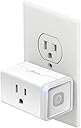
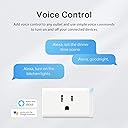
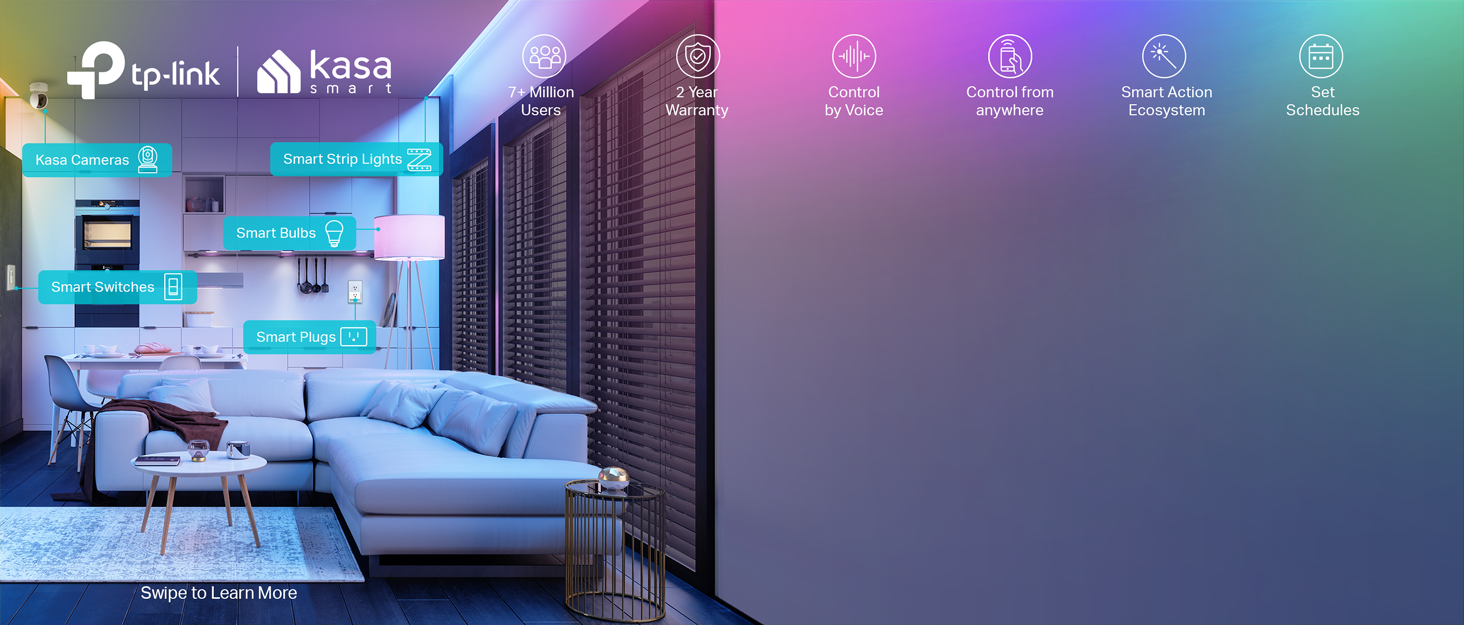
The Kasa Smart Plug HS103 by TP-Link transforms any outlet into a voice-controlled smart device compatible with Alexa, Google Home, and IFTTT. Featuring 2.4GHz Wi-Fi connectivity, 15 Amp power capacity, and customizable scheduling, it offers reliable, hub-free remote control through the sleek Kasa app. UL certified and trusted by over 5 million users, it’s the perfect upgrade for a connected, efficient home.


| ASIN | B079B7SHD8 |
| ASIN | B079B7SHD8 |
| Batteries Included? | No |
| Batteries Required? | No |
| Best Sellers Rank | #199,569 in Tools & Home Improvement ( See Top 100 in Tools & Home Improvement ) #83 in Home Automation Modules |
| Color | WHITE |
| Customer Reviews | 4.5 4.5 out of 5 stars (13,337) |
| Customer reviews | 4.5 4.5 out of 5 stars (13,337) |
| Date First Available | 19 February 2019 |
| Date First Available | 19 February 2019 |
| Included components | Smart Wi-Fi Plug Lite HS103 * 1 |
| Is Discontinued By Manufacturer | No |
| Item Package Quantity | 1 |
| Item Weight | 99.8 g |
| Item model number | HS103 |
| Item model number | HS103 |
| Manufacturer | TP-LINK |
| Manufacturer | TP-LINK |
| Material | silicon |
| Part number | HS103 |
| Pattern | Smart Plug |
| Plug Profile | Wall Mount |
| Product Dimensions | 3.99 x 3.81 x 6.65 cm; 99.79 g |
| Product Dimensions | 3.99 x 3.81 x 6.65 cm; 99.79 g |
| Size | 1 Pack |
| Specification met | UL |
| Style | Classic 1-Pack |
| Switch Style | TRIAC |
| Switch Type | 1-way |
| Voltage | 120 Volts |
| Wattage | 1800 watts |
T**E
I am very happy with the Kasa Smart Plug. I bought it to replace my Wemo Mini which I have had for about 3 years. I've had problems with the Wemo as I would have to manually reset the plug and reconnect it to my network, especially when my internet goes out and comes back. I've been using the Kasa plug for about a week now and have had no problems with it. My internet has gone out several times and I even had to reset my router modem to factory defaults. After I put back in the same SSID and password that I used before, I didn't have to set back up my Kasa. It automatically reconnected. As you can see from the pictures, the Kasa plug is shorter than the Wemo. My Wemo plug overlapped the wallplate but the Kasa is about the same width as the wallplate. I like that the button is on the side as well. Setting it up was very easy. There are no instructions in the box but on the box (see pic). I simply downloaded the app and followed the prompts. The app did seem to get stuck when it was connecting the plug to my network so I had to close the app and open it back and then it connected quickly. I also love the app interface. It is clean and I love the way the graphics look. The only thing I would say that I didn't care for was the blue led light. I'm a person that needs complete darkness to sleep so I had to use black electric tape to take off the side. I wish manufacturers of smart plugs would put in an option to turn off the led light from within the app. Overall I am very happy with the Kasa as it was half the price of my Wemo mini, reconnects after my internet drops, and has a much nicer app interface.
B**.
Fácil de configurar y de sincronizar con Alexa. No se desconfigura como otras marcas que por desgracia he comprado.
L**O
Me llegó el producto desde EEUU en menos de una semana. El dispositivo venía en una cajita de cartón, sin instructivo o manual del usuario. La instalación fue sencilla, descargué la app Kasa Smart de TP-LINK en mi teléfono y seguí los pasos que me indicaba. Lo utilizo para encender un aire lavado que está en un lugar difícil de alcanzar. Me animé a comprarlo porque la marca TP-LINK me da confianza y además el producto estaba en oferta, al mismo costo que los smart plug chinos de marca genérica. Al conectarlo al tomacorriente no estorba al enchufe de abajo.
F**Y
How you connect it: download the Kasa Smart app onto your smart phone (available in the Google Play store for Android devices or Apple store for Apple devices...no PC/Chromebook/Linux options). The app will walk you through connecting to the plug, and will connect to your wifi. If you want to control the plug via Alexa/Google, then you'll connect those services through the Kasa app, then jump into Alexa/Google app and find the new devices. (I did minimal setup in the app, preferring instead to schedule everything via Alexa/Google app so that device controls/settings are all in one place.) About the plug: there is an on/off switch on the side to manually turn it on or off. All this plug does is talk to the app and/or Google/Alexa to turn electricity on or off to the device plugged into it. It isn't "smart" beyond that; it can't tell Alexa the status of the device plugged into it or anything similar. Some devices won't retain their "on" state when they're turned off, like a computer...simply plugging in a computer won't power it on. With this type of device, the smart plug won't power it on for you, because all it does is turn power on or off. This is what you can do within the Kasa Smart app: -Power devices on/off by tapping a power button in the app -Power on/off devices in conjunction with certain events like when you come home, sunset, etc. (called "scenes") -Power on/off devices on any calendar day (so you could have something turn on in six months from now at 2:45 PM for instance) -Connect it to Alexa, Google, sensors, bulbs, locks, etc., including Samsung Smart Things -Push device firmware updates if available I'm very impressed, I've had a lot of smart apps that were very frustrating, hard to use or didn't want to pair with the devices or didn't want to communicate well with Alexa/Google but this one was very easy to use and worked perfectly.

S**R
I use these plugs with Google assistant for a variety of lights and devices around the home. Of course, I have a couple of lights on them, but also a laptop and other devices. Either the TP-Link Kasa software or Google Assistant (with a Routine) can be used to set up scheduled on/off. This is not only great for lights, but if you have a laptop or other battery powered device, leaving it attached to a plugged in charger for long periods can reduce battery life over time. With these plugs I charge my laptop for a 90 minutes a few times a week, which should preserve the battery over the long term. The other thing to consider with smart devices is that you'll have to have an account not only with Google or Alexa, but also with the device manufacturer (e.g., TP-Link), so it's a good idea to pick a few brands of devices and stick to them (e.g., TP-Link smart plugs, Feit Electric smart bulbs in my house.) These often go on sale, so pick up a 2 or 4 pack if you can use them for things like holiday lights, too! The primary drawback -- common to virtually all of these -- is that it only works with a 2.4 gHz band Wifi. Since the 5 gHz band is faster and generally less crowded, it would be nice if they upgraded these for both wifi bands.
Trustpilot
1 week ago
2 days ago