Buy anything from 5,000+ international stores. One checkout price. No surprise fees. Join 2M+ shoppers on Desertcart.
Desertcart purchases this item on your behalf and handles shipping, customs, and support to Spain.
📡 Stay connected, globally and precisely — the ultimate 4G HAT for your Raspberry Pi!
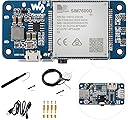
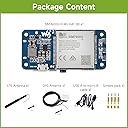
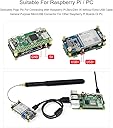
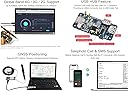
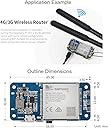
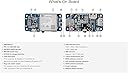
The Waveshare SIM7600G-H 4G HAT (B) transforms your Raspberry Pi or PC into a powerful LTE Cat-4 communication hub with global band support. It delivers blazing fast 4G speeds up to 150Mbps downlink, supports multi-constellation GNSS positioning for accurate location tracking, and features a built-in USB hub plus audio jack for telephony functions. Designed for seamless integration with Raspberry Pi Zero/Zero W via pogo pins or other models via USB, this compact module ensures you never miss a beat in connectivity or location precision—perfect for IoT, remote monitoring, and mobile projects.


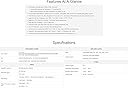
| ASIN | B08ZSSCYDD |
| Best Sellers Rank | 51,072 in Computers & Accessories ( See Top 100 in Computers & Accessories ) 129 in Barebone PCs |
| Box Contents | SIM card slot, onboard audio jack |
| Brand Name | Waveshare |
| CPU Model | MediaTek MT8125 |
| Compatible Devices | Raspberry Pi, PC |
| Country of Origin | China |
| Customer Reviews | 3.9 3.9 out of 5 stars (26) |
| Item Weight | 0.01 Kilograms |
| Manufacturer | Waveshare |
| Manufacturer Part Number | SIM7600G-H 4G HAT (B) |
| Model Name | SIM7600G-H 4G HAT (B) |
| Model Number | SIM7600G-H 4G HAT (B) |
| Network Connectivity Technology | USB |
| Operating System | Un système d'exploitation Linux, sans version spécifique mentionnée |
| Processor Brand | Broadcom |
| Processor Count | 1 |
| RAM Memory Technology | DDR2, DDR3 |
| Unit Count | 1.0 count |
| Wireless Compability | Bluetooth |
J**N
Working fine.. easy to install and use.. all happy. I am missing a case for it.. but I just have to 3 d print one
R**L
Product received and tested on Raspberry Pi Zero W, working perfectly. Highly recommend ☆☆☆☆☆
E**E
Great little board, very impressive feature set and offers a ton of value for remote communication for your project, industrial or commercial applications etc... Wiki is pretty good with a detailed walk through on connecting it to windows, raspbian, or Jetson setups. I like that it's all accessible via UART, commands are given to help it also makes the board incredibly versatile for nearly any platform. They have also included tons of documents, examples and support links to help make it as easy as possible. I tested with a windows pc to just get a feel for the device's function, after the driver install everything came up on the various com ports for all the devices on the board. GPS picked up pretty quickly feeding NEMA data to the AT serial. Sim card was a dummy but it was picking up the network. No doubt it would run fine as a modem or to send or receive calls and text with this setup as all the drivers were present and happy. Moving on to Linux, had no problem in testing with a Raspberry Pi 3B plugged in via USB. The wiki guide was again excellent at setting up the serial terminal via minicom and i was chatting with the AT commands terminal no problem. I did have some issues with the python scripts but they were all there i just need to spend more time understanding where it was getting lost. I did find a helpful hint if you are encountering resource busy responses is to disable the modem manager. While i don't have a final project idea yet this is a really fantastic board backed up with some pretty solid documentation direct from the chip manufacturer and with a quick start by wave share. They have always been impressive in their documentation and this more complex board is no exception. I do wish there were just straight pin headers for UART connections, i don't quite get why they went with 3 USB connections on the board. But i do see how it could be nice to break them out for a pi zero application. Also, a bit of a limitation that you are locked into the AT commands console for connection to the devices, while its super easy to use you can't quite get into the trenches with the chip either. Overall, the wiki and guide get you up and running and generally familiar with the device. If you can get over the serial commands interface i think you could get a nice little addition to your project or paired with at pi zero and ultra compact solution.
J**T
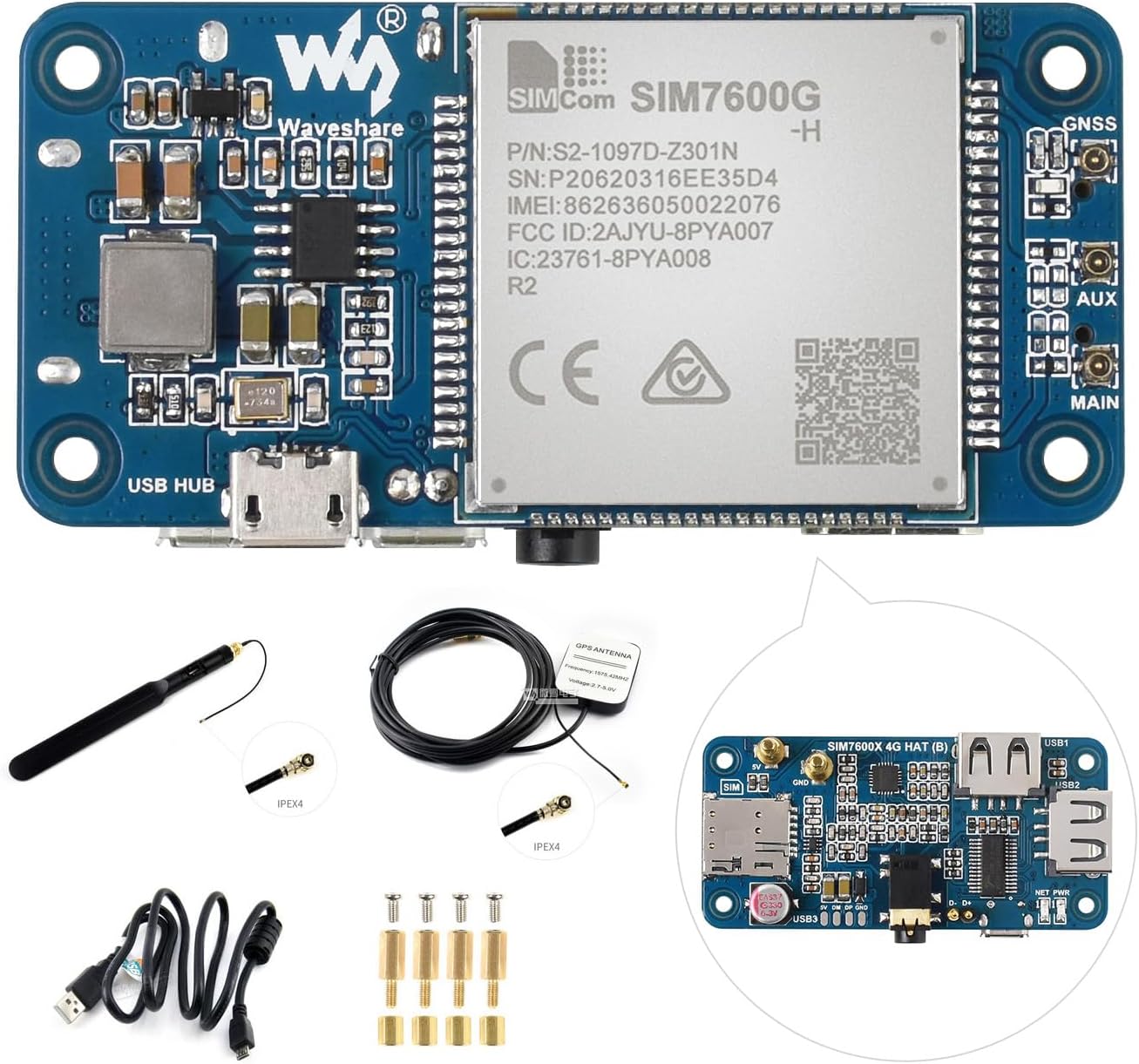
I did not know that there were phone modules that worked with 4G LTE networks, but here it is! This is made to mount underneath a Raspberry Pi Zero computer, and has the same footprint as that circuit board. It comes with a pair of PCB antennas for LTE, and a GPS amplified antenna on a 10' cable. It comes with an audio jack you can plug a headset into, allowing making regular voice calls with it easy without any other components, as well as using as a data modem. I didn't want to use a Pi Zero module, so my plan is to operate this from a Pi Pico board, but for my initial tests I just connected the micro USB jack on this module to a USB port on a Dell Latitude running Linux, and also running Windows 10. The phone worked on both operating systems, connecting using Minicom in Linux and PuTTY in Windows. Waveshare's website and Wiki were very helpful, and I was able to initiate and answer voice calls, send and receive SMS text messages, and connect to the Internet through the USB port, again with both Windows 10 and Linux. WIndows required a driver, but Waveshare tells you where to download that, and Ubuntu Linux found the device without needing a driver. I was also able to do voice and text on a MacBook, but there was no driver for the LTE modem option that I could find for macos. I tried this module with both a Verizon SIM card and a Mint Mobile card, which uses the T-Mobile network. Both worked just fine. Now I get to do the fun part, which is connecting a touch screen 2.8" LCD to the Pi Pico and making a decent user interface for it, and putting it in a custom case. Most fun project in a long time. OH! One thing you will want to know: the module uses what look like u.fl or IPEX connectors for the main antenna, the "diversity" antenna, and the GPS antenna. But these are actually IPEX-4 connectors, which are smaller and will not work with antennas that just say they have "IPEX" connectors, which in most cases means IPEX-1. The trick I discovered was that if you look for 5G antennas, these use IPEX-4 connectors, and they will cover the 4G LTE bands just fine. This is not a problem if you use the included antennas, since they already have the right connectors on them, and you can use one of the included IPEX-4 to SMA adapters to plug in any amplified GPS antenna that uses SMA. Honestly, I'm pretty sure Waveshare didn't really mean for this to be used in a phone - it's more for putting into computer projects that need a wireless Internet connection, but I think I can make the best phone since my Ericsson 388. Like I said, I got a Mint Mobile SIM card, which was because I occasionally need to stream video where there is no WiFi, and also wanted to have unlimited voice and text, which this did, but there are also decent plans from Boost Mobile (on AT&T or T-Mobile) and a number of data-only SIM cards that are really cheap if you just want to use it for low-bandwidth data on a wireless project, so have fun!
M**C
Le module GPS/4G basé sur la puce SIM7600G (Waveshare) fonctionne très bien de manière générale. Facile à installer, le support et les exemples de code sont très utiles et bien expliqués. Je n'ai pas donné 5 étoiles pour 2 raisons: - Les câbles d'antenne ne tiennent pas assez fermement sur le socket et peuvent donc se déconnecter assez facilement. - Le montage sur Pi Zero se fait au travers des pins de contact qui viennent se poser directement sur les connecteurs GPIO. Le contact n'est pas toujours franc. J'ai essayé 2 modules différents sur 2 PI Zero différents et le problème est le même. Je pensais d'abord à un défaut du module que j'ai remplacé mais malheureusement le nouveau module présente les mêmes faiblesses. Donc un conseil, mieux vaut utiliser la connectique USB et éviter l'utilisation en mode HAT.
Trustpilot
2 weeks ago
3 weeks ago