We remain fully operational. Our teams are working around the clock to ensure your deliveries continue safely.

DOWNLOAD THE APP


Customer Services
Copyright © 2025 Desertcart Holdings Limited
DOWNLOAD THE APP
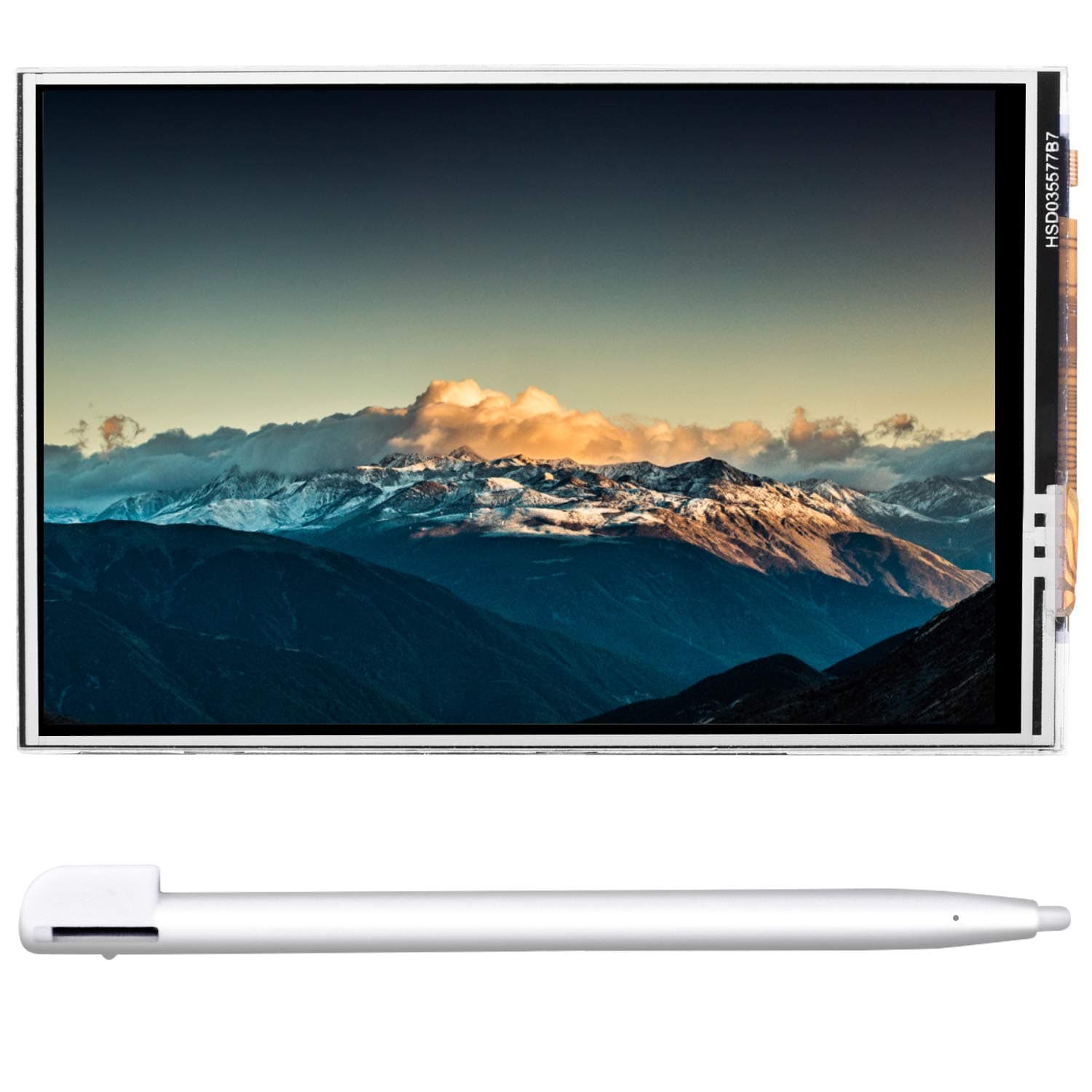


🚀 Elevate your Pi projects with a screen that keeps you ahead of the curve!
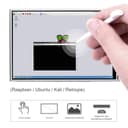
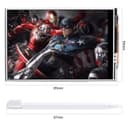
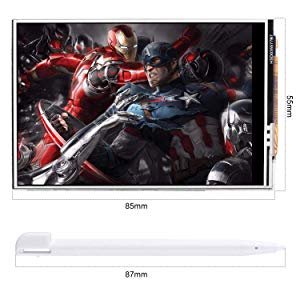
The Kuman 3.5-inch TFT LCD touchscreen is a compact, plug-and-play display designed for all Raspberry Pi models up to 3B+. It supports simultaneous dual-screen output, runs at a smooth 50fps refresh rate, and offers a 320×480 resolution with resistive touch input. Compatible with major Pi operating systems, it includes free drivers and a stylus, making it an unbeatable value for developers and makers seeking portable, vibrant visual feedback.






| Customer Reviews | 4.0 out of 5 stars 37 Reviews |
C**S
Surpizingly good
This little screen is incredible for the price. I honestly expected it to be either a scam or comically bad, and was very happily surprised! Installation: 5/5 Plug it into the raspberry pi, follow the half note card of instructions, and you're good to go! Display: 5/5 It's exactly as stated, a small 3.5 inch screen. It is bright and has good colors for the price. Touch: 3/5 It's a little mushy, and is hard to use around the edges (where all the important buttons \ sliders are). It does work with either the provided pen or fingers just fine for most of the middle. Durability: 4/5 (had it too short to really test) If you drop this, it will be a goner. However it does feel well built and sits on top of the case I have for my Raspberry Pi nicely. The pins went in perfectly and nothing feels loose or flimsy. Price: 5/5 I doubt you can find better without going wholesale or giving up quality. Overall: 4.5/5 This screen can be used for a multitude of purposes and is simply unbeatable at the price. I will probably buy one for each non-headless Pi that I own.
T**T
Easy to install and works great
I just got the envelope about 20 minutes ago. I powered down my Pi, removed the top of my existing case and plugged this in. I powered it back on and logged into the Pi with Putty and typed in the supplied command to get and install the driver. It rebooted and the display works great. As far as how useful it will be in the long run, I can't really say, but for $18 I can get an immediate status check on my Pi without having to have a bulky display plugged into it. This unit is serving as a PiHole for my network, so being able to check it's status immediately is important.
Z**R
Easy to install
Great product
D**L
Didn't work
this came with no instructions. I asked my son-in-law who is a programer to help me set it up. after working on it for a week he was unable to get it to work past boot up. He was able to find the drivers on the company website but was unable to get it to work.
I**P
Works great for octoprint tft
Surprised by the quality of the screen, nice colors and display quality. Touch is nice and responsive, I didn’t need to calibrate it. Works great running Octoprint tft on my raspberry pi. I had a little trouble getting it setup, after installing the drivers and octoprint tft it would hang on boot saying fdcp couldn’t be found, lookup user tasanakorn and project rpi-fdcp on github if you run into this. Fixed it right up for me.
C**I
Good documentation
The product came with documentation in an online wiki. I haven’t completely figured out how to replace my primary display for a RetroPie built with a compute module 3 yet, but that’s a user error, since I need to perform extra configuration and don’t have access to the network with my current board. I do wish that the female end for the raspberry pi GPIO headers was removable, since my use case is not the conventional stack but rather to embed this in a tight build with ribbon cable, but with some modifications it should be removed and the rest of the screen will fit the profile nicely.
W**Q
Caveat Emptor
While the display is beautiful, fits perfectly and is sharp and clear, the little printed direction sheet is not so clear and the lcdwiki is written only for Windows users. I installed mine on an RPi 3B (not +) which already had stretch installed. No information about installation on Buster as I understand that the systemd start-up files are different. For Linux/RPi users, it is possible to install from the RPi itself...just follow the commands listed in the printed instructions in a terminal window without any of the ssh stuff. After initial tweaks in the Preferences menu (location and services) you can shut down, install the display on the GPIO pins (at extreme end nearest uSD card holder) and power cycle to boot. The screen will initially be a uniform gray color and unless you view from directly on you might miss the boot sequence. You will see immediately that the display has a pretty narrow viewing angle. I have not done the "resistance" of the screen as it seems to be good out of the box and the stylus selects the appropriate things. I would have given 5 stars but for the poor instructions and the very narrow field of view. Edit: Downrated from 4 stars...the font size in the terminal is impossibly small and the LXTerminal configuration for font size cannot be seen at the bottom of the display. Their help page is no help. So if you have great young eyes, it might be ok but for my old eyes, ng.
D**X
Works great after a challenging setup
If you do get this LCD screen purely to display video on it, it's pretty much plug and play after installing the driver. However, if you want it for touch, you'll have to dig into forums and github community because the touch input needs calibration and the videos and official instructions you find about it don't work. What helped in my case was a thread called "Touch screen is backwards" on the manufacturer's github page.
Trustpilot
4 days ago
1 day ago