
Descargar la aplicación


Servicios al cliente
Sobre nosotros
Copyright © 2025 Desertcart Holdings Limited
Descargar la aplicación
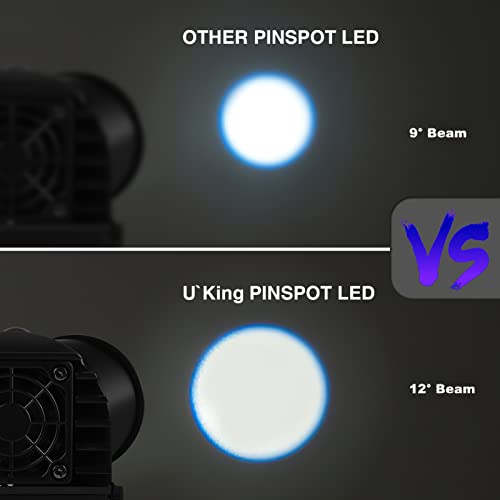
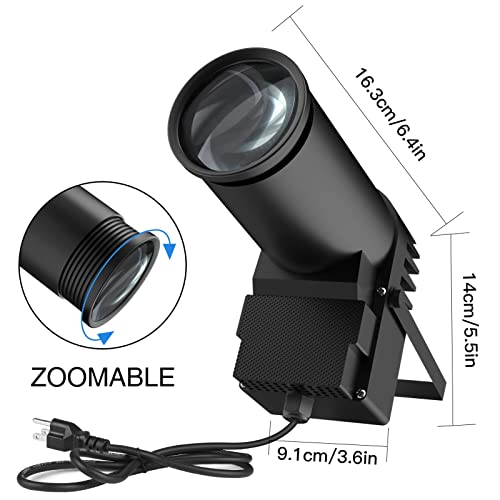
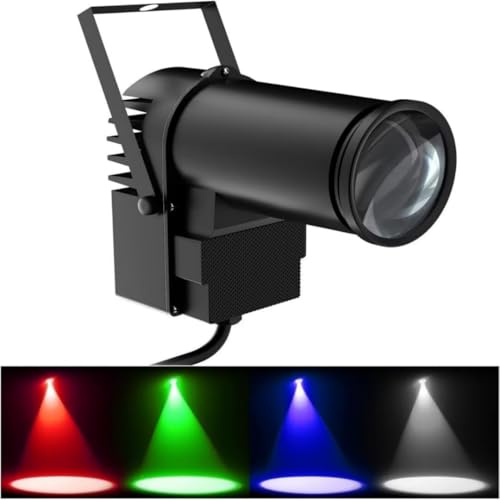
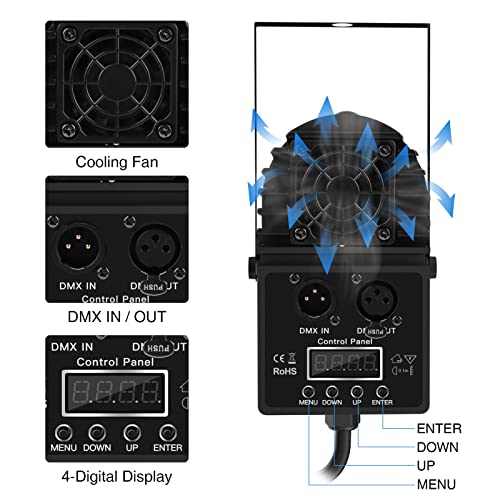

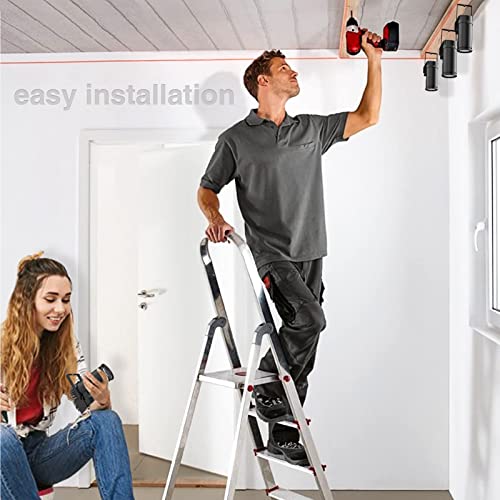
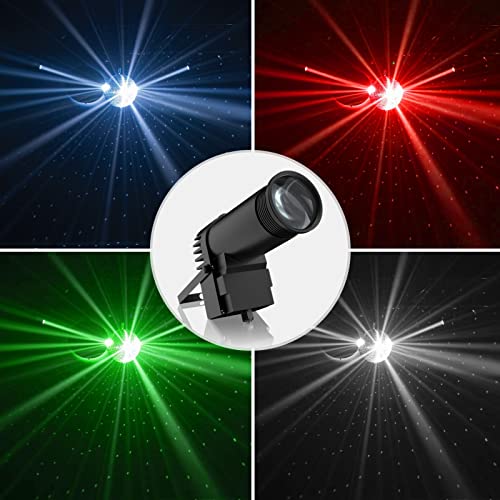

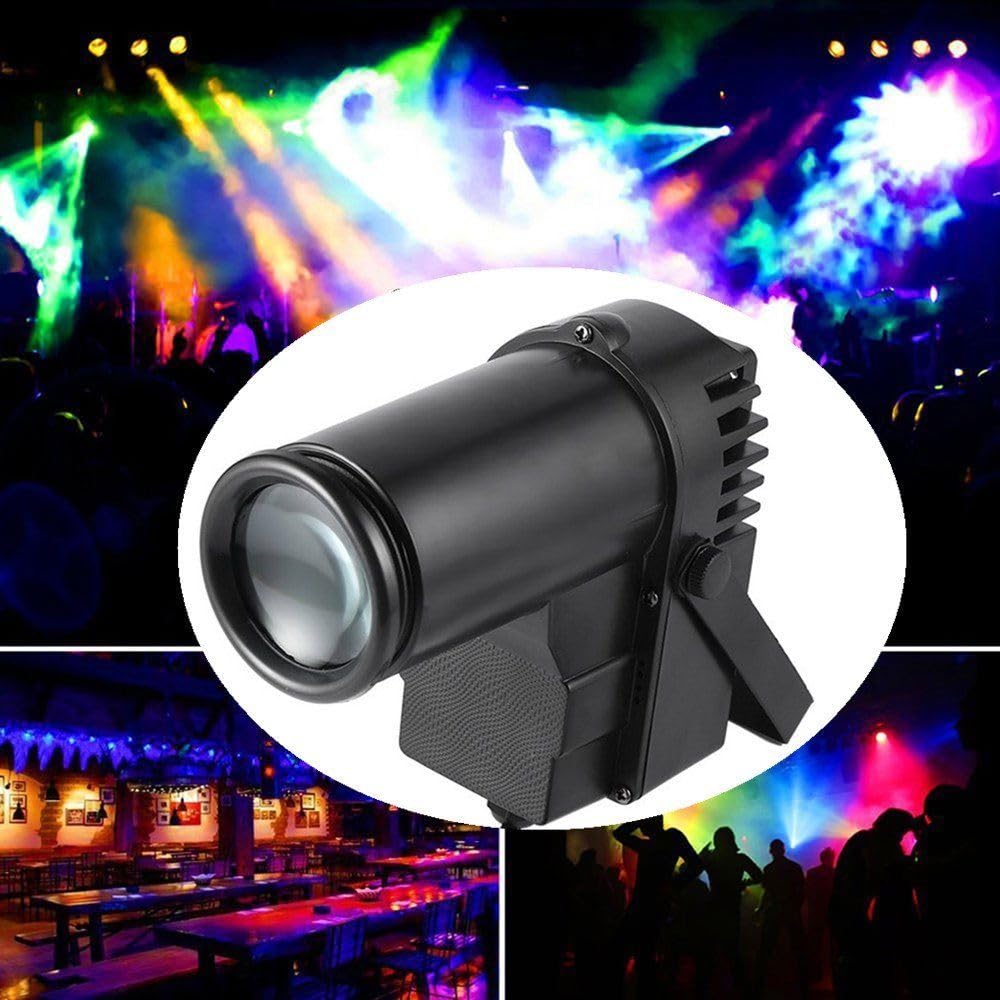
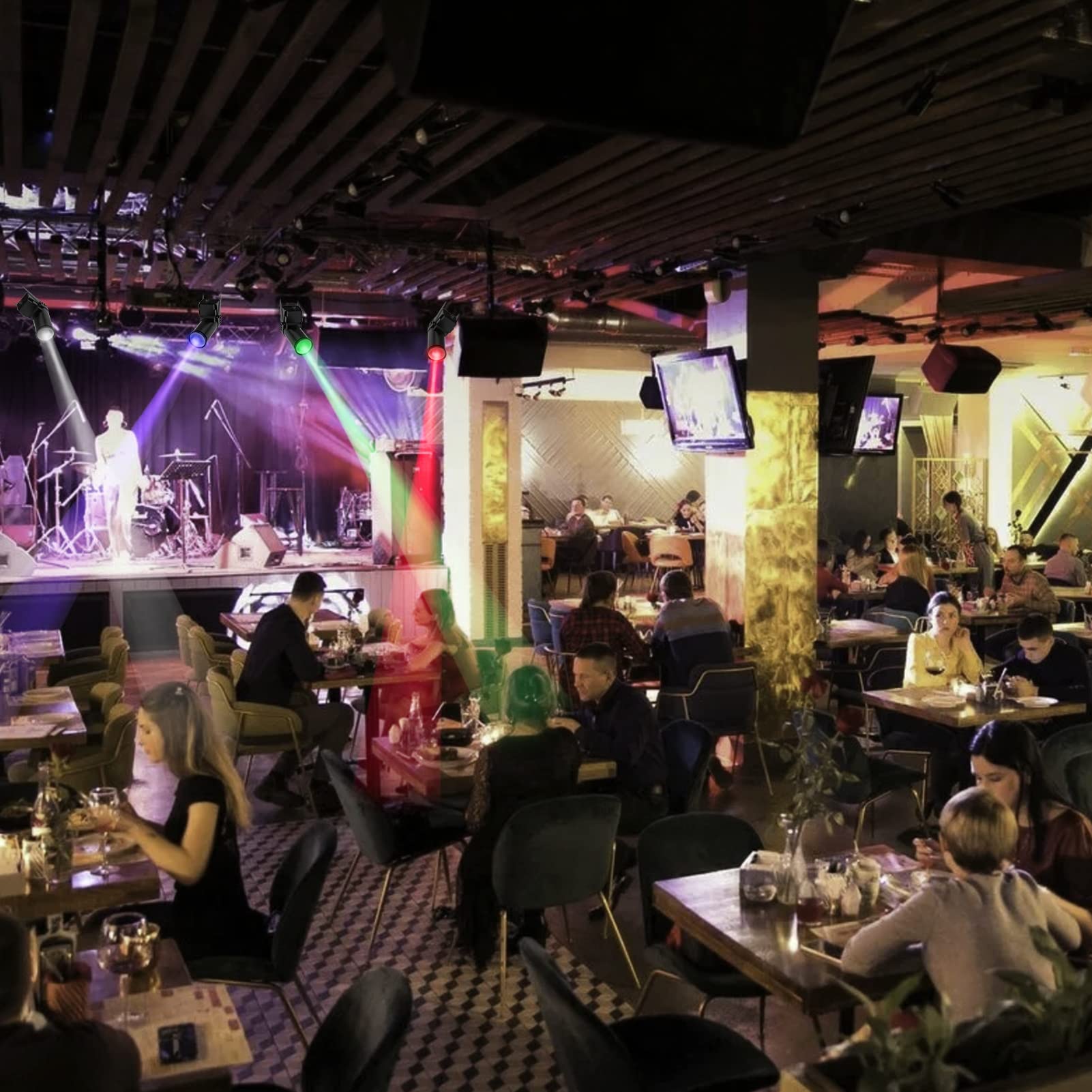


✨ Light up your nights with pro-grade RGBW brilliance! 🎉
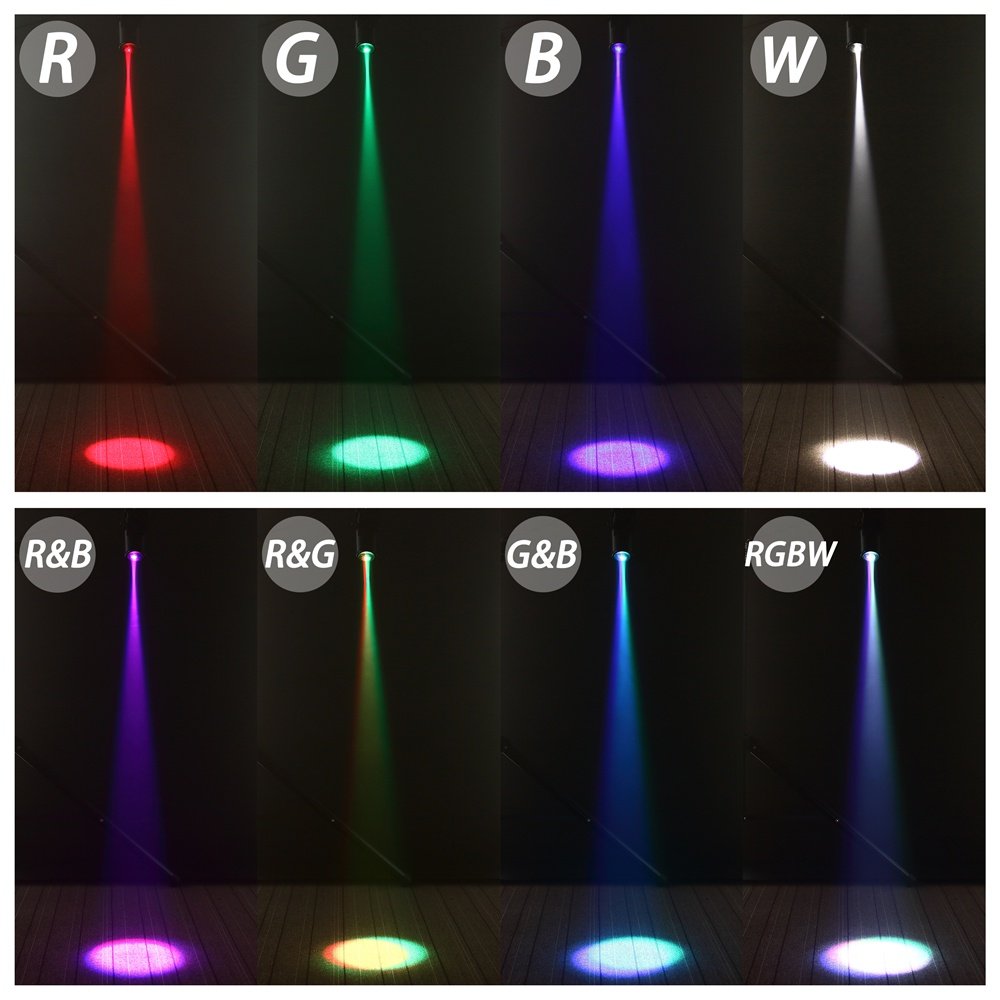
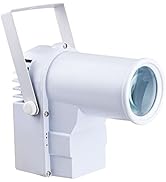
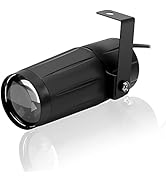
The U`King LED Pinspot Light is a compact, 10W RGBW spotlight designed for disco balls and stage effects. Featuring four professional control modes including DMX 512 and voice activation, it offers vibrant color mixing and adjustable beam focus. Its durable ABS construction and versatile mounting make it ideal for weddings, clubs, DJs, and theater shows, delivering reliable, high-impact lighting that transforms any event into an unforgettable experience.



| ASIN | B07JLTNP5N |
| Are Batteries Included | No |
| Batteries Included? | No |
| Batteries Required? | No |
| Beam Angle | 25 Degrees |
| Best Sellers Rank | #10,136 in Musical Instruments ( See Top 100 in Musical Instruments ) #124 in Stage Lights |
| Brand | U`King |
| Brightness | It is common for LED lights of this power level to have a brightness of around 500-1000 lumens. Since this product has a 10W power consumption and a RGBW 4 in 1 light source, which is capable of producing a relatively high level of brightness, a reasonable estimate would be around 800 lumens. lumens |
| Bulb Base | E26 Medium |
| Bulb Features | rgbw,sound activated |
| Color | Black1 |
| Customer Reviews | 4.0 4.0 out of 5 stars (603) |
| Date First Available | October 23, 2018 |
| Finish Type | Abs |
| Finish types | Abs |
| Included Components | 1*light |
| Is Discontinued By Manufacturer | No |
| Item Package Quantity | 1 |
| Item Weight | 1 pounds |
| Item model number | ZQ07010 |
| Light Source Type | Light Emitting Diode |
| Light Source Wattage | 10 Watts |
| Manufacturer | U`King |
| Material | Acrylonitrile Butadiene Styrene (ABS) |
| Maximum Compatible Light Source Wattage | 10 Watts |
| Mounting Type | Floor Mount |
| Number of Light Sources | 1 |
| Part Number | B93B |
| Power Source | Corded Electric |
| Product Dimensions | 6.4"L x 3"W x 2.8"H |
| Shade Material | Acrylonitrile Butadiene Styrene |
| Shape | Round |
| Style | Modern |
| UPC | 728458370789 |
| Voltage | 240 Volts |
| Wattage | 10 Watts |
S**W
UPDATED: I CLARIFIED THEIR INSTRUCTIONS here for this: my first disco ball pinspot light
(update) A lot of people were asking about the size of the pinspot light size, so I thought I would take some time to measure mine and share my results. There's probably a little margin of error, as I was measuring by myself without assistance from anyone else. I also did not experiment with screwing or unscrewing the lens. I think my lens is almost fully extended (any more and it would fall out?) and I'm also not sure if this matters at all to the measurements? At 5ft from source, the spotlight diameter (circle's end to end) is about 12.5 inches At 10ft from source, the spotlight diameter is about 25.5 inches At 15ft from source, the spotlight diameter is about 36.5 inches At 20ft from source, the spotlight diameter is about 51 inches At 25ft from source, the spotlight diameter is about 62.5 inches At ~29ft from source, the spotlight diameter is about ~71 inches Overall, in my opinion, this is a good quality colorful light source. This is the first pinspot light and disco ball I have ever owned. Maybe I am imagining things, but I will say that when I used this pinspot light at a distance of about 6 feet from a 12 inch disco ball spinning at 6rpm, shining on walls that were 11 feet or more (in the corners) away, I think I observed that you can see the 60Hz flicker effect amplified by the speed, and so although you dont see a strobe effect from it, it does look like dotted lines when spinning at the speed. any faster, and you might notice the effect even more. I am replacing 6rpm motor with 1rpm, and i dont think that will be a consideration at the slower speed. UPDATE: 1rpm speed shows no signs of flickering. I couldn't tell what screwing or unscrewing the lens did, and the manual does not talk about it at all, but I think I observed that it made the projected light circle a little bit bigger or a little smaller. Not by as much as I would have liked or expected, so I will just have to position the light in a different (closer) location to get the coverage that I desire. The instructions have most of what you need to know in them, but you will have to do a little bit (ok, probably a lot?) of interpreting of your own since English was not their primary language. There is also a lot of information that is difficult to organize in an easy-to-understand fashion in such a small place. There was a lot of information about the DMX function of the device, but unless you have a DMX board, it might just add to the confusion. If you have a DMX board, you probably already know what you're doing. I dont have DMX board / system, and with a quick glance at their prices I dont plan to get one for my little private "man cave" in my basement ;-). I wanted to give a little payback / goodwill / pay it forward for others' answers to my question I posed when considering buying this device, so I have included my full recap of the main, non-DMX instructions, below, based on my experiments and cross-referenced them with the instructions. Hope they're helpful! One mistake I made after I received this pinspot light was thinking these were RGBY lights, based upon the 4 selection abbreviations in color mode. Boy was I wrong. the LEDs are actually RGBW (as in Red Green Blue White) That was kind of a let down once I figured it out. But it gives the advantage of making an extra bright white color if you choose. And I'm finding that 10 watts* is not as bright as I had hoped (for lighting up a 12 inch disco ball which is 6 feet from light source and 11 feet from surrounding walls), but it is a good starting point. I definitely would not want any less than 10 watts. Lowering ambient light in the room will help even more. Very acceptable in near dark conditions. * BTW, I'm aware that watts is power used, not necessary directly proportional to lumens produced. I added photo(s) to describe a problem I noticed (and is likely prevalent with all LED multicolor lights?): The spotlight looks great when you shine it on a non-mirrored surface. You see the color you're expecting to see. However, if you shine it on a mirror (I noticed with my mirror ball / disco ball) the spacing of the LEDs inside the fixture, passing through the fixture lens(es), reflecting off mirror(s), is amplified on the walls. When using any colors involving more than one LED element, the dots on the wall are not purely that color, but are instead a amplified, mirrored reflection of the LED spacing inside the light. So in this case, if you are doing just red or just blue or just green or just the white color LED with a mirror ball, the dots on the wall look great, but any other color combinations might cause the dots on the wall to look something like the photo(s) I have attached. (It reminds me of a Microsoft Windows logo). I almost lowered the rating of this pinspot light by one star for that reason, but decided not to in the end, because in my opinion, it is otherwise a good light for the price, and other LED pinspot lights probably have the same problem. (Sorry for the poor photo quality, but my phone has a cheap camera and had a hard time focusing on the light dot(s) up close). I also included a shot of the barrel and lens of the pinspot light to see the same pattern of LED arrangement emanating from inside the pinspot light. Not a show stopper, just something to be aware of. My INSTRUCTIONS: MENU button = The way I see it there are THREE main modes and ONE setting accessible by the MENU button. "A" mode = DMX board addressing mode (unfamiliar to me, so not talked about here) "run" mode = 16 different types of automatic light effects "CoLr" mode = define your own, single RGBW color "L" setting = whether or not the red LED readout stays on or turns off "run" mode Instructions: a. press MENU button until you get to "run" b. press UP or DOWN button to pick one of the following run modes: c. then press ENTER button to activate the mode you want. (note: UP and DOWN buttons cause mode to change in opposite numerical direction) (note: when you get to the end of the list, and keep going, it will roll over to the beginning of the list and vice versa) modes: (note: the instruction manual literal description is in quotes) run0 = blackout (no light) run1 = "4 color jump" run2 = "red background 2 color jump" run3 = "green background 2 color jump" run4 = "blue background 2 color jump" run5 = "white background 2 color jump" run6 = "all white slow gradient" {fades from full color brightness to black, one color at a time, rotating between these colors: R,G,B,W at a rate of about 3.5 seconds per color and then repeats} run7 = "all white fast gradient" {fades from B to B+W to W to Black over the course of 7.5 seconds and then repeats} run8 = "red green gradient" {fades from R to R+G to G to Black over the course of 7.5 seconds and then repeats} run9 = "red blue gradient" {fades from R to R+B to B to Black over the course of 7.5 seconds and then repeats} runA = run10 "blue green gradient" {fades from G to G+B to B to Black over the course of 7.5 seconds and then repeats} runb = run11 "colorful gradient" {fades from R to R+G to G+B+W to R+B+W to R+G+B+W over the course of 13.75 seconds and then repeats} runC = run12 "colorful jump" sou1 = sound1 (undefined in manual) lights on. loud sounds (like music) cause changes between different colors and strobes sou2 = sound2 "sound control conservation" probably meant "conservative"? (same as sound1, but no strobing) sou3 = sound3 "sound control strobe" lights off. strobe effect on only during loud sounds (like music). "CoLr" mode Instructions: a. press MENU button until you get to "CoLr", then press ENTER button to choose it. NOTE: default color is (brightest) white (r255, g255, b255, y255) if you haven't changed it already. b. press ENTER button to rotate between the four base colors (note: colors digit "r" = red, "9" is meant to represent a lower case G for green, b = blue, y = white*) c. then press UP or DOWN button to change that amount (numeric value) of the amount of brightness for that color between 0 and 255. 0 = none of that color, 255 = all brightness of that color, 128 = half brightness of that color, etc). (note: UP and DOWN buttons cause numeric value to change in OPPOSITE direction) (note: press and hold UP or DOWN button to more quickly scroll through the numbers) (note: when you get to the end of the list, and keep going, it will roll over to the beginning of the list and vice versa for example 0 to 255) (note: the color output changes in real time as you are changing the numbers; so wysiwyg) so if you want red, set r255, g0, b0, y0 so if you want green, set r0, g255, b0, y0 so if you want blue, set r0, g0, b255, y0 so if you want purple, set r255, g0, b255, y0 so if you want yellow, set r255, g255, b0, y0 so if you want cyan/aqua, set r0, g255, b255, y0 so if you want a dim white, set r0, g0, b0, y255 so if you want brighter white, set r255, g255, b255, y0 so if you want BRIGHTEST white, set r255, g255, b255, y255 so if you want blackout (no light), set r0, g0, b0, y0 and almost any RGB color you want to mix trying different values between 0 and 255 for each of them. "L" setting Example: a. press MENU button until you get to (either "Loff" setting or "LEon" setting) b. then press UP or DOWN to change to the other setting (note: whichever one you leave it on, that takes effect immediately) settings: "Loff" = the RED LED readout on the back of the device will black out (turn off) after 3 seconds of no button presses. "LEon" = the RED LED readout on the back of the device will stay on. Hope this helps someone enjoy their pinspot light even more!
M**K
Perfect golf sim light
Works great for golf sim. Exactly what I needed
B**N
Good value! Good performance!
Adjustable focal point is fair. Brightness is great. Overall very happy.
O**O
Not too bright for me
Was not as bright as I expected
R**Y
Good for the price but not great from a quality of light standpoint
For the price you are paying the light does everything you could expect. Once I got it patched it turns on and changes colors. Things that could be better. The directions with it weren't great. I've included the custom fixture patch I created to get the lights to play friendly with ETC EOS based lighting consoles. The lens had some small scratched that were visible in the spot of light. The different colors of LED are on separate dies so if you are trying to mix colors you get a edges of the different colors vs an even field of mixed color. Fades longer than 4 seconds get really stepy. The good. It is a third of the price of the American DJ LED fixture. DMX Control works. The fan isn't horribly loud. Can you get a better DMX controlled Pinspot? Yes you can. Can you get a better DMX controlled Pinspot at this price point? Probably not.
T**D
I wonder if the reviews are for what I bought
I returned this piece of junk. Thank goodness for Amazon free return policy at Whole Foods. The light beam is so weak that it can't cast any reasonable spot on a disco ball from 10 ft away...and let me tell you about the "instructions" that came with it. Can you say hieroglyphs? It's so incomprehensible. I am not talking about mispellings or poor grammar. That is forgiveable as it's written by a non-native English speaker. The problem is that it's written for someone who must have a PhD in electrical engineering or a professional stage person. For the average Joe/Jane who is trying to throw a party at the house, it's worthless as a document to tell how to work this contraption. I am not stupid, (I have a doctorate-not in EE, mind you) and I am pretty handy (can figure out how to change a light switch without killing myself, or minor audio/video equipment). This light is a joke. I wonder if the other positive review is even for the same product!
J**Y
Nice and Bright
Bought this for a golf simulator. It works perfectly. I have it mounted to the ceiling and put it on a smart timer. I could buy this again if I needed one. No down side as of yet.
M**O
Right light
Light beam could be smaller
S**Y
Excilent item
N**E
Product is well built, light is not intense but bright enough, fan is a bit noisy.
A**R
I'm undecided on this light yet, but thought I would add to the makeshift DMX manual in the reviews... In order to get this to respond to DMX, Channel 6 must be 0. Not just less than 8. My software set it to 4 be default (middle of 0-8 range) but it just kept auto-cycling. Forcing it to 0 allowed for manual colour control via DMX.
Trustpilot
Hace 2 meses
Hace 2 meses