Some deliveries may take a little longer than usual due to regional shipping conditions.

Descargar la aplicación


Servicios al cliente
Sobre nosotros
Copyright © 2025 Desertcart Holdings Limited
Descargar la aplicación

🔒 Elevate your home security game with crystal-clear vision and smart alerts!
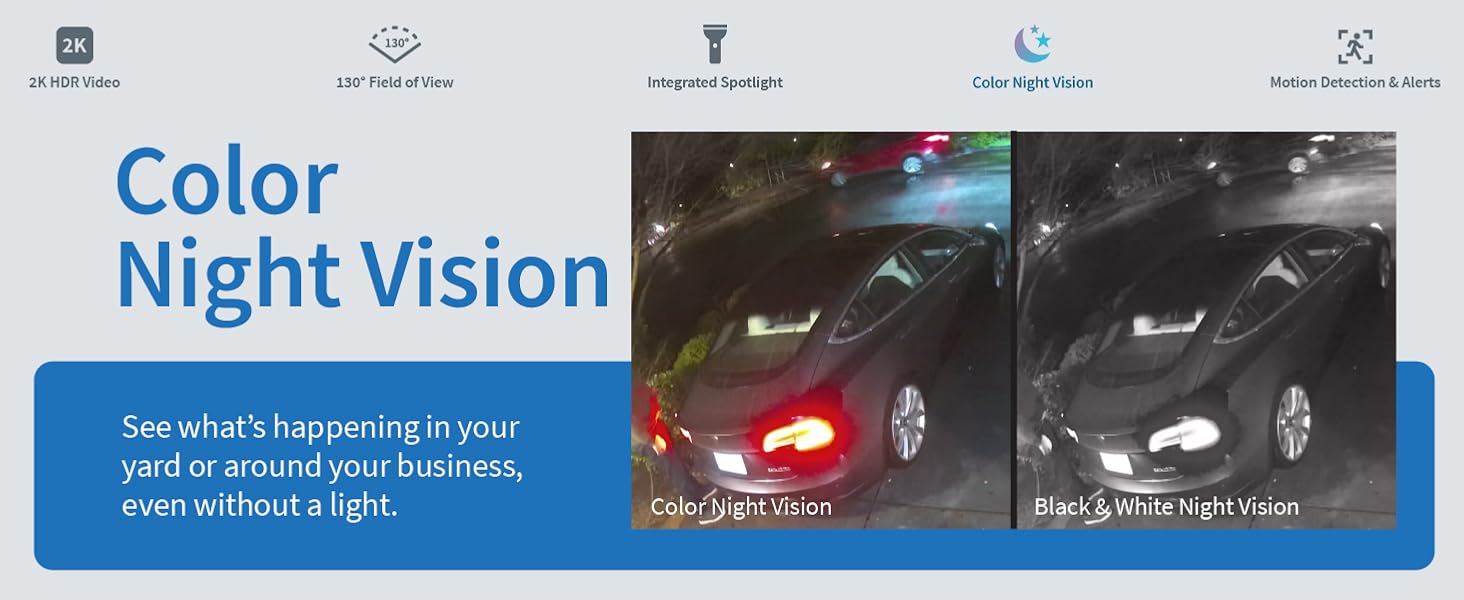
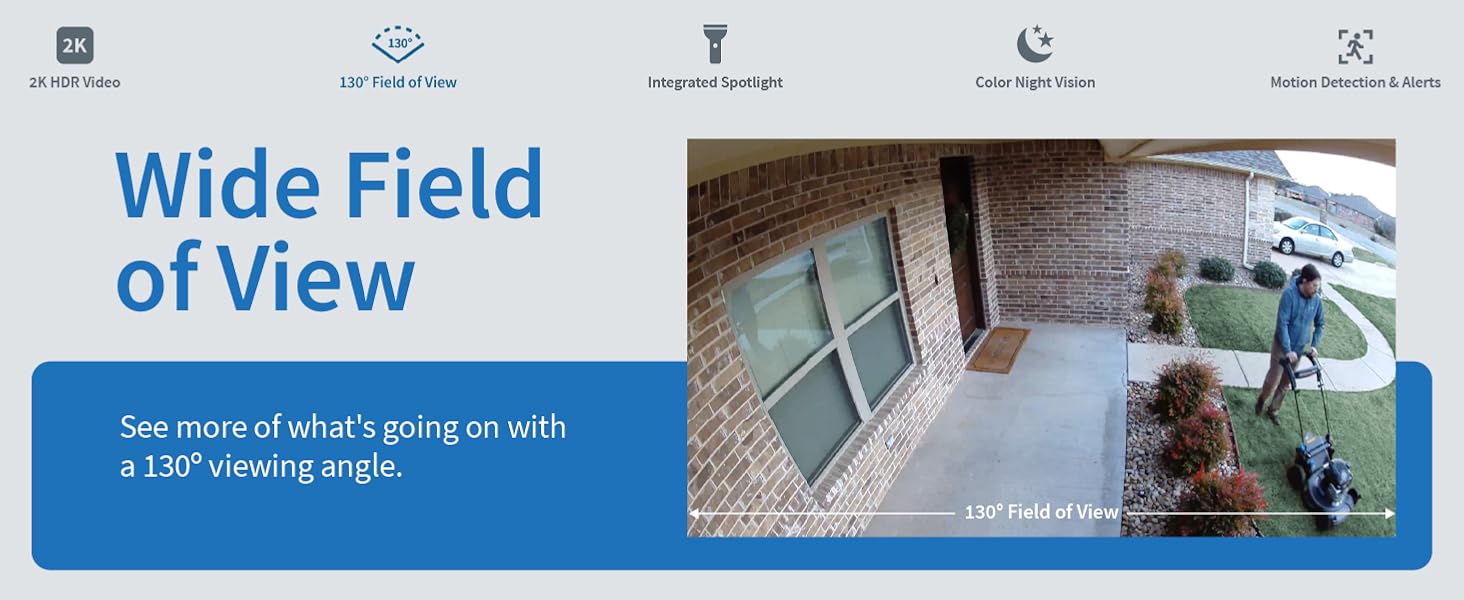
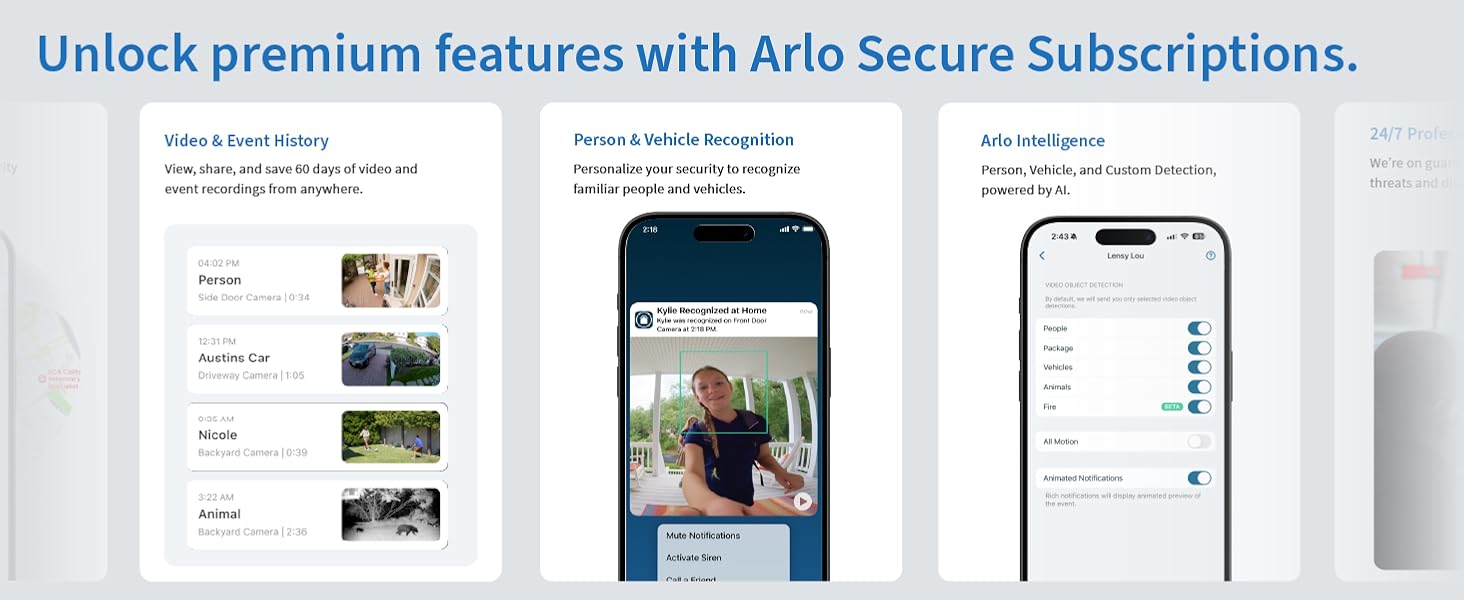
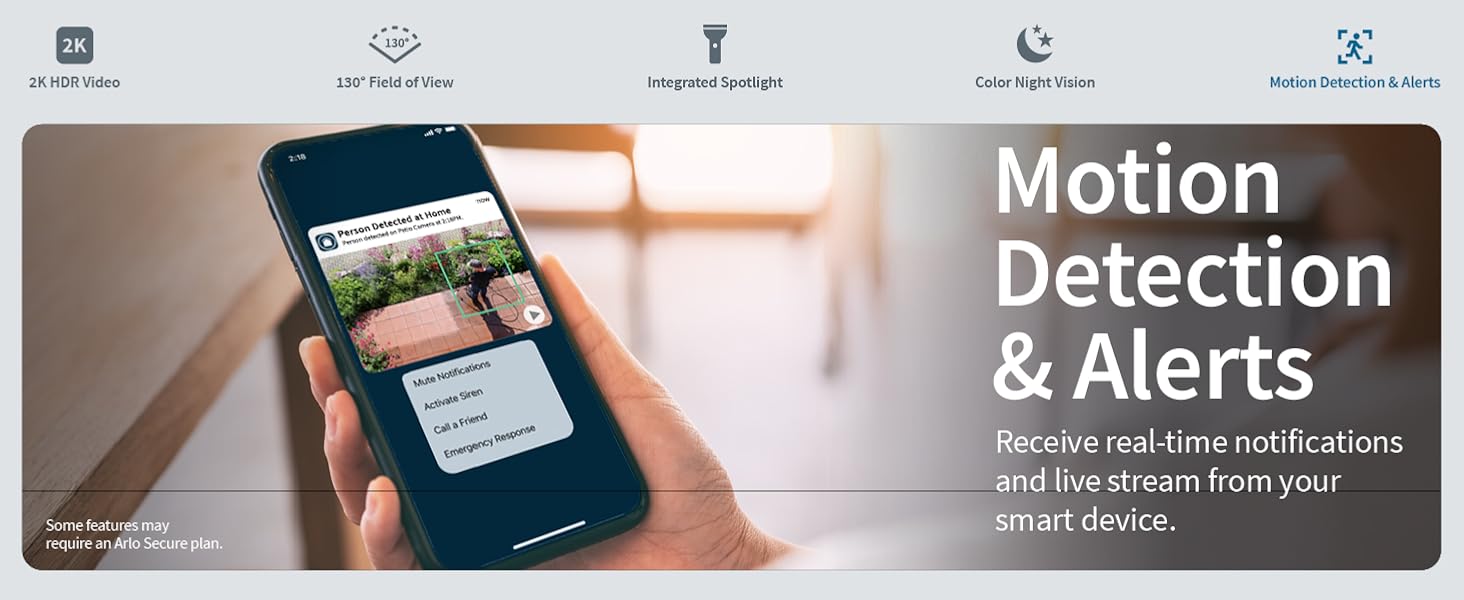
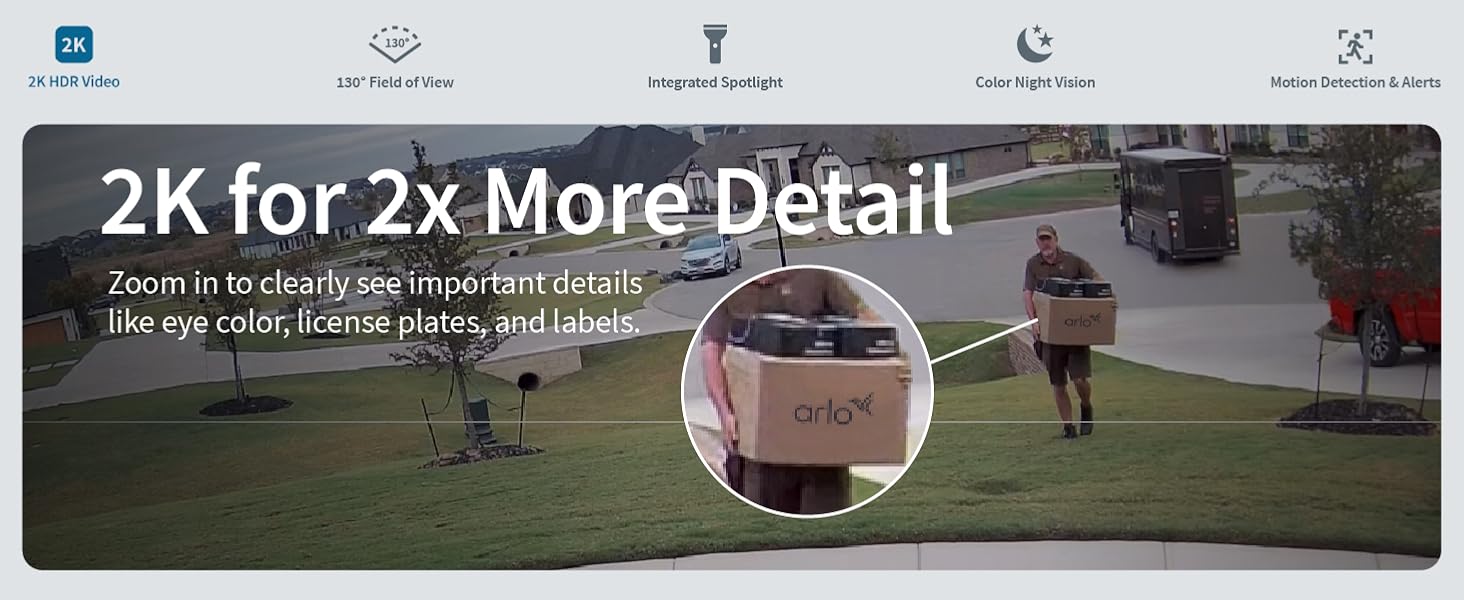
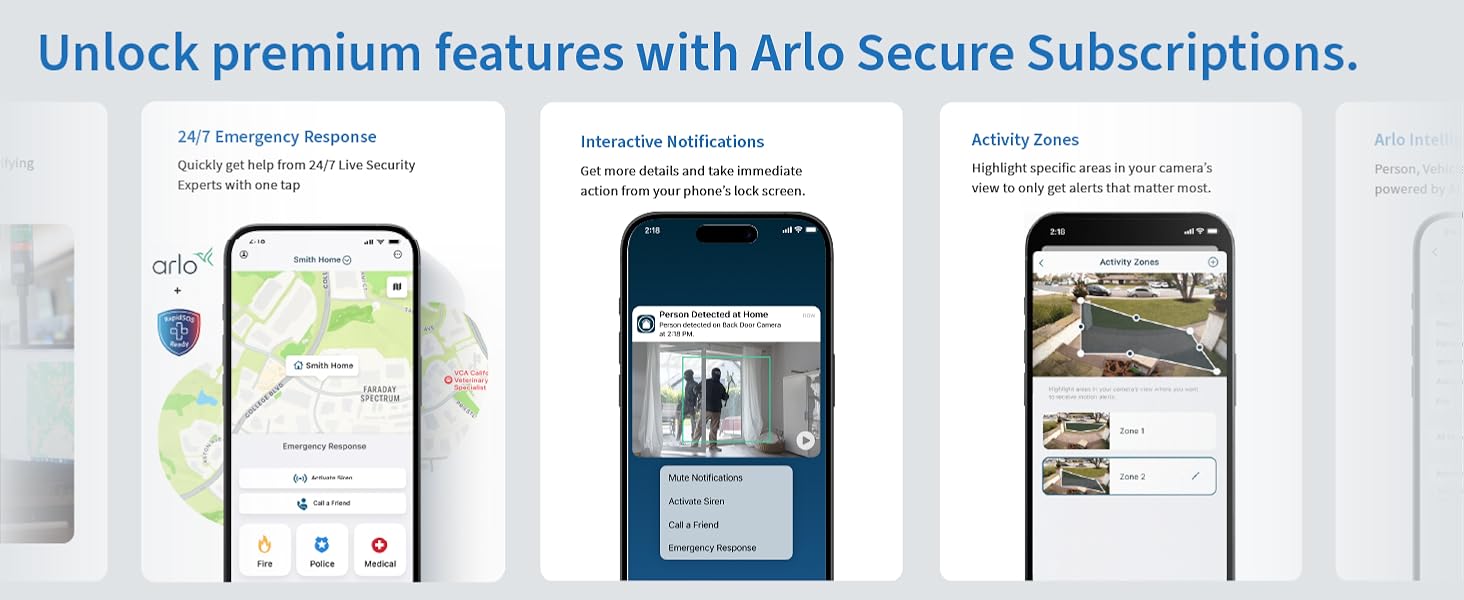
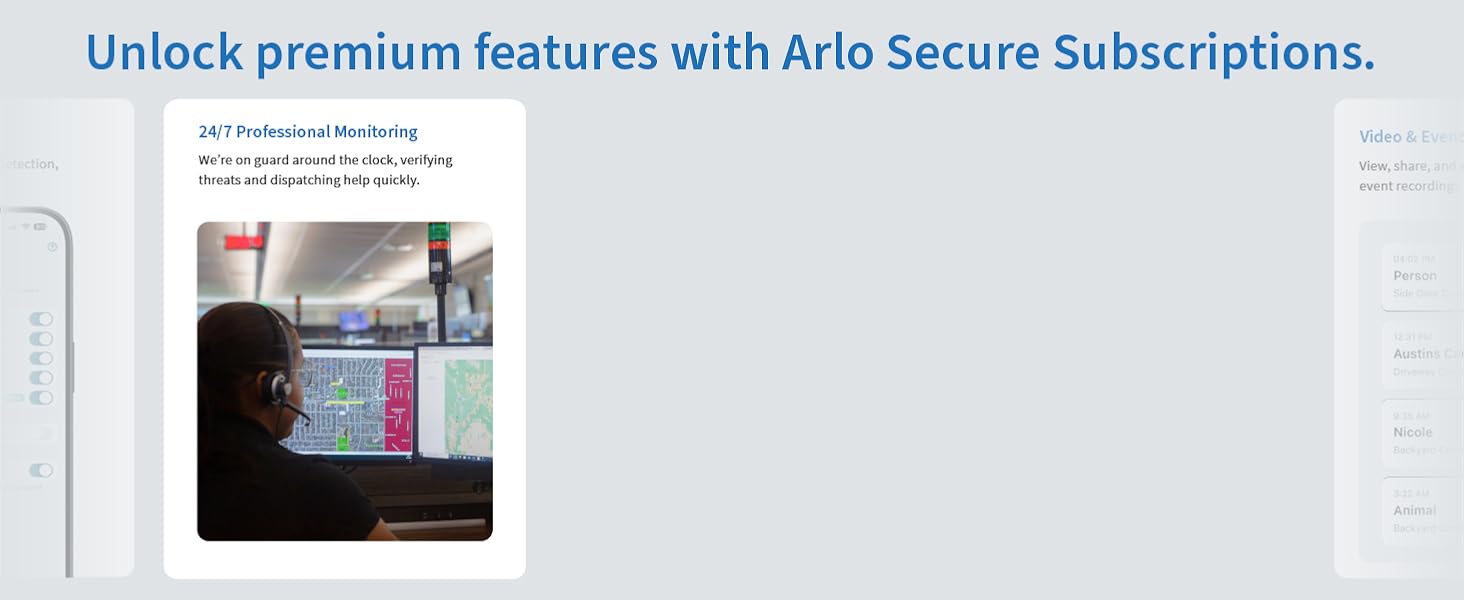
The Arlo Essential Security Camera 2K (2nd Gen) is a versatile indoor/outdoor wireless camera featuring ultra-clear 2K resolution, 12x zoom, color night vision, and two-way noise-canceling audio. Equipped with an integrated spotlight and siren, it offers proactive home protection. Easy Wi-Fi setup, rechargeable battery, and weather-resistant design make it perfect for any environment. Compatible with Alexa, Google Home, and IFTTT, it integrates smoothly into your smart home ecosystem. Includes a trial of Arlo Secure for advanced alerts and cloud storage.






| Indoor/Outdoor usage | Outdoor |
| Compatible devices | Laptop, Desktop, Tablet, Smartphone |
| Power source | Battery Powered |
| Connectivity protocol | Wi-Fi |
| Controller type | Amazon Alexa |
| Mounting type | Wall Mount |
| Video capture resolution | 1080p |
| Colour | White |
| Number of items | 1 |
| Included components | Charging Cable, 1x Quick Start Guide, 1x Wall Mount and Screw Kit, 1x Arlo Essential Outdoor Camera (2nd Generation) |
| Number of channels | 2 |
| Wireless communication technology | Wi-Fi |
| Form factor | Bullet |
| Viewing angle | 130 Degrees |
| Item dimensions L x W x H | 5.9 x 5.3 x 9.3 centimetres |
| Water resistance level | Water Resistant |
| Manufacturer | Arlo |
| Part Number | VMC3050-100NAS |
| Product Dimensions | 5.94 x 5.28 x 9.32 cm; 204.12 g |
| Batteries | 1 Lithium Ion batteries required. (included) |
| Item model number | VMC3050 |
| Size | 1 Camera |
| Style | Standard |
| Pattern | 2K Indoor/Outdoor 2nd Gen |
| Item Package Quantity | 1 |
| Special Features | 2K Resolution |
| Usage | Home Protection, Home Security, Family Safety |
| Batteries included? | Yes |
| Batteries Required? | No |
| Battery Cell Type | Lithium Ion |
| Item Weight | 204 g |
A**K
I love these cameras great quality clear pictures love their wireless. Sometimes sound cuts in an out a the battery drains to quickly depending on the weather. Their extremely easy to set up as well install a mount anywhere u want an have a very bright motion light. When I bought them the price was cheaper then they r now just a lil to high on price range. An the free recordings to them should last a lot longer then what it dose before u pay $100 for 60 days of recording
E**O
I recently purchased the Arlo camera for my home security needs, and I must say, it has exceeded all my expectations. The camera's exceptional resolution and effortless installation process have truly impressed me. From the moment I started using the Arlo camera, I felt a sense of comfort and peace of mind knowing that my family and home were being protected. The clarity of the footage is remarkable, allowing me to easily identify any potential threats or unusual activities around my property. One of the standout features of the Arlo camera is its user-friendly installation process. Setting it up was a breeze, and I was able to get it up and running within minutes. The camera seamlessly connects to my Wi-Fi network, eliminating the hassle of dealing with wires and cables. This simplicity is a huge plus for anyone who wants a hassle-free setup. The Arlo camera has truly proven to be the best camera I have ever owned for the safety of my family and home. It offers a level of security that gives me peace of mind, especially when I'm away from home. The ability to remotely monitor my property through the Arlo app is incredibly convenient, allowing me to keep an eye on things no matter where I am. In conclusion, I highly recommend the Arlo camera to anyone in need of a reliable and high-quality home security solution. Its exceptional resolution, ease of installation, and overall performance make it a top choice for ensuring the safety of your loved ones and property.
N**A
Arlo cameras are good and very reliable. It’s internet connection does not get disconnected easily.
M**S
There is some combination of settings I use in their app that will brick these cameras permanently with no ability to factory reset. I haven't figured out which combination of settings it is, but it seems that it might just be safer to keep the cameras at their out-of-the-box settings if you want to avoid bricking the product. This is garbage coding by the manufacturer. It's easy enough to return a new one, but you are out of luck (and money) if you brick an older one. Pretty cool business model to place a trap door in your firmware code that forces people to buy your product again. EDIT: figured out the trick to re-syncing these when you get stuck with the blue light long flash. What's happening is that when you have gone into the app and removed the camera, it can no longer connect to your wi-fi. The issue is that it is STILL creating and trying to upload recordings nonetheless. When you go to perform the reset and reconnect steps they wont work because you are handling the camera and generating new recordings by creating motion. The trick is to: 1. Make sure the camera is fully charged. 2. Set the camera on a shelf in a well-lit room, facing a static scene like a wall or at objects that will have no motion from things like shadows, movement or lights being turned on/off. Leave it here for whatever amount of time it needs to complete trying to record/upload. Wait until the long blue light flash stops plus some time for good measure. 3. Press the pair button on the camera for 3 seconds but do so while holding the camera perfectly still and not generating a shadow in the view of the camera - all of this while facing the static scene you created. This should give you the fast blue light flash we need. 4. start the "add device" process in the app. 5. the add device process will tell you this device has been previously paired and needs to be reset. 6. press the pair button on the camera again, this time for 15-20 seconds (or until you see an amber light flashing) - again, hold the camera perfectly still. 7. Wait until the amber light stops flashing, then press the pair button again to get the fast blue light flash. 8. tell the app to attempt to connect to the device again. This time the app should find the camera. 9. in my case, the app froze when attempting to name the camera. If this happens, close/terminate the app. Re-open the app and go into the settings for the camera you just successfully added. It will have an error message that "onboarding must be completed", click that and complete the rest of the setup if necessary. What a farce. This company needs to fire their developers and bring on new people to improve this code/logic.
S**N
Camera’s were great for the first 3 months, after the first time they needed recharging however, we’re lucky to get 2-3 weeks of charge out of them before they go flat again!!
Trustpilot
Hace 2 semanas
Hace 2 meses