We remain fully operational. Our teams are working around the clock to ensure your deliveries continue safely.

Descargar la aplicación


Servicios al cliente
Sobre nosotros
Copyright © 2025 Desertcart Holdings Limited
Descargar la aplicación
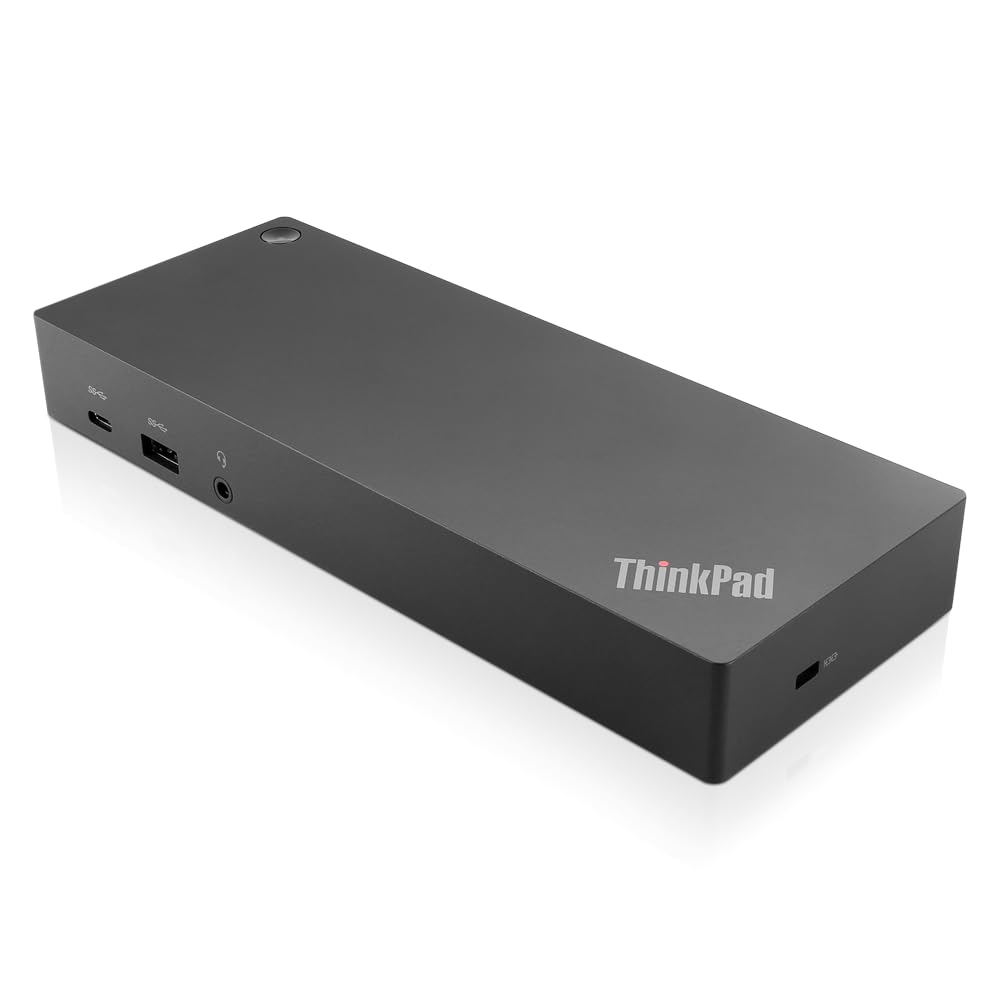
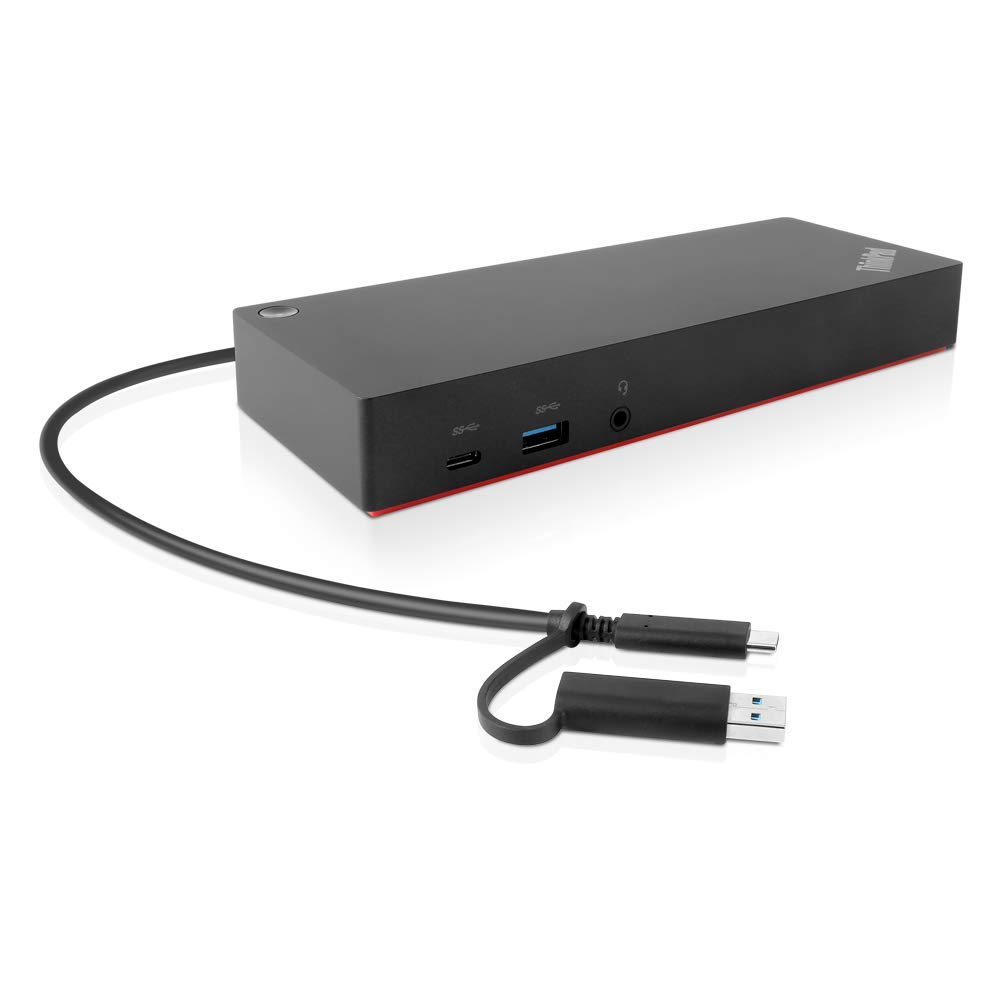
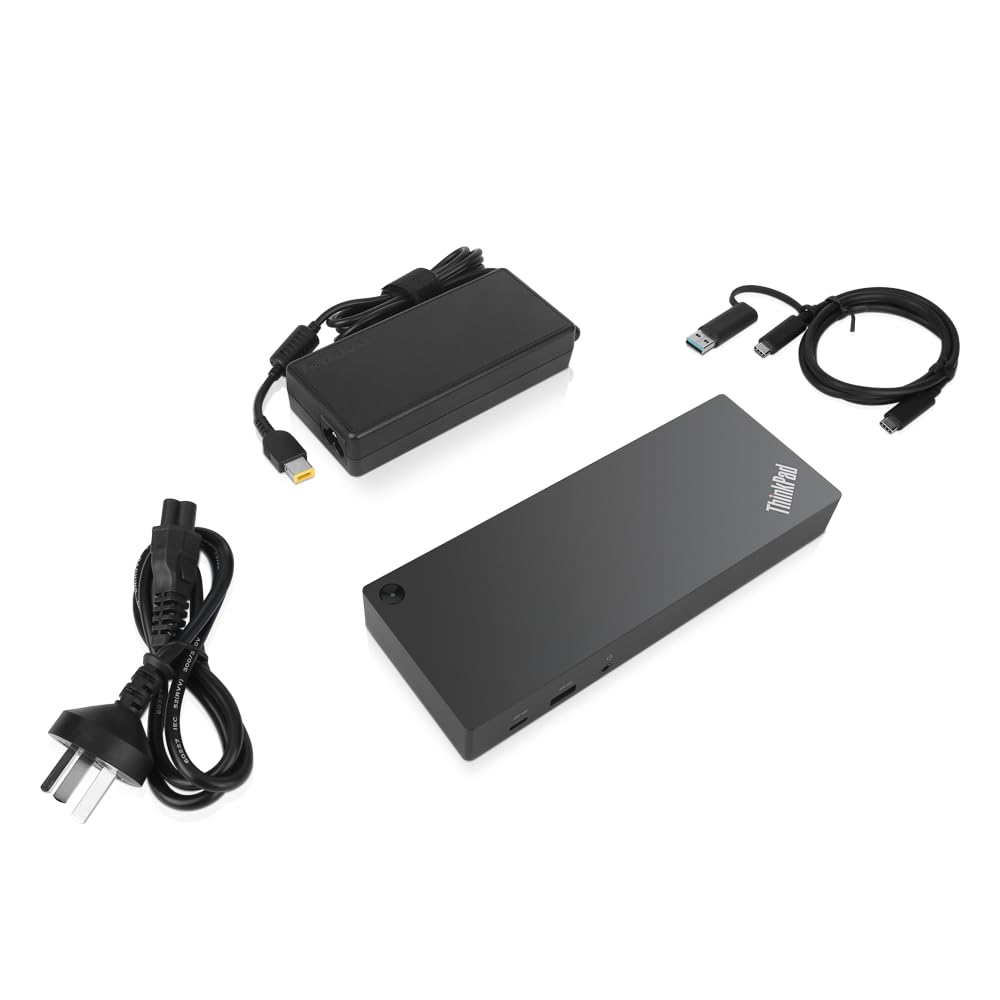
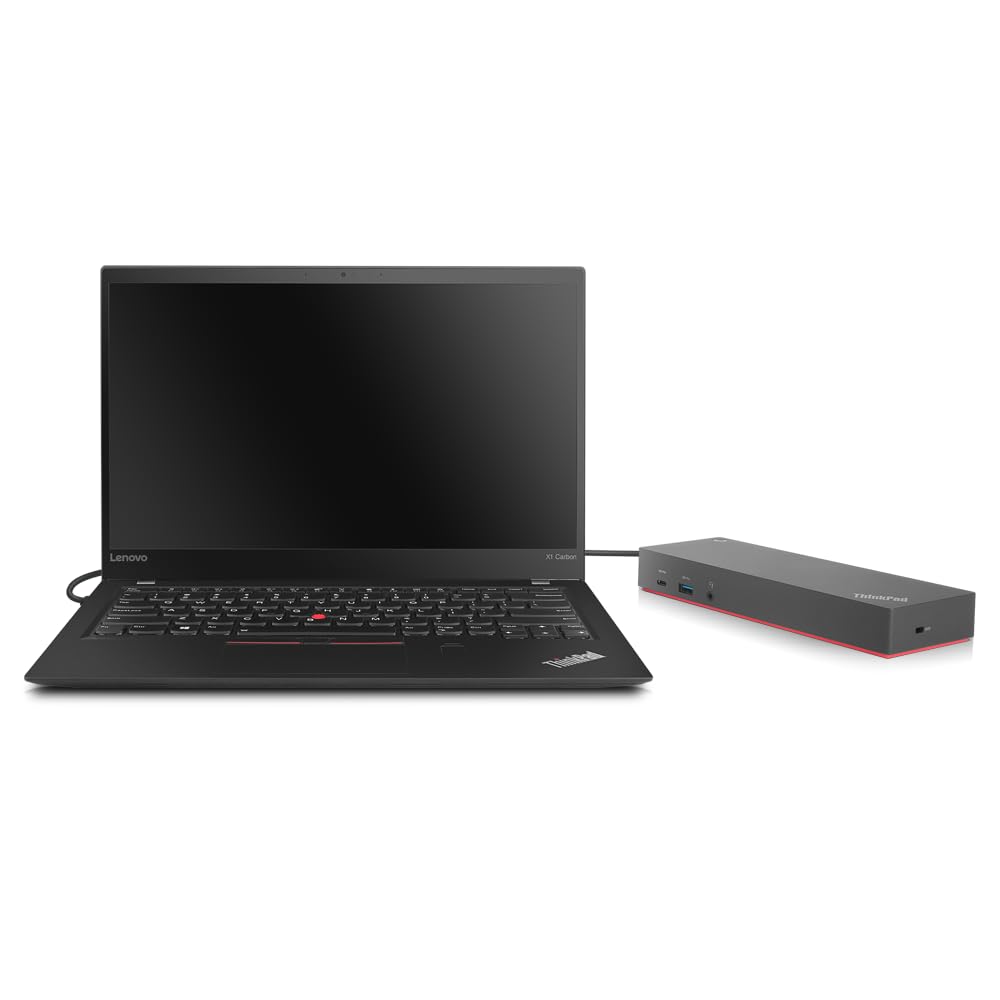
🚀 Power your workspace, future-proof your hustle
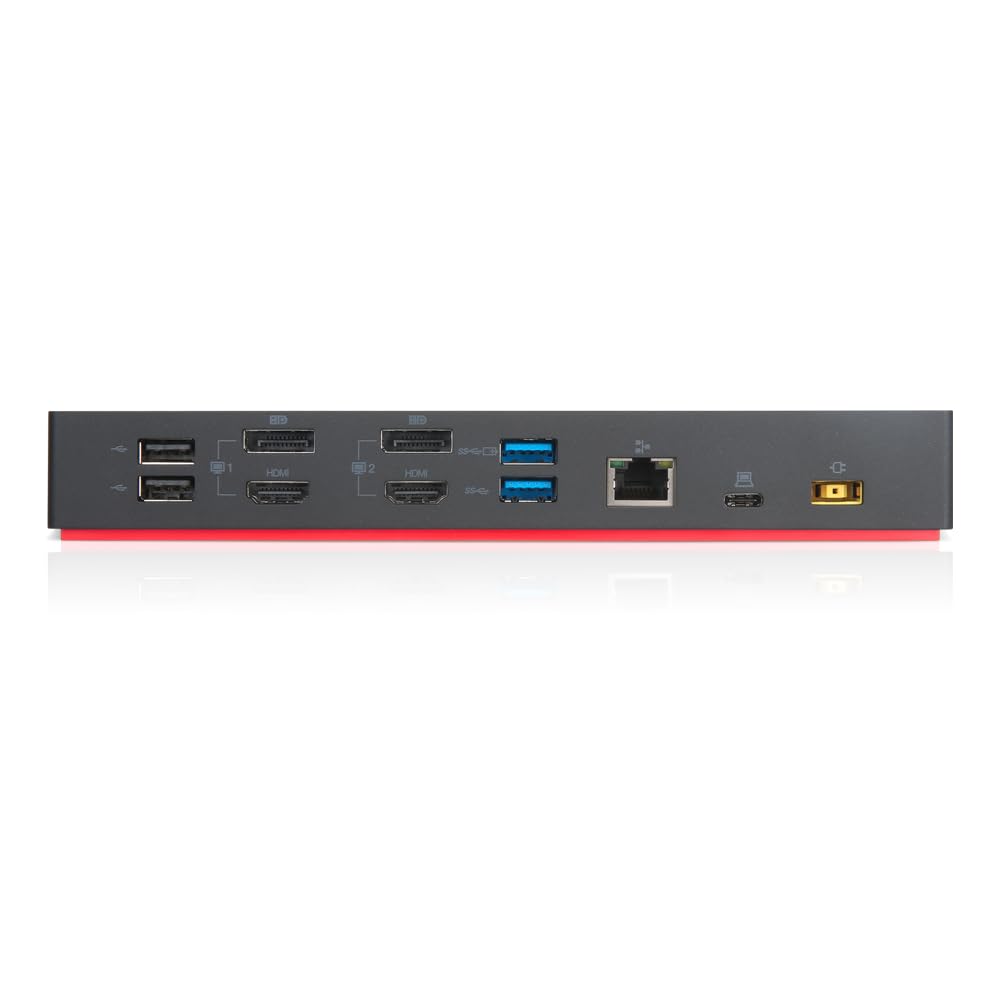
The Lenovo ThinkPad Hybrid USB-C with USB-A Dock (40AF0135US) is a versatile, enterprise-class docking station designed for mixed-PC environments. It features six USB ports including three ultra-fast USB 3.1 Gen2 ports, supports dual 4K UHD displays via HDMI and DisplayPort, and offers rapid charging capabilities for ThinkPad laptops and mobile devices. With advanced manageability features like PXE boot and MAC address pass-through, it ensures seamless IT integration. Compatible with a wide range of Lenovo and non-Lenovo laptops, this compact dock delivers plug-and-play convenience and powerful connectivity to elevate any professional workspace.

| ASIN | B079N9BJY7 |
| Batteries | 1 AAA batteries required. |
| Battery Type | Rechargeable lithium-ion battery included. |
| Best Sellers Rank | #161 in Computers & Accessories ( See Top 100 in Computers & Accessories ) #18 in Laptop Docking Stations |
| Brand | Lenovo |
| Color | Black |
| Computer Memory Type | DDR5 SDRAM |
| Customer Reviews | 4.2 4.2 out of 5 stars (1,522) |
| Date First Available | February 7, 2018 |
| Hardware Platform | PC |
| Is Discontinued By Manufacturer | No |
| Item Dimensions LxWxH | 8.3 x 3.1 x 1.2 inches |
| Item Weight | 1.05 pounds |
| Item model number | 40AF0135US |
| Manufacturer | Lenovo (United States), Inc. |
| Number of USB 2.0 Ports | 2 |
| Product Dimensions | 8.3 x 3.1 x 1.2 inches |
| Series | 40AF0135US |
| Standing screen display size | 16 Inches |
| Voltage | 1 Volts |
A**N
DONT BUY ANYTHING ELSE!!! BUY THIS INSTEAD!!
GREAT Product!! I’ve tried various companies and hubs for my Lenovo ideapad, including baseus, but those are nothing compared to this beast. It has 2 HDMI’s and requires no drivers. Plenty of fast data transfer usb ports and usb c. No need for laptop charger as the cable that powers the hub, ALSO CHARGES THE LAPTOP!! Amazing. Makes no noise at all. Very easy to set up and very functional in all aspects. It is compatible with my Lenovo Ideapad 5 and other Lenovo laptops. It’s great for the price compared to other expensive hubs.
G**.
Works great!
Very good quality. So far it works well with my Lenovo Thinkpad X1. The hub is small, takes up little space, and has a built-in cable with a suitable length. I have not tested the dual display función yet.
J**I
Lenovo USB-C Dual Display Travel Dock is the "Swiss Army Knife" for your laptop PC!
So far I have purchased 5 of the Lenovo USB-C Dual Display Travel Dock with 100W AC Power Adapter for my wife, my adult sons, and myself. This small feature-backed dock has: 1x HDMI 2.1 digital video + audio out Jack, 1x DisplayPort 1.4 digital video + audio out Jack, 1x RJ-45 GigE LAN Jack, 1x USB-A 10Gbps Port, 1x USB-C 10Gbps Port, 1x USB-C 10Gbps AOU 12W Max Port and DisplayPort, 1x USB-C DC-IN Port, and 17-inch USB-C "pigtail" cable for connectivity to the laptop PC. 100W AC Power Adapter and dock can deliver 65W power to the attached laptop. This dock is great for travel, remote work, home office, and everyday use. It supports up to 2x 4K UHD 3840 x 2160 external displays @ 60Hz Refresh Rate. It doesn't have Thunderbolt, but all of the 10Gbps USB ports provide sufficient throughput for most users. I STRONGLY Recommend this product! Awesome features, quality build, and all the features you may need on the road or in your office.
J**Y
Please do not
As an experienced IT pro, you will find yourself frustrated. You don't simply plug this in, as prescribed, and enjoy the benefits of external monitors on your Lenovo laptop. First you must update the little black box with MULTIPLE updates on firmware. Then, well, it doesn't work. It only has one cable so how hard could it be? Well it's not hard it just doesn't work. It might as well be a plastic box full of sand or rocks. Fortunately you get to return it for the same price you bought it, with the added trouble of driving over to whole foods with no comp for gas or wasted time.
A**.
Compact and Essential USB-C Docking Station
Pros: So far, it has worked fine. I like the fact it offers essential video connections Display Port and HDMI. The RJ-45 connector is very useful for me, no unnecessary memory card readers, my laptop already has it. I like its connection cable length and the over the desk design, it is not just a block with connections. I haven’t noticed any temperature issues compared with other I have used. Cons: The only not that good thing about it I found is that the Display Port does not allow the computer to recognize when the monitor is Nvidia G-Sync compatible, but that is something very specific to my needs. That's why I give it 4 stars. Overall, it has been a good portable USB-C docking station.
N**N
Works perfectly!
Got this for my mom's Lenovo laptop and it works perfectly! Small, compact, and freed up laptop ports. Allowed me to connect the monitor HDMI to the dock, instead of the side of the laptop, along with a wireless dongle for keyboard/mouse. Additional USB ports allowed printer hookup too and have extra USB to spare.
K**N
Manual Driver Installation for Ubuntu
Works great out of the box for my ThinkPad when running Windows. With Ubuntu, drivers have to be installed manually, which is no big challenge if you find a good tutorial and have a familiarity with Linux
J**L
Lenovo dual display dock.
Works well. Application fits my needs perfectly.
M**A
Produto excelente, ótimo acabamento, funciona perfeitamente
J**R
Sehr gutes Handling
M**L
I went through the reviews and answers. There is a misunderstanding or partial information the answers section. I had doubts about whether it would extend display on two monitors and I purchased this dock with that doubt. It extends the display display on two monitors - tested on my Dell U2415 monitors using display port. Guess what, the laptop works as third screen. Unlike what has been answered in the answers section, it extended display on two screens without duplicated one of the external displays. I used my Lenovo Thinkpad E14. It powered up the laptop and was charging the laptop too. Yet to put it in actual use at the office. I will share if there are any cons or any issues. The test run was like charm, no driver download required. Plug and Play! Forgot to check the HDCP and HDR. I will do it and leave my findings here. I am sure the review by A.C. about the same is true. However, I am not intending to use it for that purpose but yes, if you are planning to view the movies on extended displays through OTT platforms, this may not be the product.
A**C
Compact size and enough connectivity for my requirements at a great price.
G**K
Finally! Great value AND does support 2 different monitor views (“Extended”) on my Lenovo i7 Gen 4 ThinkPad T14S. Model 21F7
Trustpilot
Hace 5 días
Hace 3 días