
Descargar la aplicación


Servicios al cliente
Sobre nosotros
Copyright © 2025 Desertcart Holdings Limited
Descargar la aplicación


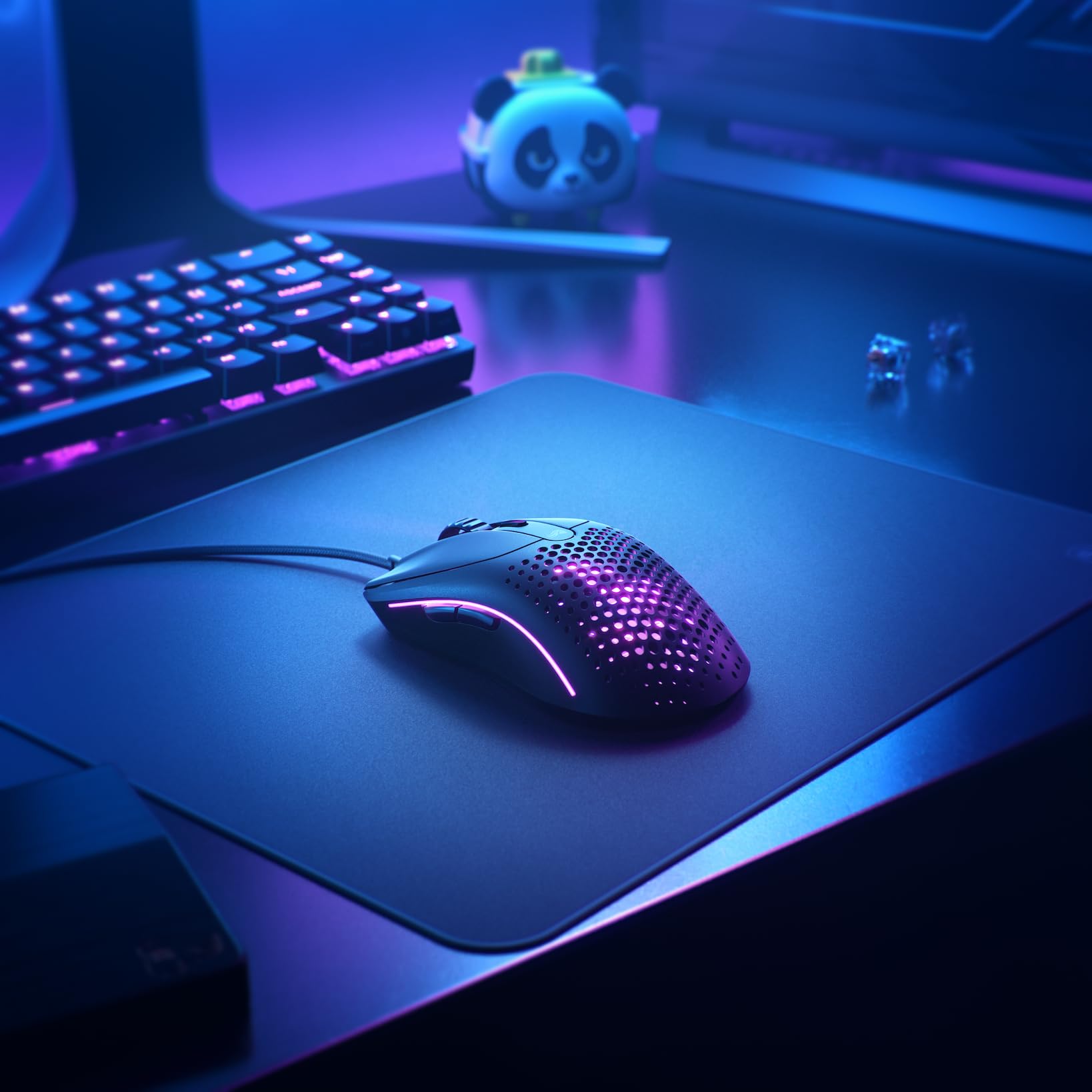


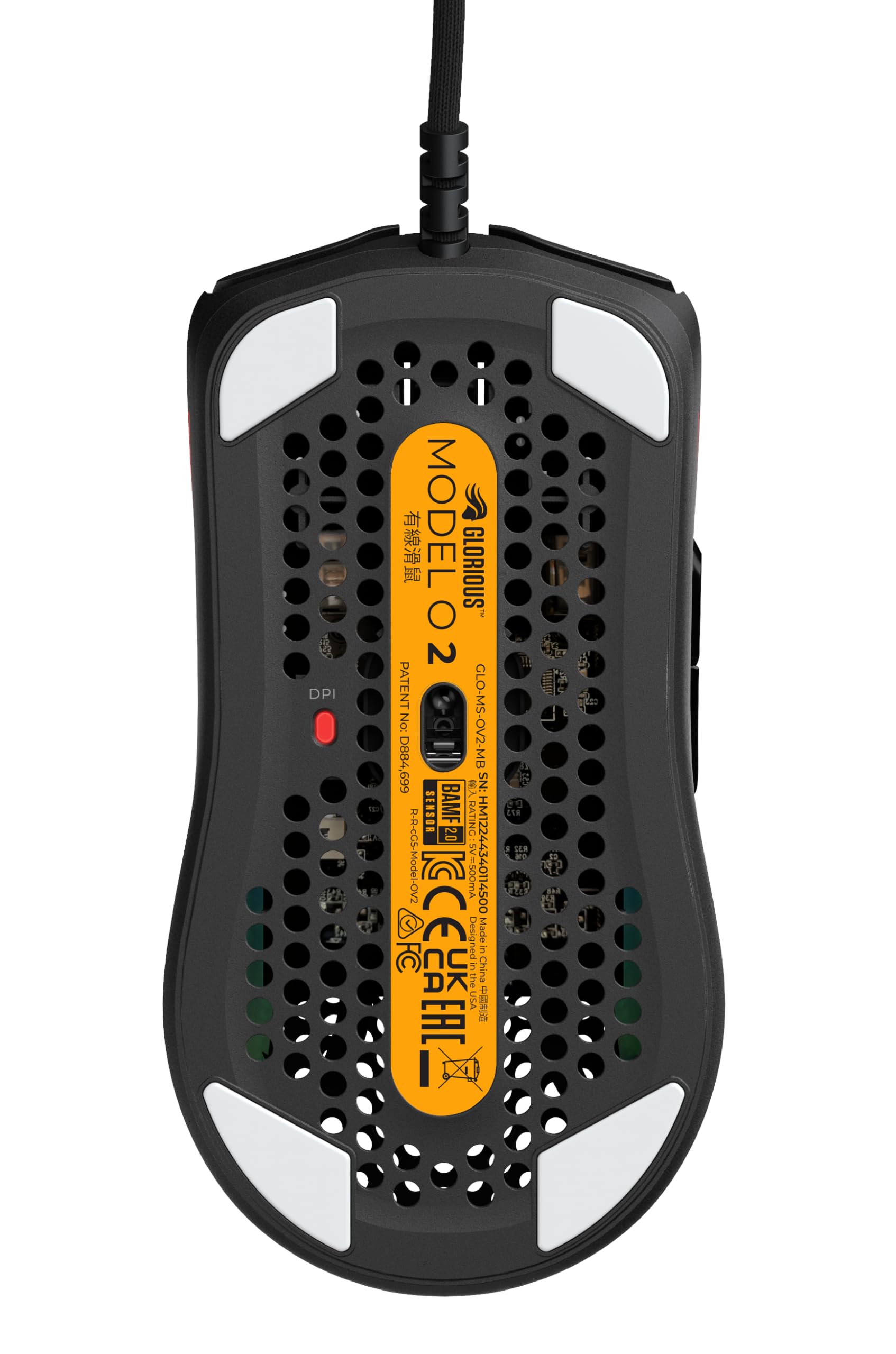
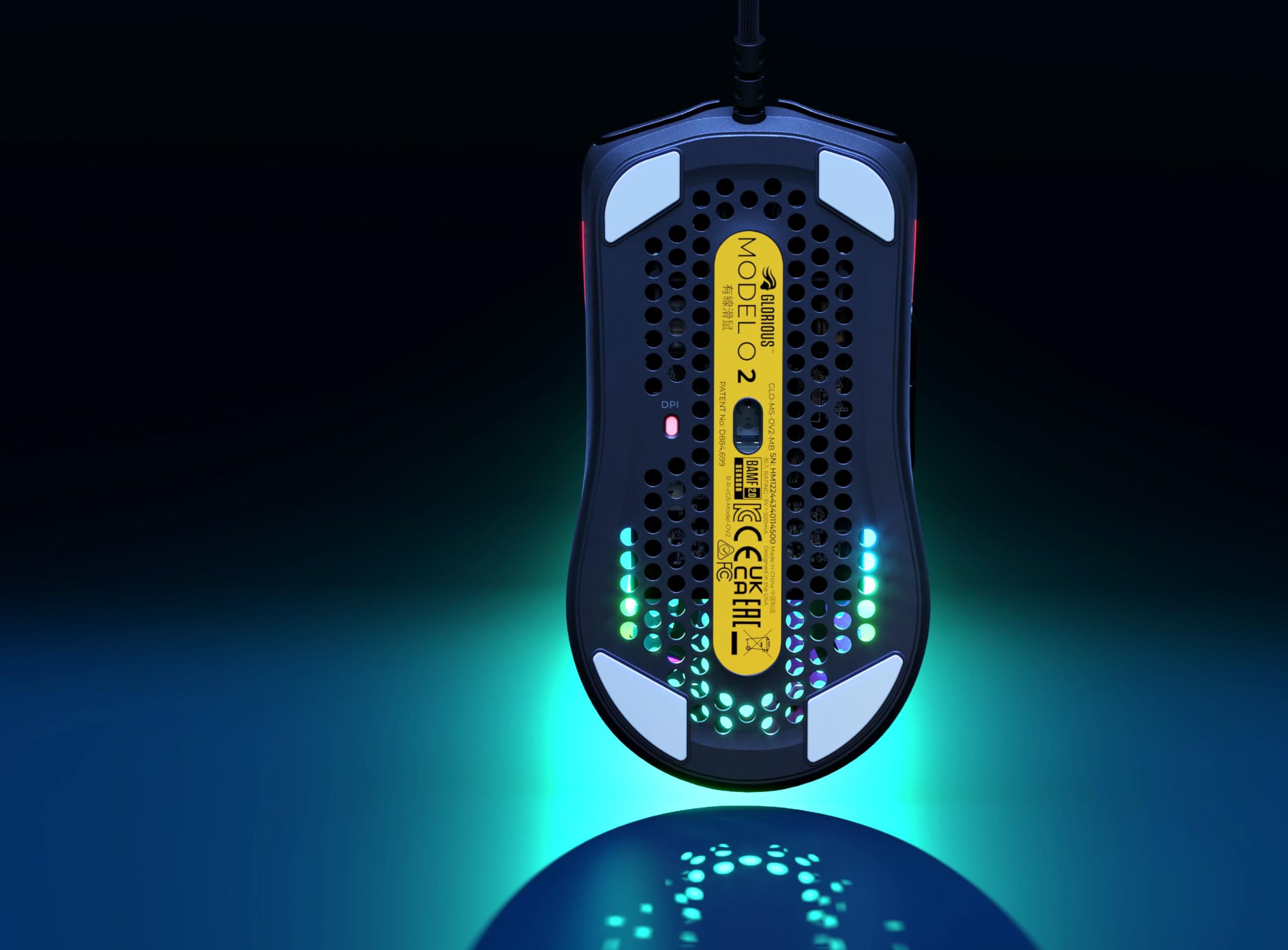

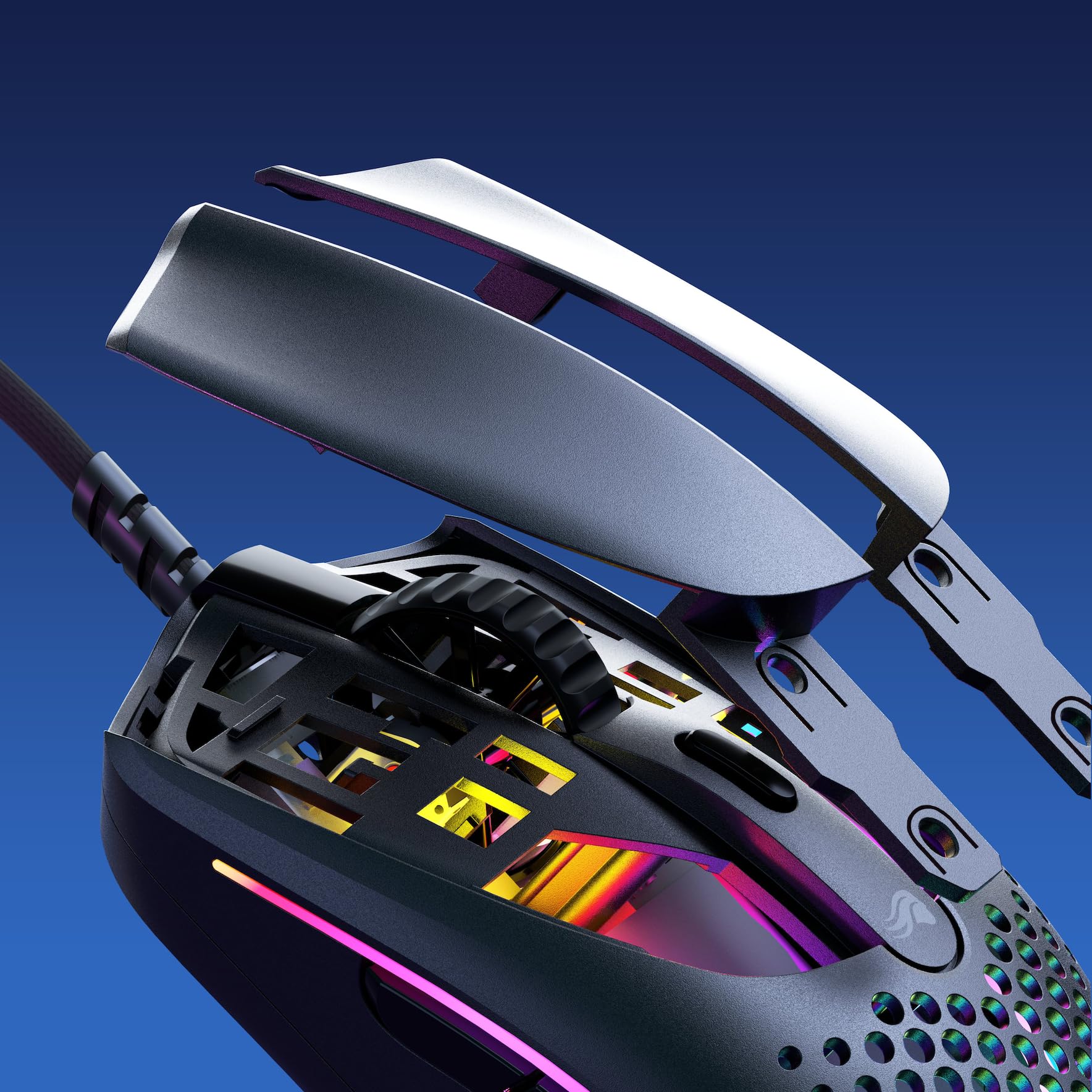
🎮 Dominate every game with the ultralight precision of the Model O 2!
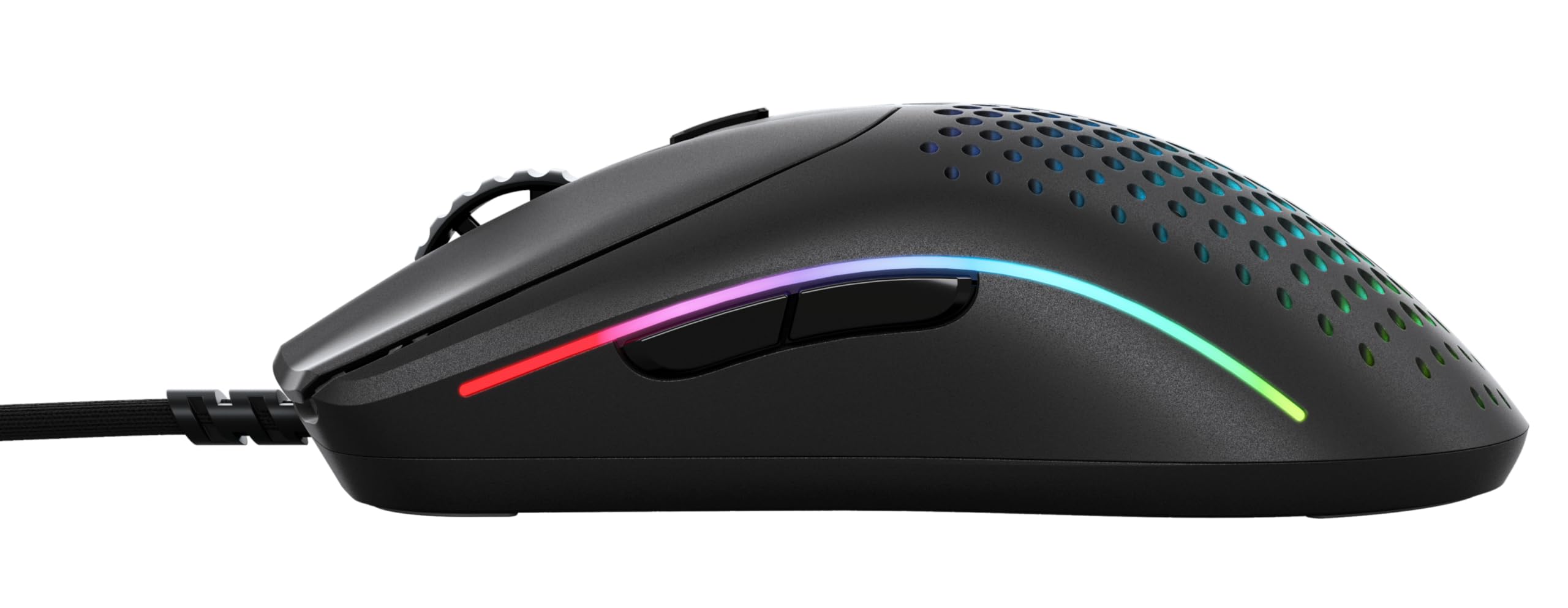
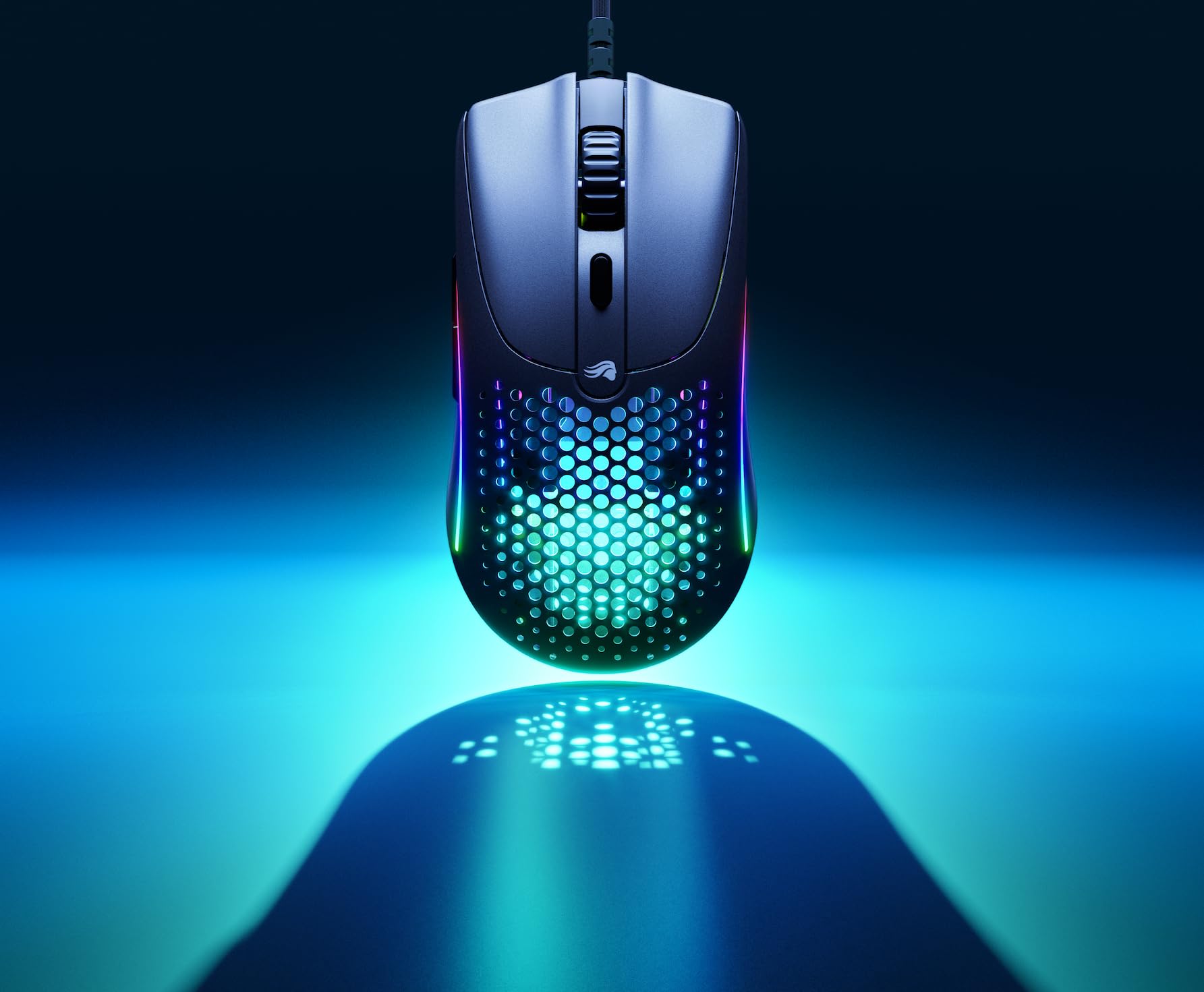
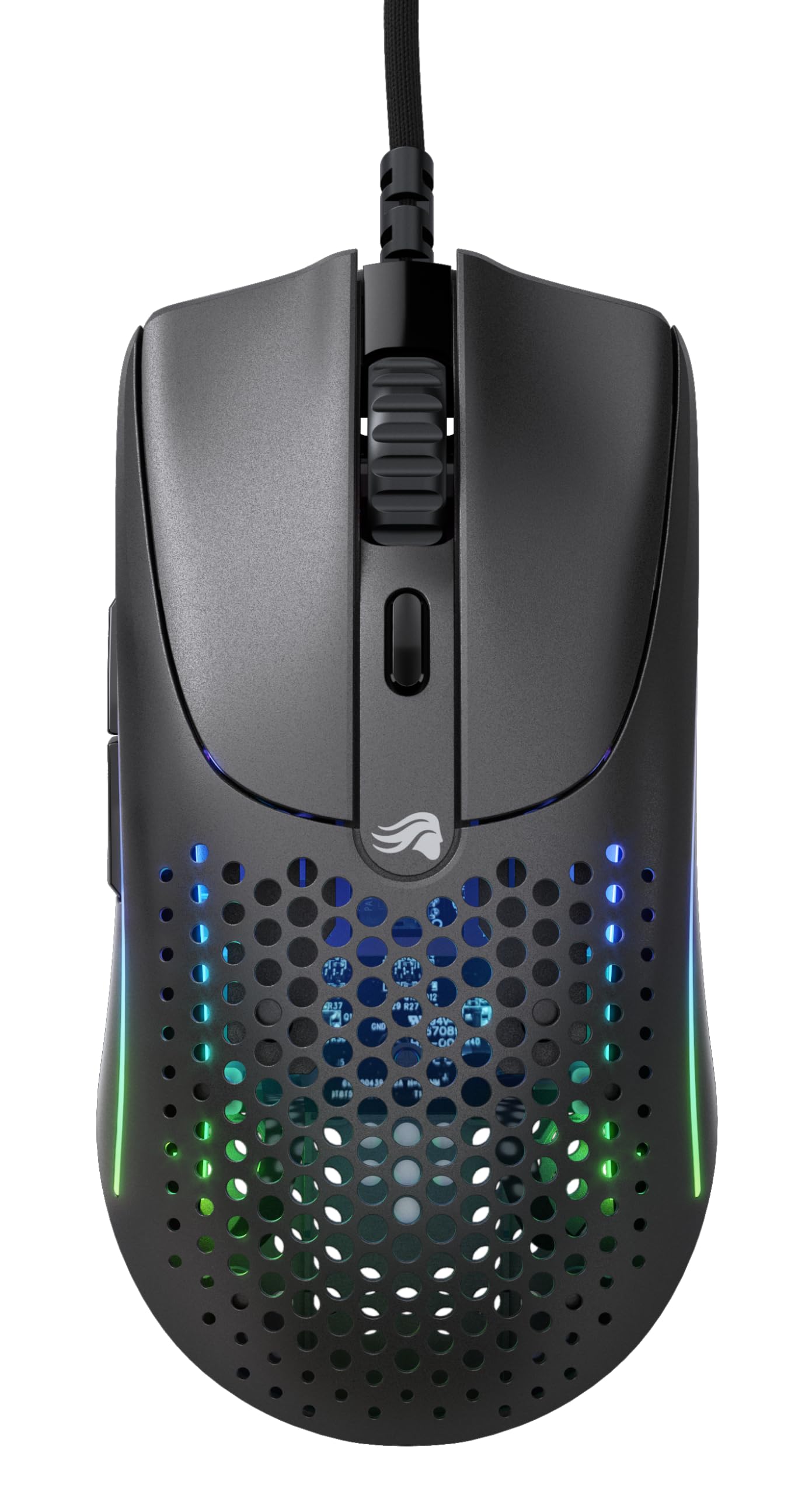
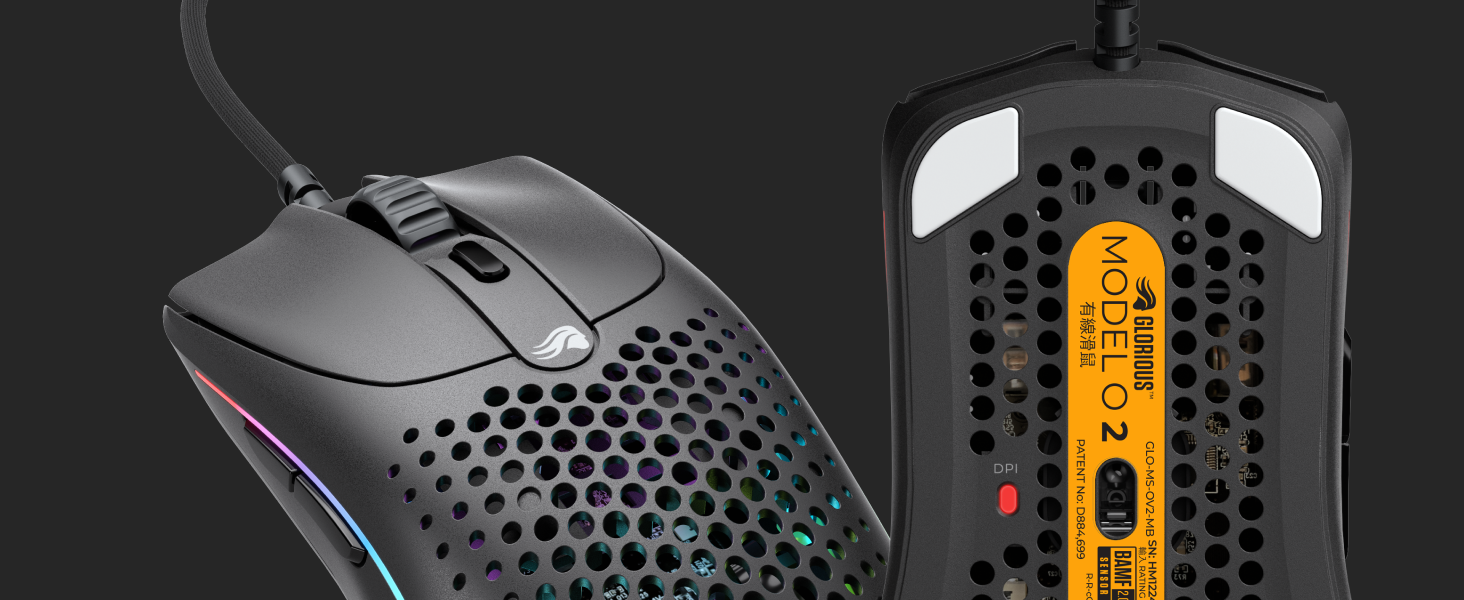
The Glorious Model O 2 Wired Gaming Mouse is a 59g ultralight, ambidextrous mouse featuring the BAMF 2.0 sensor with up to 26,000 DPI and 650 IPS tracking. It boasts 80 million click-rated custom switches, six programmable buttons, RGB lighting, and a drag-free Ascended paracord cable with pure Virgin PTFE skates for supreme control and durability—designed for pro-level FPS and MOBA gamers seeking precision and comfort.



| ASIN | B0BLF6CB6N |
| Are Batteries Included | No |
| Average Battery Life (in hours) | 210 Hours |
| Best Sellers Rank | 19,117 in Computers & Accessories ( See Top 100 in Computers & Accessories ) 85 in PC Gaming Mice 1,095 in Computer Audio & Video Accessories |
| Brand | GLORIOUS |
| Colour | Matte Black |
| Customer Reviews | 4.4 4.4 out of 5 stars (15,261) |
| Date First Available | 3 Nov. 2022 |
| Form Factor | Normal |
| Guaranteed software updates until | unknown |
| Hardware Platform | Linux, Mac, PC |
| Item Weight | 59 g |
| Item model number | GLO-MS-OV2-MB |
| Manufacturer | Glorious |
| Operating System | Windows, Mac OS, Linux |
| Power Source | Corded Electric |
| Product Dimensions | 12.6 x 6.6 x 0.25 cm; 59 g |
| Series | Model O 2 |
W**E
Finally a mouse that really IS value for money!
A mouse that really feels like it was designed by gamers for gamers. The LED RGB lighting is bright, crystal clear and has plenty of different settings - there's something there for everyone from a single static colour to the aptly named Glorious mode. All settings can be accessed via simple to use software that is far better than anything provided by the likes of Razer. Razer software hogs system resources on start-up and keeps me away from Razer products. The software here is clear, clean and crisp. Even better, the vast majority of people will not need to ever download any software, the mouse works right out of the box and many key setting such as lighting patters, brightness and speed along with DPI etc can be control by the mouse buttons themselves. The mouse tracks clean and true, and in my opinion is perfect for DOTA 2 which involves up to 1 hour frantic online matches. The mouse is light, which cuts down on fatigue but somehow manages to feel substantial and of quality. Branding is discreet and cool as heck. I bought the glossy version which looks amazing on my desk and is surprising resistant to fingerprints while giving extra grip over matt finishes alternatives. This comes with a wonderful light, quality cable in the box but Glorious PC Gaming Race have started selling upgraded cables on their website which are easy to install and look fantastic, offering yet more colour customisation options. I have owned some expensive mice in my time, but I can tell you that both right out of the box and in use this is my favourite of all time. I ordered a matching mouse mat and fabulous wooden keyboard wrist rest at the same time, and everything is of the highest quality. Other manufacturers would be charging twice the price for a mouse and accessories of this quality - I urge you not to fall for the hype and look into this company's products instead.
B**N
Good Size
Decided to buy this as a replacement for my razer viper mini. -Decided not to get the regular sized model o as I feared that since my hand was very comfortable gripping the viper mini, I dont think my it would be comfortable with the regular model o and im glad i got the smaller one as its a perfect size for me. - Although the viper mini is a little bit taller, I dont really mind that the model o- is shorter as I can still grip the mouse well. - Had no problems installing the glorious software and the rgb is nice but I dont care much about it - Double clicking on it works perfectly normal (goes to max 4ms on the debounce time) - The side buttons do feel a little bit worse than the viper mini but their decent - Built quality is alright - I dont agree with the price (60 Euros as of making this review) and its better off being cheaper
J**G
Seems impossible that a mouse this good is priced so well!!
This mouse is hands down the best competitive gaming mouse I've ever owned. I have a decent collection of gaming mice, from the deathadder to the g403, g203 to the g Pro wireless etc. This one is has the most comfortable shape for my big hands (21cm by 11cm) I can almost palm grip perfectly, preferred grip is a palm-claw hybrid. The weight difference between a 80-90g mouse and a 65g mouse is very noticable and makes you almost forget about the mouse. It becomes an extension of your arm and helps me focus more on my aim. Bear in mind the mouse is large so if your hands are smaller than mine I'd recommend the model O- which is slightly smaller than the regular model. I like smaller mice myself so despite my big hands I'll be switching to the O- later down the line. One note I'd like to point out is the left and right click seems to be slightly loose on the button hinges, which causes them to shift very slightly from left to right. If you don't mind that then it can be easily ignored as it's not as bad as some other mice (steel series rival 300 sensei 300 rival 600 and even the earlier batches of the g Pro wireless). My recommendations would be to either learn to ignore it, if its always on your mind annoying you then you can put pieces of tape on the same spots I put mine on (a reddit thread shows also how to do a more secure job by disassembling the mouse and putting tape under the buttons themselves) though that voids warranty. You can try your luck and try and refund it for another copy but from my experience you'll most likely get the same issue on the other copy unless you're lucky. You could refund it and get it again after a few newer batches come out. Last point if your mouse has serious loose button issue then don't bother with the tape method and just return it within 30 days of the return period. Same thing if your mouse has slight wiggle issues but they got worse over time. I recommend strong, sticky tape.
L**.
All in one brilliant mouse!
Literally an all in one mouse. Super light for what features apply to it. Same shape as the zowie fk1. Similar angle towards the final mouse in points of where theres holes to reduce weight, it makes a massive difference. Scroll wheel is smooth. A little rgb, everyone loves a little rgb come on. The mouse feet make the feel so smooth, the thickness added as well brings support and less chances of anything getting inside the mouse holes. The wire feels like it doesn't exist due to how light it is. The software available offers dpi choices, colors, hz and ms with buttons. Good option to DOWNLOAD the firmware when you get this product, makes things alot easier than just plug and playing. Downsides to this mouse is if you get sweaty hands, its gonna feel sweaty and sticky at points so if you don't wanna feel this, I'd reset and wash your hands pretty consistently. If you don't want to do this, a matte black or white version is available. The other is consistently is cleaning it, if you don't clean this product after a while it'll get easily dirty to the weight inducement in the holes. Overall this mouse is just brilliant. All amazing features into one mouse. Isn't original but its what people have been waiting for.
B**N
I love this mouse! The shape is a great ambidex shape that is similar to the original Model O with some great updates. The most noticeable is the move towards circular holes, but that is just aesthetics (I like it, but probably a matter of personal taste). Another big change to the physical unit is the left and right buttons. I think the look is more modern and smoother which is a nice touch. I also like the new updated logo on the top (I think the new logo is a big improvement and also not as much in your face as the original Model O). On the bottom of the mouse, you will see there are slight changes in the feet which I think should make it smoother (never had and issues so to me both are very smooth - though remember to take off the paper on the bottom!). Last thing is the RGB seems a little more slick on the side of the mouse (comparing the 'ends' of the light strip you can see more variation/getting more to a point which aligns with the streamlined/modern look). There are a few other upgrades. The first is adding BT connectivity. I like the option, but I wouldn't use BT for gaming. However it is there in case I want it (I use my mouse for gaming and for everyday and sometimes I have to travel, which is where the BT comes in so I don't have to travel with a dongle). Another upgrade is the click feel. When I put it against the original, I think there is more crispness to the click feel and also a little louder (not much but it is there when I click them side by side). Last is the scroll wheel. The design changed and I feel as though it is a little more responsive. One note is I had a slight issue out of the box and had to re-pair the dongle before updating the FW. Not a big deal and I bet they update the FW better out of the box on future units. Overall I loved the mouse and would highly recommend!
C**.
This mouse is outstanding, I used to use a full size razer viper mouse which is $20-30 more depending on when you buy it or more than double the price of this mouse if you get the mini. This mouse is incredible for how cheap it is, I'm not like a nerd on this stuff, however 58 grams feels significantly better than other heavier mice, especially on glass pads. I originally got this because the mouse wheel is awful on the razer vipers and is almost unusable, this one has a silicone center with rgb on the sides making it functional and dope looking. I also prefer the skates on this mouse with the larger 4 polygonal corner skates. Probably isn't the best if you are turbo try harding and looking for crazy high polling rates or but it is incredibly practical and feels very nice to grasp.
B**N
This is one of the best drag clicking mice i have ever found. The debounce time is 0 ms which is the best specs for drag clicking. The weight was so light that i didn’t even think there was anything in the box! The PTFE feet make the mouse glide like its on butter with a mousepad. Hands down the best gaming mouse
D**2
結論:手が小さい人向けのマウスとしてのハードウェアは良いですが、設定を細かくカスタムしたい場合、ソフトウェア面の出来が悪いので改善を待った方が良いです。特にGlorious Core 1.0対応デバイスを使っている方は管理が大変のなので1.0対応デバイスを買った方が良いです。 問題が起きた方へ:マウスの左右ボタンとホイールクリックを同時に5秒長押しして出荷状態リセットしてみてください (LEDが緑色の点滅から点灯に切り替われば完了)。 Glorious製品はこれ以外に Model O Wireless Model O- Wireless Model D2 PRO Wireless 4K/8K Polling GMMK PRO を使用しています。いずれも製品も満足しており、今回はModel O- wirelessのバッテリーが劣化してきたので小型軽量でボタンが多い(サイドボタンの他にDPIボタンがある)マウスの代替として購入しました。 この製品の良いところはハードウェアで、 - 手が小さい人にも合う小型マウス - 小型マウスでありながら軽量でボタン数が少し多め - Model O- wirelessよりも筐体が堅牢で軋まない - 穴開きで蒸れにくい - 硬めだがはっきりしたクリック感 - 有線・専用ドングル・Bluetooth切り替え可能 といったところだと思います。 海外のレビュー(Techpowerup)によるとスイッチはKailh GM 8.0 (80 M)ベース、センサーはPixArt PAW3395ベースだそうです。 私はあまり激しいゲームはやらないのでセンサー等に特に不満はありませんが、レビューを見るとだいぶ性能は悪いようです。 一方で不満点は - USB Type-Cなのに付属ケーブルが挿せる向きが決まっている - 穴開きなので埃や汚れが溜まりやすい - ファームウェアの出来に不安有り - ユーティリティの出来が悪い といったところかと思います。穴開きは一長一短なので構いませんが、USB Type-Cの向きがあるのは昔から一貫しており、直す気が無いのは気に入りません。 一方でソフトウェア周りはかなり悪いです。 まずファームウェアについて、設定をカスタム(DPIボタンとサイドボタンにDPI stage up, DPI stage downとマクロを設定、DPI設定変更、LEDオフ)して使っていました。 設定変更を保存したあとユーティリティは一切起動させないまま数日使用していたところ、突然問題が起きました。 具体的には有線・無線・BTいずれでも強制的に100DPIになり、カーソルとホイール以外の操作が一切出来なくなりました。特に無線の際はカーソルがガタガタになっており、ポーリングレートも著しく落ちていたように見えます。 冒頭の出荷状態リセットで直りましたが、他の製品でこうなったことは無かったため非常に不安が残ります。 Techpowerupによる測定ではポーリングが不安定であり、特にLEDをオフにするとトラッキング精度が大幅に悪化する問題があるようです。試しにLEDオンにしたところ確かにカーソル操作が滑らかになる印象があります。 このような状態なので、ファームウェアの品質が悪いのではないかと疑ってしまいます。 ユーティリティのGlorious Core 2.19には大量に問題があります - プロファイルのExportは出来るがImportボタンは反応しない - DPI設定が直感的ではない - マクロの編集が極めて限定的 (JSONを直接編集した方がまだ操作性が良い) - マウスクリックを含むマクロが設定出来ないバグ - インストール先を変更しないとGlorious core 1.0を破壊する - 起動するとGlorious Core 1.0対応製品の設定を全てリセットする - Glorious Core 1.0で出来ていたことが出来ないばかりか1.0対応製品の設定がバグるなど、機能上はほぼ下位互換 書き出したらきりが無いですが、とにかく問題だらけです。色々な挙動が変です。 Export, Importなど標準で動くはずの機能が設定場所によっては動かないことがあります。 DPI設定は1.0だとGUI操作で設定出来ましたが、現状はDPIのバーをクリックしたあと手打ちでDPIを書き換える必要があります。 マクロ設定は1.0だと入力した操作の間隔をGUI上や数値入力で操作出来ましたが、現状では名前変更か入力済み操作の削除しか出来ません。 マクロでの入力間隔と入力時間は事前に指定した値で常に固定で、例えば「左クリック押下40msec -> 10msec -> 左クリック押下30msec -> 50msec -> 右クリック押下10msec」のように間隔や入力時間を変えながら入力させるようなマクロは作れません。 事前に30msecなど時間を指定し、「左クリック押下30msec -> 30msec -> 左クリック押下30msec -> 30msec -> 右クリック押下30msec」なら可能です。 マクロはExportするとJSONとして出力されるので、その中にある各操作のエレメントの "startTime": "endTime": を変更してImportすることで1.0のようなマクロは作成出来るようです。例として画像を添付しておきます。 ただ実際に動くかどうか試していません。 そもそも昔出来ていたうえに作ろうと思えば作れるものがユーティリティ上で作れないのが理解出来ません。 マクロ作成で一番の問題は「左クリック、右クリック、ホイールクリック」など基本的なマウス操作を含むマクロが機能しないことです。サイドボタンにマクロを設定してクリックしてもマウス関係の操作だけ発動しません。 これらの入力を設定したマクロは作成自体は可能な一方、実際には機能しません。 本社に問い合わせたところ既知のバグで修正中とのことです。いつ直るか分かりませんが、Core 2.0になってから常時問題が起きている有り様なので直らないかもしれません。 Glorious core 1.0を使用している人はインストール先を必ず変更するようにしてください。 今は変わったかもしれませんが、過去にインストールした時は1.0のファイル群が上書きされました。これは主要ファイルの名前が同じだからだと思われ、確認すると今もファイル群の名前が同じなので同じことが起きると想定されます。 基本的に現状のCoreは1.0の下位互換なので1.0は消さないことを強く推奨します。 Glorious Coreは起動すると接続されているGlorious製デバイスの設定を全てユーティリティ上で保持している設定で上書きするようです。つまり、設定していないと初期化されます。 今までGlorious core 1.0を使用していた人は2.0以降を起動する前に設定をExportし、繋いでいるデバイスを全て外すことをお薦めします。 特に1.0対応製品は動作がおかしくなる例があります。例えばGMMK PROはキーのリマップが出来なかったりノブにキー割り当てが出来なかったりする不具合があるようです(私自身では設定が壊れるのが怖くて試していません)。 そもそも海外のコミュニティの過去の投稿を見る限り、GMMK PROなど過去製品の不具合はずっと続いているように見えます。 他の製品群でも問題が起きる可能性が高いです。実際GMMK3でLED自動消灯機能は現状で削除されているなどの情報もあります。過去に起きた問題が何度も再発しているようにも見えます。 このように、Core 1.0対応製品を持っている方は管理が非常に面倒になるので2.0以降が必須のGlorious製品の購入はお薦めできません。 Model D2 PRO WirelessまではレガシーバージョンのGlorious Core 1.0が使用可能でした。 1.0は特段素晴らしい出来というわけではないですが動作が軽く、どの設定もGUI操作が可能で直感的であり、ゲーミングマウスを設定するうえで特に不満が出るものではありませんでした。 しかし2.0以降は前述の通りあらゆる挙動がおかしいです。確か2.0になってすぐの頃はマクロ作成自体機能自体が動いていませんでしたし、GMMK PROはキーバインディングが設定出来なかったり、DPI設定はバーをクリックするしか方法が無いため実質的にDPI調整が不可能だったと記憶しています。 そういったようにそもそも出来て当然のことが何も出来なかった状況より少しマシになりましたが、何故1.0で出来ていたことが軒並み出来なくなったのかが本当に分かりません。 値段が手頃で小型マウスとしてはボタン数も剛性も軽さも良いのに、ソフトウェア周りの出来が本当に酷いです。 上記の通りいつまでも問題を引きずっていような有り様なので、個人的には生産終了する前に上記の問題が解決するのか疑問です。 長くなりましたが、Glorious製品を使っていた者としてはあまりおすすめ出来るマウスではありません。 今これを買うよりはModel D2 PRO以前かGlorious以外の製品を選んだ方が良いです。
F**O
Mit abstand beste Maus für mich. Software ist nicht super toll aber ok. Falls irgendwer Probleme hat mit folgenden Problemen: Randomly freezes, tracking issues, disconnecting, geht in den Gerätemanager ->USB-Controller->bei allen USB-Hubs auf Eigenschaften -> Energieverwaltung und die haken bei "PC kann gerät ausschalten um Energie zu sparen" raus nehmen! Man muss es im Gerätemanager machen, in den Energieoptionen reicht es nicht!!!
Trustpilot
Hace 2 días
Hace 1 semana