Some deliveries may take a little longer than usual due to regional shipping conditions.

Descargar la aplicación


Servicios al cliente
Sobre nosotros
Copyright © 2025 Desertcart Holdings Limited
Descargar la aplicación

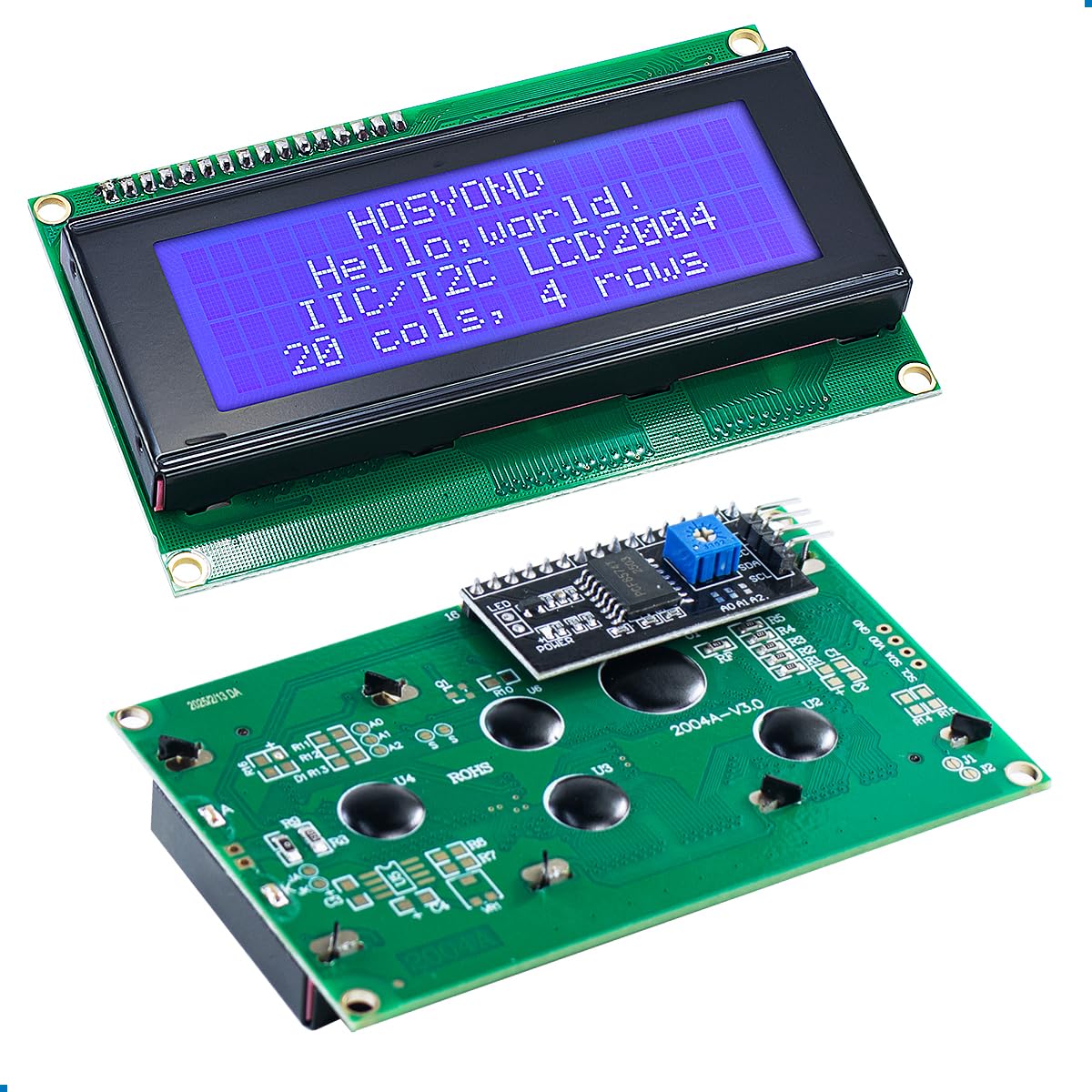


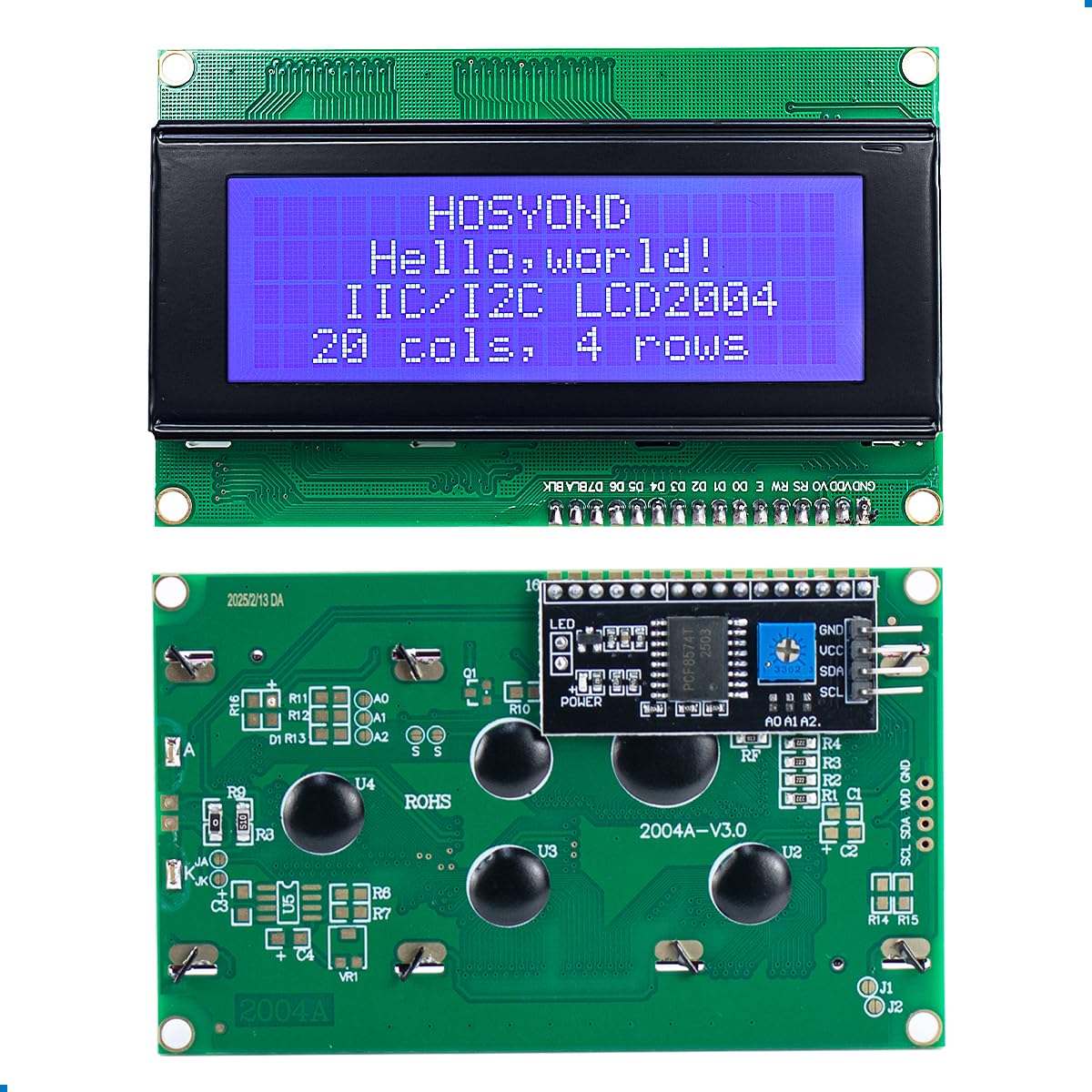
💡 Elevate your projects with vivid, hassle-free display power!
This 3-pack of 2004 LCD modules features a 4-line by 20-character blue display with an I2C serial interface, enabling simple 4-wire connections to popular development boards like Arduino and Raspberry Pi. Powered by 5V, each module includes an adjustable backlight potentiometer for optimal visibility. Perfect for IoT, DIY electronics, and smart building applications, these modules deliver clear, customizable readouts with minimal wiring complexity.


| ASIN | B0C1G9GBRZ |
| Best Sellers Rank | #107,079 in Computers ( See Top 100 in Computers ) #1,664 in Single-Board Computers |
| Manufacturer reference | B007 |
| Package Dimensions | 20.19 x 19.89 x 3.4 cm; 226.8 g |
F**Z
buenas algo caras era la entrega mas rápida
H**E
These LCD screens are good. If you're familiar with the 4x16 which come with some of the Arduino kits, these are different in that they use I2C communication. This is a good thing as using I2C with the Arduino is easy and means these only need 4 wires to be connected: Vcc, GND, and two wires to enable the comms to the Arduino. Much easier than the ratsnest of wires to the 4x16 which come in some kits. Look up "hd44780.h library" and you will find it as a free download on GitHub. Of note, but certainly not worth dinging this any stars: at one time there was likely a jumper on two pins on the I2C backpack. (The little adapter card on the back which is the go-between for I2C to the LCD is called a "backpack"). The location for the two pins is still there but there are no pins and no jumper. If you check you will find that the two holes, soldered over, are connected. Looking closely, you will see a very fine trace between the two pin holes. If you scrape through that trace, electrically isolating those points, the LCD will not illuminate. Now check both pins to Vcc for continuity: you will find one solder pad/hole which is directly connected to Vcc. You don't want this pin/pad, you want the other one (make sure they are not connected any longer, be sure that you got the trace destroyed). Solder in a pin here or directly solder to it if you feel lucky and connect this to one of the PWM pins on the Arduino. You can now adjust the LCD backlighting brightness with the Arduino (you'll have to configure that Arduino pin and set its output appropriately). Without this modification the LCD is either on or off, which you can control with the Arduino. However, without this mod, you cannot adjust the brightness of the backlighting (the little trim pot on the back of the unit is for adjusting the contrast of the display). With this mod you can turn the backlight on and off like you could before, *AND* you can adjust the brightness of the backlight. At full power the backlight is *BRIGHT*. Turning it down indoors is...good.
S**S
Good quality
H**A
Handy display 👌 be nice if I could dim at night.
B**E
These are used on enclosed, outdoor control systems. They perform as advertised, no problems with any of the units. Use standard Hitachi commands. You just can't beat the convenience with the controller attached. If you keep the backlight off, they only pull a couple of mAs. I pulled off the red LED on a couple but that only saves about 1.5 mA. I actually like the light so I can tell if the unit is getting power. The brightness is typical for these units. Have switched to 4 line commands because these are actually cheaper than the 2x16 I was using previously. So far, reliability has been good. Will continue buying.
Trustpilot
Hace 2 semanas
Hace 3 semanas