




💽 Elevate your media game with speed and style—don’t get left behind!
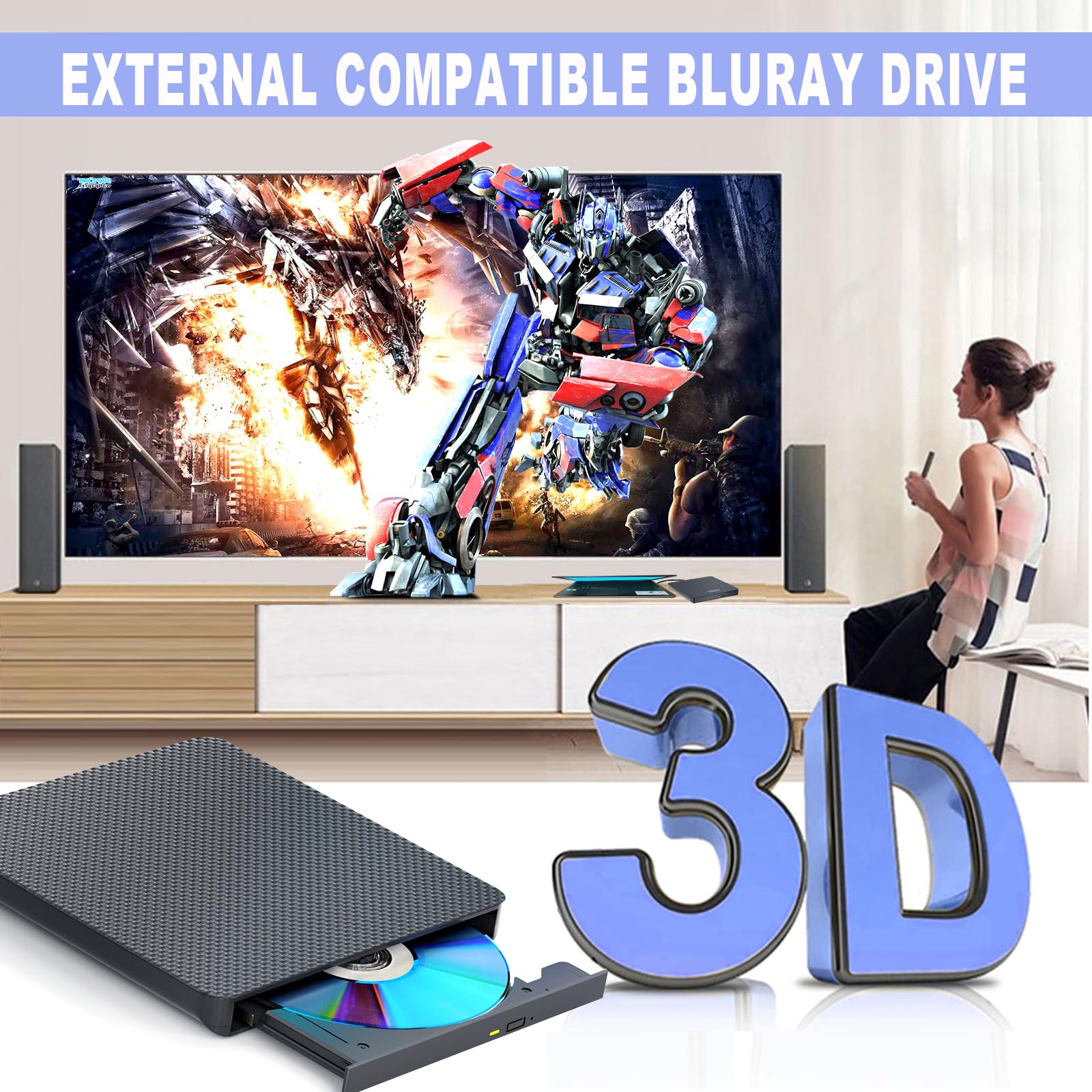
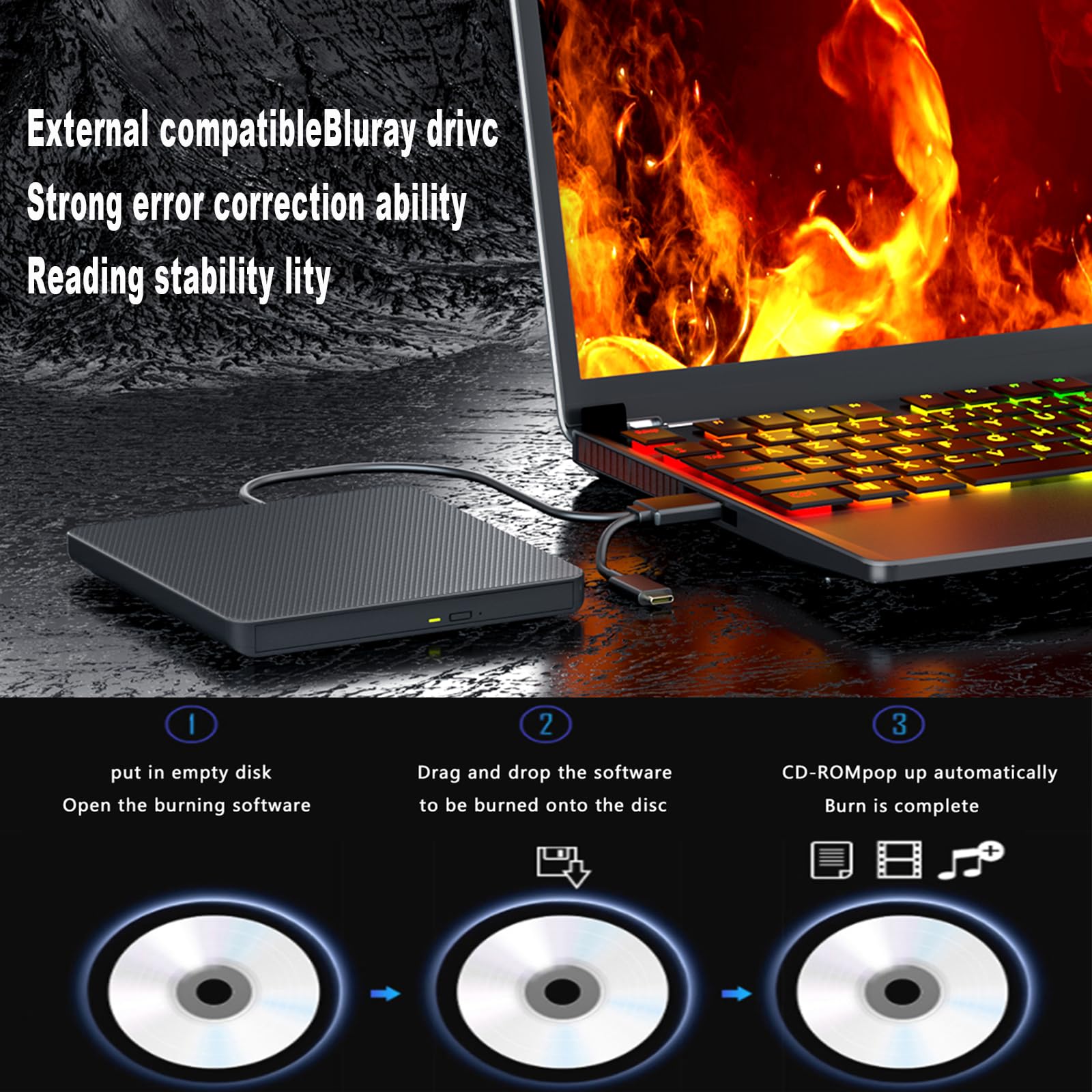
The aelrsoch External Blu-ray Drive is a sleek, portable optical drive featuring USB 3.0 and Type-C interfaces for ultra-fast 5Gbps data transfer. It supports high-speed reading and burning of Blu-ray (6x), DVD (8x), and CD (24x) discs, compatible with Windows XP to 10 and Mac OS. Designed for professionals and media enthusiasts, it offers 3D playback support and broad device compatibility, making it an essential tool for modern digital storage and entertainment needs.


| Brand | aelrsoch |
| Package Dimensions | 32.1 x 22.8 x 2.8 cm; 430 g |
| Item model number | c2eb17ed-b219-498d-8fa0-e2b4cdf279f6 |
| Manufacturer | aelrsoch |
| Colour | Black Glossy:Blu Ray Drive |
| Hardware Platform | Laptop |
| Operating System | Windows 7 |
| Are Batteries Included | No |
| Item Weight | 430 g |
| Guaranteed software updates until | unknown |
M**N
Quality Drive
This is perfect for a variety of uses for Blu ray, one to back up photos on to blu ray, to playback blu ray disks and to burn dvds and cd's as well, which nowadays is not necessary but i have alot of games on disk and i can back up serveral on to one blu ray saving space. I have used this now for a few months it is flawless and i have not yet had a bad disk and it accomplishes this with in a reasonable amount of time, especially comparing to when these first come out.
D**L
Playing Blu-Ray discs on PC
No set up required. The drive is just plug&play for CDs and DVDs. Pop in a disc and play with whichever programme you like to use for discs (Windows Media Player legacy for CDs for me). For Blu-ray, you need to take a couple of minutes to install a third party Blu-ray player like that from Leawo or install an add-on to VLC and you can watch high res films on your PC. I understand 4K discs won't work, but I don't have any so I don't know.There are USB A and C connectors attached. My USB C connector is at the back of my PC so I keep a USB C extension cable (bought from Amazon) always attached so I can easily attach USB C peripherals without having to poke around behind my computer.
K**N
Works exceptionally well
Works really well however you do need to hunt on the net for the correct drivers to get it to work with windows 11 but once sorted it's great.
D**G
MATSHITA® BD-MLT UJ260AF Outdated Drive....
The bare drive within the enclosure shows up in Windows as a MATSHITA® BD-MLT UJ260AF. In order to play the latest media (Bluray Films) the drive has to be able to update to a compatible firmware, however when I checked for any available firmware updates, I discovered that the very latest was released in 2013, there's nothing after that. When I inserted a bluray from 2019, it wouldn't play. There is various ways around this, like installing AnyDVD etc, but that costs money. I managed to burn a 25GB Bluray, however the playback is choppy. This might be my laptop, but I have a number of old Bluray Burners and I've had no trouble with them. Returned.
D**T
Great Job
Just what i was looking for
D**N
No regrets so far
Running on iMac Sonama and it is literally plug and play. I have downloaded Leawo freebie player which is needed as Apple dvd will not play Blu-ray have just taken it out of box plugged it in, the cable is short but ideal for me as I don’t want loads of spare cable hanging out the back of the iMac. Just settling down to a movie quality of image seems good I’ve no complaints a good buy
R**E
Mac incompatible
Product description said this was compatible with Apple Macs. Tried to burn data DVDs and Blu-rays with it on two Macs, that used different versions of OS X. Neither Mac would recognise discs inserted into the writer.Useless if you have a Mac.
A**A
its ok
its good only plays some blu ray dvd not all of them all dvd were purchase Amazon but my tv dvd player play all of them
Trustpilot
Hace 2 meses
Hace 3 semanas



