






🚀 Swift, Sleek, and Seriously Smart — Elevate Your Everyday Hustle
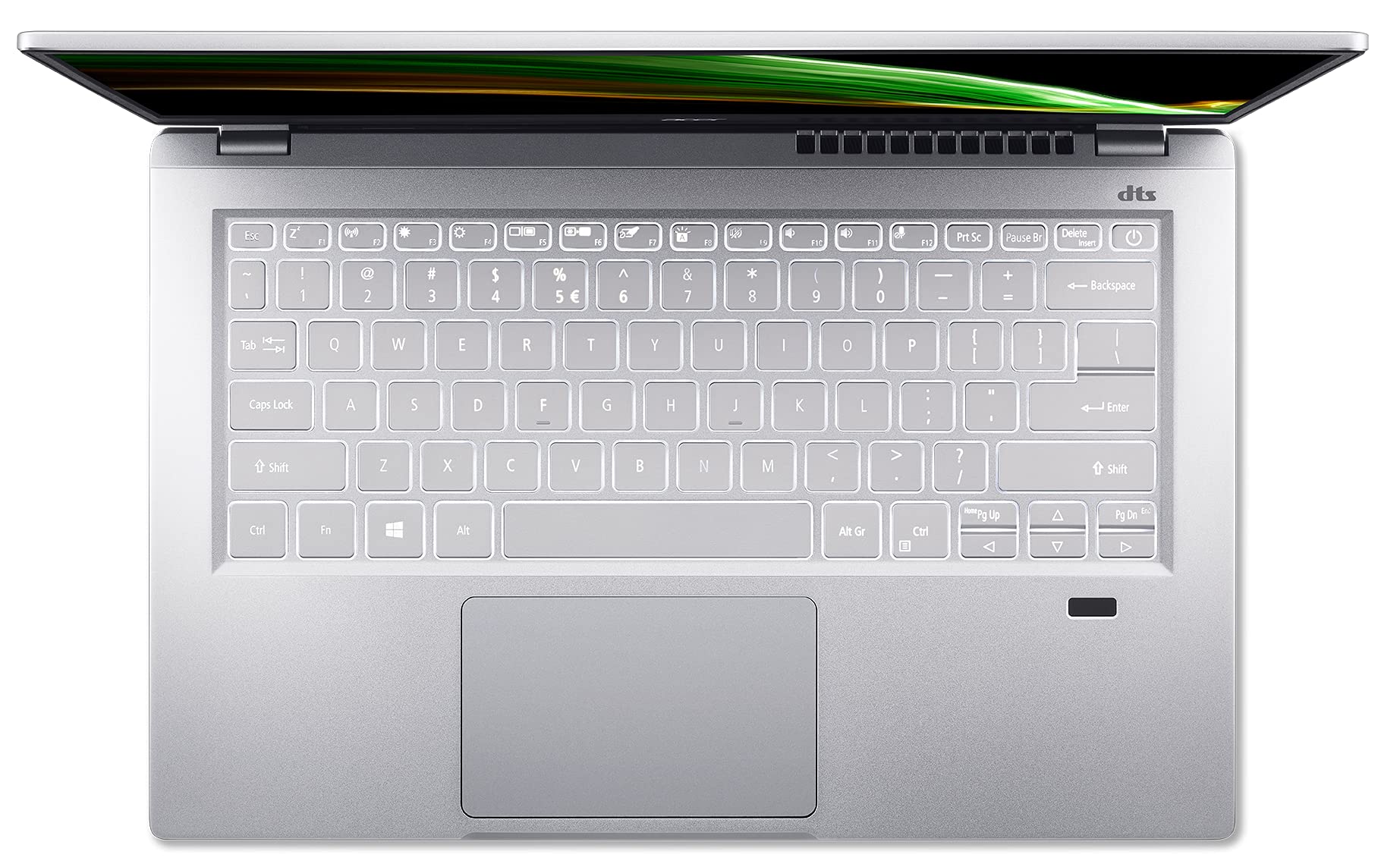
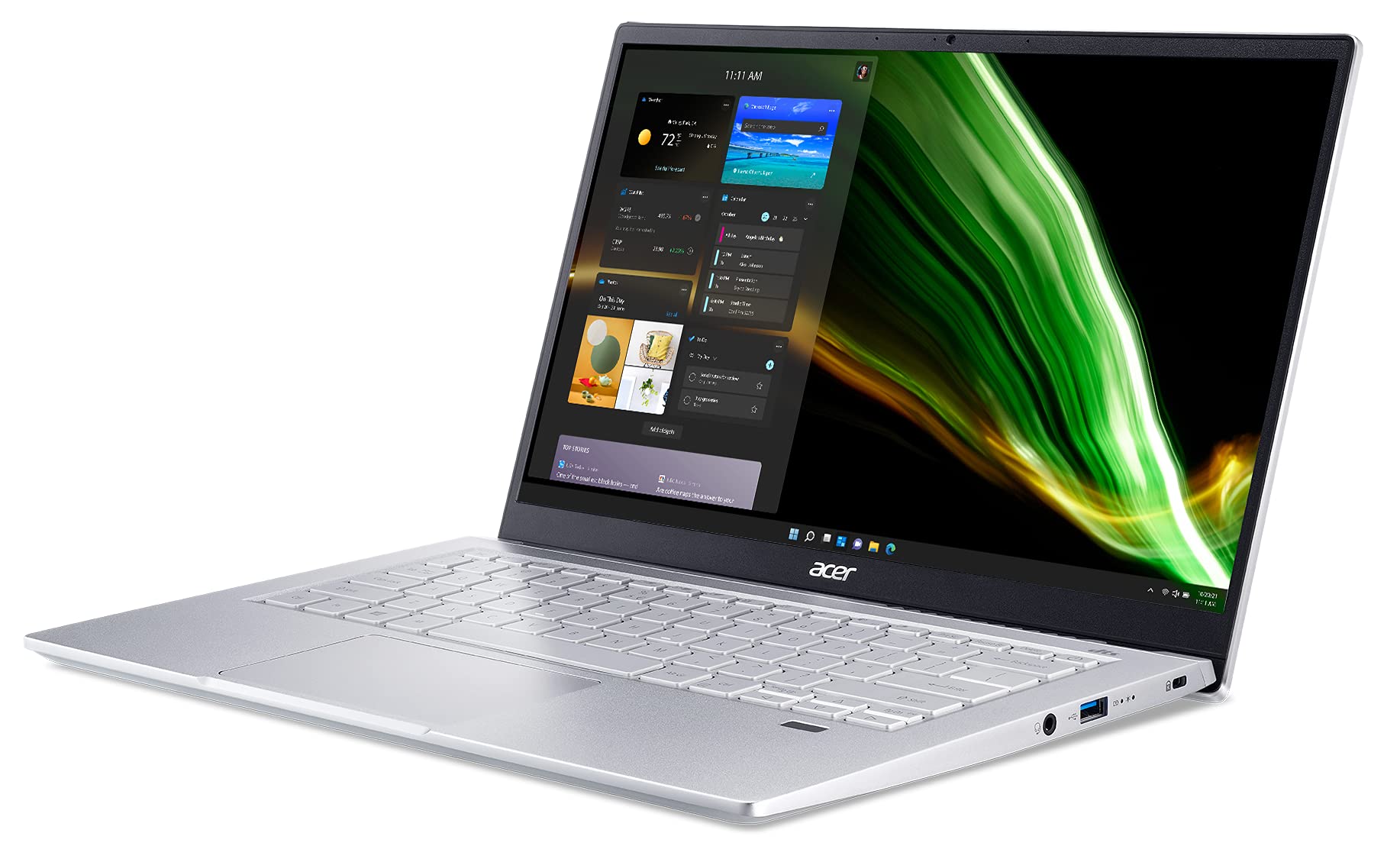
The Acer Swift 3 SF314-511-753K is a premium thin-and-light laptop featuring an 11th Gen Intel Core i7-1165G7 processor with Turbo Boost up to 4.7GHz, 16GB LPDDR4X RAM, and a 512GB NVMe SSD for rapid performance. Its 14-inch Full HD IPS display delivers vibrant colors with 100% sRGB coverage, ideal for professionals and creatives. Equipped with Wi-Fi 6, Thunderbolt 4, and a backlit keyboard, it offers cutting-edge connectivity and usability. Weighing just 2.7 lbs and boasting up to 16 hours of battery life, it’s designed for seamless productivity and mobility, secured by fingerprint recognition and running Windows 11 Home.


| ASIN | B09GTHLTPC |
| Audio Output Type | Speakers |
| Audio Recording | Yes |
| Automatic Backup Software Included | Windows 10 Home |
| Available M2 Slot Count | 1 |
| Battery Average Life Standby | 16 Hours |
| Battery Cell Type | Lithium Ion |
| Battery Life | 16 Hours |
| Best Sellers Rank | #9,731 in Computers & Accessories ( See Top 100 in Computers & Accessories ) #1,251 in Traditional Laptop Computers |
| Biometric Security Feature | Fingerprint Recognition |
| Bluetooth Version | 5.0 |
| Bluetooth support? | Yes |
| Brand | acer |
| Built-In Media | AC Adapter, Laptop, Power Cord |
| CPU Model Generation | 11th Gen |
| CPU Model Number | i7-1165G7 |
| Chipset Type | SoC (System on Chip) |
| Color | Silver |
| Compatible Devices | External displays, keyboards, mice, storage devices, printers, and other accessories that use USB, HDMI, Bluetooth, or Wi-Fi for connection |
| Connectivity Technology | HDMI, USB, Wi-Fi |
| Control Method | Touch |
| Customer Reviews | 4.2 out of 5 stars 115 Reviews |
| Display Resolution Maximum | 1920x1080 Pixels |
| Display Technology | LED |
| Display Type | LCD |
| Form Factor | Laptop |
| Graphics Card Ram | 16 GB |
| Graphics Coprocessor | Intel Iris Xe Graphics |
| Graphics Description | Integrated |
| Graphics Ram Type | Shared |
| Hard Disk Description | SSD |
| Hard Disk Interface | USB 3.2 |
| Hard-Drive Size | 512 GB |
| Hardware Interface | Bluetooth 5, DisplayPort, HDMI, Thunderbolt, USB |
| Has Color Screen | Yes |
| Human-Interface Input | Touch Pad |
| Item Dimensions L x W x Thickness | 12.71"L x 8.35"W x 0.63"Th |
| Item Height | 0.63 inches |
| Item Weight | 2.7 Pounds |
| Keyboard Description | Backlit |
| Keyboard Layout | QWERTY |
| Manufacturer | Acer |
| Memory Clock Speed | 2.8 GHz |
| Memory Slots Available | 4 |
| Model Name | SF314-511-753K |
| Model Number | NX.ABNAA.009 |
| Model Year | 2021 |
| Native Resolution | 1920 x 1080 pixels |
| Notebook Pointing Device Description | Touchpad |
| Number Of Cells | 4 |
| Number of Ports | 2 |
| Operating System | Windows |
| Optical Storage Device | No Optical Drive |
| Other Special Features of the Product | Backlit Keyboard |
| Processor Brand | Intel |
| Processor Count | 4 |
| Processor Series | Intel Core i7 |
| Processor Speed | 4.7 GHz |
| RAM Memory Installed | 16 GB |
| RAM Memory Slot Total Count | 4 |
| RAM Memory Technology | LPDDR4 |
| RAM Type | DDR4 SDRAM |
| Ram Memory Maximum Size | 16 GB |
| Resolution | 1080p |
| Screen Size | 14 Inches |
| Speaker Description | Two built-in front facing stereo speakers |
| Specific Uses For Product | Business, Multimedia, Student |
| Total Number of HDMI Ports | 1 |
| Total Thunderbolt Ports | 1 |
| Total Usb Ports | 2 |
| Touch Screen Type | Capacitive |
| Touchpad Feature | True |
| UPC | 195133137379 |
| Video Output | HDMI |
| Video Processor | Intel |
| Voltage | 15 Volts |
| Warranty Description | One-year International Travelers Limited Warranty (ITW) |
| Warranty Type | International |
| Webcam Capability | Yes |
| Wi-Fi Generation | 802.11ax |
| Wireless Compability | 802.11ax |
| Wireless Technology | Wi-Fi |
G**A
Blazing Fast and Brilliant OLED Screen!
I have been using this Swift GO 14 (SFG14-72-72YK) for about a month now. It is blazing fast, booting to Windows 11, opening apps and so on. I also added a 2nd NVMe (1 TB) inside the slot, this is much better than attaching an external storage. It has been running quietly, once in a while the fan kicks in, but it goes back to silent after 10 seconds or so. I also like the Acer LiveArt app (pre-installed), in which background removal tool is very nice and gets the job done quickly. I also have Adobe Photoshop and use the background removal tool, which requires a few steps. This Acer LiveArt is just one click and done. This Swift GO 14 is a powerhouse and brings a lot of features at a very affordable price!!!
S**E
Nice laptop for the price
This is the first non-business laptop I have bought in many years. I was looking for a mid level model. I am impressed with the quality so far. I have just started to migrate data from oId laptop and load software. So far no issues. The screen seems quite nice. I will connect this to an external monitor eventually. Having wireless 6 is great. Using speed test I have gotten as high as 800mb.
F**8
Will it last? Also, how Debian 12 didn't work, but Linux Vanilla installed okay.
Update March 2025, bought Oct 2023. 1) battery life so so with linux. 2) charger port not working well after being on third charging cable - the pin is too thin and bends, and apparently the socket is not 100% anymore - takes some fiddling to get it to charge, and a slight bump will stop it from charging. Also, with LInux, I have not been able to access the microphone. Never knew this nor needed it until a recent zoom meeting. For non linux I doubt it's an issue. The skinny charging plug though is a downgrade from earlier acer. Time will tell if this Swift lasts or dies, so I'm not gonna give this a bunch of stars yet. My Acer Aspire 5 is still working with Linux Mint, but with short battery life, wifi that switches off and requires a restart (annoying), and keyboard that has different letters get less responsive at times, and touchpad click not the greatest. And the junkiest speakers. But it worked at home, at work, got transported in a backpack, and still runs, even if it crashes with too many tabs open, using Linux Mint. My Acer Spin 3 ran Fedora, seemed great as what I think is called a "budget" ultrabook, but had a screen failure in under a year. Not cool. Just tried Debian on this Swift 3 Evo. Explored BIOS first but not sure I needed to change anything. Downloaded Debian using my aspire, right clicked to make it bootable onto a thumb drive, and then installed debian to the swift. For wifi, selecting our network didn't work, but leaving it blank, it accepted the password. Weird. However, after install, it said I didn't have a wifi card. I spent some hours trying to get some wifi drive, couldn't find clear procedure, and gave up. Got Linux Vanilla, installed, and, it worked fine, so far. Time will tell if this Swift lasts like the Aspire, or dies like the Spin, so I'm not gonna give this a bunch of stars yet.
N**S
Great budget OLED laptop
I needed a budget laptop but after using OLED monitors, I couldn't buy anything without an OLED screen. This fit the bill and has come in handy many times when I need to do something quick but don't feel like sitting down at the desktop. It's light and portable, and has decent performance for being a budget machine. The battery lasts a lot longer than my heavy monster work laptop.
R**H
Solid 7/10
Screen: beautiful OLED screen with a high resolution, no complaints here. Do note though that this screen is very bright and the minimum level on the display does not get low enough at night for my wife who is more sensitive to bright lights (just something to keep in mind). Security: fast and accurate finger print sensor built into the power button Battery life: it's better than older windows laptops but no where close to a MacBook. However, if you do light work it'll probably get you through the day. Heat: laptop gets warm for light tasks but never uncomfortable (you can probably use it on your lap). If you push the laptop or have it charging while in use the chassis gets very hot and is better for use on a desk at that point. The heat can also be felt through the keyboard deck on the left side of the laptop so keep that in mind. Keyboard: typing has been comfortable for me, no complaints Connections: plenty of ports on the laptop but do keep in mind that the USB C ports do not support display out so you are stuck with the HDMI. Performance: I do sometimes see lag when doing normal tasks like opening menus and windows but this doesn't happen all the time. Numbers wise the laptop is probably plenty fast for most things you throw at it. Speakers: terrible, they are way too soft in my opinion for media consumption but I did notice they sound fine for conference calls. Just be mindful of what you are purchasing this unit for. I also found it helpful to download a 3rd party software to force higher volume levels and provide better equalization. Camera: good quality, can't complain Mic: seems to be fine but i did notice that during calls people would sometimes here feedback/echoing from the speakers (still not sure why this happens). Build quality: it's aluminium but looks and feels more like rigid plastic. Weight: I think it weighs about as much as my MacBook air, it's just a bit thicker so definitely not a heavy laptop.
T**S
I love it so far
I've only had it two days but I really like it so far. The perfect size, quiet, fast and great looking OLED screen. It did come with BIOS 1.01 which I updated to 1.04, which fixed the touchpad not working after I applied all the Windows updates.
K**R
Runs hot. Too small to read. Horrible battery
My last Acer was in 2009, and I said I would never buy another one. I forgot. The Acer Swift Go 14 SFG14-72 is very hard to read . I can make the icons larger, but then the web pages are too hard to read. I can only read part of the page at a time. When looking at photos on web pages, I can click the gray dot to see the next photo, but I have to scroll up to actually see the photo. once I see the photo, I cannot go to the next photo until I scroll back down to the gray dots. I cannot see both at the same time. I have been trying to fix this since July 2024 (over 6 months). No luck getting any help on Acer community or Acer FAQ. Maybe this review will catch Acer's support people, and maybe they will reply. The PC also runs hot, so I had to buy a laptop stand with a fan to cool it down. The USB fan on the laptop stand drains the battery quicker. The battery lasts about 2 hours when online and looking at web pages. Have not tried streaming videos yet since the battery is not good. No point in buying an OLED screen with a battery like this. The touch screen version does not have OLED screen.
B**N
Great for College student
I purchased this for my daughter for her first year in college and it worked flawlessly. No issues all year, it’s light weight, and no issues with the battery lasting.
Trustpilot
Hace 5 días
Hace 2 meses



