We remain fully operational. Our teams are working around the clock to ensure your deliveries continue safely.

Descargar la aplicación


Servicios al cliente
Sobre nosotros
Copyright © 2025 Desertcart Holdings Limited
Descargar la aplicación


⌨️ Elevate your typing game—comfort and control that your wrists will thank you for!
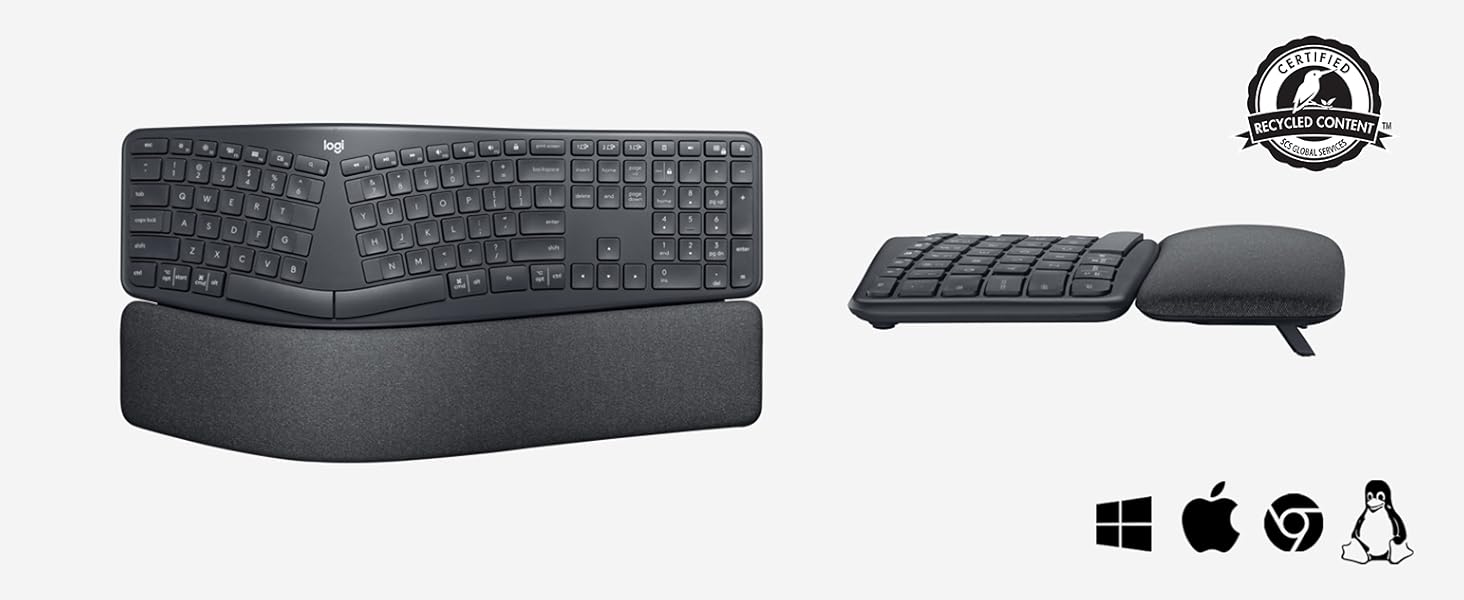
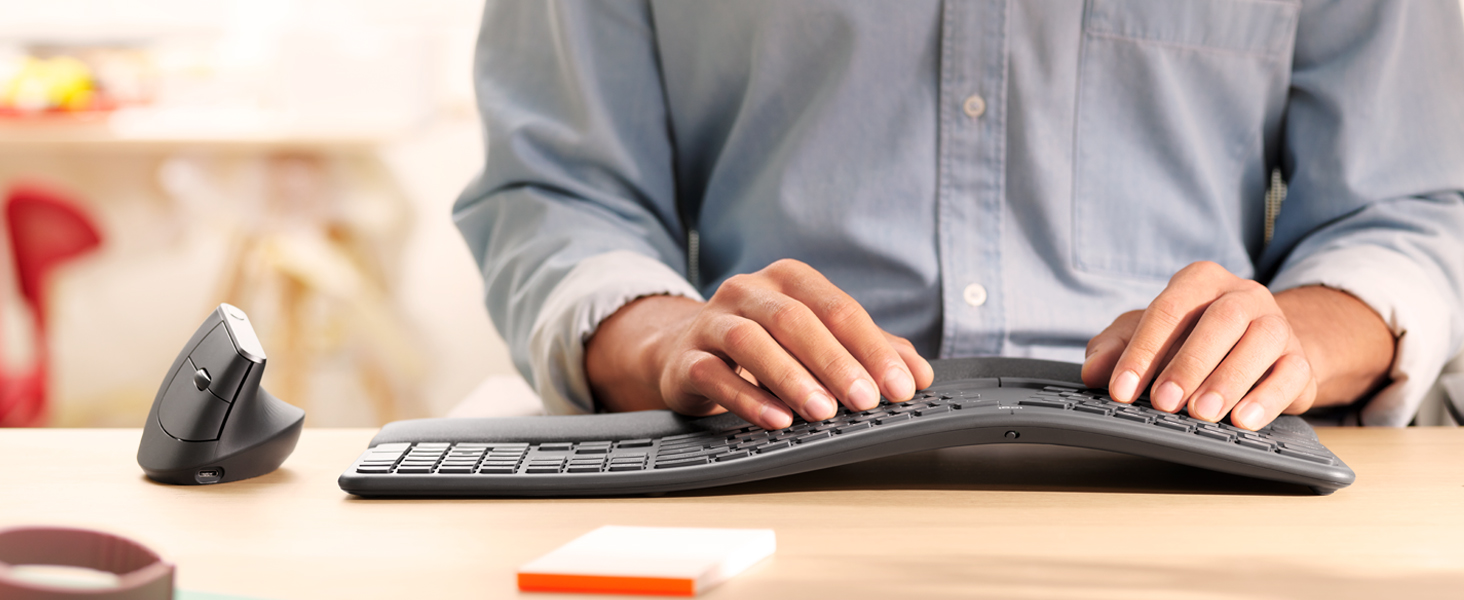
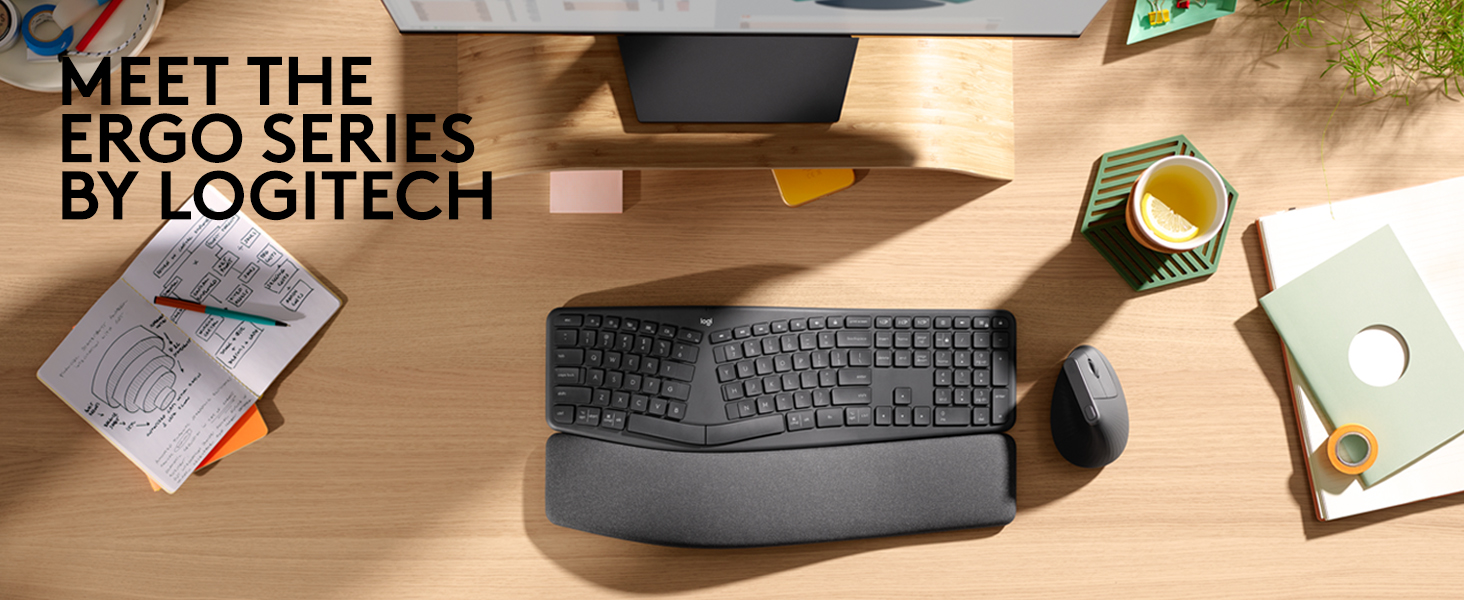
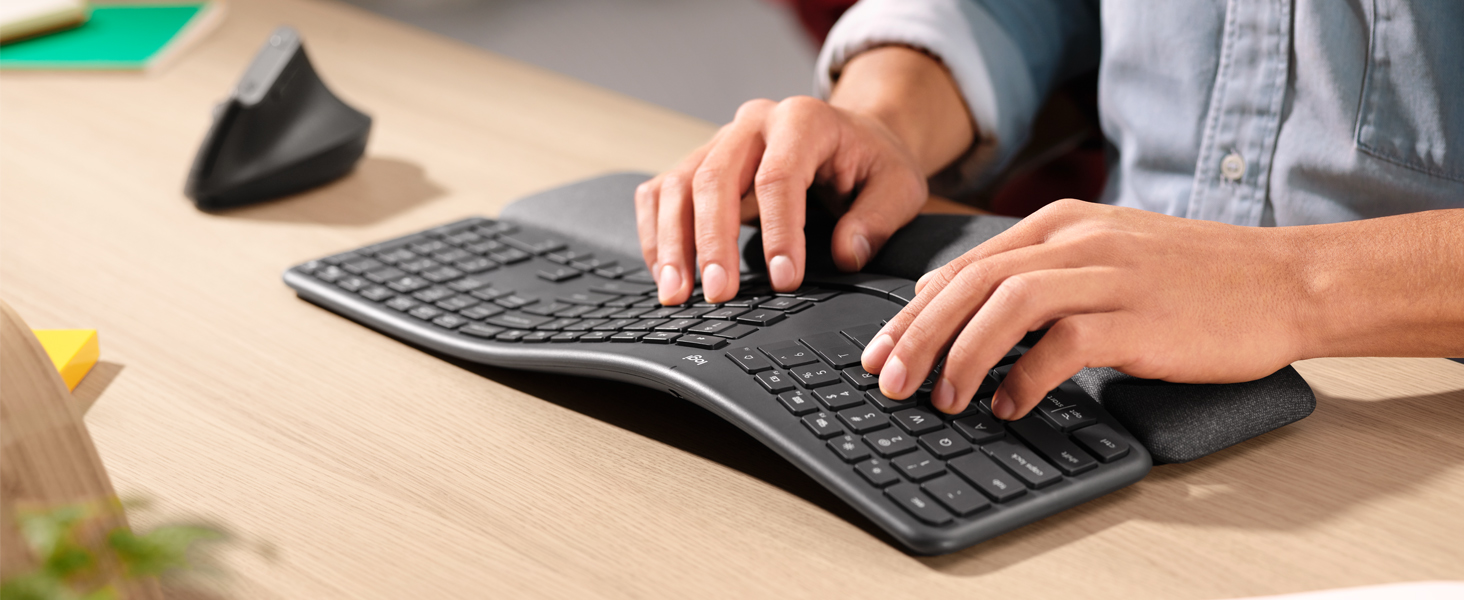
The Logitech ERGO K860 is a premium wireless ergonomic keyboard featuring a split curved layout and memory foam wrist rest designed to reduce muscle strain and improve typing posture. Compatible with Windows and Mac, it offers versatile Bluetooth and USB connectivity, customizable keys via Logitech Options software, and sustainable materials including recycled plastics and stain-resistant fabric. Ideal for professionals seeking enhanced comfort, productivity, and style in their workspace.








| ASIN | B07W6JLQCY |
| Are Batteries Included | Yes |
| Batteries | 2 AAA batteries required. (included) |
| Battery description | AAA |
| Best Sellers Rank | 6,899 in Computers & Accessories ( See Top 100 in Computers & Accessories ) 102 in Keyboards (Computers & Accessories) |
| Brand | Logitech |
| Colour | Grey |
| Customer Reviews | 4.4 4.4 out of 5 stars (706) |
| Date First Available | 21 Feb. 2021 |
| Guaranteed software updates until | unknown |
| Hardware Platform | PC |
| Item Weight | 1.16 kg |
| Item model number | 920-010107 |
| Manufacturer | Logitech |
| Number of Batteries | 2 |
| Operating System | Windows 10 |
| Power Source | Battery Powered |
| Product Dimensions | 45.6 x 23.3 x 4.8 cm; 1.16 kg |
| Series | K835 Tkl |
D**P
What a keyboard!!!
I never thought a keyboard could make such a difference in my daily life until I got my hands on the Logitech ERGO K860. As someone who spends countless hours typing, this ergonomic marvel has been a real game-changer for me. The first thing that struck me was its sleek, modern look. But don't let its good looks fool you – this keyboard means business when it comes to comfort. The split layout felt a bit weird at first, but after a day or two, I found myself typing more naturally than ever before. Let's talk about that wrist rest for a second. It's not just an afterthought – it's an integral part of the design that provides just the right amount of support. And get this: it's covered in a stain-resistant fabric. As someone who's guilty of the occasional coffee spill, this feature is a lifesaver. Now, onto the typing experience. Oh boy, it's smooth! The keys have this satisfying click to them that makes typing feel almost... fun? I know, I never thought I'd say that about a keyboard either. The curved design and adjustable tilt options let me find that perfect position where I can type for hours without feeling like I've run a marathon with my fingers. Connectivity is a breeze too. I've got it hooked up to my work laptop via USB and my personal tablet via Bluetooth. Switching between devices is so easy, I sometimes forget I'm using the same keyboard for both. And don't get me started on the battery life – I've had this thing for months and haven't had to charge it once! Is it perfect? Well, there was a bit of a learning curve at first. My typing speed took a hit for a few days while I got used to the split layout. But once I adapted, my speed was back up and my comfort levels were through the roof. Bottom line: if you're serious about your typing comfort and want a keyboard that looks as good as it feels, the Logitech ERGO K860 is worth every penny. It's not just a keyboard; it's an investment in your daily comfort and productivity. Trust me, your wrists will thank you!
B**S
Best keyboard I've ever had
TLDR: Superb keyboard, 6*. Get the BT receiver out of the packaging! In the last year, I've bought five keyboards. In my 48 years of playing with computers, I must have had dozens of different keyboards. This Logitech K860 is easily the best. Beautifully comfortable to use, the palm rest is really comfortable to use. In the pictures, it looks as if the palm rest can be separated from the keys - in fact, they are all one unit, joined underneath. The ergonomic layout really is natural to use - my son, who hasn't used an ergonomic keyboard before, just sat down and typed on it (winning an online typing-speed competition!). Importantly, Logitech has kept the standard layout of the Insert/Home/PageUp/Delete/End/PageDown keys, and the inverted-T shape of the arrow keys. If you're used to using these keys as a touch-typist - which many programmers will be - then you'll still find the keys in the right location. On many split-keyboard ergonomic layouts, the widened layout of the main keyboard means that the middle-set keys are rearranged. The Logitech designers have done a great job here; the numeric keypad is the same size as on normal keyboards, yet the overall keyboard size is the same as normal keyboards (it's 18" wide, and 91/4" deep, including the wrist-rest). Again unusally for ergonomic keyboards, the keyboard angle can be raised at the front so that it slopes away from you. This is the most natural position for your hands, yet so many keyboards only have raiser-feet at the back. There are in fact two levels of raising you can use - there are two diffent length feet you can choose to extend. The markings on the keys are very clear, seemingly cast into the actual key, and show the Windows and Mac differences. I recently bought a Logitech K850 keyboard (a 3-computer Bluetooth switcher) but the markings on this look like transfers that have been pasted on, and therefore might rub-off in the long-term). The keys have a good feel and distance of travel and are quiet to use. Don't just throw the packaging box away! The keyboard is Bluetooth, and is easy to link to three computers (I have two Windows and one dirty Mac), with three dedicated keys (with a nice LED indicator) to switch machines. But inside the box, stuck separately and easily missed, is a Bluetooth receiver that you can use too. I don't need to use it; there is a neat slot inside the battery compartment where you can store it. Logitech provide a download - "Logitech Options" - that allows you to configure the keyboard, and gives a guided tour. It's worth downloading this, and clicking around to explore. You can program the actions of the back-row keys - for example, set up keys for Cut/Copy/Paste, and you can make these key definitions specific to individual apps. Areas for improvement? There is an LED on the Caps Lock key to show when it's on; however, there isn't one on NumLock, which is a shame. Also, you can't download a PDF manual - you have to click around in the Options program, or hunt around on the web. These are produced to a good standard, but for all technology I still prefer to have PDF that you can scan, bookmark and annotate. In summary: it's expensive - but really outstanding. Worth every penny.
A**R
Very good ergonomic keyboard.
This ticks all the boxes for an ergonomic keyboard - reverse tilting, wrist rest, split keyboard, light touch keys. As a couple of bonuses: 1. I like the buttons that allow you to switch the bluetooth connection instantly between different computers. I frequently work with two computers on one desk, so that's handy. 2. Somehow I find that the tab, caps lock, enter, shift, control and windows keys are positioned really well. My hand reaches them really easily compared to the microsoft ergonomic keyboard I used to use.
S**C
I like everything about the keyboard-the only challenge is that with the numeric part it’s quite wide which makes the mouse management a bit less comfortable.
D**A
Life changing keyboard. Solves whitest and thumb pain. Great quality.
T**R
It's my second Ergo Can't type it when your drunk as always but perfect when your sober
J**L
undrar när pengarna sätts in på mitt konto? Returnerade detta den 27 januari Nu är det den 5 februari och pengarna har inte kommit in på mitt konto
A**N
The ERGOK860 is a fantastic keyboard. However, if you are purchasing this particular product, you need to keep in mind that this product has a UK keyboard layout. The difference between US and UK keyboard layouts is important especially for those purchaisng this product from outside the UK. What is the annoying factor? The UK layout has enter key that is too small and it is highly annoying. There are other differences which you may or may not like. Please Google to know the difference US and UK keyboard layouts.
Trustpilot
Hace 1 semana
Hace 2 semanas