We remain fully operational. Our teams are working around the clock to ensure your deliveries continue safely.

Descargar la aplicación


Servicios al cliente
Sobre nosotros
Copyright © 2025 Desertcart Holdings Limited
Descargar la aplicación
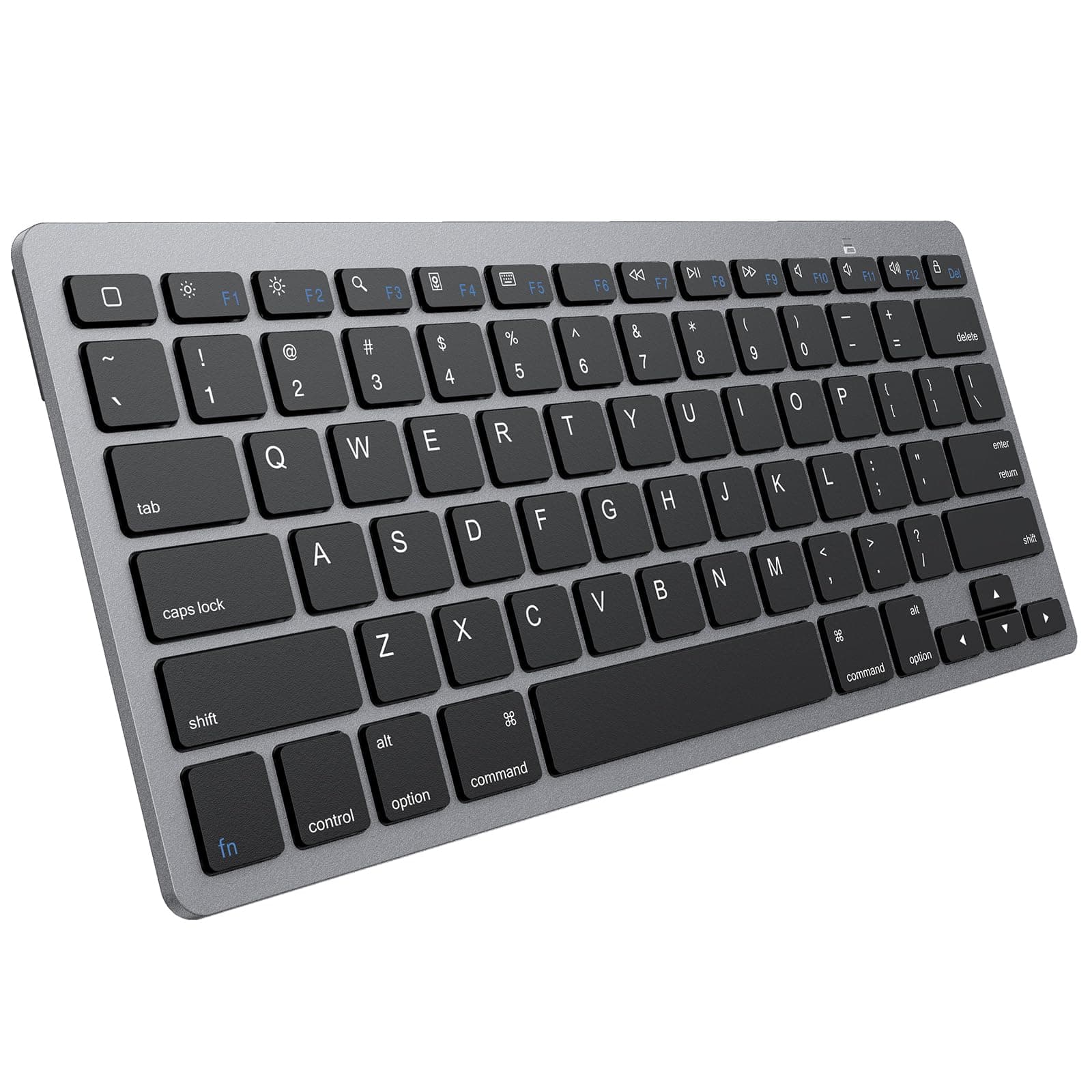
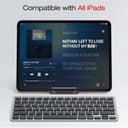
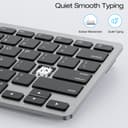
⌨️ Elevate your iPad typing game—compact power that keeps up with your hustle!
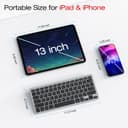
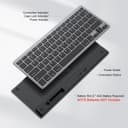
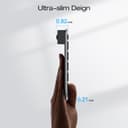
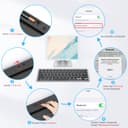
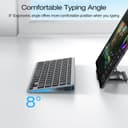
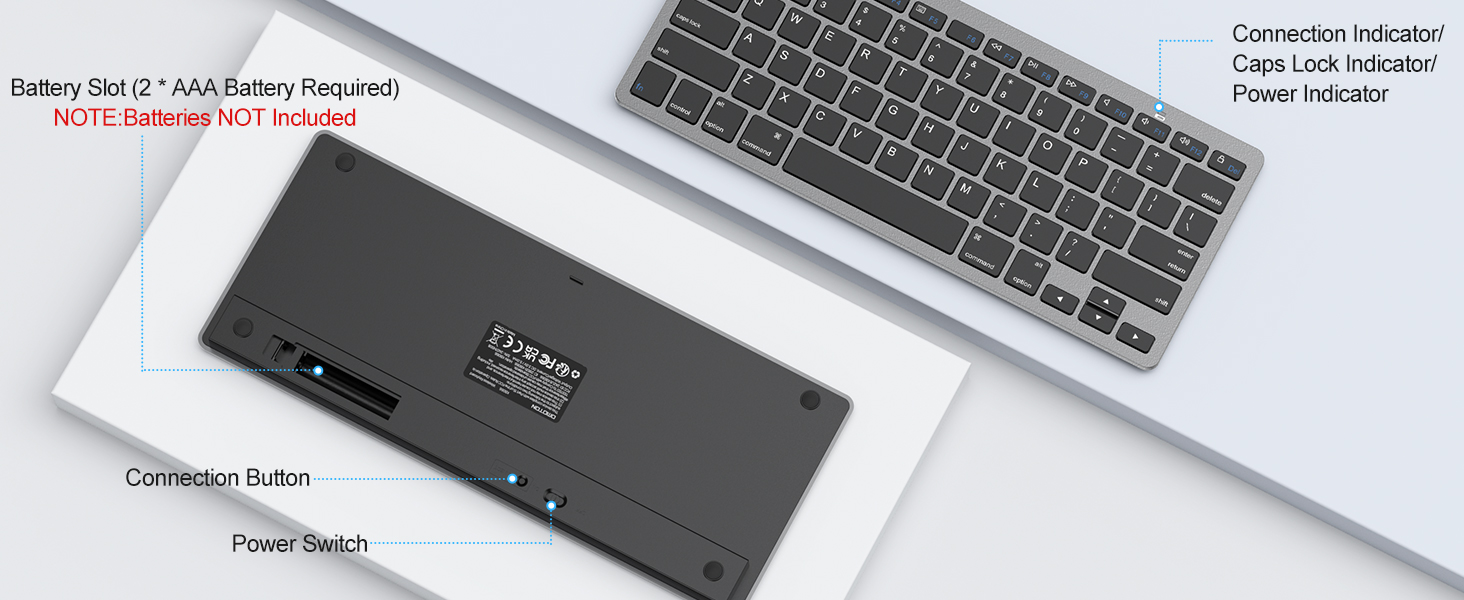
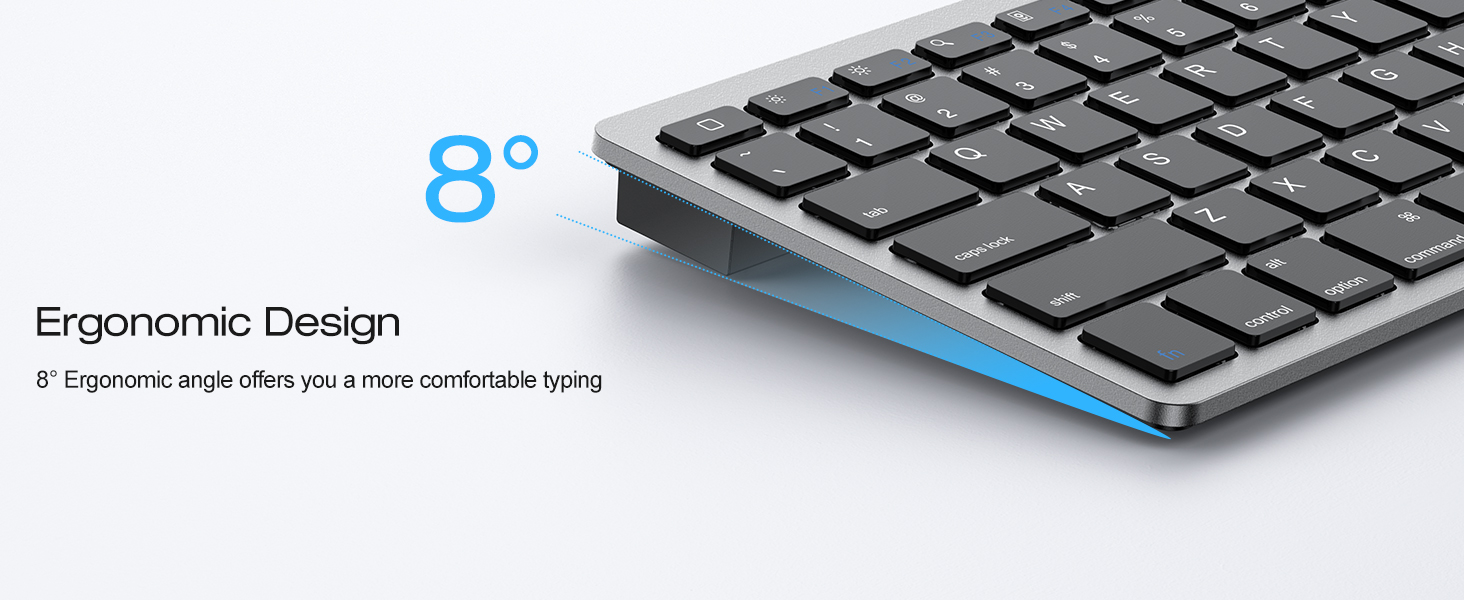
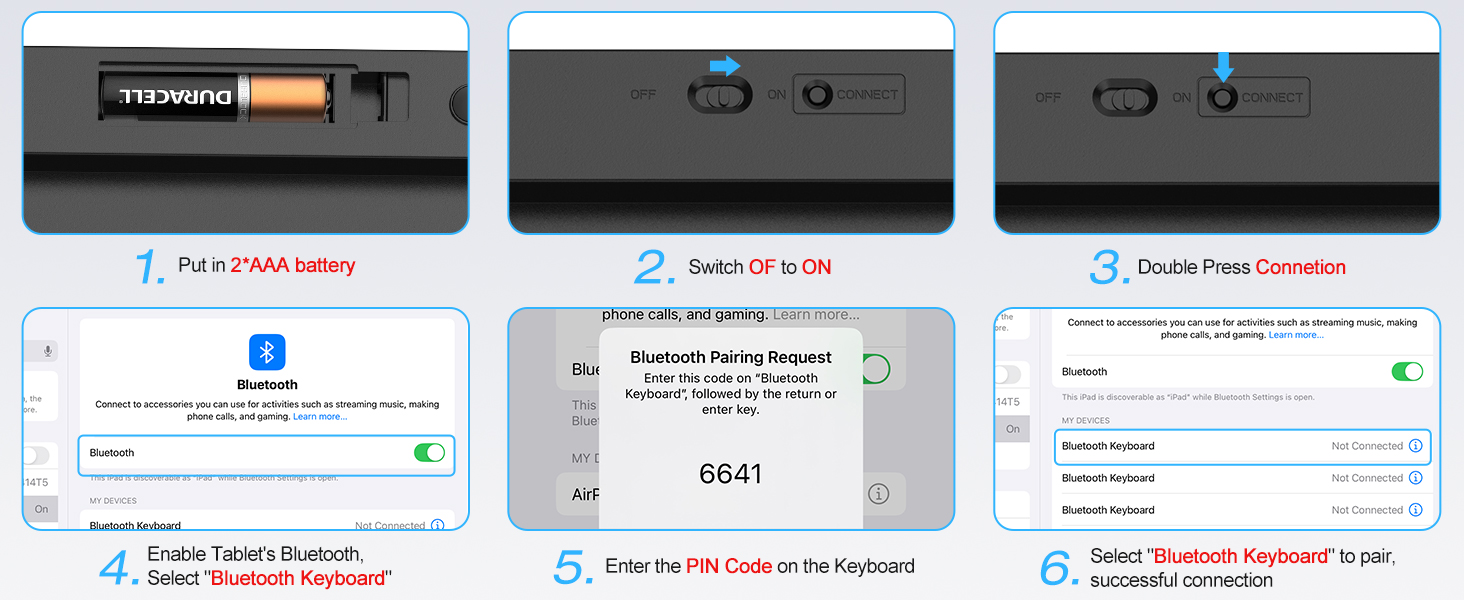
The OMOTON Wireless Bluetooth Keyboard is a compact, ultra-slim accessory designed exclusively for iPads running iOS/iPadOS 14.5 or later. Featuring a reliable Bluetooth connection with a 33ft range and energy-saving auto sleep mode, it offers a comfortable typing experience with stable scissor-switch keys and dedicated multimedia shortcuts. Powered by 2 AAA batteries, this keyboard is perfect for professionals and students seeking a portable, efficient typing solution that complements their iPad perfectly.



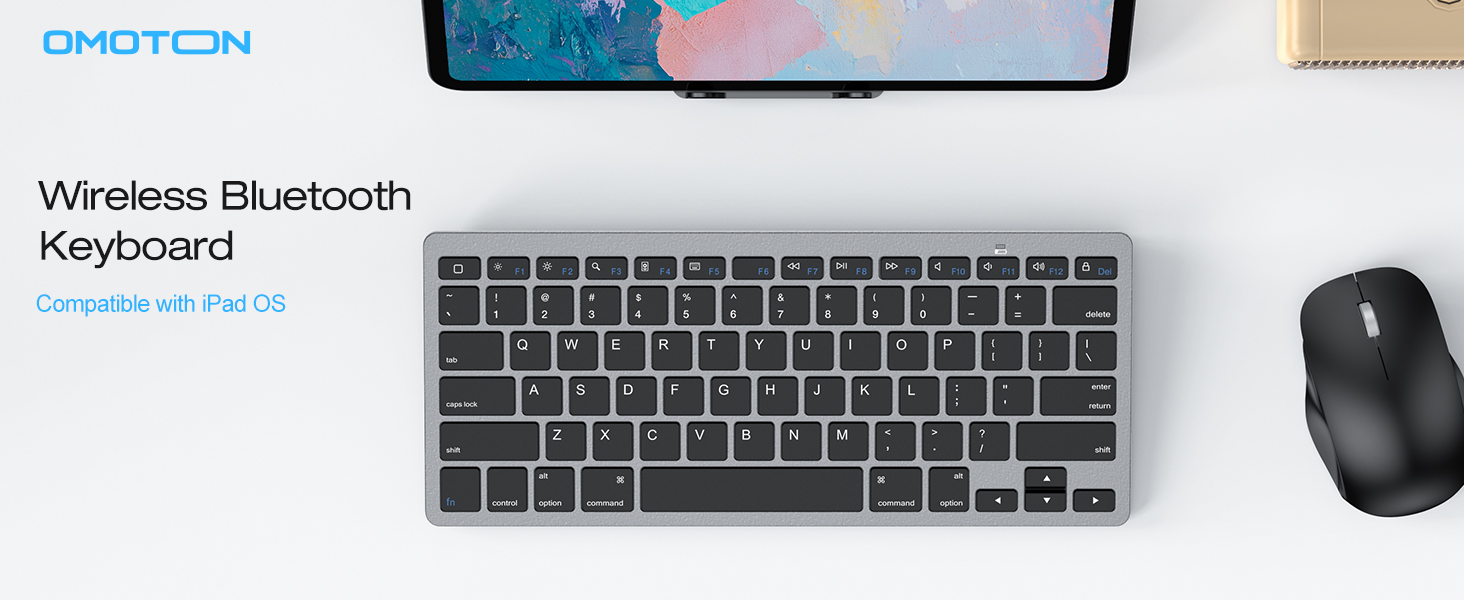
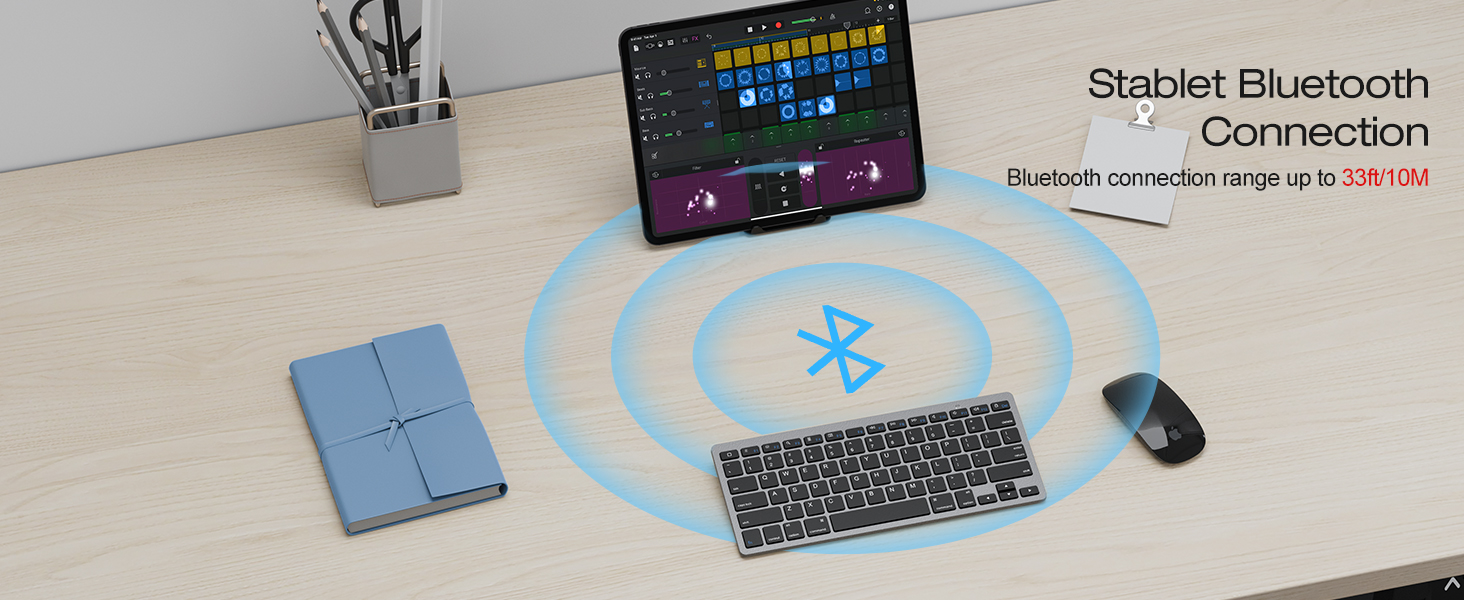
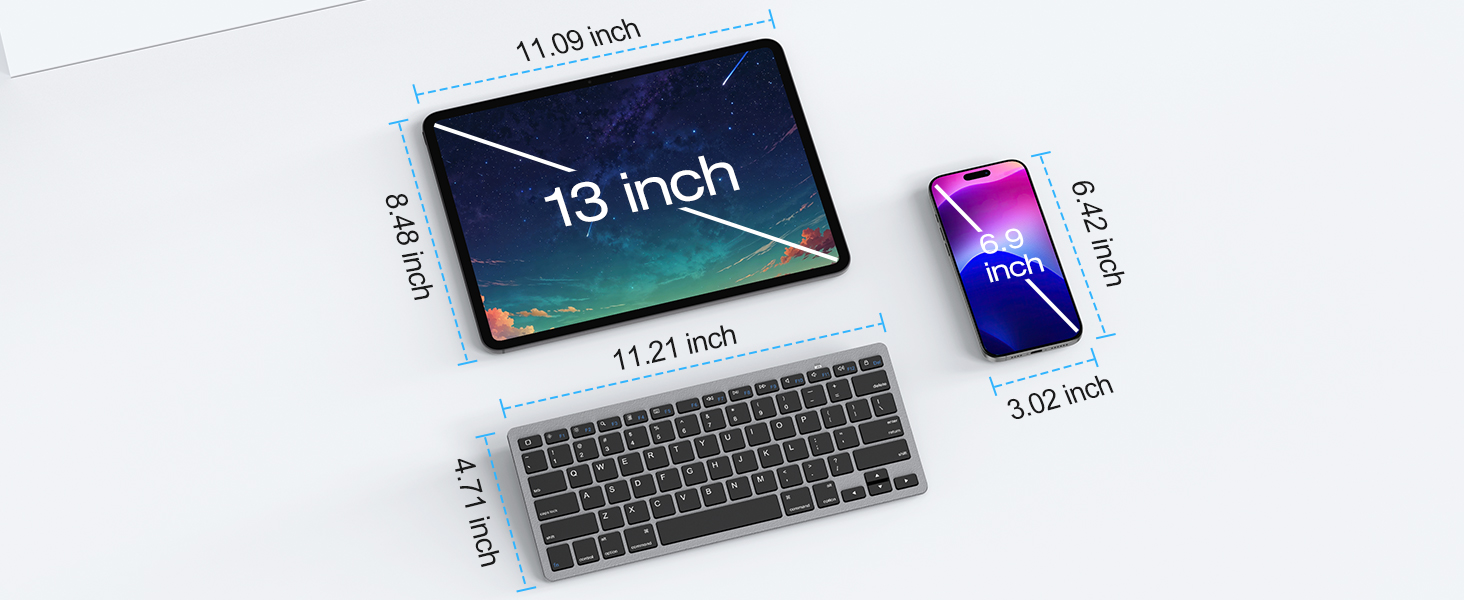
| ASIN | B07S7VPQG6 |
| Additional Features | Portable, Wireless Connection |
| Antenna Location | Everyday Use |
| Best Sellers Rank | #94 in Tablet Keyboards |
| Brand | OMOTON |
| Built-In Media | Keyboard |
| Button Quantity | 78 |
| Color | Grey |
| Compatible Devices | iPad, iPad A16 11th/10th/9th/8th/7th Gen, iPad Mini, iPad Pro 13/12.9/11 inch, iPasd Air 13/11/10.9 inchiPad, iPad A16 11th/10th/9th/8th/7th Gen, iPad Mini, iPad Pro 13/12.9/11 inch, iPasd Air 13/11/10.9 inch |
| Connectivity Technology | Bluetooth |
| Customer Reviews | 4.4 4.4 out of 5 stars (2,865) |
| Enclosure Material | Plastic |
| Generation | 10 |
| Hand Orientation | Ambidextrous |
| Item Dimensions L x W x H | 11.2"L x 4.7"W x 0.2"H |
| Keyboard Description | Compact Size ( 11.2"L x 4.7"W x 0.2"H ) |
| Keyboard Layout | QWERTY |
| Manufacturer | OMOTON |
| Model Number | OM-Keyboard-KB066-Grey |
| Number of Batteries Required | 2 |
| Number of Keys | 78 |
| Number of Sections | 2 |
| Power Source | Battery Powered |
| Series Number | 10 |
| Style Name | Contemporary |
| Switch Type | Mechanical |
| Unit Count | 1.0 Count |
| Warranty Description | 12 Months |
J**N
Initial Review: Solid product
I ordered this because I’m an online student who uses an iPad to do all of my coursework. I was tired of typing essays on the touchpad and needed an actual keyboard (my otterbox case doesn’t permit the use of an attached keyboard). I’ve used this now to type 2 essays and have loved the experience. The key response is adequate, the Bluetooth connection is strong and the sleep mode isn’t a big deal at all (if it falls asleep on you while taking a break, just press any key once and it reconnects automatically). As I get more use out of it I will update this review. UPDATE! After a full semester of use I can genuinely say this product is a life saver! Typing essays has become a breeze as compared to the touchpad keyboard available on the iPad. The keys have held up well, and all positive reviews from my initial post still stand! Great option for anyone looking for a Bluetooth keyboard!
D**.
Great keyboard for the price
I wanted a wireless keyboard that matched the looks of my MacBook Pro without taking up a ton of desk real estate and providing good battery life. This keyboard does all that for under $20. Not sure how long it will last, but performance-wise it is great. I’ve been using it daily since Christmas 2020 and the battery is still at 100%. Per other reviews, you need to set it up on a Mac using System Preferences > Keyboard > Set Up Bluetooth Keyboard and pair it following the instructions. I’ve had no issue with my Mac and it should also work with my iOS devices, but haven’t tried since I already have a keyboard for my IPad. The keys feel pretty good — at least comparable to a much more expensive Apple keyboard. It is just as comfortable as my Apple keyboard and just as responsive. There is no escape key, but there is a home key, so Function key+ Home key does the same thing, and a similar two key combination is necessary for forward deleting. The biggest drawback is that it loses connection with my Mac after being idle for 3-4 minutes. That said, I hit the space bar a few time and it automatically reconnects and is ready to go without any lag or problems. Overall, it is just what I wanted and a bit more than I expected given some of the other reviews. I have no idea how long this thing will last or if I will run into issues 6-12 mos. into use. But even if I do, I could buy another 5 of these keyboards for the same amount Apple wants for their equivalent offering, so for me, it is definite worth the money.
A**R
PERFECT FOR APPLE USERS
I've had this keyboard over a year now, and it still works perfectly. The only thing lacking is a track pad! Sometimes it does lose Bluetooth connection, but it never does while I'm typing. What I love most about it is that the keyboard is nearly identical to my MacBook Pro keyboard. It has all the same functions in the same place. Not all keyboards do. I LOVE THIS KEYBOARD! IT IS PERFECT. I JUST WISH IT HAD A TRACK PAD!
M**O
Got a defective keyboard
I bought this for my MacBook and it worked/connected quite easily. The problem was the C key, as it was depressed and nowhere near as clickable like every other key. I thought I could fix it by removing (with a sharp knife) and reattaching the C key from the keyboard. I WAS able to remove it, but NOT able to add it back on. So now my keyboard is broken and not operating at full capacity, all because I was sent a defective product. It’s a shame, because if it worked it would’ve been a steal for what it was.
J**C
Works well for the price
Connected immediately to my iPad Air M2 2024. Feels functional and responsive. The keyboard itself is small and light, so great for travel. May need to keep the cardboard box it comes with for protection though, the keyboard does feel somewhat fragile.
R**A
Highly recommend!
I got this keyboard and a stand for my laptop to be more elevates for better posture. I love that the keyboard is an almost perfect replica of my MacBook. The only differences I notice are 1. Probably the one that bugs me the most is it is missing the buttons at f3 and f4 that change the screen to show the desktop/app view which I use alot and now have to reach over to tap it on my laptop. And 2. The keys are more matte and aren't as soft touch as the Mac (you can hear yourself typing) this doesn't really bother me..it's a 20$ keyboard it's great for the price and i love using it. Another slightly annoying thing is that the keyboard disconnects after a few seconds of no Interaction. All you have to do is tap a button and its back on but I'm just being not picky, honestly that might be a plus that it saves battery in the long run. Overall I'm really glad that I got this keyboard and I'd buy it again. Highly recommend.
J**S
Great and annoying
I love the tactile feeling of the clickity-clack. It connects quickly. Light weight, good bounce, and the battery life is decent with replaceable batteries. The only con that makes me hate this thing is that it goes into sleep mode after 30-45 sec of not typing. It doesn't do it initially. When you first connect to your iPad it will leave the connection on for a good 2 - 5 min of no typing before going to sleep mode/battery saver. But if it does it once then from then on the sleep window will go down significantly. I'll disconnect and reconnect and reset the damn thing. It's frustrating. So if you don't have ADHD and can type like you're on Adderall without any breaks. Then this keyboard is great. Oh and one last thing. If you type fast, the keyboard will sometimes lag before it sends the message to the device you're connected to. It's processing speed is slow. I don't want to buy another keyboard because this one feels great on my fingers. So unless I get so frustrated that I toss this thing against a wall and smash it to bits, imma keep it. Hope this review helps.
A**N
Super bon produit, connexion facile avec un ipad, la batterie dur vraiment longtemps et quand on l'utilise pas il se ferme tout seul. Je l'adore!
M**K
I was trying to find a keyboard to replace my old JETech one, that kept the same low profile experience this one does. This was the closest I could find and at first it was fairly good, but it's been pretty mixed since then. The keyboard looks really nice, and types just like a Macbook keyboard. I spent a lot of time typing on a Macbook so it was nice to keep the same feel. The keyboard is geared towards Mac mobiles though so using it with Windows was sometimes frustrating. I couldn't use ctrl-alt-del, and I'd occasionally bump the command button which prompted unexpected pop ups. The sleep feature was a little annoying, I'd rather just do without it, but it wasn't a deal breaker. The first problem for me was that since it's geared for mobiles, there's no wireless usb plugin. I was setting up a computer at the time, so I couldn't use the keyboard at all until I'd already used a different keyboard to set up the computer. Not the fault of the keyboard, since it's geared to different devices, but there's literally an empty space for the receiver to sit that's now just unused storage. An added receiver would have been really appreciated. The second big problem is that now it's stopped connecting. My bluetooth was still working, but the keyboard stopped. It was still powered on, but I couldn't type anything. I tried reconnecting it, and it appeared in the available devices, but wouldn't connect. After shutting everything down and restarting with a different keyboard, I was able to get it to reconnect again, however at this point I think I'll just keep looking for a new keyboard.
R**.
This keyboard works great to replace Apple's piece of garbage keyboard on their new iMac's. I've replace Apple's twice now. Any tiny piece of crumb of anything gets into Apple's keyboard and jams up the keys. This new keyboard is very nice and tactile for typing. Buttons press nicely and it linked up with my iMac Bluetooth in 2 seconds. Will see how long batteries last etc, but so far I'm super impressed. I might buy more for all my computers.
A**R
Like the form factor, size and feel of the keys, good size, very lite. But and this is a big BUT... it is always falling asleep, like will disconnect from my devices and takes a few keystrokes/seconds to wake up/reconnect... Extremely annoying, no settings available either to turn that off.
A**R
Feels very much like my Apple KB but at 1/6th the price. Special function keys are great - love the Screenshot button. *only* change I would make is to add the Globe button in place of the Fn button. I've remapped my KB on my iPad, so CapsLock serves as my Globe. But so close to perfect I had to give it 5 stars. Would recommend.
Trustpilot
Hace 2 semanas
Hace 2 meses