We remain fully operational. Our teams are working around the clock to ensure your deliveries continue safely.

Descargar la aplicación


Servicios al cliente
Sobre nosotros
Copyright © 2025 Desertcart Holdings Limited
Descargar la aplicación

Buy anything from 5,000+ international stores. One checkout price. No surprise fees. Join 2M+ shoppers on Desertcart.
Desertcart purchases this item on your behalf and handles shipping, customs, and support to Spain.
🔗 Tiny Tech, Massive Connectivity — Stay Wired Without Wires
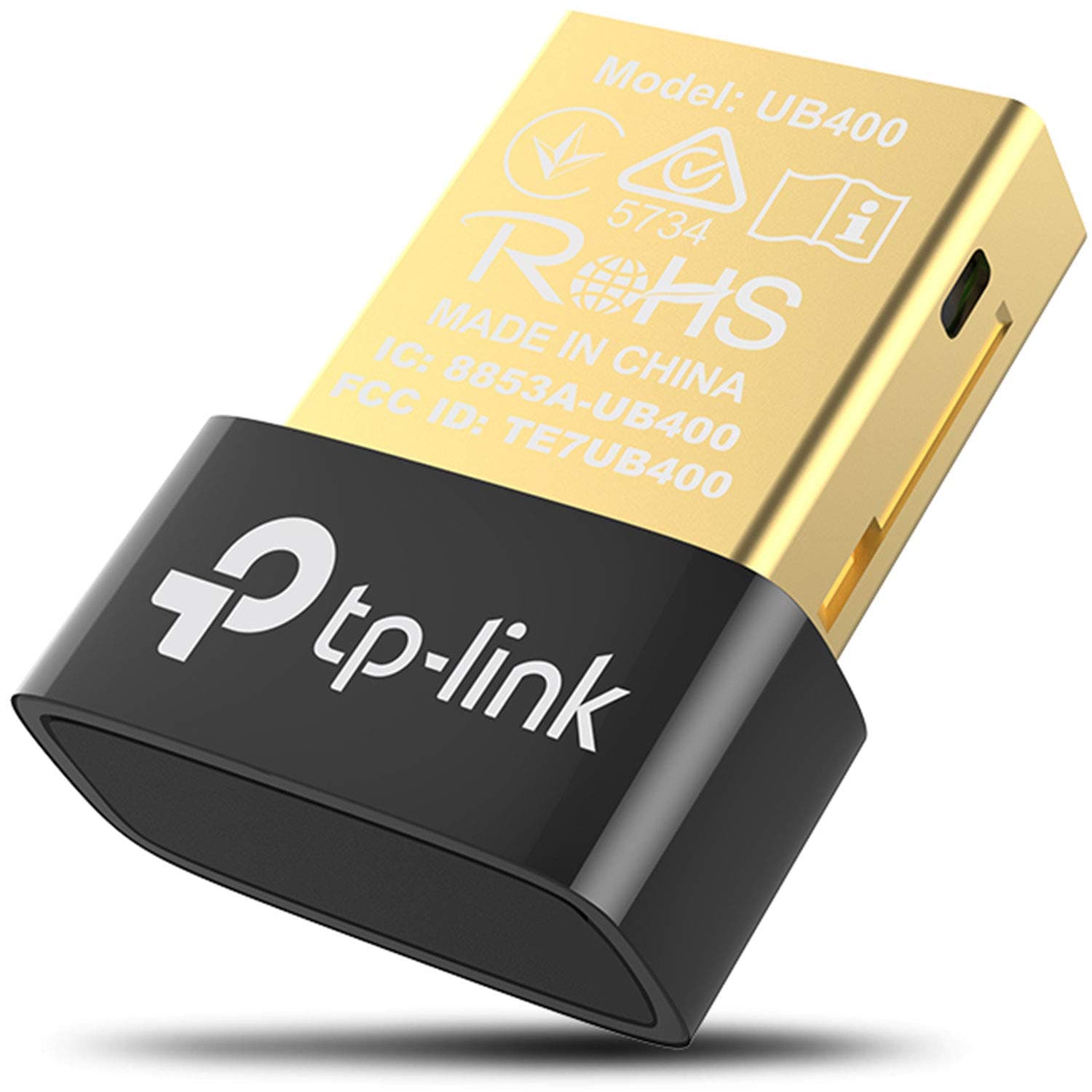
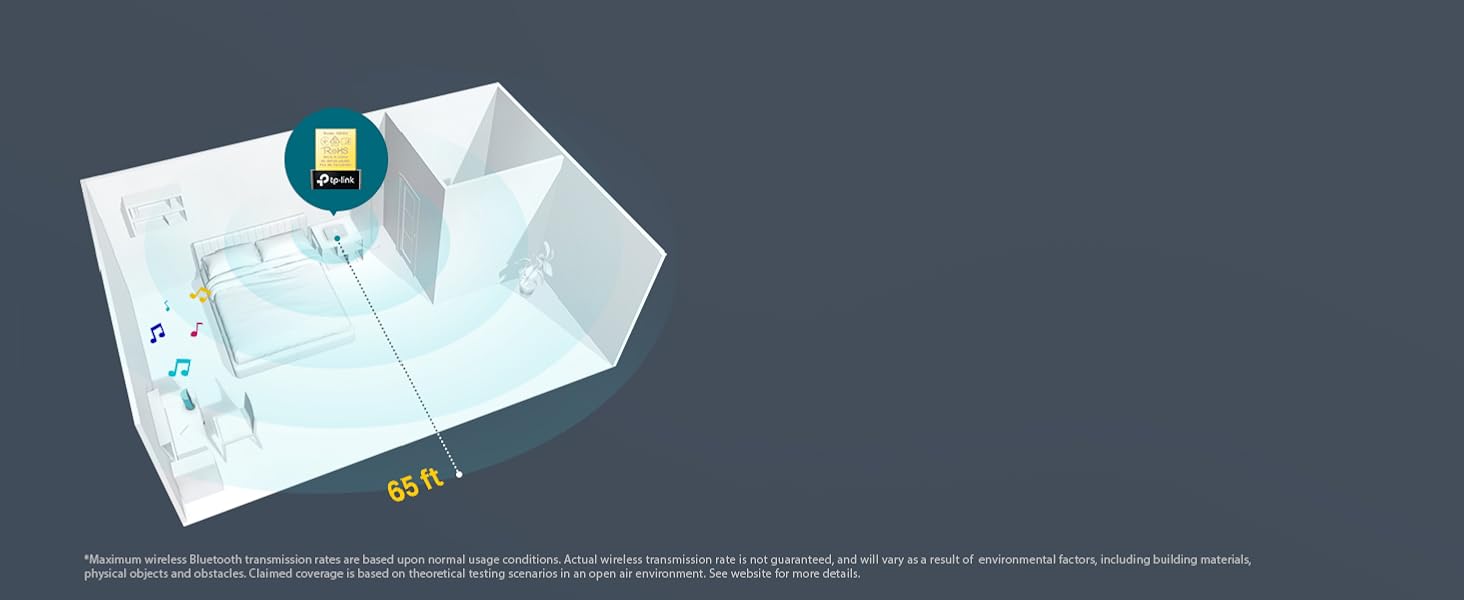
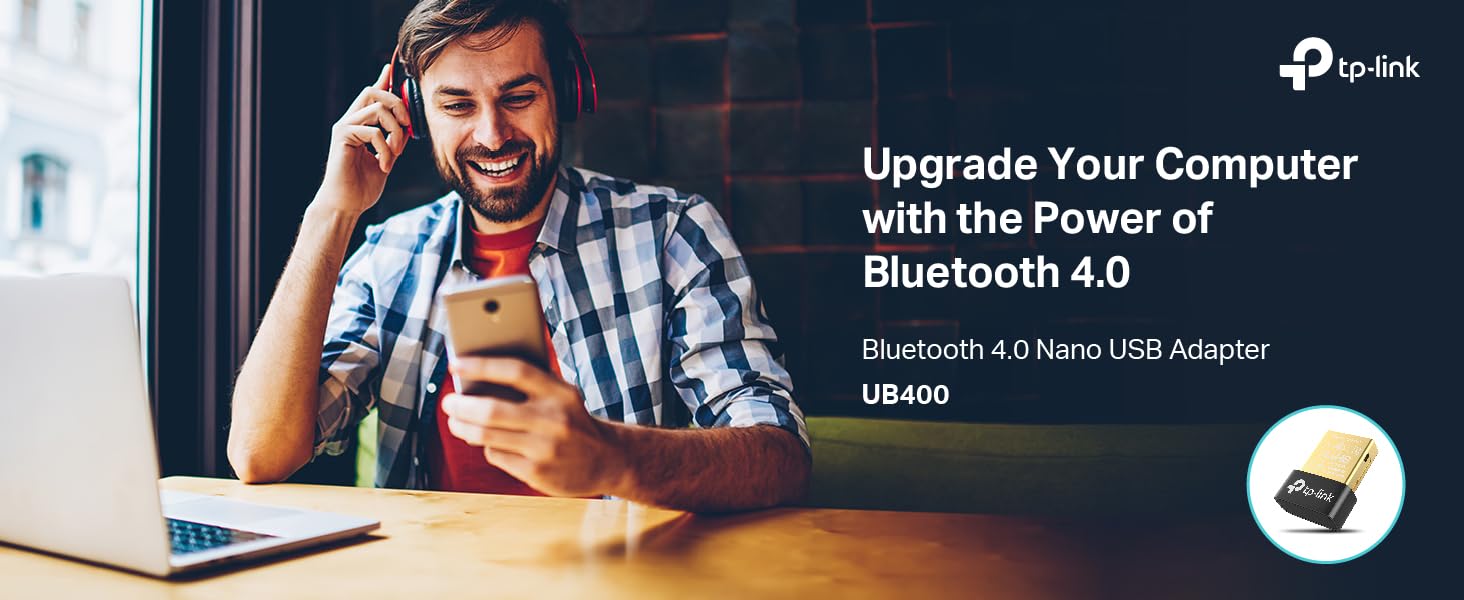
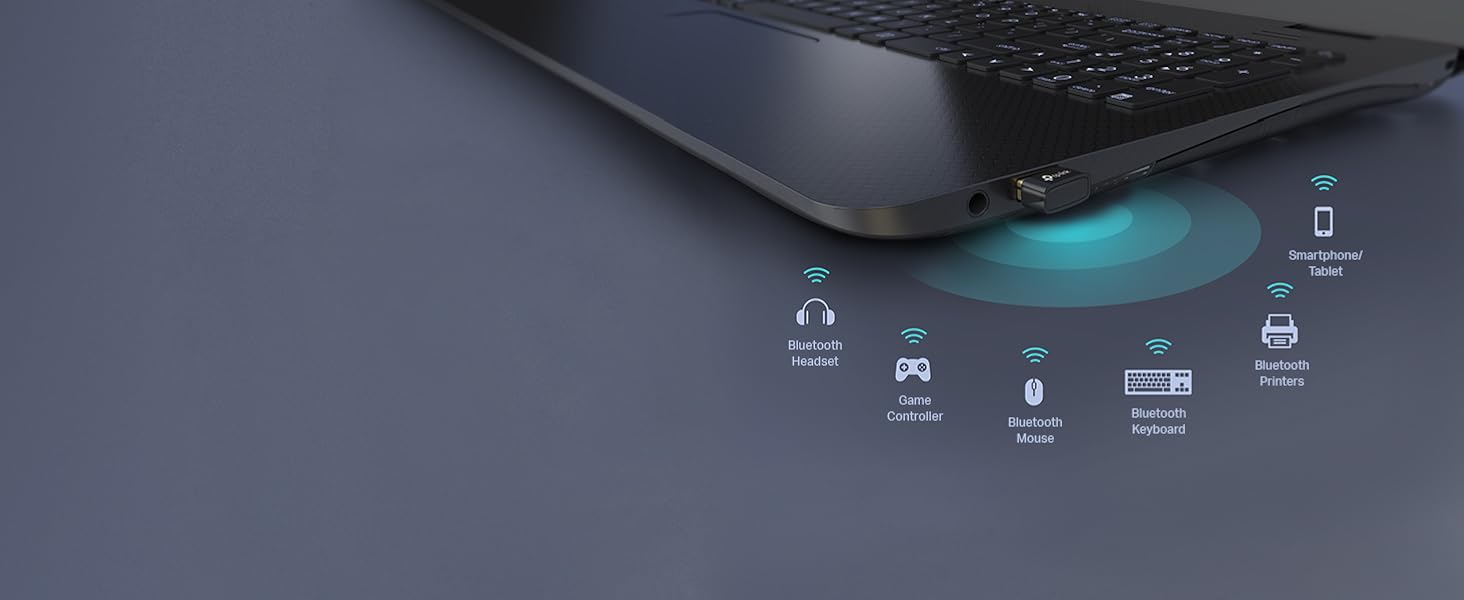
The TP-Link UB400 USB Bluetooth Adapter transforms any Windows PC or laptop into a Bluetooth-enabled powerhouse with Bluetooth 4.0 technology. Its nano-sized design ensures a discreet fit, while delivering a reliable wireless connection up to 65 feet. Plug & play compatibility with Windows 8 and above means effortless setup, supported by free drivers for older systems. Ideal for professionals seeking seamless wireless integration with keyboards, headsets, and more, it combines energy-efficient performance with durable build quality and industry-leading support.



| ASIN | B07V1SZCY6 |
| Best Sellers Rank | #3,376 in Electronics ( See Top 100 in Electronics ) #13 in Wireless Audio Receivers & Adapters |
| Brand | TP-Link |
| Built-In Media | Bluetooth 4. |
| Color | Black |
| Compatible Devices | Desktop |
| Compatible Operating System Family | Windows |
| Customer Reviews | 4.4 4.4 out of 5 stars (58,955) |
| Data Link Protocol | USB |
| Data Transfer Rate | 480 Megabits Per Second |
| Global Trade Identification Number | 00845973099664 |
| Hardware Interface | Bluetooth |
| Item Dimensions L x W x H | 0.74"L x 0.58"W x 0.27"H |
| Item Type Name | bluetooth adapter |
| Item Weight | 10 Grams |
| Manufacturer | TP-Link |
| Mfr Part Number | UB400 |
| Minimum Required Operating System Version | Windows 8 |
| Model Number | UB400 |
| UPC | 840460604802 845973099664 |
| Unit Count | 1.0 Count |
| Warranty Description | 2-Year Warranty |
E**S
Tiny, Reliable, and Plug-and-Play Bluetooth for Any PC
Tiny, Reliable, and Plug-and-Play Bluetooth for Any PC The TP-Link UB400 Bluetooth 4.0 adapter is a remarkably simple way to add Bluetooth to an older desktop or laptop that lacks it. It’s about the size of a fingernail—once plugged in, you can leave it there permanently without blocking adjacent USB ports. Setup is as easy as it gets: on Windows 10 or 11, it’s fully plug-and-play; for Windows 7 or XP, TP-Link provides free drivers. In my experience, installation took seconds and devices paired immediately. Performance is solid for its class. It maintains stable connections for headphones, mice, keyboards, and even game controllers within a reasonable 50- to 60-foot range. Audio quality over A2DP is clean, and latency with Bluetooth 4.0 peripherals is minimal for everyday use. It’s not built for high-end audio streaming or gaming headsets, but for standard wireless accessories it works seamlessly. I especially appreciate that it’s low-profile, energy-efficient, and doesn’t run hot even after hours of use. The connection is consistent, and it automatically reconnects to previously paired devices after reboot—no fiddling required. Bottom line: A dependable, compact, and truly plug-and-play Bluetooth dongle that delivers excellent value for basic wireless connectivity. Ideal for upgrading desktops or travel laptops, and proof that simple, inexpensive tech can still work perfectly.
J**N
Compact, Reliable, and Long-Lasting Bluetooth Adapter
Product: TP-Link USB Bluetooth Adapter for PC Used for: 3 years and 2 months Key Features: – Compact size takes up minimal space in a USB port – Stable connection with no noticeable drop-offs – Extremely easy to use—just plug it in and it works Ratings: Quality: Excellent build quality and durability. After over three years of use, it still works flawlessly with no physical or functional issues. Rating: 5/5 Performance: Pairing reliability has been great, with no connection problems in my use. Speeds are fine for general Bluetooth tasks, though I haven’t tested the full range. Rating: 5/5 Value: Slightly pricey compared to some alternatives, but it does its job very well and has proven to be dependable over the long term. Rating: 4/5 Pros: – Compact design that’s unobtrusive – Stable and reliable connection Cons: – A bit more expensive than similar adapters Summary: The TP-Link USB Bluetooth Adapter for PC is a rock-solid choice for adding Bluetooth functionality. It’s compact, easy to set up, and has been reliable for over three years of use. While it costs a little more than some options, the long-term dependability makes it worth considering. Overall Rating: 5/5 Disclaimer: This review is based on my personal experience using the product. I'm not an expert—just sharing my honest thoughts to help others make an informed decision.
A**S
Cheap bluetooth adapter
I bought this back in March of 2020 when I built my first computer and forgot to include a Bluetooth module. This device worked great and allowed me to use my wireless headphones with my computer. I have since then gotten a Bluetooth module but I still keep this adapter for whenever I need it and it hasn't failed me yet. It has a pretty small form factor which is nice because it doesn't stick out much and isn't an annoyance when using it. The range is okay (at least for the 2020 version), but once there are a couple walls between me and the adapter the Bluetooth starts to get pretty choppy. Overall, it is a sleek and durable adapter that I would recommend for anyone that needs Bluetooth
B**N
A little disappointing
UPDATE 2 - 7/8/21 So in the time since I originally wrote this review (and it's update) I have found this adapter can work quite well and some of my early experiences with it were probably due to the limitations of Windows 7. One very key discovery I made is that if you just stick this into a USB port on the back of your PC, you will get OK reception if you're close but you'll get very spotty connections from any distance at all (and might even get dropouts from as close as across the room the PC is actually in). What I have done is used a USB extension cable and mounted it high on the wall (not the prettiest thing in the world but it works wonders for the range). Once that was done, I was definitely getting more range and a much more reliable connection throughout my apartment. It's not Bluetooth 5.0 but it's not bad for the price. I was looking to upgrade to Bluetooth 5.0 recently but most of the 5.0 dongles they have on here have mixed reviews so I ordered another one of these as a spare. END Update UPDATE - 7/13/2020 So, I originally found the Windows 7 driver that I downloaded that is supposed to work with this adapter installs and appears to work on Windows 7 but I could not get it to work with anything I tried (This adapter is plug and play with Windows 8.1) Eventually, I uninstalled the driver, went into Device Manager and clicked for it to scan for hardware changes. So it found the adapter and (of course) displayed the error triangle that told me there was no installed driver for it and THEN it went online and found a driver for it and installed it and now it works with Windows 7 as it should. So if you have Windows 7, I recommend you try that BEFORE you bother with the driver they tell you to download for it. It's much simpler and it actually works with my system and doesn't require installing anything extra. END UPDATE -------- Original Review I bought this for my Windows 7 PC on the promise of a driver download that would make it compatible. So I downloaded the driver and found it to be very confusing and barely functional So I tried it on a Windows 8.1 PC and it was plug and play (as it's supposed to be). I guess it's fine for Windows 8 and up. If you have Windows 7, expect to have to fight with it to make it work. I have also had an issue with low volume on Bluetooth devices I'm sending audio to with this adapter but I'm not sure I can blame it entirely on the adapter so I'll leave it at that. For example, I have a stereo that has built-in Bluetooth and I can barely hear some Youtube videos with full volume on my PC and the stereo. That stereo goes plenty loud if you're using the radio or the CD. Turned up all the way it should be louder and just isn't. Maybe it's something I'm doing wrong but if it is, it isn't obvious.
R**D
Great Bluetooth adapter
Works as expected
I**N
Just plug and play
Easy to use, no need for driver or program installation, all just straight forward 👌🏻
O**D
Good product
C**A
Buena calidad y si funciona.
M**A
جيد جدا لا يحتاج الي اي تنزيلات مجرد وضعه في الجهاز يعمل . يعمل علي ويندوز ١١
S**E
Does exactly what it was advertised to do, and worked for what I was using it for. did have to disable my computers built-in Bluetooth card to make it work but other than that no complaints here. :)
F**D
Quick delivery, nice and small unit. Plugged in and worked straight enabling me to pair devices effortlessly.
Trustpilot
Hace 2 meses
Hace 1 mes