
Descargar la aplicación


Servicios al cliente
Sobre nosotros
Copyright © 2025 Desertcart Holdings Limited
Descargar la aplicación
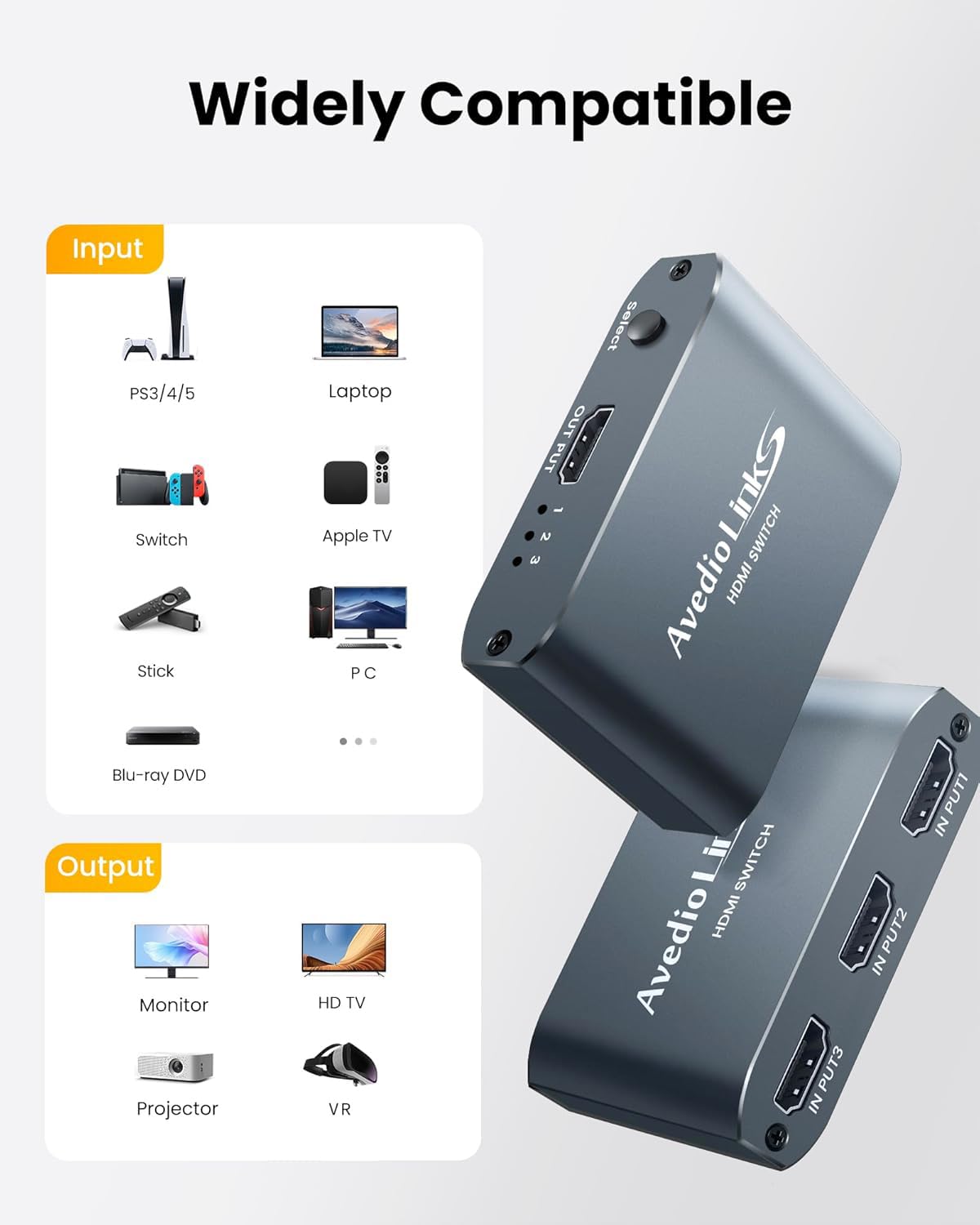
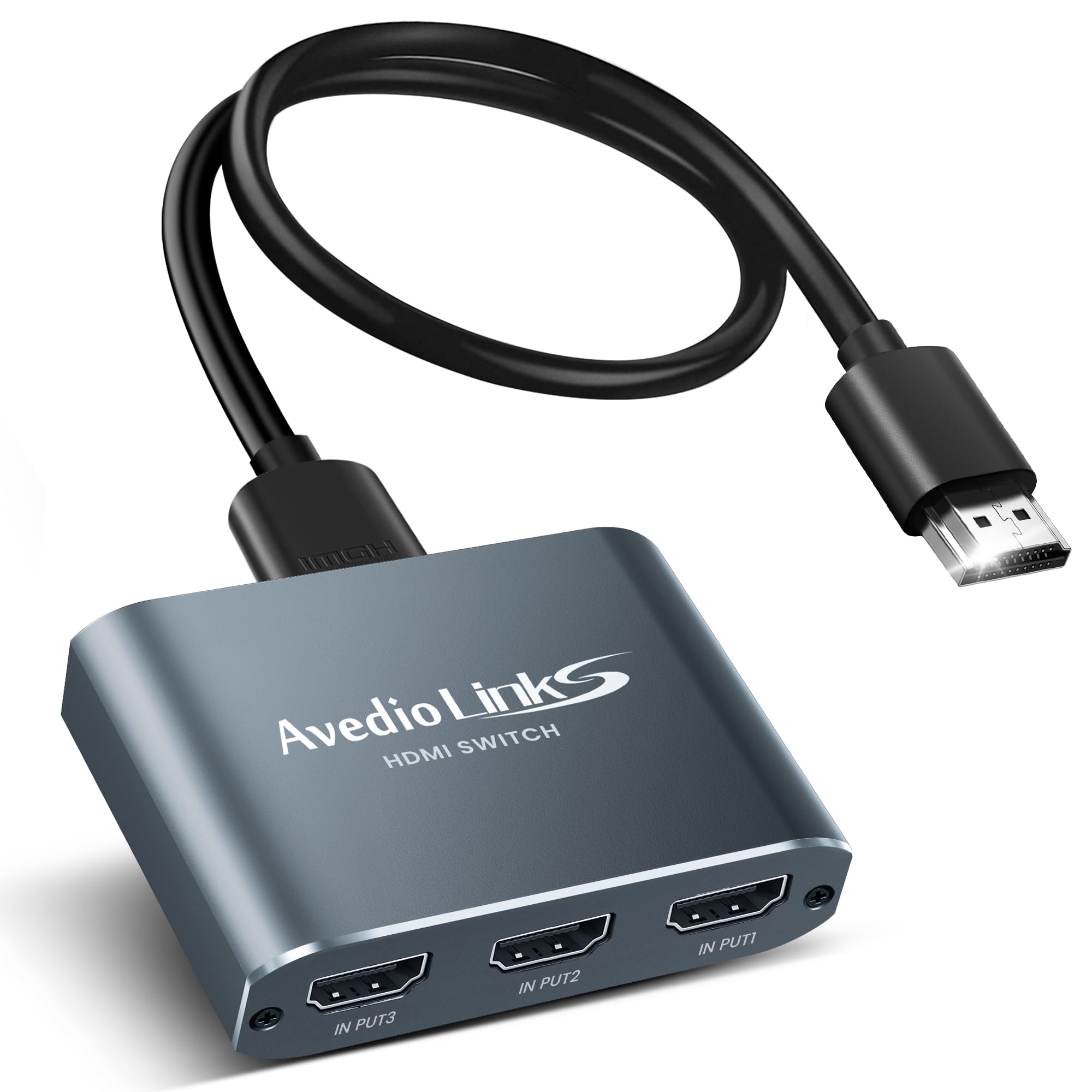
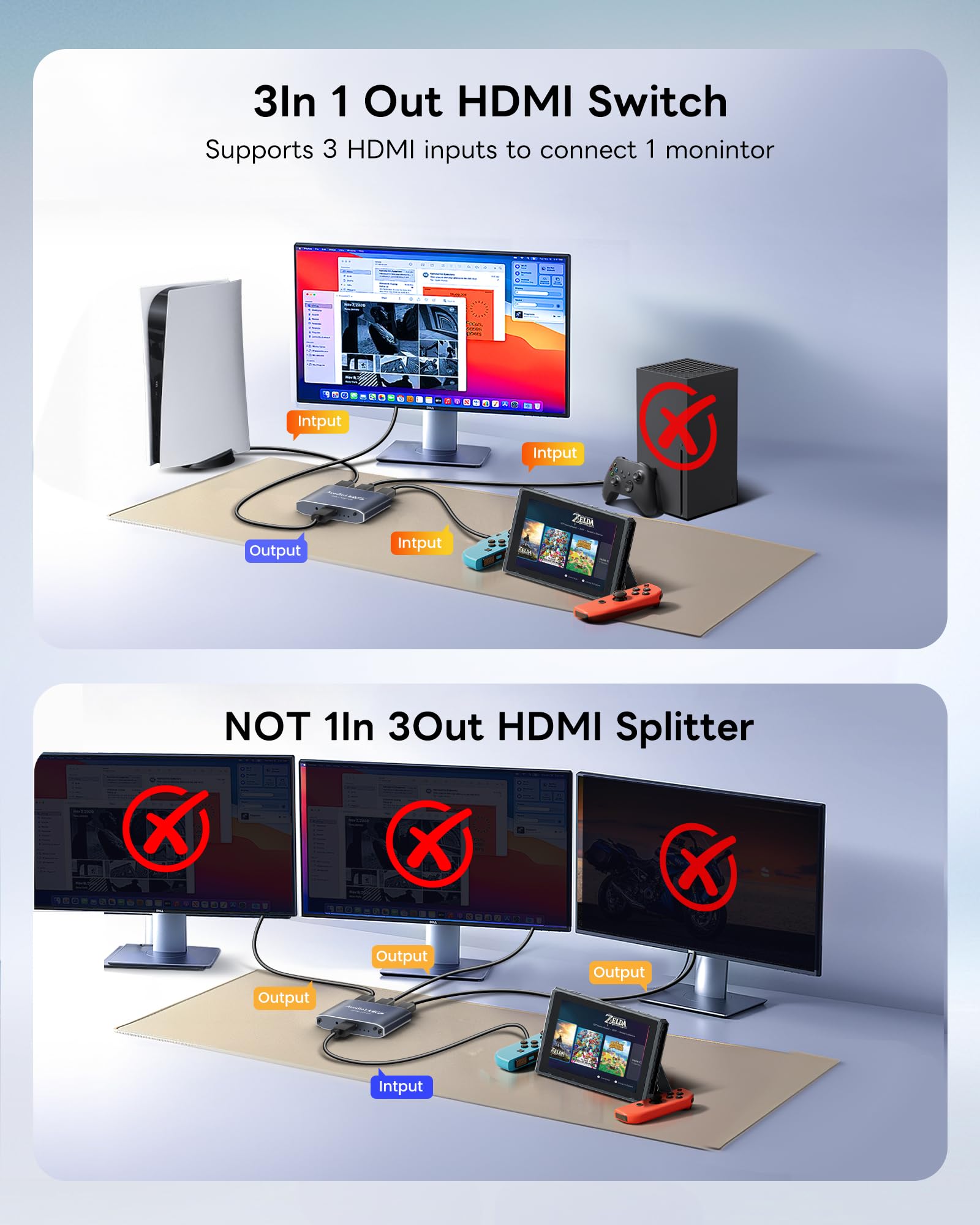
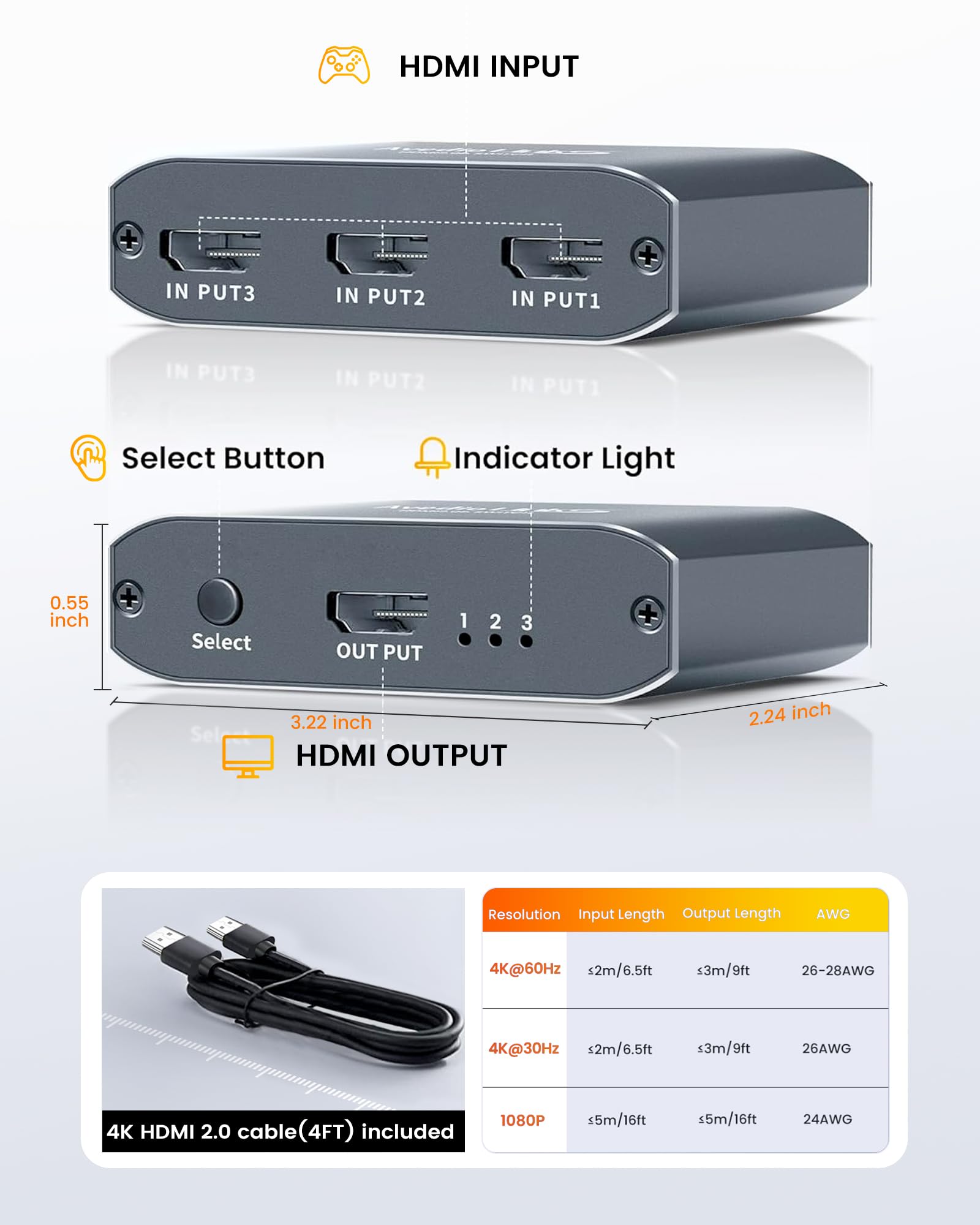
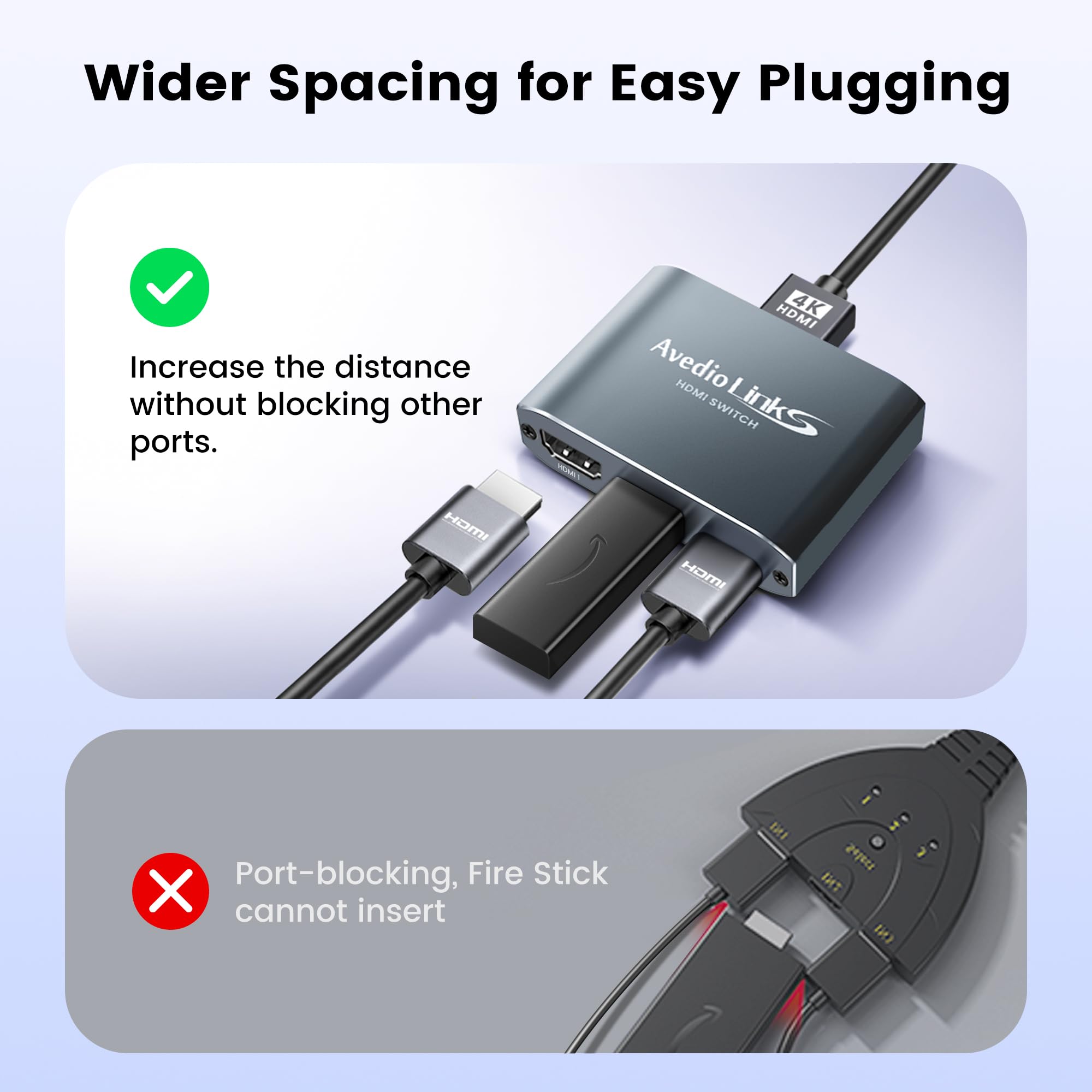
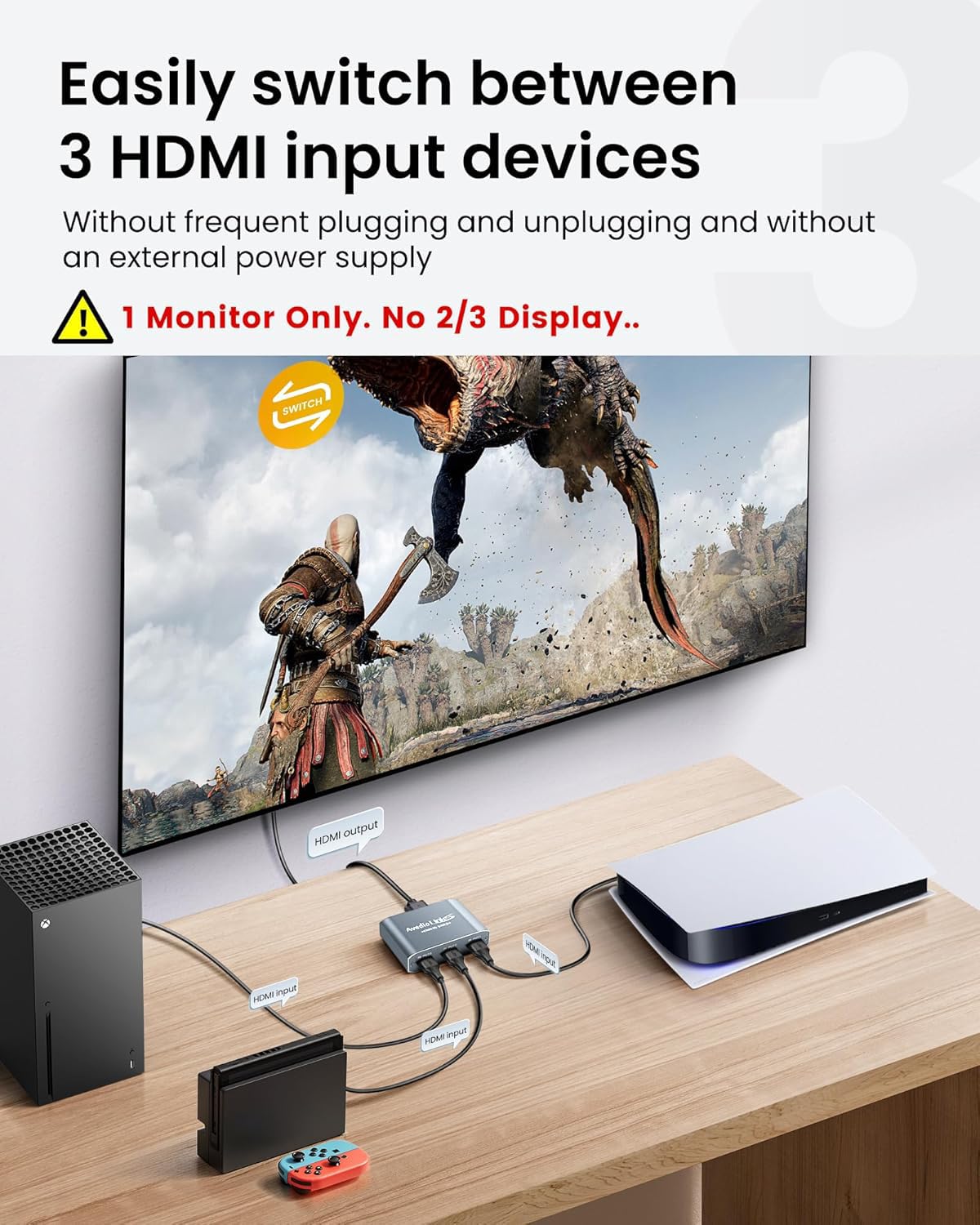
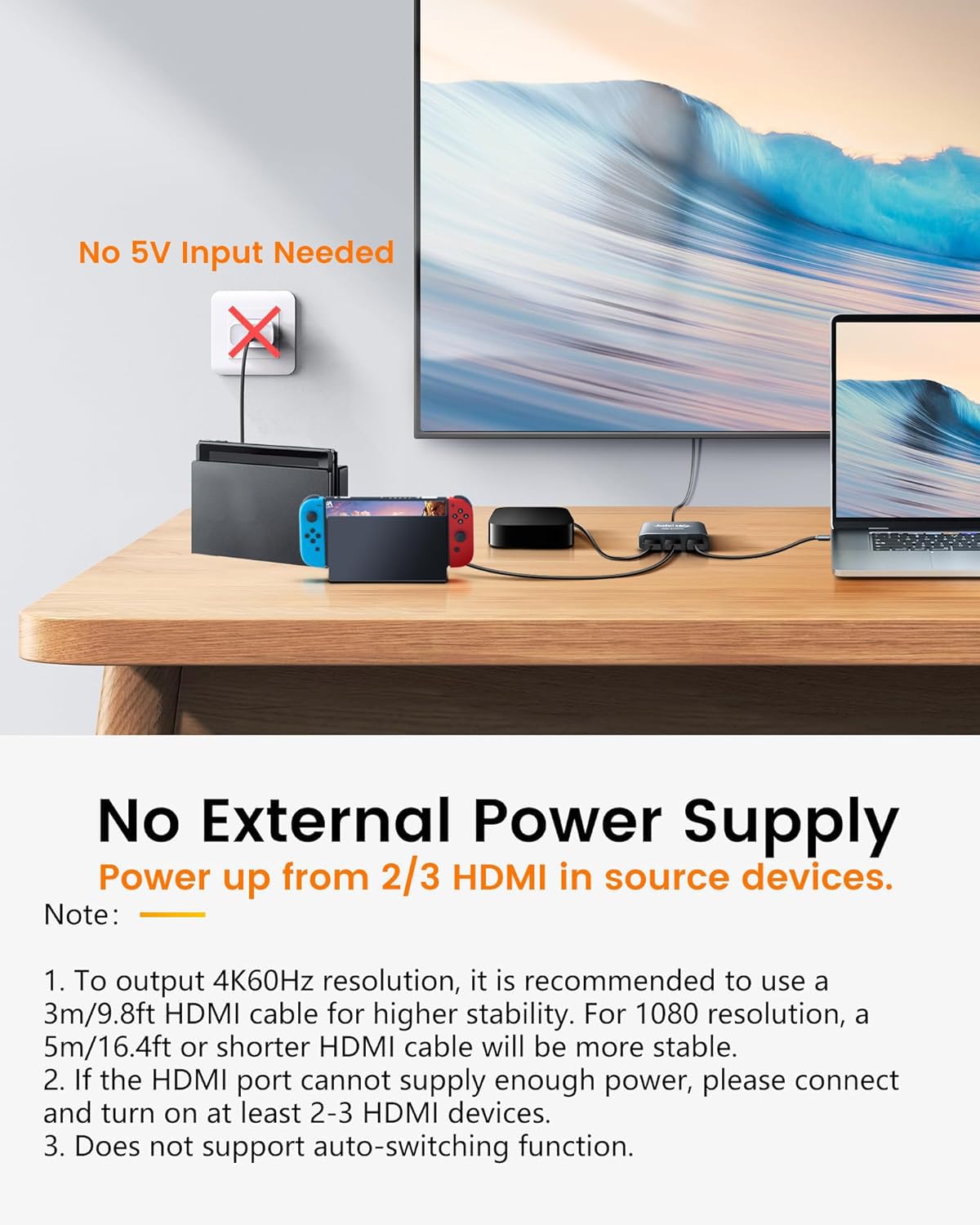
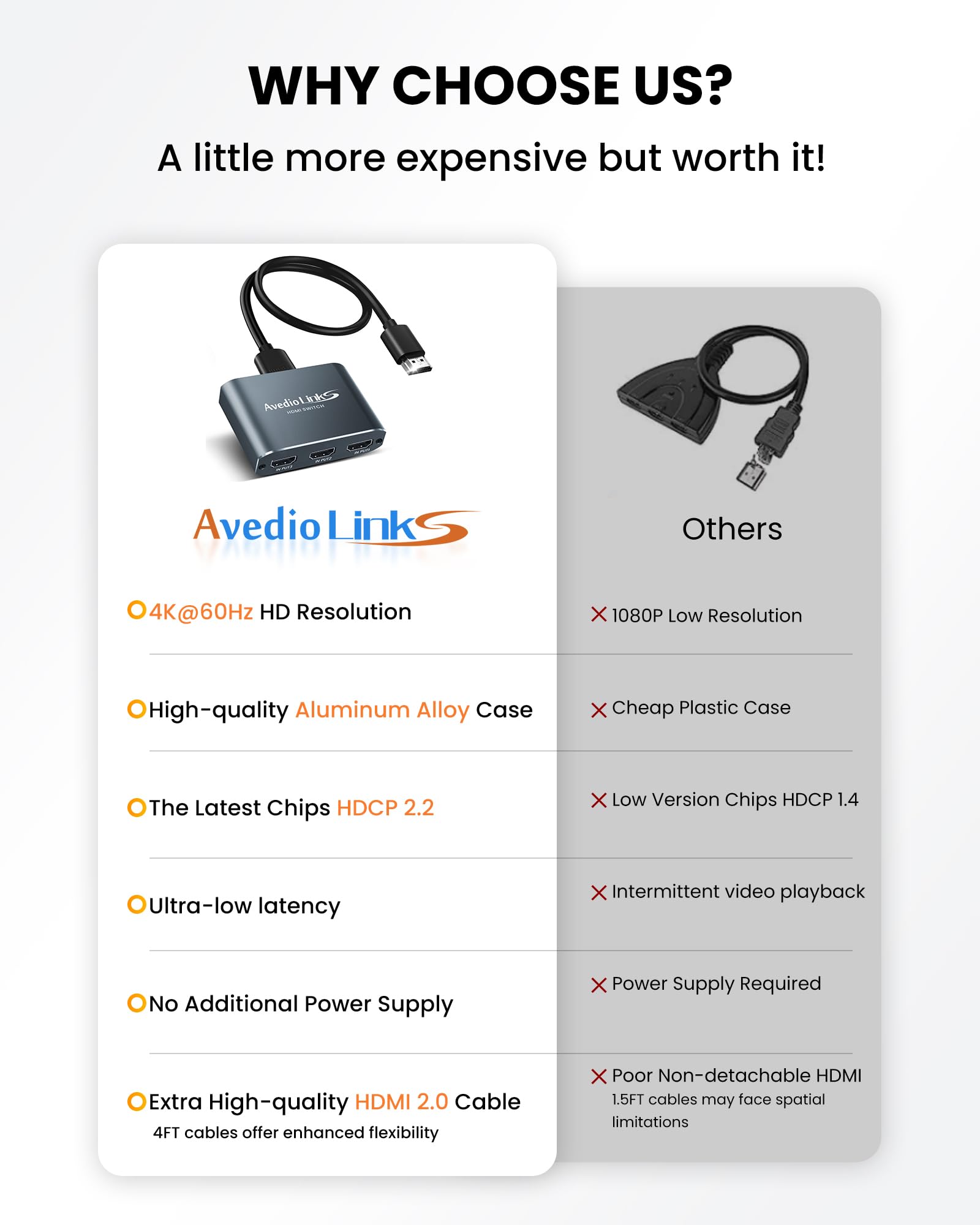
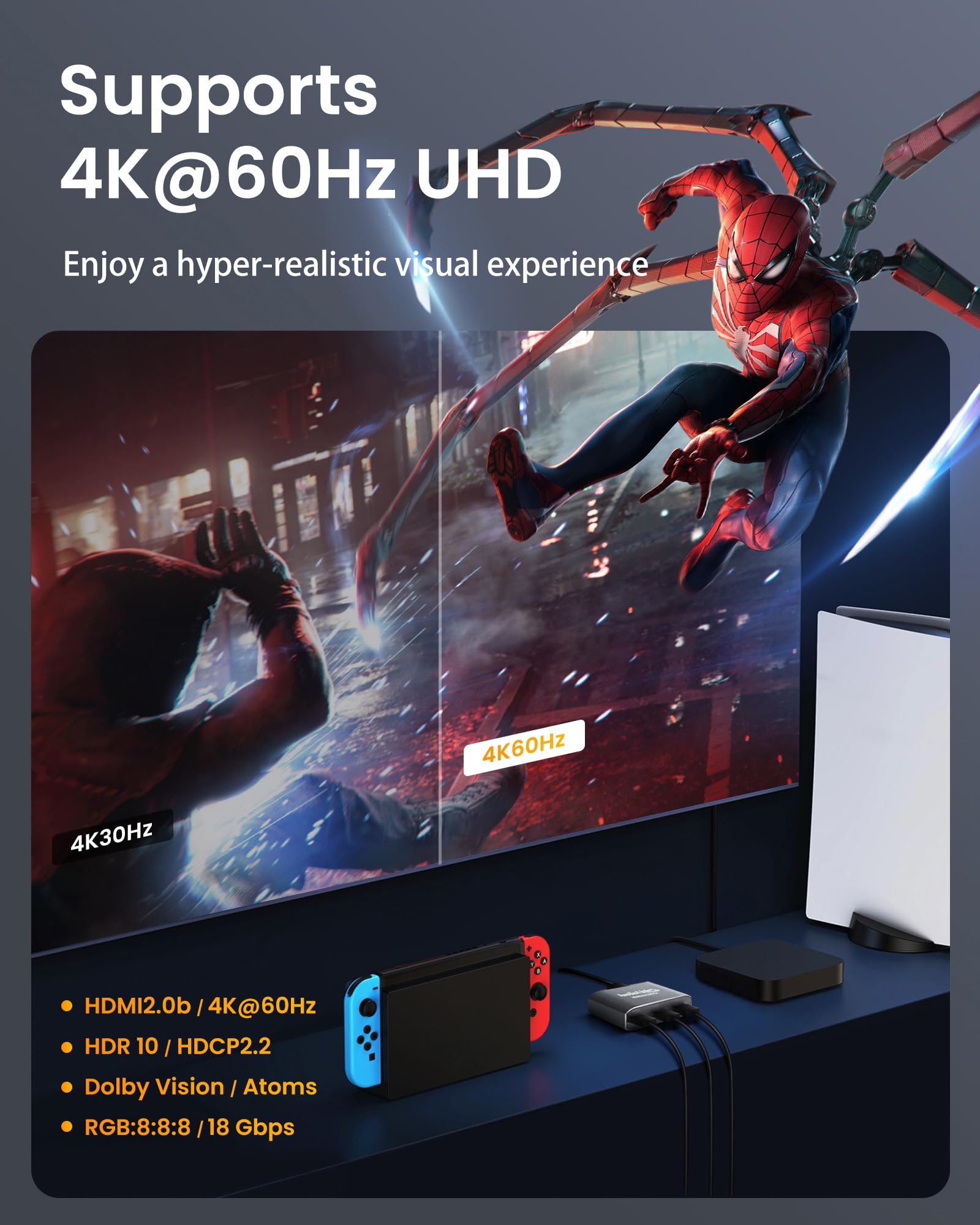
🎮 Elevate your entertainment hub—switch smarter, stream sharper!
The avedio links HDMI Switch 3-in-1 Out supports seamless switching between three HDMI 2.0b sources to a single 4K@60Hz HDR display. Crafted with a durable aluminum alloy shell, it ensures longevity and heat resistance while delivering high-speed 18Gbps bandwidth and HDCP 2.2 compliance. Compatible with major devices like PS5 and Fire TV Stick, it requires no external power and includes a 4ft HDMI 2.0 cable for immediate setup.


| ASIN | B07RZNG5Q4 |
| Best Sellers Rank | #26 in Audio & Video Selector Boxes |
| Customer Reviews | 4.3 4.3 out of 5 stars (6,185) |
| Date First Available | May 20, 2019 |
| Item Weight | 4.6 ounces |
| Item model number | HDMI Switch 3 ports |
| Manufacturer | avedio links |
| Product Dimensions | 7.68 x 7.28 x 0.98 inches |
M**L
Works great.
My echo show 8 home screened me so here is a simple review. Works Well with Roku Stick (Latest), PS3, PS4, PS5. The specs are lower than I would like 3.0 USB, HDMI, etc you know the whole routine. No resolution issues, no refresh rate issues, etc all around great for gaming, on my 4k 3D, curved OLED TV. If issues arise I'll edit review, but for now this is a great device and easy to use. Good materials as well. Edit: Sunday, May 14th. Only issue is regardless of the method for turning my device on it always turns on HDMI 3 regardless of the current HDMI setting it is on. So I recommend using your most turned on product in HDMI 3, otherwise it will keep turning on your stuff like it does my PS3 not a real problem, more of an annoying thing. Still happy with the purchase regardless of the tedious aspect. "Regular remote turning TV on also doesn't fix it nor did my roku remote".
D**A
Great switch to turn 1 input (using a 24" monitor as a TV) to 3!
I wanted a small TV in a little nook area, and couldn't find one. So I picked up a 24" monitor, connected my coax antenna feed into a digital converter box. Connected the HDMI cable from the digital converter box to this Avedio switch (input 2). Connected my Roku stick to the Avedio switch (input 1), and connected the HDMI (out) from the Avedio switch to the monitor. Using Logitech speakers for sound with a 3.5mm jack at the monitor. Works great!
T**R
Works exactly as needed
I only had 2 HDMI ports on my TV but have at 4 devices that I like to use with my TV. Therefore I bought this because it looked like it was constructed well, ease of use and good reviews vs bad reviews. The idea would be to use of one my TV HDMI ports dedicated to my FireTV Lite stick and use the other HDMI port with this adapter so I can use my DVD player, gaming device or computer when needed. Pros: Quality and durable design Cons: No light to be able to tell which input is being used. To work around the no light thing, which wasn't a show-stopper to me, I just make sure that the device I am on is turned on first, then hit the switch. If it doesn't show, then I just hit the switch again. Since I don't use the devices often, it wasn't a big deal. If you are frequently use the devices that you are going to connect to this switch daily, then I recommend keep searching for one that has a light. Otherwise, this is a great switch for a great price. The only reason I didn't give it 5 stars across the board was because it had no input light, but I knew what to expect and how I was going to use it when I bought it.
B**S
Small but good quality and has good space with ports
It’s not as big as I thought it would be. Quality is nice and it’s a plus that it comes with a short HDMI cord. I just put some 3m tape on it and stuck it to the back of my TV. No complaints so far and happy with the purchase. I was going to go with the 2 port Anker one as that brand seems to be good, but it didn’t come with a HDMI cord and I figured it wouldn’t hurt if I needed an extra port down the road. Would definitely recommend.
C**A
Great
Grest
M**W
Only lasted 7 months before it started to fail
UPDATE This switch only lasted about 7 months before it started failing. One by one the ports failed - it starts out with occasional flickering, then signal loss for a few seconds then it the signal is long enough to make it completely unusable. Save yourself the headache and buy something else. Original review: My TV only has 2 HDMI ports so I needed a switch to avoid swapping cables around. This switch is easy to install - its plug and play, comes with an HDMI cable and has a small footprint. I hooked up a DVR and gaming consoles and all three work fine with 6ft cables. There is no lag and the audio and display is as clear as using the port directly. This device does not appear to have automatic switching. When you power on a connected device, the switch activates but it doesn't switch to the active device - it just defaults to port 2 so you should place it somewhere that is easily accessible. For those purchasing this for use with a Fire Stick, I can confirm that it does fit when plugged directly into any of the ports on the HDMI Switch, which is not the case with many other HDMI switches. I noticed some reviews mentioned the Fire Stick doesn't work while others said it does - that may be a result of the power source and whether its plugged into an electrical outlet or the TV USB port. The switch has a red light to indicate when it is active and if none of the attached devices are powered on, the light is off. It seems to have a decent build - its aluminum so its a bit heavier than the plastic ones but it seems more solid. Its not fancy but it serves its purpose and I would recommend.
D**S
HDMI 3 in 1 Switch
This works great to be able to switch between our blue ray and firestick. And still have a slot to add another device if needed. So easy to use.
D**K
GOOD LOOKING W/NICE LONG HDMI CABLE
Had high hopes for extending 1 of 4 HDMI ports on my new OLED- Worked at first, then (in a few days) display started blinking, and would not stop, every time switched to this port for screen mirroring my MacBook Pro. Had to return for refund.
T**S
Produit impeccable, bien fini et rien à redire sur les performances techniques. Pour information, si vous branchez un périphérique en entrée du switch et que le bouton de sélection d'entrée n'est pas positionné sur l'entrée de ce périphérique, le périphérique d'entrée ne "détectera rien", c'est à dire qu'il ne détectera pas l'appareil qu'est en sorti du switch. Personnellement c'est ce que je recherchais et c'était un critère de fonctionnement indispensable.
I**G
Funciona perfecto, detecta automáticamente el cable del aparato que está encendido sin necesidad de estar cambiando de forma manual, lo recomiendo
D**S
Excellent produit
M**T
For a long time, I’ve had more HDMI devices than TV inputs. My TV has 3 HDMI, but I use 4 devices. My OPPO UDP 203 Blu-ray Player is about the best you can get in quality and can play files from Network attached drives, but it’s like using a Computer, you have to page through many Folders to find what you want to play. Trying many top end Media Players, I found the Dune Max Vision 4k to be the closest in playback quality to the OPPO, but so much easier to navigate. But one too many HDMI’s needed for my TV. Many HDMI switchers I’ve tried just haven’t worked nicely, apart from a manual one I have. Fortunately, the OPPO has a direct HDMI in and out throughput, which sort of solved my lack of TV HDMI inputs, but it meant I’ve always had to power up the OPPO Blu-ray Player first, to allow the Dune 4k to be seen by the TV. This Auto Switcher works perfectly and totally solves the problem. I’ve deliberately tried to throw it by switching devices multiple times and quickly and this HDMI Switch hasn’t faltered once. The only thing that did happen and was a once off thing only, was that on the very first connection, the Blu-ray Player reset it’s custom resolution output, but once setting it back, it’s stayed at my settings since. Very stable Switcher and cheap as well. Good purchase.
A**N
It’s only been a few days since I bought but it works as described.
Trustpilot
Hace 4 días
Hace 1 mes