


⚡ Unlock Thunderbolt 3 Power & Massive Storage — Don’t Get Left Behind!
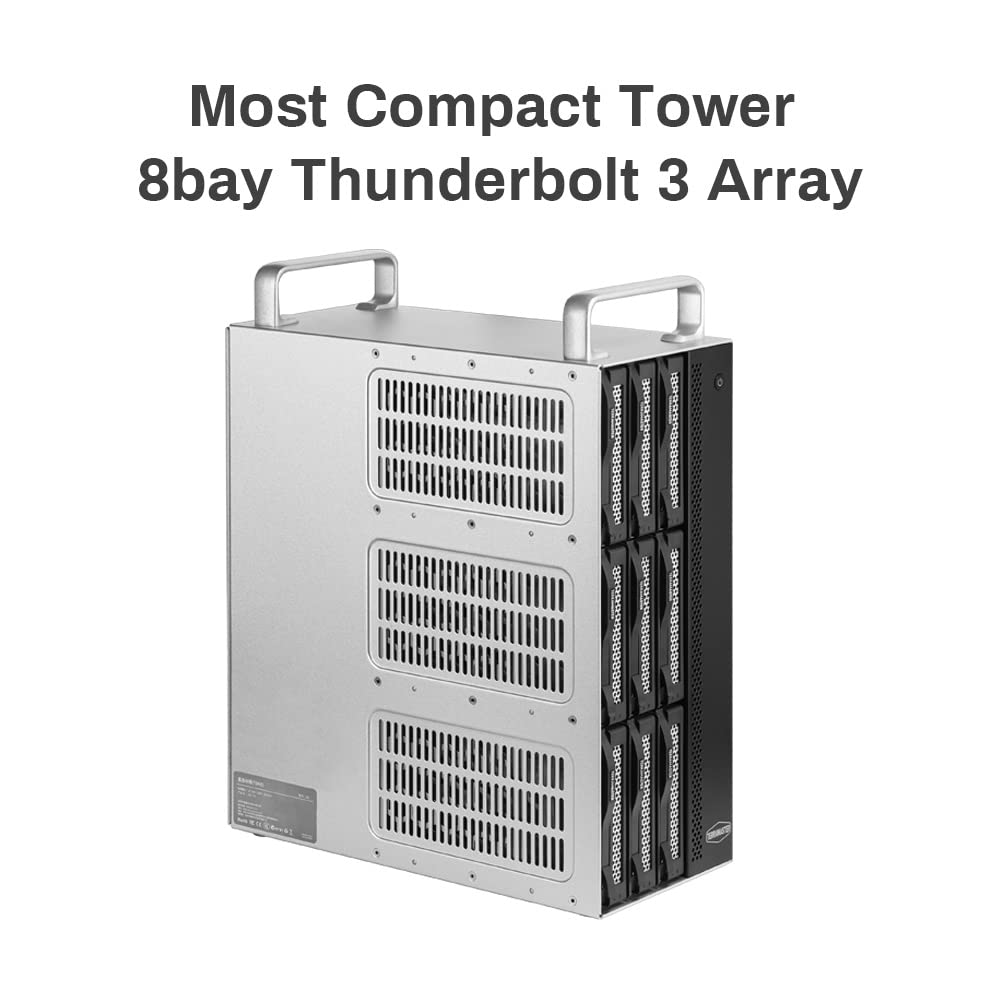
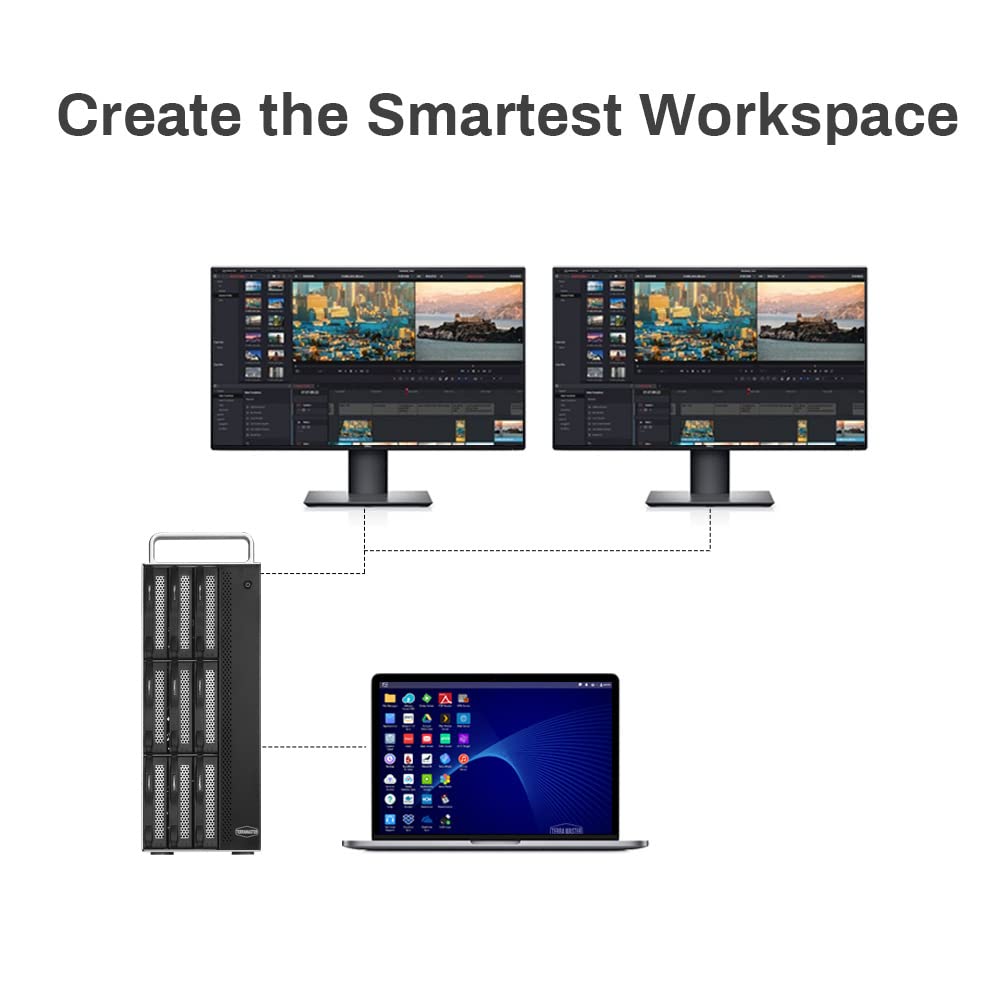
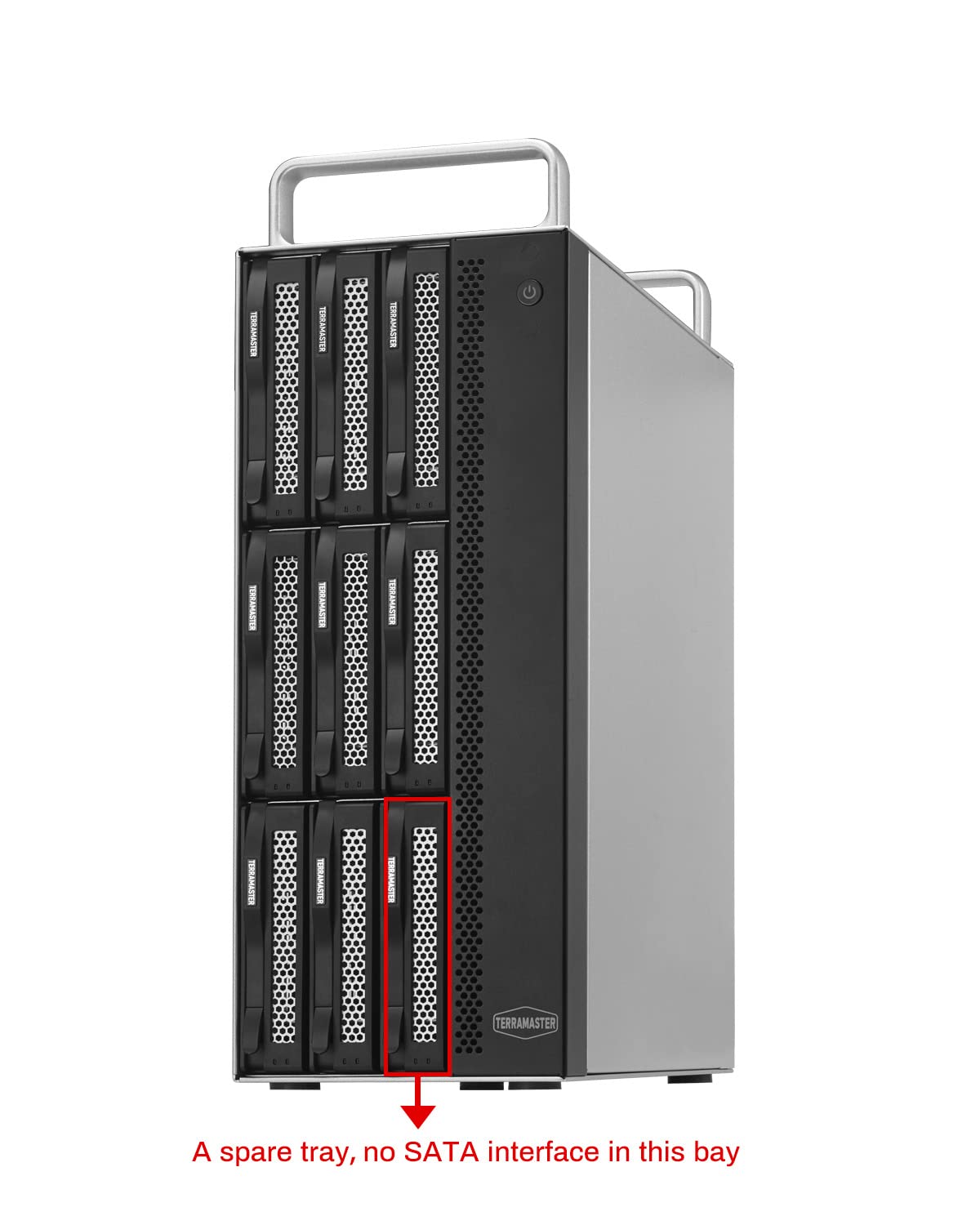
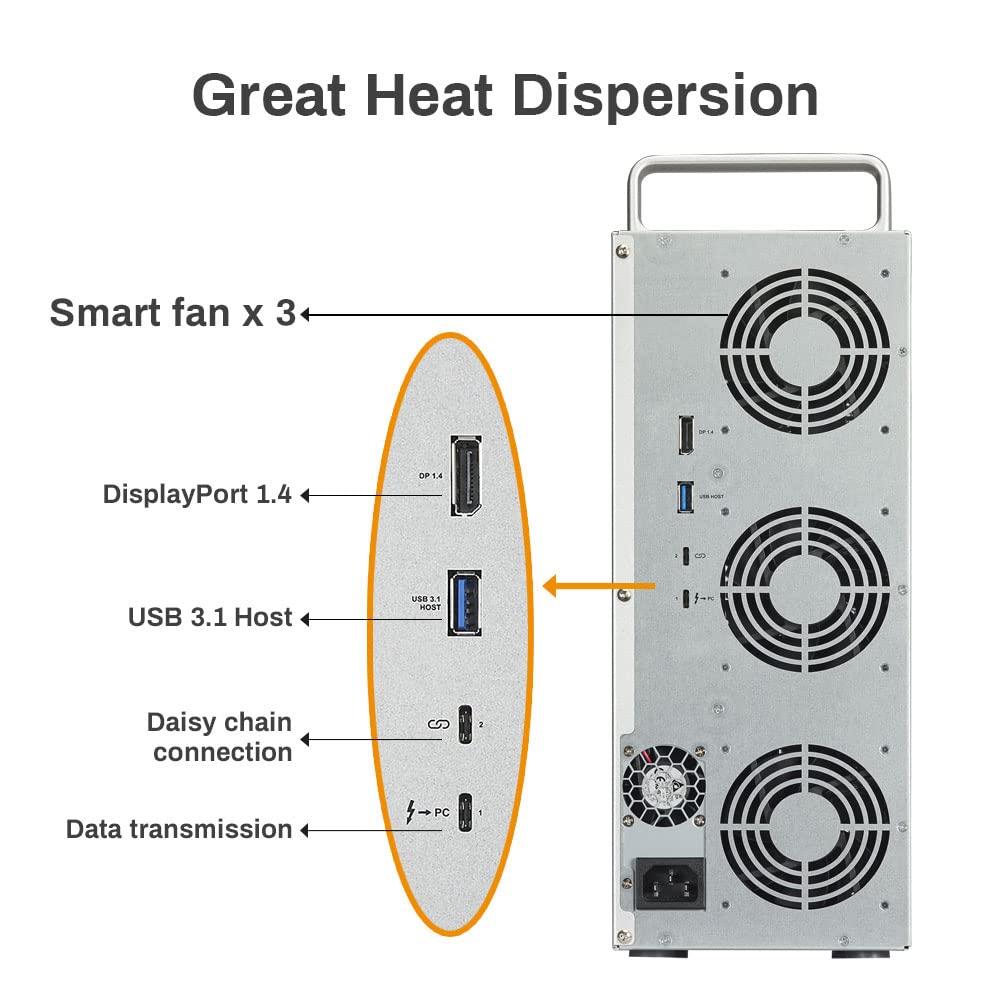
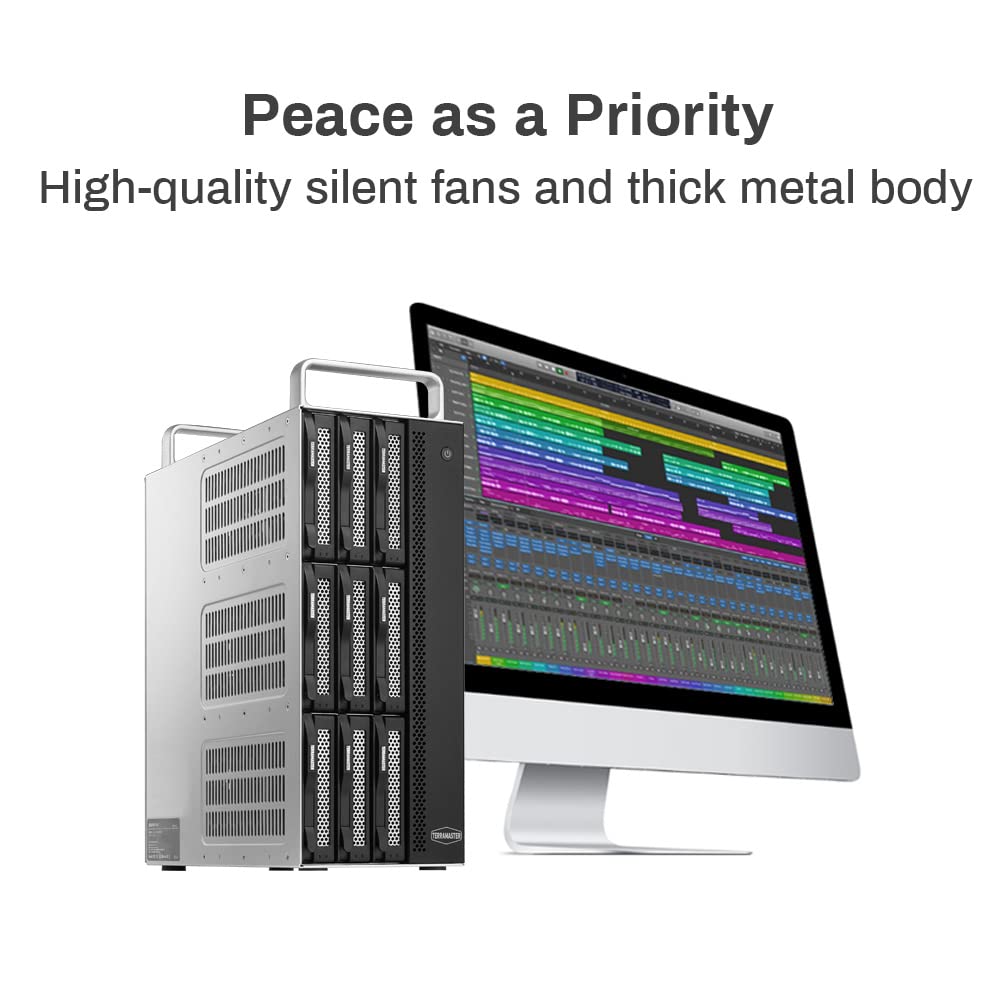
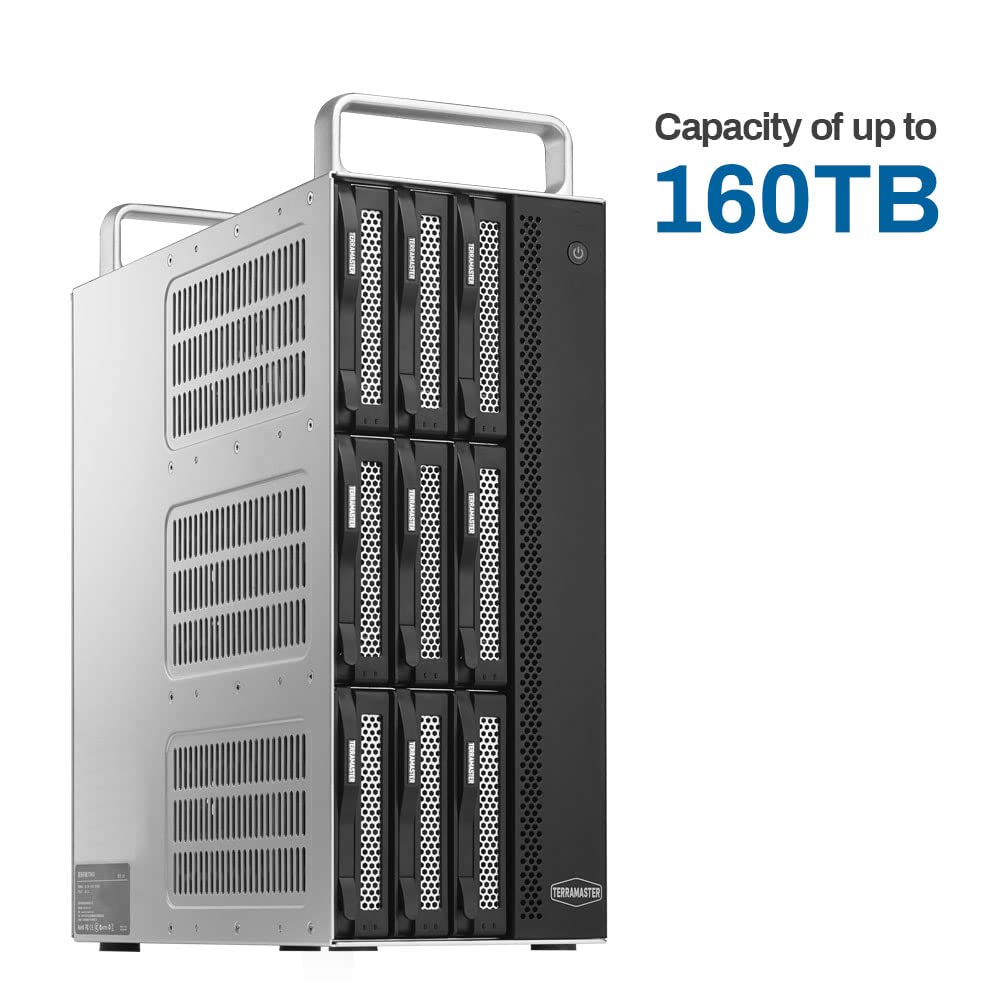
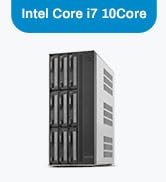
The Terramaster D8-332 is a professional-grade 8-bay Thunderbolt 3 RAID enclosure delivering up to 1600 MB/s read speeds and 1400 MB/s write speeds. Designed for demanding video editors and multitaskers, it supports multiple RAID configurations, up to 160TB capacity, and daisy-chaining for massive scalability. Its robust hardware RAID controller, smart cooling system, and multi-monitor support make it a versatile, high-performance external storage solution.













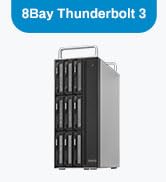
| ASIN | B0B25RHVKF |
| Best Sellers Rank | #457 in Enclosures #9,586 in Data Storage |
| Compatible Devices | Mac, Windows |
| Connectivity Technology | USB |
| Customer Reviews | 3.5 3.5 out of 5 stars (200) |
| Data Transfer Rate | 1600 Megabytes Per Second |
| Date First Available | May 24, 2022 |
| Hard Disk Form Factor | 3.5 Inches |
| Hard Drive Interface | Raid |
| Hard Drive Rotational Speed | 7200 RPM |
| Item Dimensions LxWxH | 5.31 x 11.61 x 13.15 inches |
| Item Weight | 20.3 pounds |
| Item model number | D8 Thunderbolt 3 (8-bay) (D8-332) |
| Manufacturer | TERRAMASTER |
| Material | Metal |
| Max Number of Supported Devices | 8 |
| Product Dimensions | 5.31 x 11.61 x 13.15 inches |
Z**E
Etremely Fast and Silent !
Moved from Slapple to WIndows and wanted to take advantage of Thunderbolt 3 - what a drive ! Support answered all my geeky questions quickly. I'm buying another ! UPDATE **** 2 years later.... I ended up selling both of these drives on eBay for several reasons: 1 - Apparently having two D5s attached to my GigaByte Z390 caused a problem with Windows 10 that made the drives unreliable 2 - I have two other editing systems running Windows 10; 2 have Promise Pegasus 3 R6s. Both of those machines go to sleep with no issues. The PC sleeps and the drives power down, starting up again when the system wakes. The D5 will go to sleep but when the system wakes up the RAID crashes and has to rebuild itself. I use RAID 5 and once while I was trying to figure out what was causing this, I lost 2 drives, so, the RAID could not be rebuilt. The drives were fine after a low level format but the D5 obviously did something catastrophic to them when it tried to wake up. I contacted TM support and was told all RAID drives could not sleep. Radio silence, when I informed them about the Pegasus. I realize the Pegasus is 4 times the cost of the D5, but you get what you pay for ! 3 - the HighPoint Tech Raid Utility is worthless, if you ask me, while the Promise Utility is smokin'. Our PCs are on all the time to do backups and and remote in, etc; but, if you never have your computer sleep, the performance isn't terrible on the D5 and would do the job but the D5 also consumes quite a bit of power ( .26 KWH ) with the PC off and .38 KWH when it's on. At our rate that's 3.5 cents and hour. Hey, it adds up in the TCO... TM support was polite albeit not offering any solutions for the driver or the sleep issue. We are very happy with the R6s and I wish I had not tried to save money on a budget enclosure...
B**R
NO SUPPORT. NONE.
Purchased in September 2023. Very little documentation to help with set up but not a big deal. Worked absolutely fine. Beginning of June 2024 a newish HDD failed. I have an older RAID with which I have swapped five drives over the years. Each time, after a long rebuild process, I was seamlessly back up and running. I expected the same with the Terramaster. I bouth a new drive, installed it and the rebuild light indicated everything was fine. I had almost 9TB to rebuild so I left it and came back the next day to find the rebuild finished, light on etc. But the RAID wasn't being recognized by the computer. Went through all the logical steps, turn it off, rebooted etc etc. THe RAID unit was seen as an unintialized drive. The RAID Manager Pro also showed the new drive and all the data etc. but still nothing on the computer. I contacted Terramaster and a first level SUpport person had me do all the things I had already done, to no avail. SHe then said she would take it up to an "Engineer". The "Engineer" came on chat and the very first thing he told me was that if the RAID was reading as uninitialized I should format it. I was stunned. How could someone purporting to be in IT tell a person to format a drive (Which is how Disk Management sees a raid)? I told him that a format would delete all my data which is the exact opposite of what I wanted and needed. It never got any better and he left me with the advice to get a Data Recovery Company to help me. I am extremely reluctant to write a bad review about electronic/computerstuff because there is so much room for mischief and innocent mistakes. However, my 100% advice in this case is to avoid this company at all costs. BTW: the 9TB represent all files for a full length Movie. I backed up about a month ago so it's not gonna be a total disaster but it will take me a good long week to replicate the edits I've done since the back up. I know- BACK UP! ANd for that I accept responsibility. However, my advice stands.
J**W
Large capacity, easy setup, mostly fast, expensive
I have it configured with 5 drives in RAID 5. Overall I'm happy with the storage unit. Mostly pros, some cons. Pros: - Easy to setup and configure with the RAID SW - Large capacity - Solid outside case - Fast sequential read/write performance - So far very reliable - Fans are quiet and temps adequately controlled - USB-A 3.0 port for connecting another device Cons: - Somewhat noisy. No apparent sound dampening, the drives click and chirp noticeably. Not terrible but can be distracting especially if you like quiet. - The handle on top can be convenient for moving, but would be much better if it were removable - The sequential R/W speed is very good, but random R/W is slow with RAID 5. - Limited to only Thunderbolt connectivity. There is a USB-A port but can't be used to connect the device to a computer. Having the USB option would be a plus. - Expensive compared to similar USB 3.0 enclosures.
A**L
The Best, believe me better than anything in the market i bought two of this.
T**Y
They could have better documentation for this. Almost returned because thought it was faulty - but it was just a simple setup mistake. Video out port runs 4k monitor fine.
R**N
Using this instead of Drobo for accessible data. So much faster data transfer for photo and video!
C**G
Love the solid casing and all the little spares.. a bit worried about the ABS drive carriages but then again you only need to use them once in a long time .. waiting for my new drives to arrive before I can test or use it properly .. arrived In 2 days!
M**V
Love this works with TB4, 3 and USB C ports Is also a TB3 Hub with miniDP, 1GB Ethernet and 2x USB 3.1 ports The daisychaining USBC TB3 port also works with additional drives, not just another TD2 Plus! Works great with 2 x 20 TB WG Ultrastars installed
Trustpilot
Hace 2 semanas
Hace 3 semanas



