

Desert Online General Trading LLC
Dubai, United Arab Emirates
Desert Online General Trading LLC
Dubai, United Arab Emirates


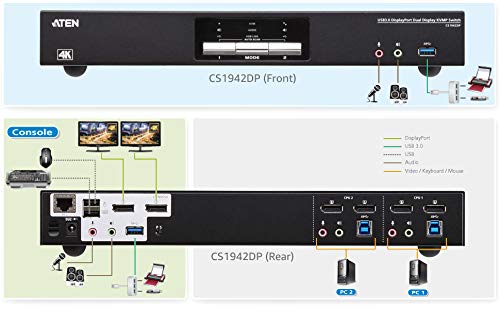
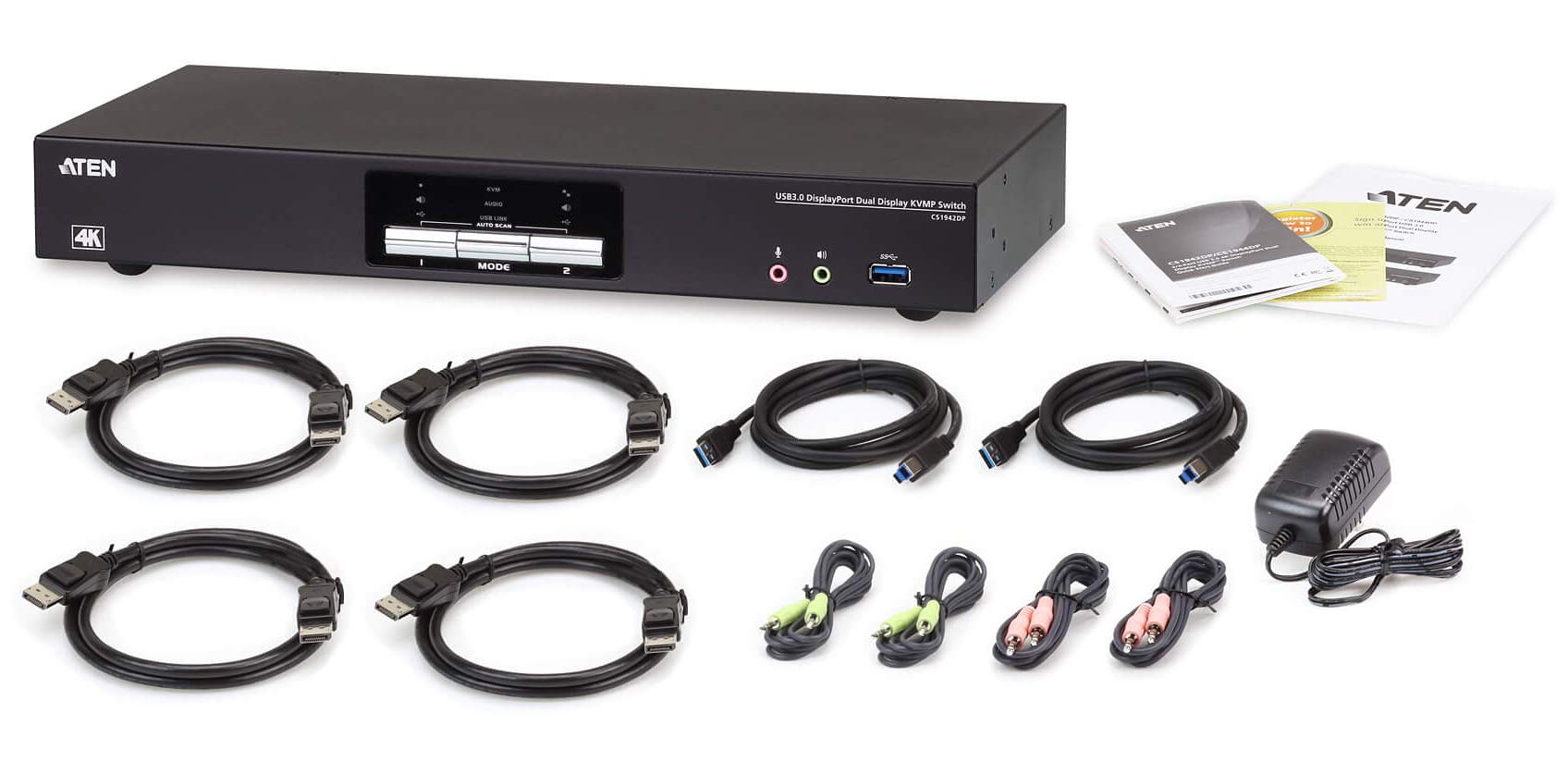

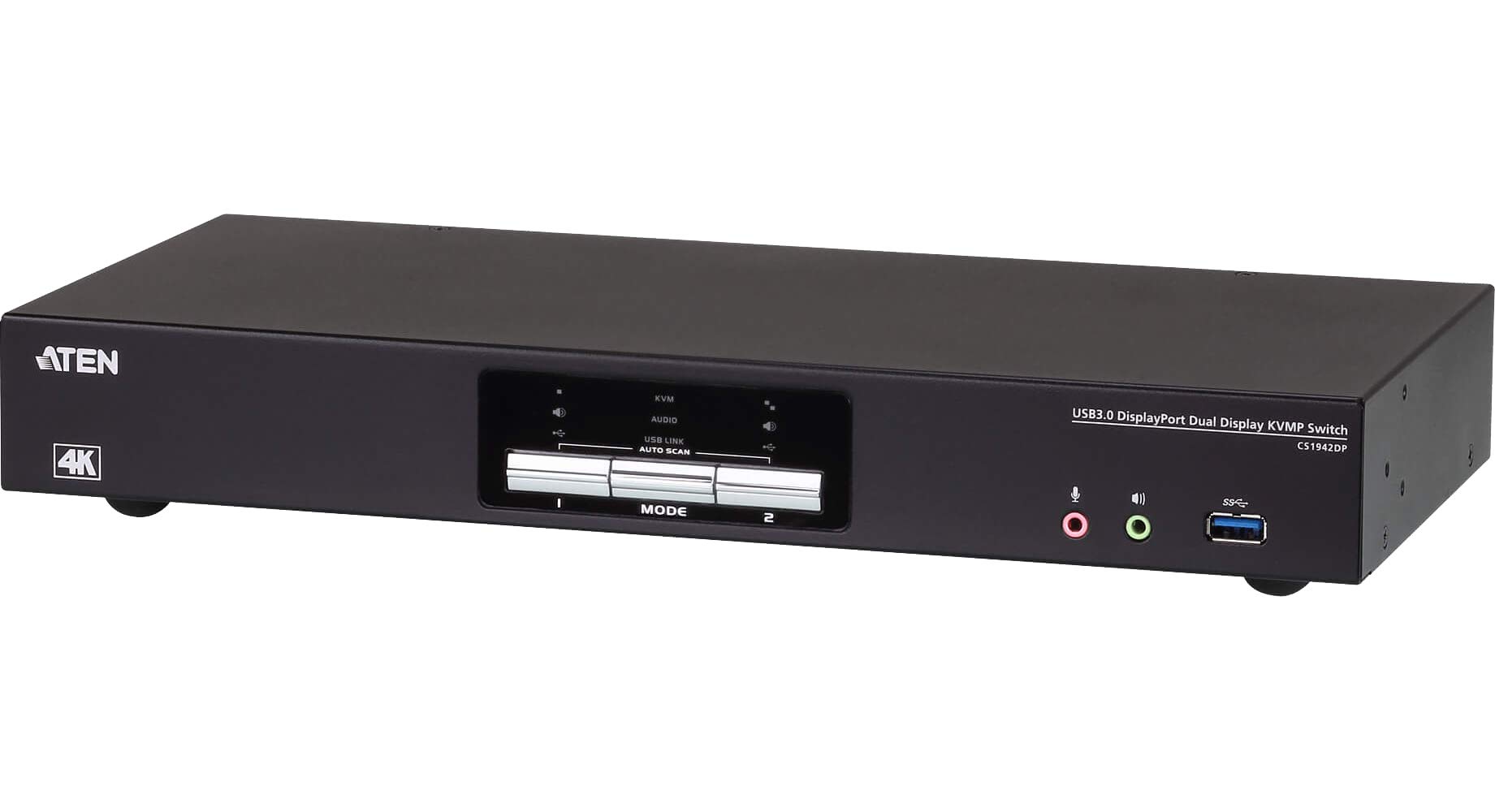
🚀 Elevate your multitasking game with 4K precision and lightning-fast control!
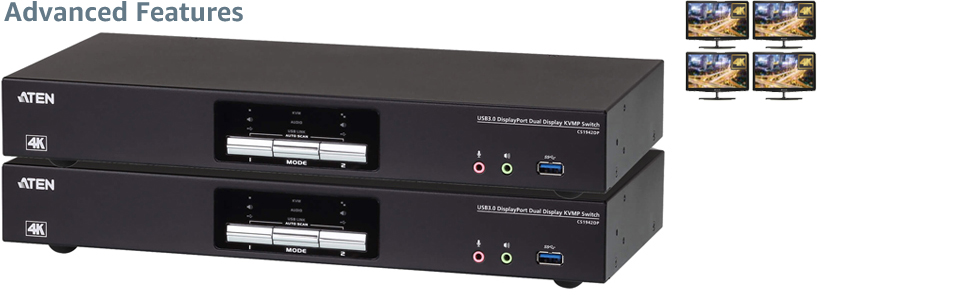
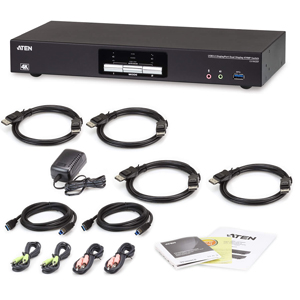
The ATEN CS1942DP is a professional-grade 2-port KVM switch designed for dual 4K DisplayPort monitors, enabling seamless control of two to four computers via a single USB keyboard and mouse. Featuring advanced video support at 4096x2160 @ 60Hz, a built-in USB 3.1 Gen 1 hub delivering up to 5 Gbps data transfer, and compatibility with HDMI/DVI through DP++ adapters, it’s engineered for high-demand environments like design studios, financial trading, and video post-production.


R**R
Very pleased
After extensive review of the available KVMs out there in this price range out and not without a small amount of trepidation around the number of challenges reported by users with KVMs, I am quite pleased with the Aten CS1942DP!I was able to get it installed and running in about 20 minutes and everything is working as advertised. I am using DisplayPort ports/cables for all connections to and from the KVM and have connected a desktop and a laptop using a dock for the laptop to two DP monitors. The only challenge is that the special functions of the keyboard and mouse are not supported using the console USB connections on the KVM. This is a known issue and is found in all KVMs in this price range.The only caveat I can offer at this time is that I've only had the system installed for two days. There have been a number of reports of KVM ports failing over time (not just Aten products) so the final review will hinge on the long-term reliability of this product. Safe to say that I'm quite happy thus far.
J**.
Analog audio quality is truly, genuinely awful.
For whatever reason, the Keyboard, Video, and Mouse features here work great, but the analog audio support is well and truly awful. Genuinely atrocious. Lots of static. Glitchy BZZZRTZ. Just grotesque.If you are lucky enough to be able to use the audio channel included in a DisplayPort connection it works fanstastically. If not, make other arrangements. Please. For your ears' sake.Again, cannot stress enough; its the AUDIO that makes this product awful. We had this figured out as a species long before the whole "transistorized computer" thing.Also, the HDMI is getting pretty dodgey. You can usually fix it by switching away/back to your chosen desktop, but the poor integration with most graphics cards makes that whole process annoying and/or glitchy.
P**!
AVOID. Plagued with issues, poor support.
UPDATE: This device was barely out of its refund period when it began having problems:- Randomly does not pass video from one of the connected computers to the monitor- Randomly does not pass USB devices (keyboard, mouse, peripherals) to whichever computer is selectedI've been emailing back and forth with ATEN and on multiple occasions they have given me information that turned out to be just plain wrong.At this point, if I could get a refund, I would. Instead I have to try and go through the RMA process, even though support has been lousy. Never buying from ATEN again.-------------------------PREVIOUS REVIEW:The good: Although Aten only advertises 4k 60 FPS, the KVM is capable of passing 1440P widescreen (3840x1440) at 100Hz.The bad: So far the KVM appears to be incompatible with my MacBook Pro. Mac -> Monitor is fine, Mac-> Dock-> Monitor is fine. If the KVM is in the loop then it doesn't appear to handle communications between the Mac and the monitor; so, the monitor detects no signal, and the Mac can't see the monitor.The ugly: I have a few peripherals that I want to share between my home and work computers (for example, a wireless headset). None of the peripherals function correctly on either system when passed through the KVM. The Mac doesn't see them at all, and the Windows machine gives errors along the lines of "The last USB device you connected to this computer has malfunctioned and windows doesn't recognize it." When plugged in to either machine (either directly or via a USB 3.0 hub) they function perfectly.So far I've tried swapping out cables and no joy. I have isolated the issue to the KVM itself as all other configurations work fine.Overall verdict, I had high hopes for this piece of technology, and it does pass the video signal correctly from my Windows machine to the monitor, but overall it fails at its base function of allowing me to switch between two devices.
C**E
Mostly works but is not compatible with my USB audio interface
This KVM was easy to setup.I transitioned from an earlier IOGEAR KVM because I wanted to go from DVI to DisplayPort. The controls are surprisingly the same, where I tap scroll lock twice and then tap the 1 or 2 key to switch between computers. The beep is a little more shrill but aside from that, that mechanical part works fine.The price is a decent value for what you get. I understand that in this day and age, KVMs are still kind of a specialty device so they are priced higher than one might expect.All the cables were included which is nice. I have heard others having difficulties finding compatible DisplayPort cables.I attached a 7-port USB hub (powered) to the front USB hub to share more peripherals. So far that has been working well. However there is one key thing that is NOT working right, and it is my RME Babyface audio interface. When plugged to the USB hub and connected to my Mac, it will glitch out and stutter and stop playing audio every few seconds. That is a real shame so I am looking for a separate USB sharing switch to see if that works. Interestingly this happened with two different Macs. It works fine with my Windows PC. But wanted to put that out there in case anyone has a similar pro audio thing going.Overall happy but this part bugs me so I’m trying to find a better way.
R**.
Works great
This replaces an 8-year-old DVI KVM by ATEN which looks very similar and still works great. I also bought a pair of VisionTek DVI to DP cables for an older PC. Everything works great.
Trustpilot
Hace 2 semanas
Hace 2 semanas
Hace 1 día
Hace 2 meses