We remain fully operational. Our teams are working around the clock to ensure your deliveries continue safely.

Descargar la aplicación


Servicios al cliente
Sobre nosotros
Copyright © 2025 Desertcart Holdings Limited
Descargar la aplicación


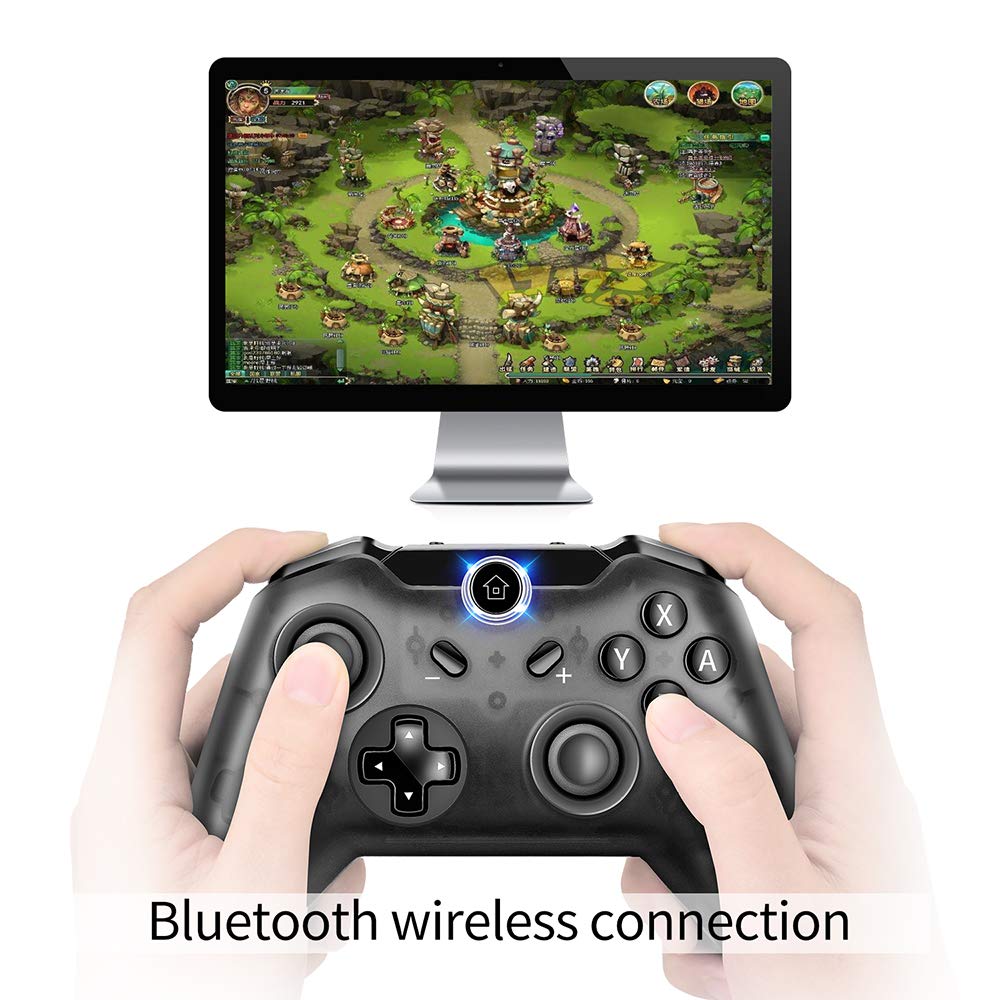

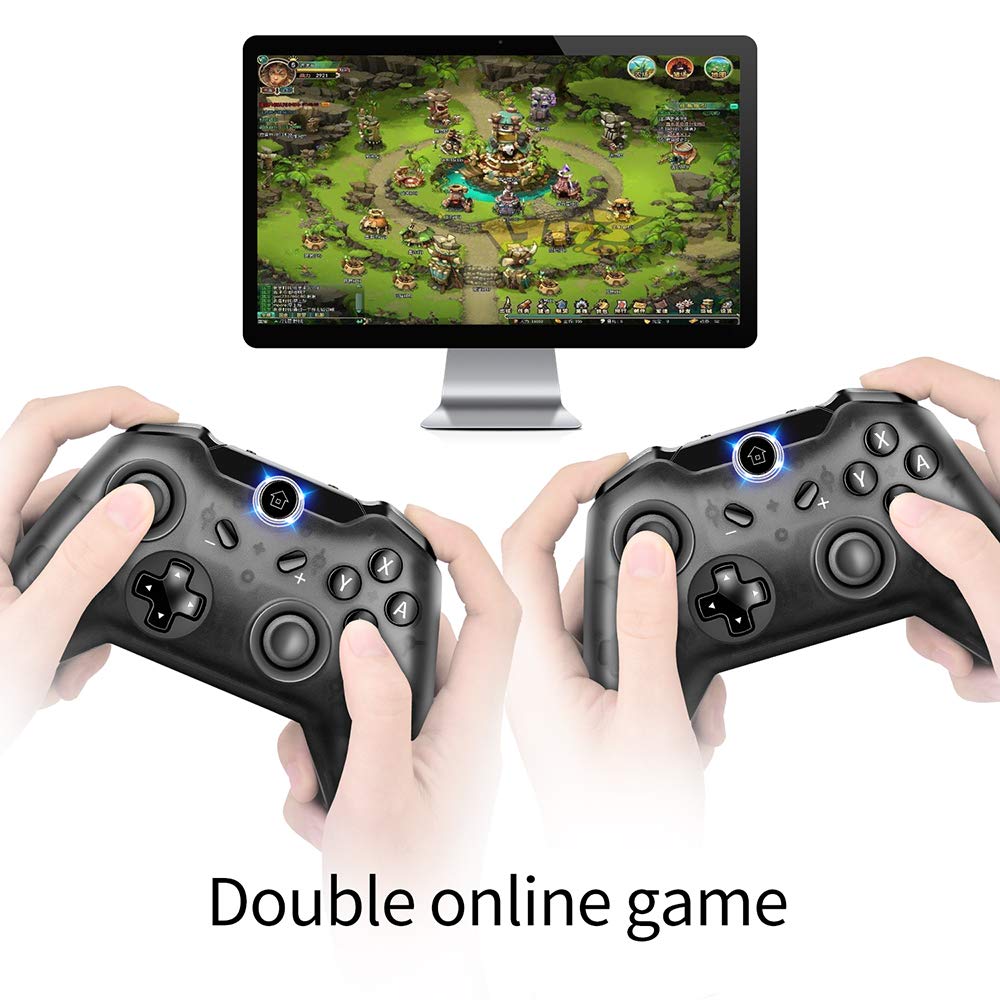


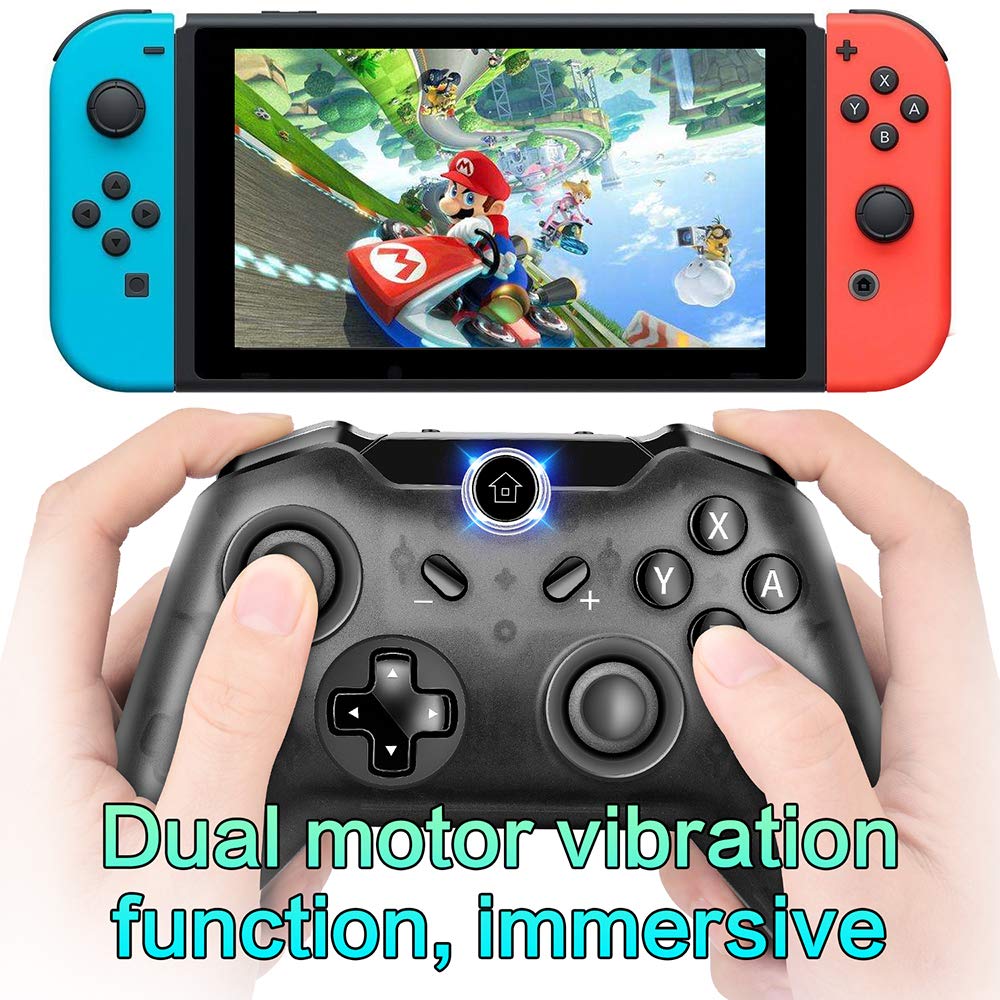
🎯 Elevate your game with pro-level control and wireless freedom!
The Bigaint Pro Wireless Controller offers full Nintendo Switch and Windows PC compatibility, featuring gyro axis and dual vibration motors for immersive gameplay. Its ergonomic, lightweight design supports long sessions, while Bluetooth V3.0 ensures stable, lag-free wireless connection. With a 380mAh rechargeable battery delivering up to 5 hours of playtime and support for up to four simultaneous controllers, it’s the perfect upgrade for social and solo gaming alike.


| ASIN | B07M77BSP2 |
| Brand | Bigaint |
| Color | switch |
| Customer Reviews | 3.9 3.9 out of 5 stars (202) |
| Date First Available | January 6, 2019 |
| Hardware Platform | nintendo switch |
| Is Discontinued By Manufacturer | No |
| Item Weight | 9.6 ounces |
| Item model number | SZ220K30K06 |
| Manufacturer | Bigaint |
| Operating System | Android |
| Package Dimensions | 6.2 x 4.8 x 2.7 inches |
| Power Source | Battery Powered,Rechargeable,Usb Cable |
C**E
WORK WITH MY SWITCH
THIS IS MY SECOND CONTROLLER I BROUGHT FOR MY SWITCH, AS I NEED IT FOR CHRISTMAS FAMILY GATHERING PLAYING PARTY GAMES. SO, LETS GET STRAIGHT TO THE POINT: 1) I TEST OUT THE CONNECTION TOO SEE IF THIS DISCONNECT OR ANY DELAY WHILE PRESSING THE BUTTON. AS I SAW SOME OF THE REVIEW STATING IT HAS SOME DELAY IN BUTTON SO I CAM QUITE CONCERN ABOUT THAT. BUT FOR ME SO FAR SO GOOD, STABLE WITHOUT ANY DISCONNECT FROM SWITCH SYSTEM ITSELF. 2) I THINK ALMOST ALL 3RD PARTY CONTROLLER ARE THE SAME WHICH REQUIRE YOU TO HOLD TWO BUTTON AND WAIT FOR THE LIGHT TO BLINK RAPIDLY WHICH MEAN IT IS LOOKING FOR CONNECTION. AND YET IT DID CONNECT ON MY FIRST TRY WHICH I AM GLAD FOR THAT. AND ONCE IT IS PAIRED YOU JUST NEED TO PRESS THE HOME BUTTON ON THE CONTROLLER AND IT WILL CONNECT AUTOMATICALLY. BUT DO NOTE THAT YOU CANT TURN ON THE SWITCH WITH THE HOME BUTTON LIKE THE ORIGINAL JOY-CON. 3) COMFY GRIP AND YOU CAN REACH THE BACK ZL / ZR BUTTON EASILY FOR MY MED SIZE HAND. ALL THE BUTTON WORKS FINE AND THE RUMBLE IS GOOD, IS A GOOD CONTROLLER AND SO FAR NO DRIFTING PROBLEM FROM THIS CONTROLLER AND I HOPE NOT TOO. BUT IF IT DOES HAPPEN I WILL UPDATE HERE AND LET YOU GUYS KNOW. SO IF YOU DONT SEE ANY UPDATE FROM ME IT IS A GOOD THING. =)
B**N
Great controller...can't seem to wake up Switch.
I like everything about this controller: comfort, light weight, connection is solid, battery life has been good. The reason I left a star off is that even though I'm following their instructions, I cannot get the controller to wake the Switch and connect. Not a huge deal, I just use it as the Pro controller for first player and this for when the Switch is already on. If the Switch is on, this controller is identified easily.
L**S
Great for the price.
Great controller for Switch. First time connecting was a bit of a struggle, but connects with the home button once console is powered on. Lightweight but not flimsy, the buttons wiggle a bit but it doesnt effect game play, just makes it noisy. Charging cord is barely a foot long, but it charges fairly quickly and holds a charge well. The light by the home button is kinda bright and has a bit of a glare if you play in the dark. The rumble is serious, feels like a rumble pack from N64 and doesnt have different levels, just earthquake.
A**.
does not work with pc wirless
Does not connect wirelessly with PC. Right in the box and the manual says you do need to install something. Not worth it unless you dint mind the wire and installing. It only works wireless on the switch.
G**R
Waste of Time
Incoherent instructions, button lag, horrific setup, stick drift, no way to fix it, you name it, it has it. Instructions: Blatantly vague and provide no help whatsoever. Button Lag: Gamers like me do not appreciate when buttons don't respond well when pressed on a controller. Horrific Setup: Instructions do not help at all and after spending TWO HOURS setting it up finally powered it on only to realize its malfunctioning. Stick Drift: Upon usage I found out that the instant I tested this controller, it had a stick drift issue where the control stick for the left side was not centered. I found this out on DAY ONE! No Way To Fix It: I've done everything to fix this, to looking for help online, to testing out tricks from friends, to sending it to a repairman, NOTHING! Bottom Line: A waste of time and a piece of junk. Will be returning it soon.
A**1
Incredible Value
If you're like me, you looked at the switch pro controller and thought to yourself - $70 for 1 controller?! There's gotta be an alternative. Well here is the answer. Right out of the box the first thing that stood out was the quality and feel of the controller. Great grippy thumbsticks and buttons weren't mushy. Connecting to the switch was simple and no problem. It's a huge step up from the joycons and at this price it's a no brainer.
S**S
It does everything it says it does
It's a controller for the switch. It's shaped like an Xbox One controller, so if you like that controller you'll like this one. The two I bought haven't had any issues. As far as features go, it doesn't have Amiibo support or HD rumble, but I knew this before I bought them and I don't care about those features. The gyroscope works perfectly, in fact, it seems more responsive than my joycon controllers. Overall a solid choice if you're looking for inexpensive controllers for your Switch.
M**J
Decent controller, but died after a couple months
The controller ultimately died inexplicably during gameplay on PC and I've no idea why. Before then, it was an okay enough controller, but the right and left sticks were very insensitive and felt as if I were playing these games with a PS2 controller. It's somewhat comfortable to hold but can be awkward when playing games that require frequent use of LB/RB and RT/LT. Pretty disappointed that it died on me because it was far better than my other controller. Gonna avoid this brand altogether.
Trustpilot
Hace 2 días
Hace 1 mes