
Descargar la aplicación


Servicios al cliente
Sobre nosotros
Copyright © 2025 Desertcart Holdings Limited
Descargar la aplicación
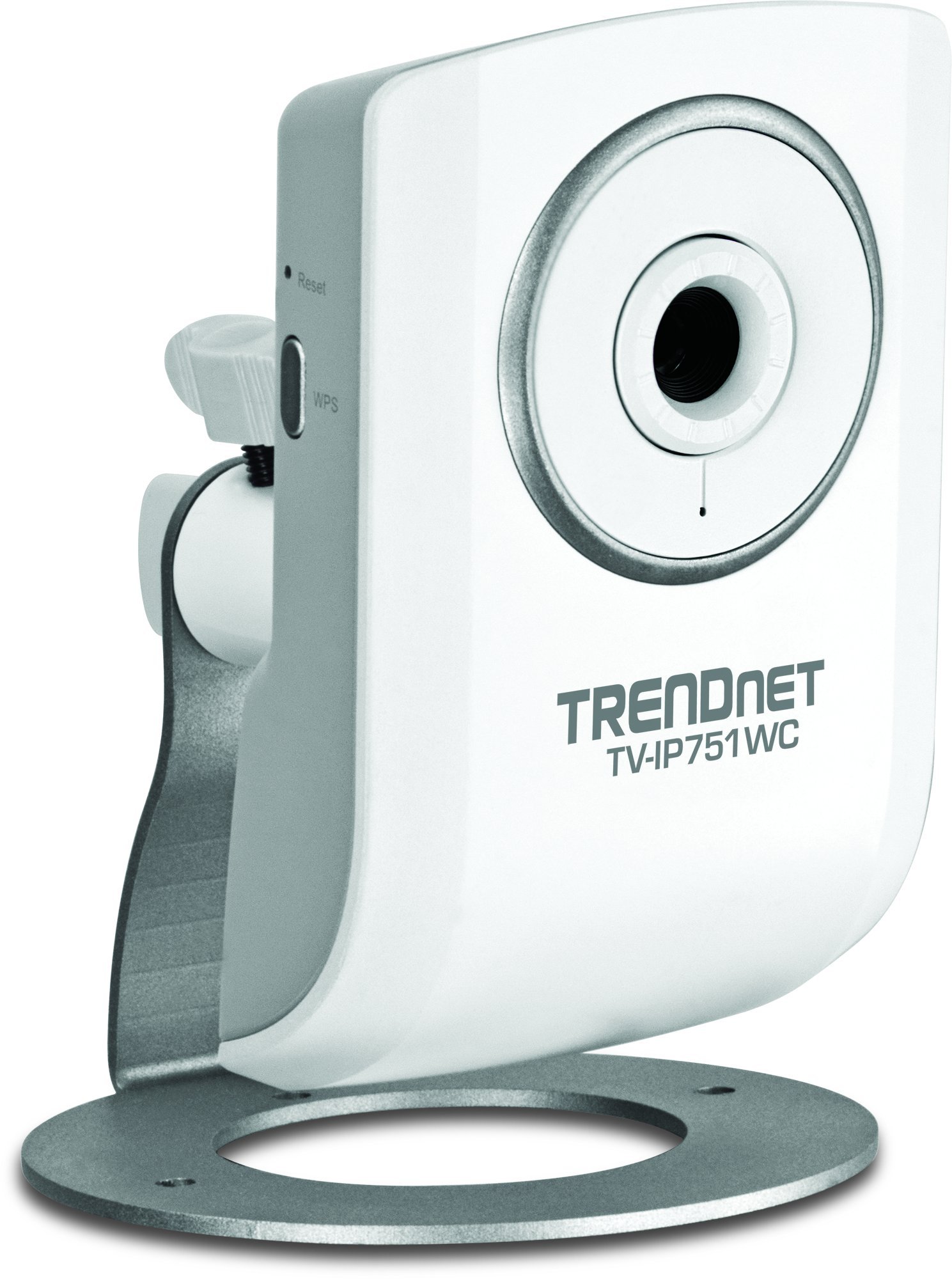
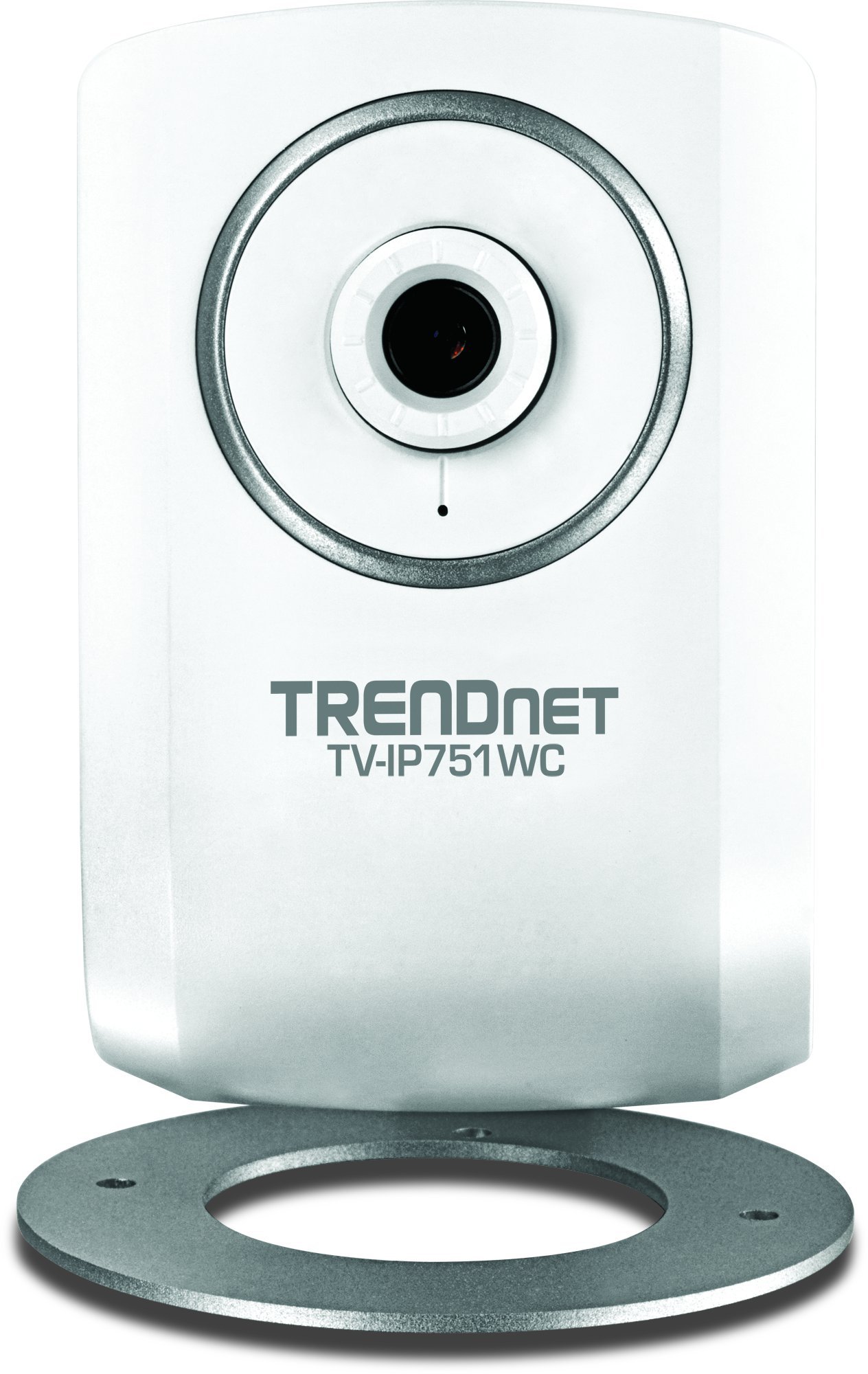
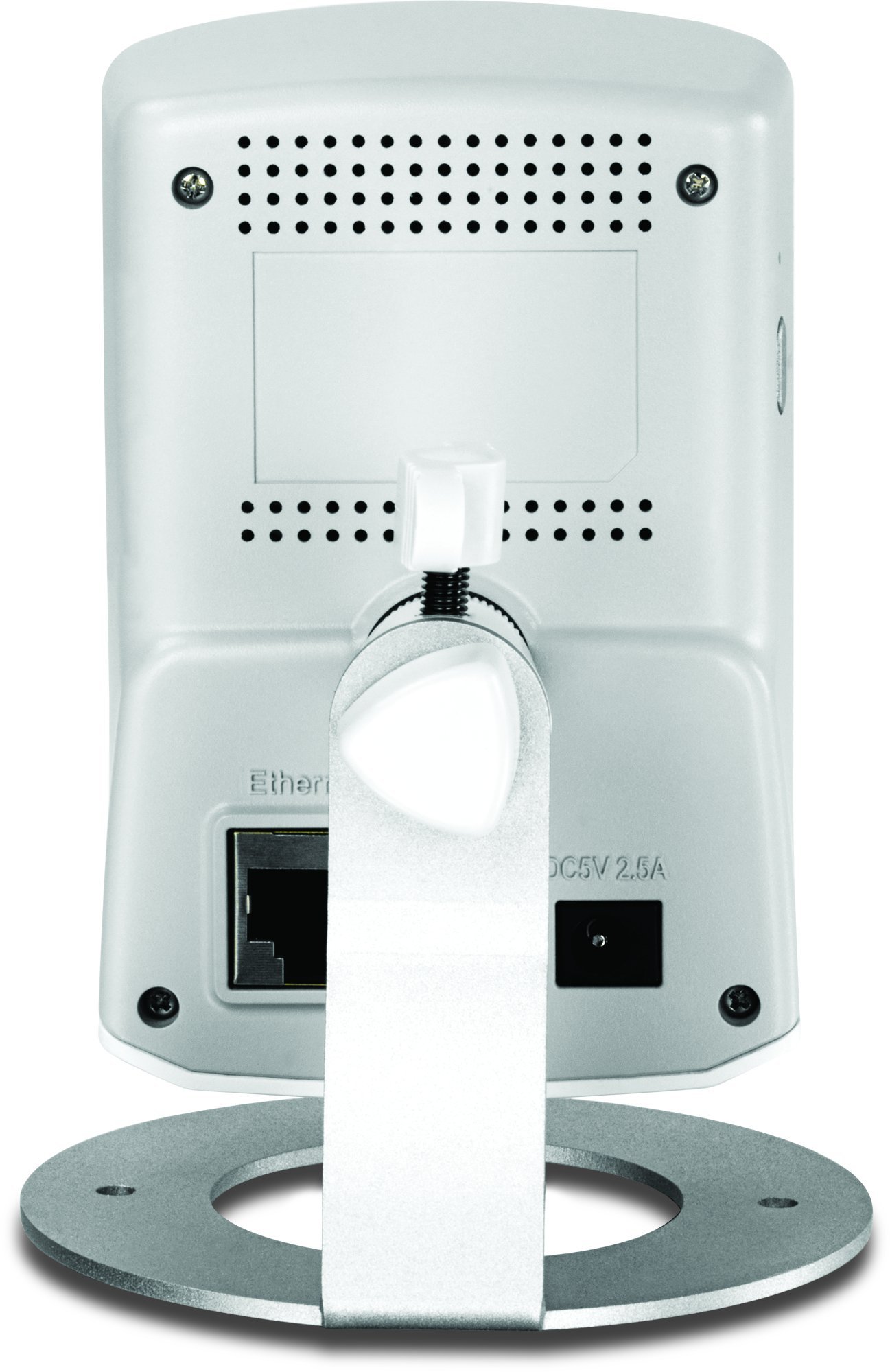
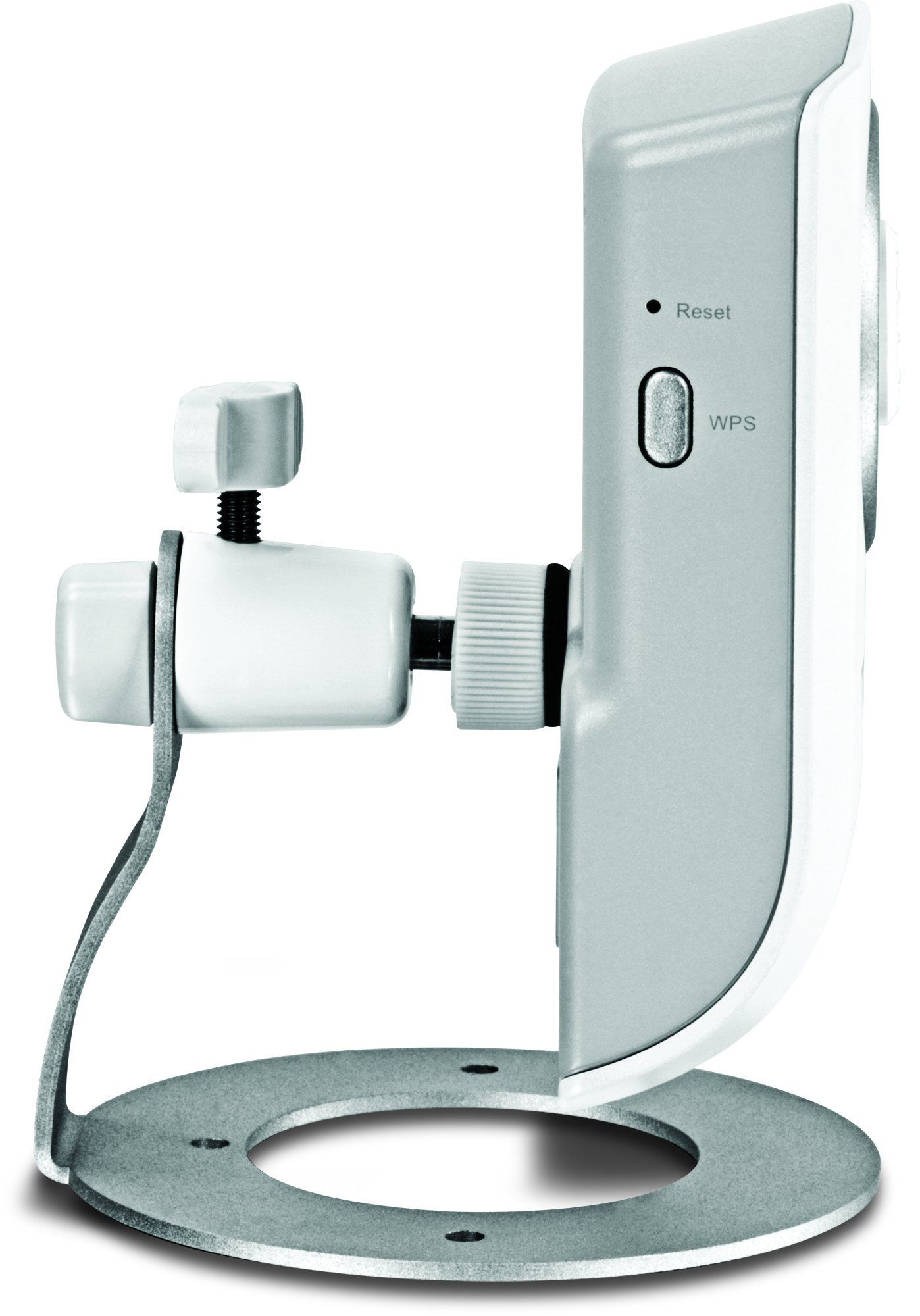
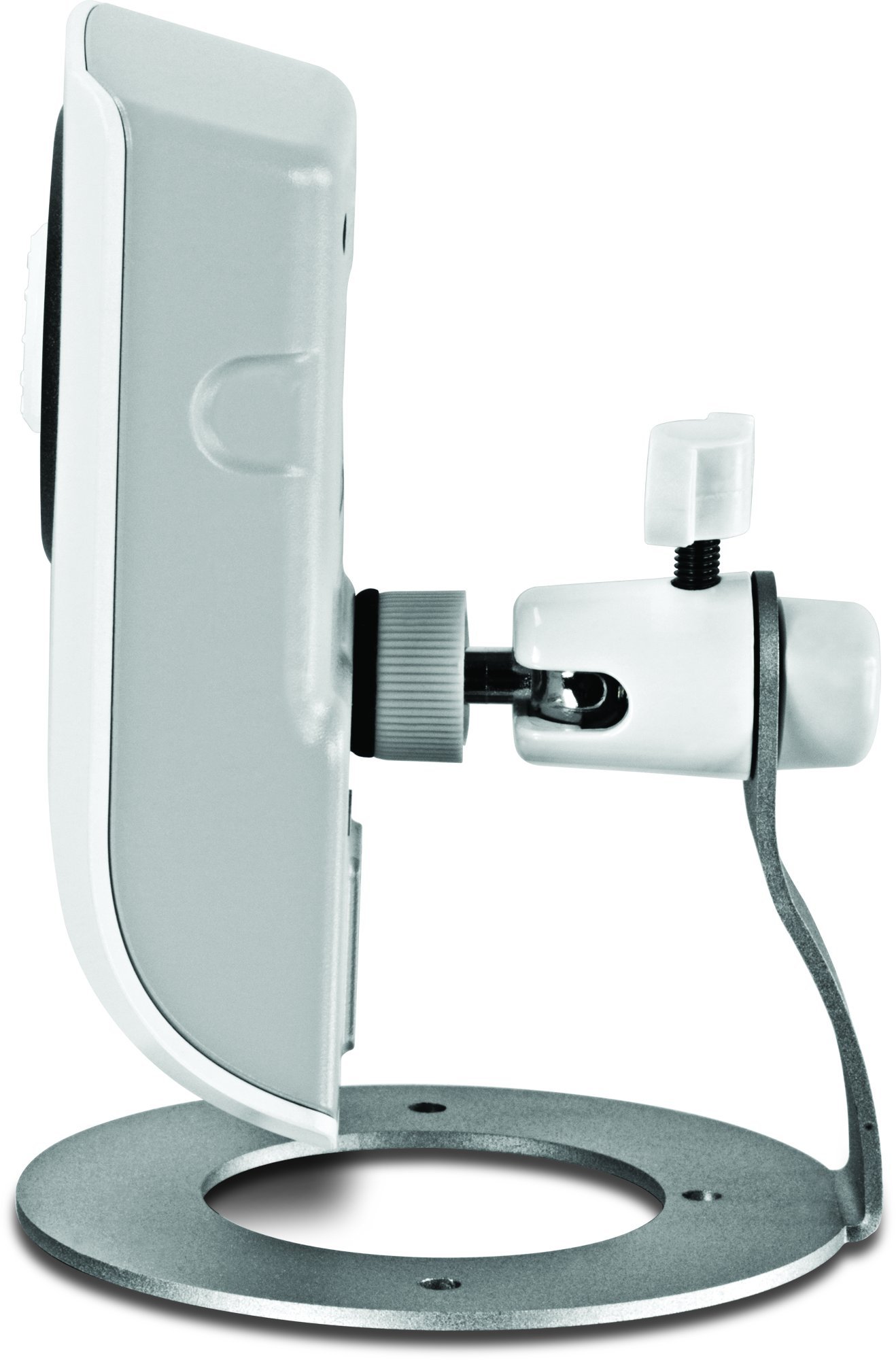
👁️🗨️ Keep an Eye on What Matters Most!
The TRENDnet Wireless N Network Cloud Surveillance Camera (TV-IP751WC) offers a comprehensive security solution with high-speed wireless connectivity, one-way audio, and customizable motion detection alerts, all accessible through a user-friendly mobile app.
G**N
IT's basic, but reliable
No, it's no Canon or Axis, but it's 1/5th the price as well. For just a static view, I have had no problems. I can't attest to the audio, as I haven't used it, but the video works just fine. You may have to manually tweak the focus via the lens dial, but for a basic camera, no complaints. Night viewing is pretty much not happening, unless you supplement it with a considerable amount of ambient light, but day / indoor viewing , spot on. The free video management software suite from Trendnet (manage up to 16 cameras - DVR, motion detection, etc) for FREE is worth the price alone, try pricing that with others and you'll be a believer.
M**L
Basic IP camera, surprisingly good
This is my second network camera of this brand and model. I grabbed the first one on sale at "the Egg" for just $35, and therefore didn't had very high expectations. But to my big surprise, compared to all the other 640x480 IP cams I own (2x Foscam FI8910W, D-link DCS-5010L, Wansview NCB541W, 2x Roswill RSCM-12001), these TrendNet TV-IP751WC have the best image quality. I use them to watch the surroundings of my house from inside, through the windows, and in good daylight I am able to make out faces on still images from people who triggered motion detection. This can most certainly not be taken for granted for cameras with low VGA resolution.As indicated in my title, this camera is basic. The most basic it actually gets: no pan & tilt, no night vision, which is - to be fair - not a reason for ranking it down, because Trendnet offers a whole line of better equipped models, at higher prices. But if you just want to keep an eye on a fixed spot, this camera type is absolutely sufficient. For my application (watching the garden through a window) night vision would even be contra productive, due to IR light reflections on glass. I have installed several IR triggered floodlights in my garden instead.About the setup, well, some manufacturers apparently believe their customers don't know the first thing about networking, and that's why they provide proprietary, operating system dependent setup tools, and one push of a button "solutions", which often make setup an unnecessary hassle. Trendnet, at least for this model, is luckily not that bad. The TV-IP751WC has DHCP active as default setting - a reasonable preselection for home networks in my opinion. That way the user can do the configuration with just a browser:1) connect the device via the provided CAT5 cable to your router2) grab the cameras IP address from the router's DHCP lease table (you'll also need the MAC address)3) browse to that IP, enter user admin, password admin for 1st login4) change these default credentials (you also have to submit the cams MAC address this first time) and you're good to go adjusting the config at your whim (I'd advise to upgrade the firmware next)So with exception of that 1st time MAC address submission, setup is pretty straight forward, which is certainly a plus. Another great feature involves the cloud functionality: it can be disabled completely, good job Trendnet! All other functions are pretty standard, compared to other cams (it appears that Trendnet uses the same firmware as comparable D-link models with just a different skin). Motion detection allows definition of hot spots, and still images can be sent by email or ftp, either upon motion trigger, or manually, all with definable frequency and time schedule. The plain web interface (active x or java) unfortunately does not have any option for recording actual video footage. Maybe this could be done via cloud, which I don't use. Blue Iris on the other hand works well with this camera for that purpose. One last word about remote access. I don't use port forwarding, but SSH tunneling through a Linux machine, for accessing my cams (Trendnet and others) remotely from work. This looks much safer to me than exposing a closed source, and possibly outdated IP cam web-server to the outside world.My pros and cons in short:+ good value for the price+ good image quality for a VGA cam+ easy setup+ cute blue LED, which can be turned off+ solid, flexible mounting stand+ solid WiFi reception (my router is upstairs)+ cloud feature can be deactivated- very short power cord, less than 5 feet, boo!- video recording not possible via web interface
J**S
Only get 5 minute live video at a time
I purchased the TV-IP75WC (the day one). This camera has been frustrating from the get go. Once I set up the camera and have it perfectly set for the view I want to see, I have to take it down because you need to update firmware through ethernet cable. Then when I remote access the camera (not from the icon on your own computer with the software it came with) from another computer, I do not have full access to administration controls nor continuous live audio. I can only view video up to 5 minutes, then I have to keep re-logging in by typing in username and password. I thought by updating the firmware would solve this problem but it did not. I purchased the same camera two weeks earlier that has the IR for night vision and have had no problems with viewing video remotely nor did I have to update the firmware from the get go. There is a problem here if you have to update the firmware as soon as you get it. I was hoping that I could view both camera's video from the same place but when you remote log in you have to put the two different camera's IP address in to view them both. I really did not need night vision on my second camera and so did not want to spend the extra 20 bucks for it. But I am not happy with this camera without the night vision and will be contacting Amazon for a refund so I can go ahead and purchase the night vision one that I have no problems with on my other camera I already own.
S**N
Perfect camera. Works great with wifi
Perfect camera. Works great with wifi. A little complicated with the recording portion. Customer service is in India so the language barrier is a negative when trying to get across my requests. I wish it had movement or rotational ability as well but can't do anything about that. Otherwise quality is strong and does the job it's intended to do however for a few dollars more I would pay for the rotating camera feature.Updating my review - 3.5 years later and the camera has been inoperable for about 3 of those years. Since I moved 3 years ago, and had to reset my camera and computer, I haven't been able to get it up and running again. Support can't help and it's basically trash. Got what I paid for. It's a shame since the camera worked so well in the beginning.
Y**G
Spend a little more and get something better
The camera itself is pretty decent, albeit on the hard side to setup. It's not a problem if you know your way around computers.I would give the camera 3.5, but decided on a rather of 2 stars for the crappy software that came along with it.1. As a cloud viewer, this works fine. After I hooked it up to my home network and opened the necessary ports, it hooked up to the Trendnet Server automatically. Downloading the application (Trendnet CloudView) was easy and setup was simple. Judging by the stream, it feels like somewhere around 5fps, but it uses surprisingly large amount of bandwidth 500Kbps.I also have a Logitech Alert 750N, it's delivering 10-15 FPS video, at better resolution and all it uses is 100Kbps.2. On the computer, the SecurView Server Pro software is horrible. Often it would fail to connect / link up with the video feed, and server would consume quite a bit of memory before getting terminated by the watchdog service (also part of the software). DVR functionality is very spotty as well. It uses lxa format and videos have to be converted/exported in order to play using thirdparty media players. Frankly, it's very frustrating to use.I've since replaced this camera with a foscam fi9831w and demoted this camera to the kitchen to watch over my dog.
J**N
Nice features. Worked a treat.
After spending a lot of time reviewing loads of cameras I finally took the plunge with the TrendNet. Setup was pretty straight forward and you can use WPS but I opted for using a cable into the Sky router and the enclosed software.The Email was straight forward and simple to setup, but bear in mind if using gmail's SMTP server with a valid login you need to use port 465 and enable TLS to allow it to connect.The motion sensing if left unchanged on the sensitivity will pick up things such as the sun going in and out if your camera is near a window. You can amend the area of the video to scan for movement if there's only a small portion to monitor such as a driveway and avoid a footpath.Services like Box.net have ftp connectivity but only on a paid account although one option could be to have an internal ftp server on a PC and use a folder sync tool to upload to Box or Dropbox (untested).There are two apps available for the iPhone, one works with the cloud connectivity whereas the other is local network only. Both worked with no problems especially the iPhone on 3G.Overall it does exactly what I need which is keeping an eye on the dog when out. Would have no issue buying another one or recommending to a friend.
B**X
camera trendnet TV-IP751WC
je ne suis pas arrivé a l'installer car les documentations ne sont pas en francais.je pensais que c'etait obligatoire pour ce qui est vendu en france
P**H
haven't used it yet
easy to set up and will be using it in the near future. Much better than one I bought from a large electronics store and returned.I chose this one because I have a TRENDnet router and am more than satisfied with it
M**F
2 Pin mains adapter - AVOID
This camera comes with a 2 Pin mains adapter - This should not be sold in the UK
Trustpilot
Hace 2 semanas
Hace 2 meses